AirCom
Free
2.1.2for iPhone, iPad
Age Rating
AirCom 스크린 샷
About AirCom
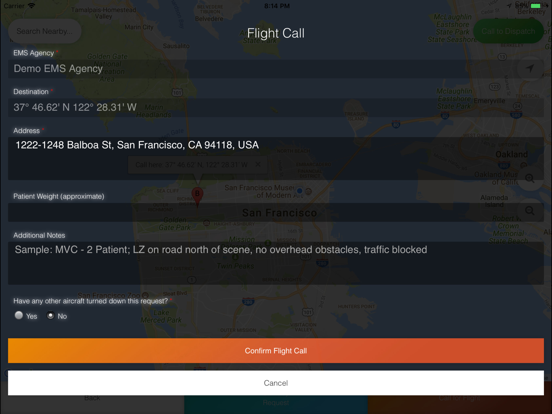
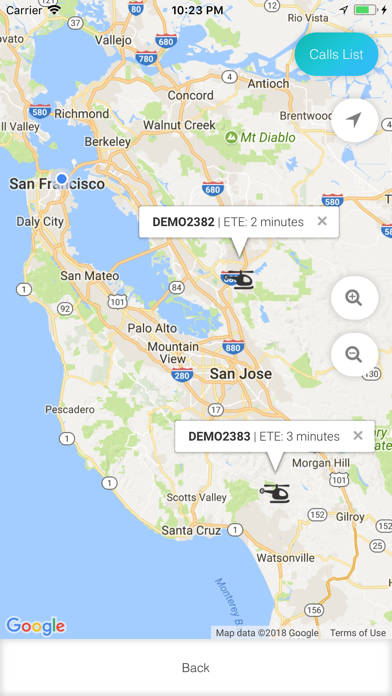
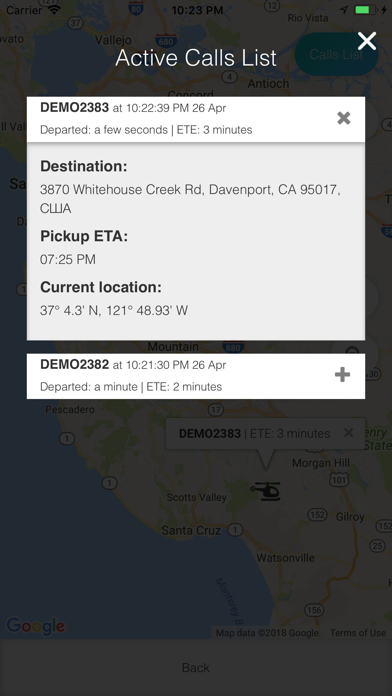
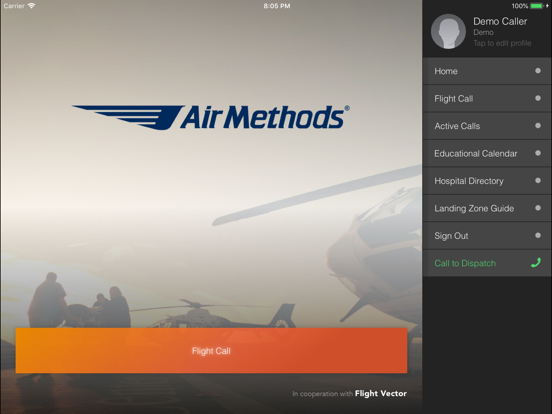
AirCom is the convenient, easy-to-use app that allows Air Methods customers and partners to electronically request a helicopter, sending the user’s information and GPS location from his/her device before deploying the aircraft to the scene or hospital for fast and high-quality clinical transport.
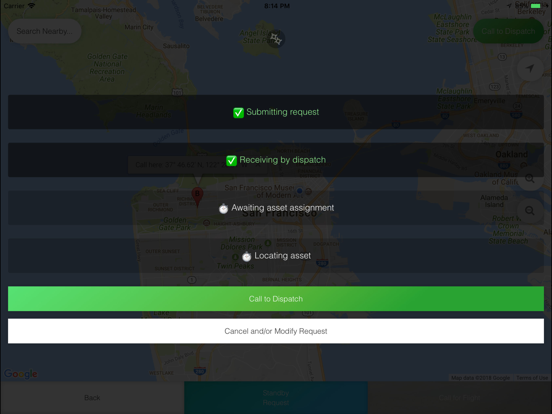
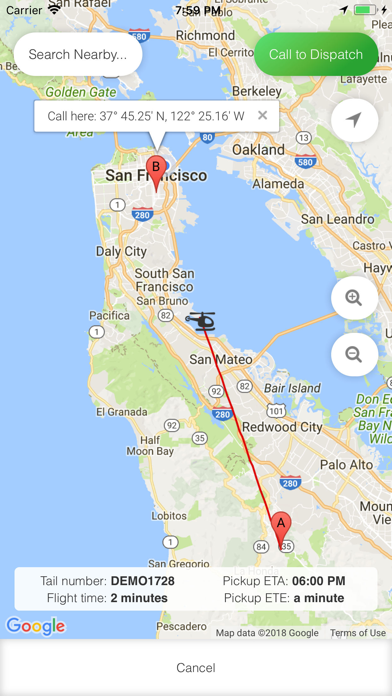
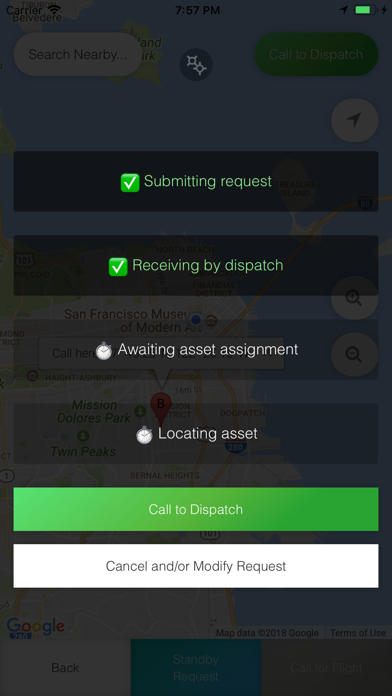
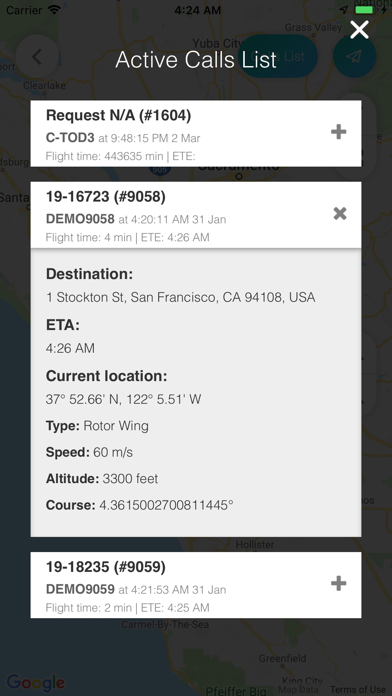
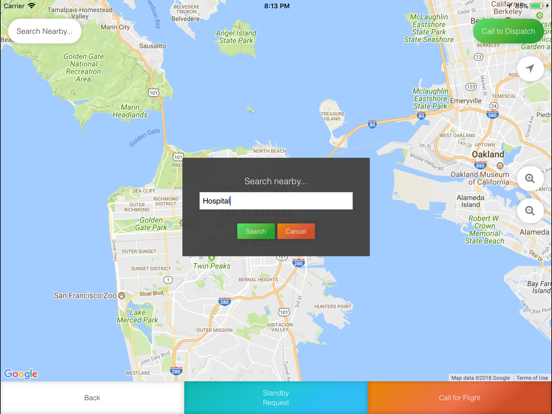
First responders: The user is able to see the steps taken by the AirCom communication center during the process of evaluating the request and then assigning an asset to the request. Once the helicopter is on the way to the scene, the user will be presented with a map, allowing the user to track the helicopter in real time.

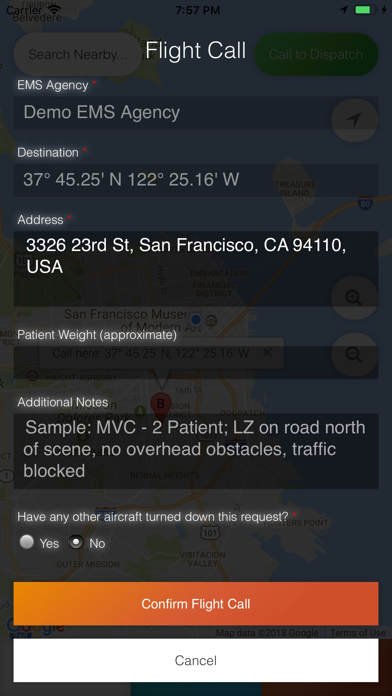
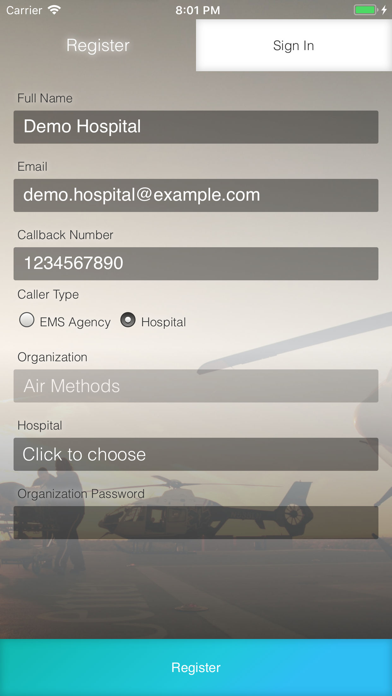
Hospital partners: AirCom can also be used in a hospital environment. The user can simply log into AirCom’s web app to make a request and then complete a form before confirming the flight. All this can be done on a device or as a web form. Once the helicopter is on the way to the scene, the user will be presented with a map, allowing the user to track the helicopter in real time.
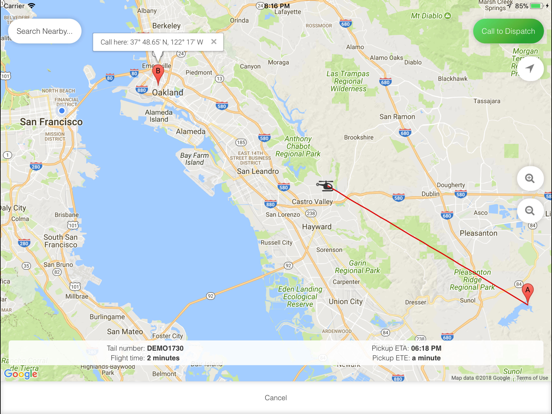
First responders: The user is able to see the steps taken by the AirCom communication center during the process of evaluating the request and then assigning an asset to the request. Once the helicopter is on the way to the scene, the user will be presented with a map, allowing the user to track the helicopter in real time.
Hospital partners: AirCom can also be used in a hospital environment. The user can simply log into AirCom’s web app to make a request and then complete a form before confirming the flight. All this can be done on a device or as a web form. Once the helicopter is on the way to the scene, the user will be presented with a map, allowing the user to track the helicopter in real time.
Show More
최신 버전 2.1.2의 새로운 기능
Last updated on May 29, 2026
오래된 버전
Version 2.1.1 adds necessary validation for "phantom" destination that appears in coordinates 0,0.
Show More
Version History
2.1.2
May 29, 2026
Version 2.1.1 adds necessary validation for "phantom" destination that appears in coordinates 0,0.
AirCom FAQ
제한된 국가 또는 지역에서 AirCom를 다운로드하는 방법을 알아보려면 여기를 클릭하십시오.
AirCom의 최소 요구 사항을 보려면 다음 목록을 확인하십시오.
iPhone
iPad