Article Rewriter
무료
1.1.1for iPhone
Age Rating
Article Rewriter 스크린 샷
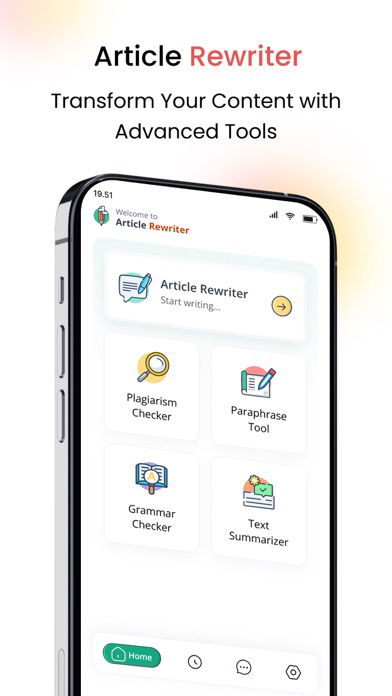
About Article Rewriter
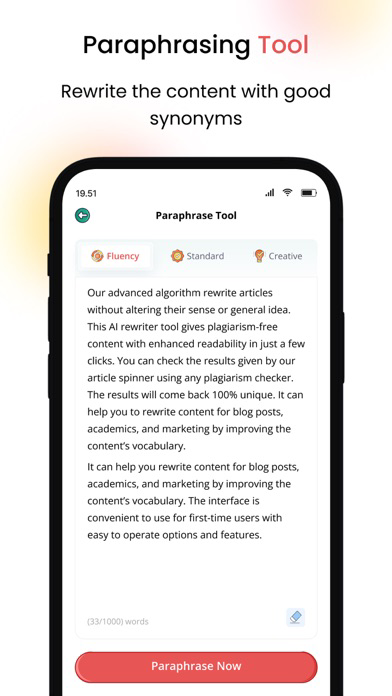
It rewrites text by replacing words with their synonyms and changes the structure of the sentence to make it unique and easy to read.
How to use this Article Rewriter?
Simply follow the below easy instruction to rewrite any content:
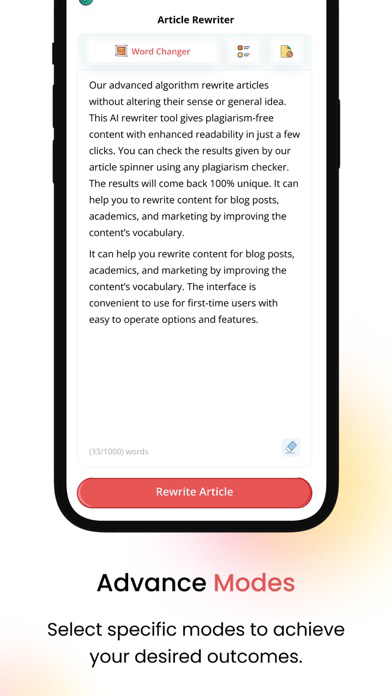
• Choose the mode between Fluency, Standard, and Creative.
• Type, copy-paste, or upload a file from the local storage.
• Tap on the “Rewrite Article” button.
• Download or copy results in real-time.
• Tap on the “Delete” icon to start a new session.
Useful Features of our Article Rewriter
Multiple modes of rewiring
This text rewriting app comes with the below three modes:
Fluency
Standard
Creative
You can use these modes of this iOS app to rewrite your blogs and assignments in an easy way.
Rewrite Text in Seconds
This iOS app instantly rewrites articles by emphasizing the concept of substituting terms with synonyms, using active voices instead of passive voices, and directly responding to indirect speech.
Simply enter your text into the input box and rewrite it without affecting its actual intent.
Download Results
This feature of our app lets you download the rewritten text to the mobile storage only in DOC format.
Just tap on the “Download” button and download the results for future use.
Safe and secure
This app has an easy-to-use interface that anyone can use. Moreover, it is completely secure and safe because it doesn’t save or share your data with any third parties

How to use this Article Rewriter?
Simply follow the below easy instruction to rewrite any content:
• Choose the mode between Fluency, Standard, and Creative.
• Type, copy-paste, or upload a file from the local storage.
• Tap on the “Rewrite Article” button.
• Download or copy results in real-time.
• Tap on the “Delete” icon to start a new session.
Useful Features of our Article Rewriter
Multiple modes of rewiring
This text rewriting app comes with the below three modes:
Fluency
Standard
Creative
You can use these modes of this iOS app to rewrite your blogs and assignments in an easy way.
Rewrite Text in Seconds
This iOS app instantly rewrites articles by emphasizing the concept of substituting terms with synonyms, using active voices instead of passive voices, and directly responding to indirect speech.
Simply enter your text into the input box and rewrite it without affecting its actual intent.
Download Results
This feature of our app lets you download the rewritten text to the mobile storage only in DOC format.
Just tap on the “Download” button and download the results for future use.
Safe and secure
This app has an easy-to-use interface that anyone can use. Moreover, it is completely secure and safe because it doesn’t save or share your data with any third parties
Show More
최신 버전 1.1.1의 새로운 기능
Last updated on Mar 11, 2025
오래된 버전
Article rewriter app enables you to rewrite text, articles, and assignments by using advanced AI technology.
Show More
Version History
1.1.1
Mar 11, 2025
Article rewriter app enables you to rewrite text, articles, and assignments by using advanced AI technology.
Article Rewriter FAQ
제한된 국가 또는 지역에서 Article Rewriter를 다운로드하는 방법을 알아보려면 여기를 클릭하십시오.
Article Rewriter의 최소 요구 사항을 보려면 다음 목록을 확인하십시오.
iPhone