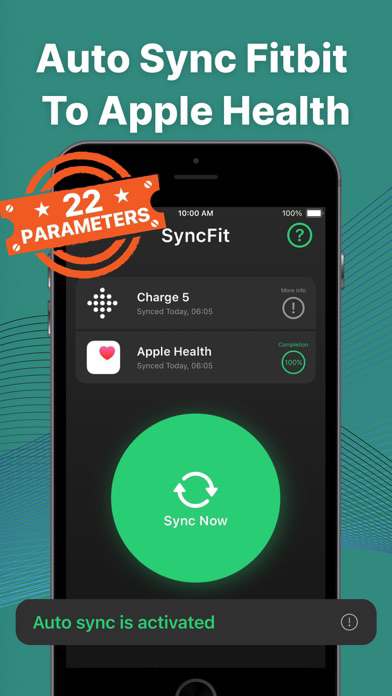
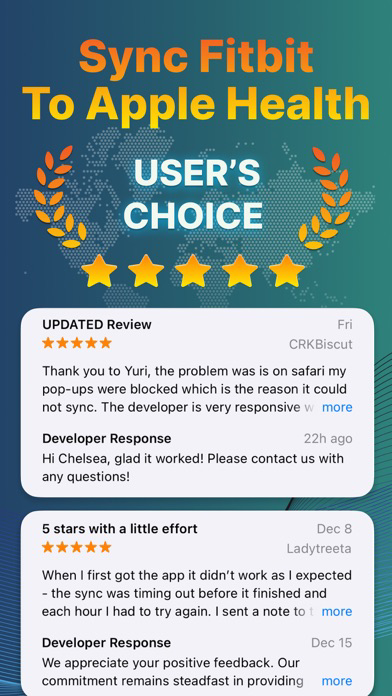
Auto Sync Fitbit to Health App or Syncfit is designed to seamlessly transfer your health and fitness data from your Fitbit account to the Apple Health app.
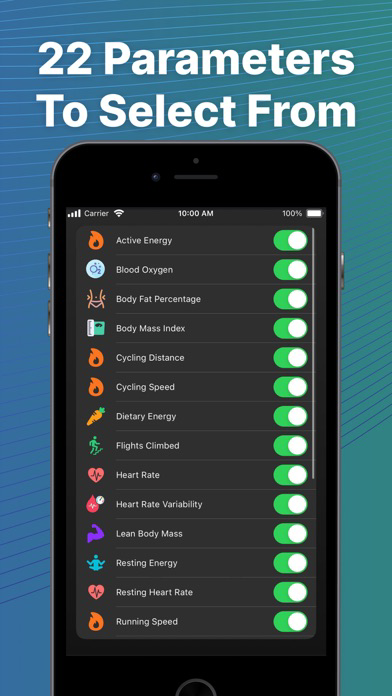
With this app you can easily sync your Fitbit data listed below:
Active Energy
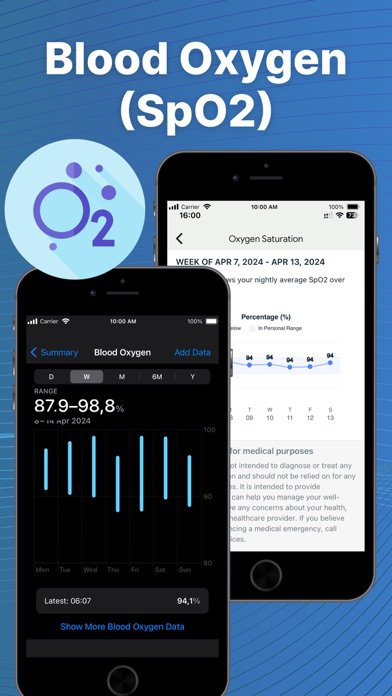
Blood Oxygen
Body Fat Percentage
Body Mass Index
Cardio Fitness Score
Cycling Distance
Cycling Speed
Dietary Energy
Flights Climbed
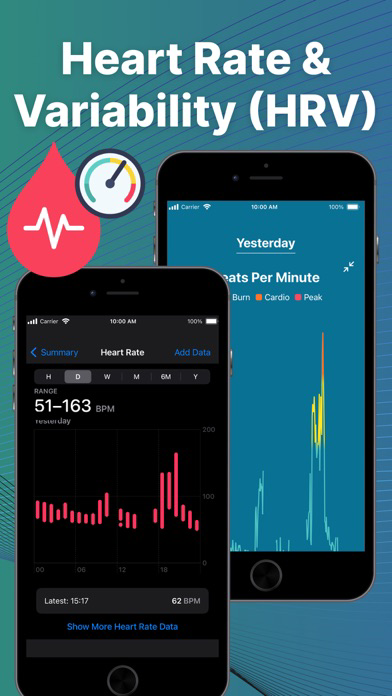
Heart Rate
Lean Body Mass
Respiratory Rate
Resting Energy
Resting Heart Rate
Running Speed
Sleep
Steps
Swimming Distance
Walking + Running Distance
Walking Speed
Water
Weight
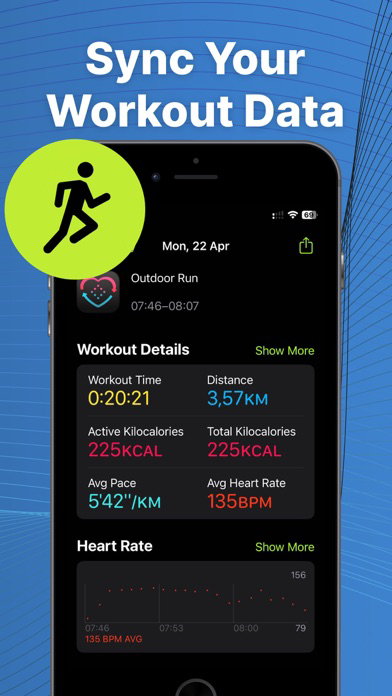
Workouts
Using the app is straightforward and user-friendly. After downloading the app, you simply connect your Fitbit account to the app and authorize the data transfer. Once you've done that, the app will automatically sync your data to the Apple Health app in the background, so you don't have to worry about manually entering your data into both apps.
FAQs: Fitbit to Apple Health Sync Made Easy with Syncfit
Q: What's the deal with Fitbit to Apple Health sync using Syncfit?
A: Syncfit makes it easy to get your Fitbit data into Apple Health. Simplifies tracking of 24 data points of your fitness journey.
Q: Why should I bother syncing Fitbit with Apple Health through Syncfit?
A: Syncfit creates a one-stop shop for all your health data. No more app-hopping to check your stats.
Q: Is Syncfit the best app for Fitbit to Apple Health sync?
A: Yep, Syncfit's my go-to. It's user-friendly and gets the job done without fuss.
Q: How often should I use Syncfit to sync my Fitbit data?
A: Syncfit works on autopilot or manually.
Q: Will using Syncfit to sync drain my battery?
A: Nah, Syncfit's pretty efficient. You won't notice much difference.
Q: How to sync Fitbit with Apple Health using Syncfit?
A: Download Syncfit, connect your Fitbit account, link to Apple Health, and hit Sync Now. Easy peasy.
Q: Can I sync old Fitbit data to Apple Health with Syncfit?
A: Sure can. Syncfit lets you pull in all historical data!
Q: Is my data safe when syncing with Syncfit?
A: Syncfit takes privacy seriously. Your data's safe, no worries.
Q: How to sync Fitbit to Health app automatically with Syncfit?
A: Auto-sync turn on right with premium plan. It'll keep your data fresh without you lifting a finger.
Q: Can I pick which data to sync using Syncfit?
A: Absolutely. Syncfit lets you choose what to sync out of 24 data points. Steps, sleep, workouts - you name it.
Q: Will syncing with Syncfit mess up my existing Apple Health data?
A: Nope, Syncfit just adds to it. Your Apple Health data stays put.
Q: How accurate is the data synced by Syncfit?
A: Pretty spot on. Syncfit transfers data as is from Fitbit.
Q: How much does Syncfit cost for Fitbit to Apple Health sync?
A: Syncfit has a free version, but the paid one's got more features. Worth every penny if you ask me.
Subscription terms:
Subscription unlocks all activities and auto-sync feature
Information about the auto-renewable nature of the subscription:
• Payment will be charged to iTunes Account at confirmation of purchase
• Subscription automatically renews unless auto-renew is turned off at least 24-hours before the end of the current period
• Promotional subscriptions do not have trial period.
• 3-day free trial, after that payment will be charged to iTunes Account
• Account will be charged for renewal within 24-hours prior to the end of the current period, and identify the cost of the renewal
• Subscriptions may be managed by the user and auto-renewal may be turned off by going to the user's Account Settings after purchase
• Any unused portion of a free trial period, if offered, will be forfeited when the user purchases a subscription to that publication, where applicable
Privacy Policy: http://mprapps.com/privacy.html
Terms of service: http://mprapps.com/syncfit_tos.html