Class Clock

Class Clock


Free

1.1.2for iPhone
Age Rating
4+
Apps in this category do not contain restricted content.
9+
Apps in this category may contain mild or occasional cartoon, fantasy or real-life violence, as well as occasional or mild adult, sexually suggestive or horrifying content and may not be suitable for children under 9 years of age.
12+
Apps in this category may contain occasional mild indecent language, frequent or intense cartoon or real-life violence, minor or occasional adult or sexually suggestive material, and simulated gambling, and may be for children under 12 years of age.
17+
You must be at least 17 years old to access this App.
Apps in this category may contain frequent and intense offensive language; Frequent and intense cartoon, fantasy or realistic violence: frequent and intense adult, scary and sexually suggestive subjects: as well as sexual content, nudity, tobacco, alcohol and drugs, may not be suitable for children under 17 years of age.
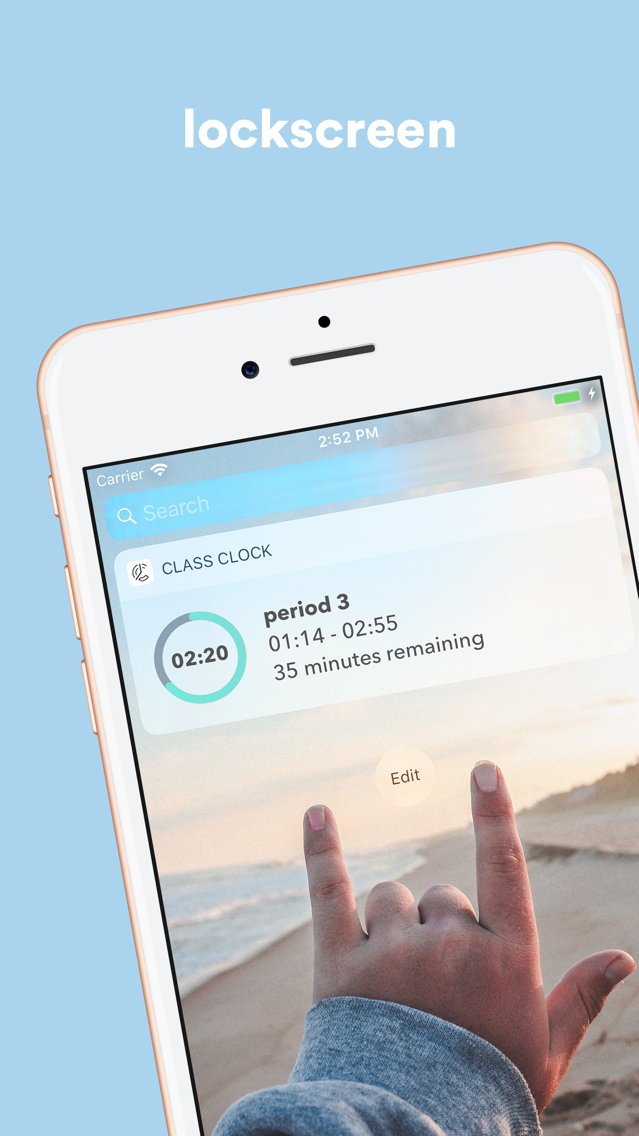
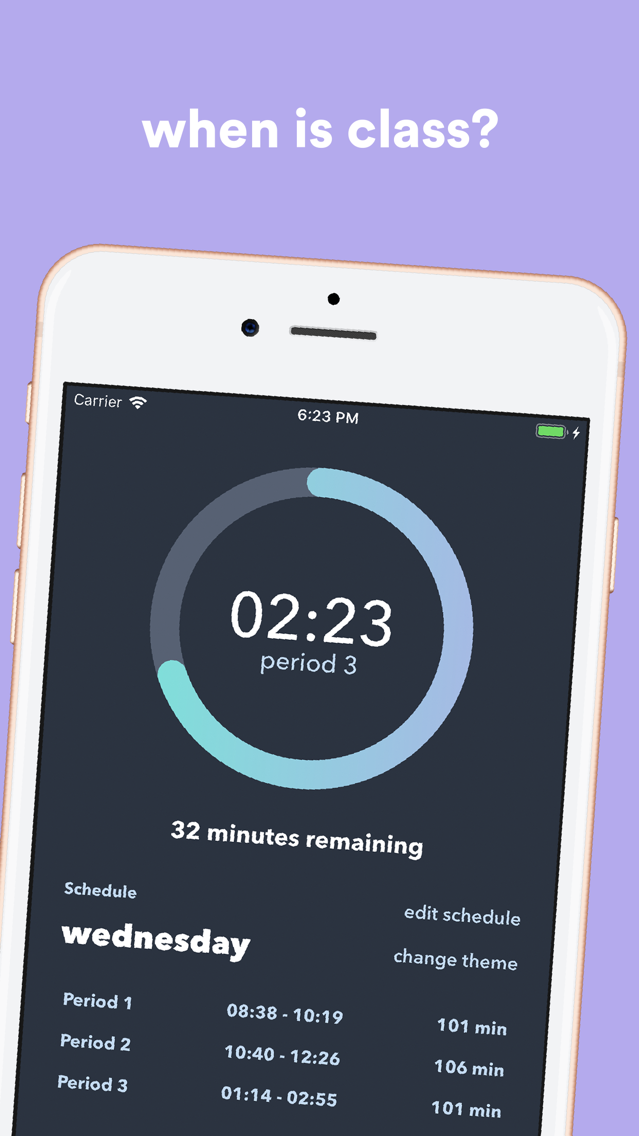
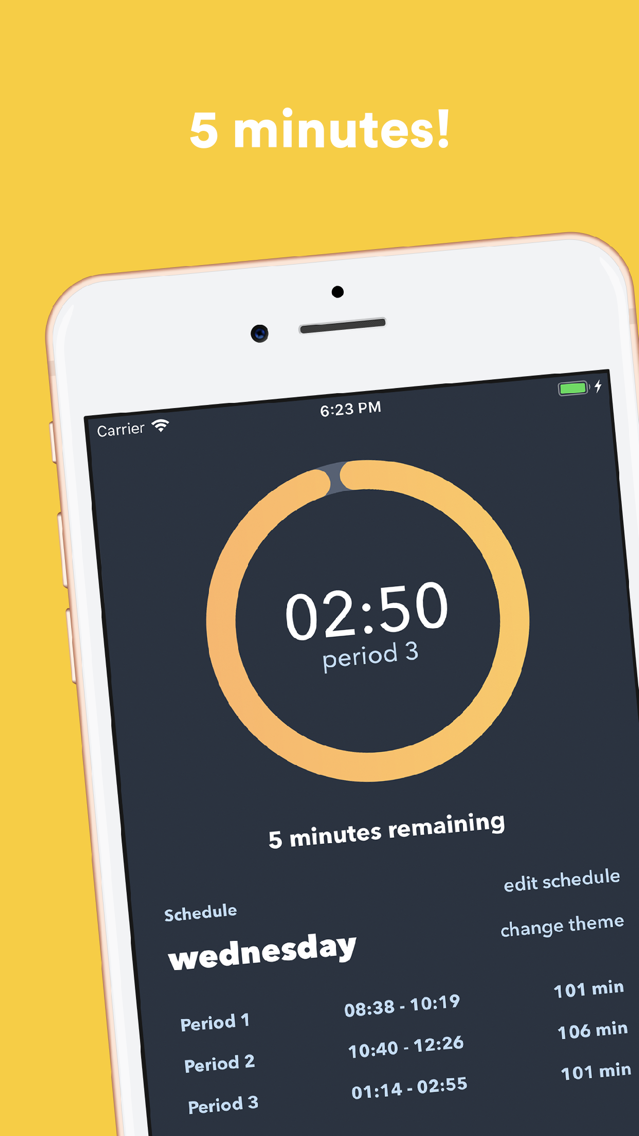
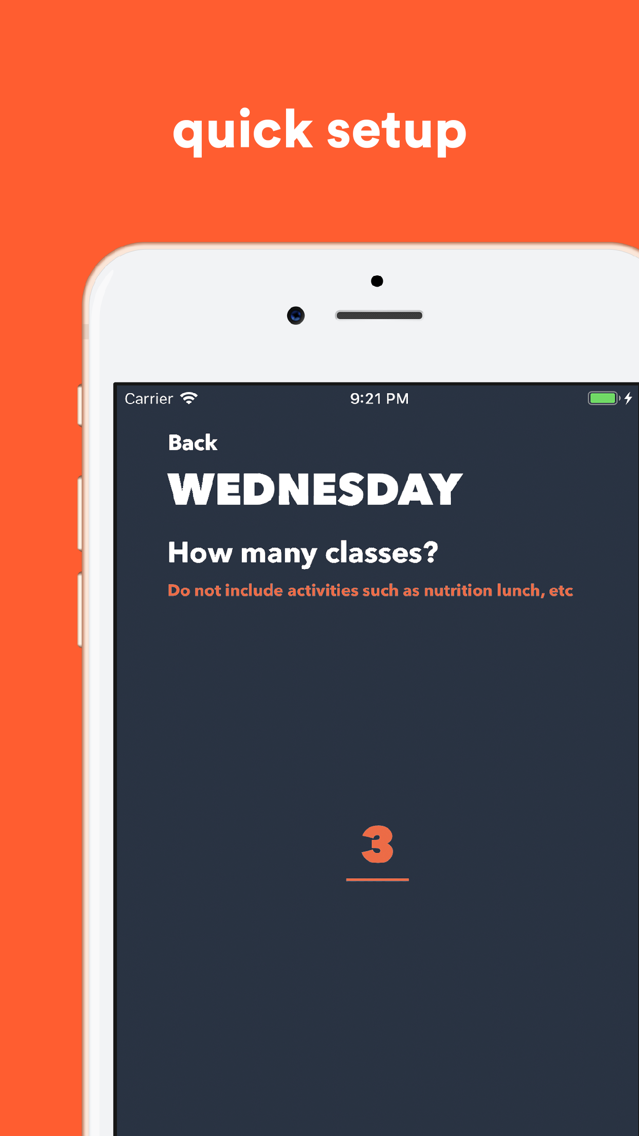
Class Clock 스크린 샷
Class Clock 포스터Class Clock 포스터Class Clock 포스터Class Clock 포스터

About Class Clock

Every student asks the same question everyday, so we decided to answer it.

When is class going to be over?

With class clock, students are able to input their schedule and keep track of class time.

Features include:

* Easy 5 minute setup
* View your day's schedule
* Minimalistic visuals showing you how far you have made it through class
* Know how many more minutes there are until class begins or ends
* Easily download switch between different schedules

Show More

최신 버전 1.1.2의 새로운 기능

Last updated on Jan 15, 2020
오래된 버전
- Minor bug fixes including compatibility for 24 hour times
Show More
Version History
1.1.2
Jan 15, 2020
- Minor bug fixes including compatibility for 24 hour times
1.1.1
Jan 8, 2020
- Bug fixes including correct schedule orders and signup related bugs
1.1.0
Jan 7, 2020
- Quick-add schedules created by other students
- Save multiple schedules to your library to quickly switch between them
- Log in to access your schedules from any mobile device
- All new easy to use interface with dark mode compatibility
- Easy schedule setup with more customizable options
1.0.3
Aug 22, 2019
- Updated themes
- New Calabasas schedule available for LVUSD users
1.0.2
Jan 9, 2019
Bug fixes in order to prevent crashes on older devices when signing up as an LVUSD student

Class Clock FAQ

제한된 국가 또는 지역에서 Class Clock를 다운로드하는 방법을 알아보려면 여기를 클릭하십시오.
Class Clock의 최소 요구 사항을 보려면 다음 목록을 확인하십시오.
iPhone
Class Clock은 다음 언어를 지원합니다. English

Class Clock 대안

당신은 또한 좋아할 수도 있습니다

Michael Kline에서 더 많은 것을 얻기