Code : Html And Css
Free
1.0for iPhone
Age Rating
Code : Html And Css 스크린 샷
About Code : Html And Css
You’re certainly already acquainted with document editors, like Microsoft Word, with which you can structure your document with titles, paragraph, lists, tables, images, bold and italic text.
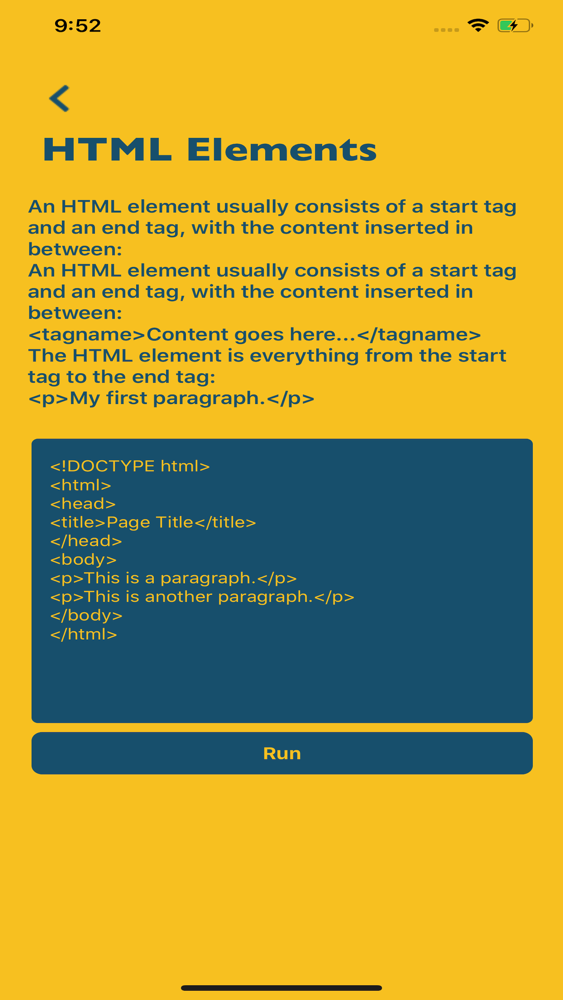
HTML provides roughly the same elements of formatting. The key difference is that formatting text in Microsoft Word is visual, whereas HTML code is purely semantic: you provide meaning to your text.
The same way you use notes to write music, you use HTML to write webpages.
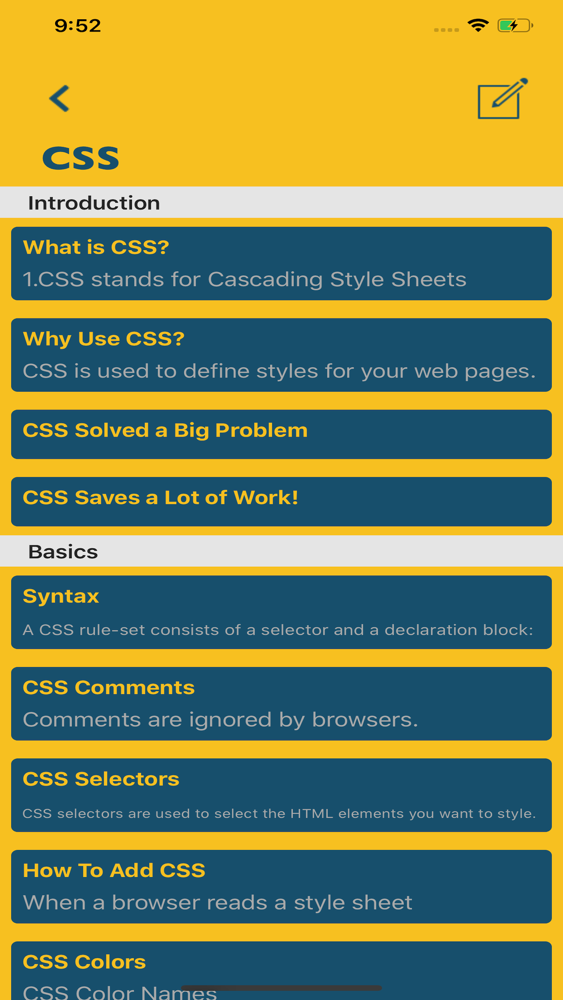
While HTML is about defining the content of a webpage, CSS is about styling a webpage. It means setting colors, fonts, dimensions, margins, positions, of a webpage’s elements.
CSS brings a webpage to life, by applying a coat of paint on its static content, and elevates its purpose through color, space, emphasis and motion.
Download Code HTML And CSS Now & Learn HTML & CSS.
Thank you

HTML provides roughly the same elements of formatting. The key difference is that formatting text in Microsoft Word is visual, whereas HTML code is purely semantic: you provide meaning to your text.
The same way you use notes to write music, you use HTML to write webpages.
While HTML is about defining the content of a webpage, CSS is about styling a webpage. It means setting colors, fonts, dimensions, margins, positions, of a webpage’s elements.
CSS brings a webpage to life, by applying a coat of paint on its static content, and elevates its purpose through color, space, emphasis and motion.
Download Code HTML And CSS Now & Learn HTML & CSS.
Thank you
Show More
최신 버전 1.0의 새로운 기능
Last updated on Jan 8, 2020
Version History
1.0
Jan 8, 2020
Code : Html And Css FAQ
제한된 국가 또는 지역에서 Code : Html And Css를 다운로드하는 방법을 알아보려면 여기를 클릭하십시오.
Code : Html And Css의 최소 요구 사항을 보려면 다음 목록을 확인하십시오.
iPhone
Code : Html And Css은 다음 언어를 지원합니다. English