CodeBrew - IDE for Java

CodeBrew - IDE for Java


무료

1.2.0for iPhone, iPad
Age Rating
4+
Apps in this category do not contain restricted content.
9+
Apps in this category may contain mild or occasional cartoon, fantasy or real-life violence, as well as occasional or mild adult, sexually suggestive or horrifying content and may not be suitable for children under 9 years of age.
12+
Apps in this category may contain occasional mild indecent language, frequent or intense cartoon or real-life violence, minor or occasional adult or sexually suggestive material, and simulated gambling, and may be for children under 12 years of age.
17+
You must be at least 17 years old to access this App.
Apps in this category may contain frequent and intense offensive language; Frequent and intense cartoon, fantasy or realistic violence: frequent and intense adult, scary and sexually suggestive subjects: as well as sexual content, nudity, tobacco, alcohol and drugs, may not be suitable for children under 17 years of age.
CodeBrew - IDE for Java 스크린 샷
CodeBrew - IDE for Java 포스터CodeBrew - IDE for Java 포스터CodeBrew - IDE for Java 포스터CodeBrew - IDE for Java 포스터

About CodeBrew - IDE for Java

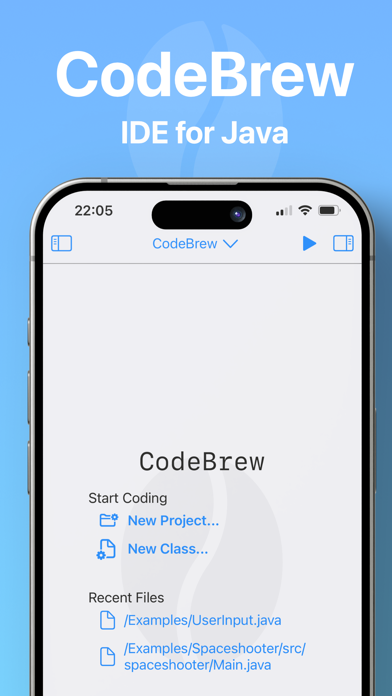
Introducing CodeBrew: Your Java IDE for iPad & iPhone!

Unleash the power of Java coding on your iPhone or iPad with CodeBrew - the ultimate Java Integrated Development Environment designed for developers on the go. Dive into the world of seamless coding, whether you're a seasoned pro or just starting your programming journey.

What sets CodeBrew apart?
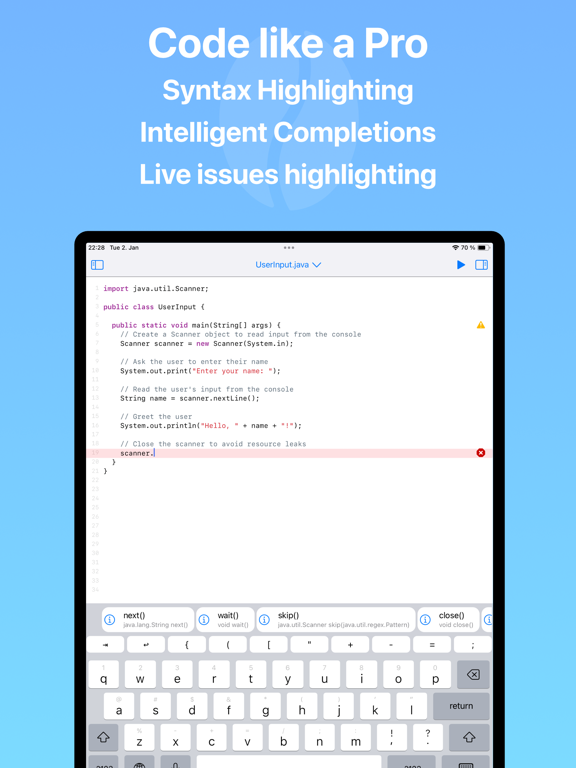
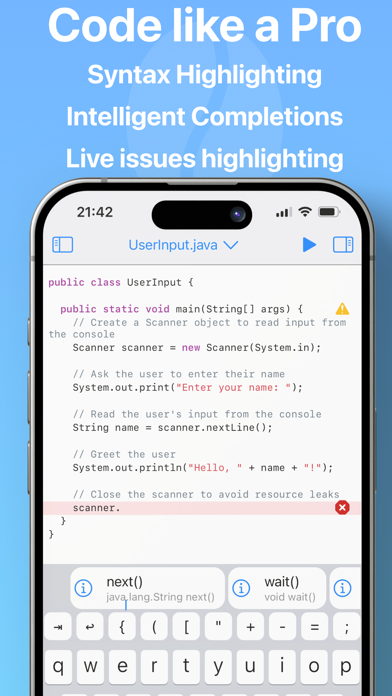
CodeBrew is not just an IDE; it's your complete coding sanctuary on your iPad & iPhone. The powerful code editor comes equipped with intelligent code completions and live issue highlighting, ensuring your code is not just written but crafted to perfection.

Java 21 JDK On-The-Go!
CodeBrew comes bundled with OpenJ9 Java 21 JDK, running entirely on your iPad or iPhone - no internet connection required. Empower your coding journey without limitations, anytime, anywhere.

Craft Simple Games with Ease!
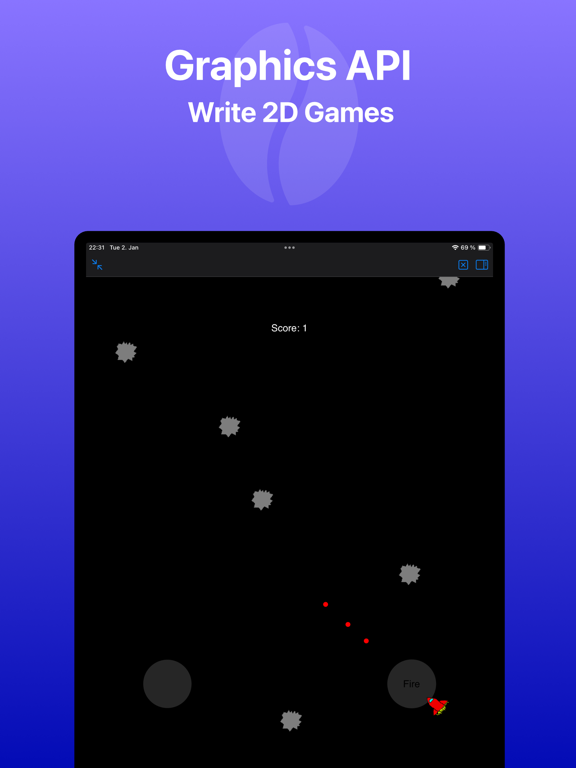
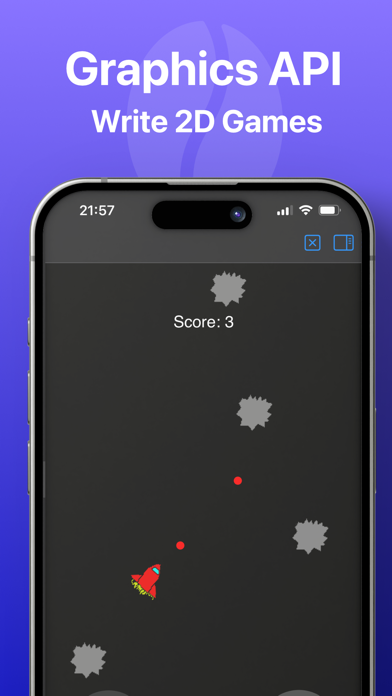
Unleash your creativity! CodeBrew boasts a custom graphics framework that simplifies game development. Whether you're building the next viral sensation or just tinkering for fun, CodeBrew makes coding games a breeze.

Explore with Example Projects!
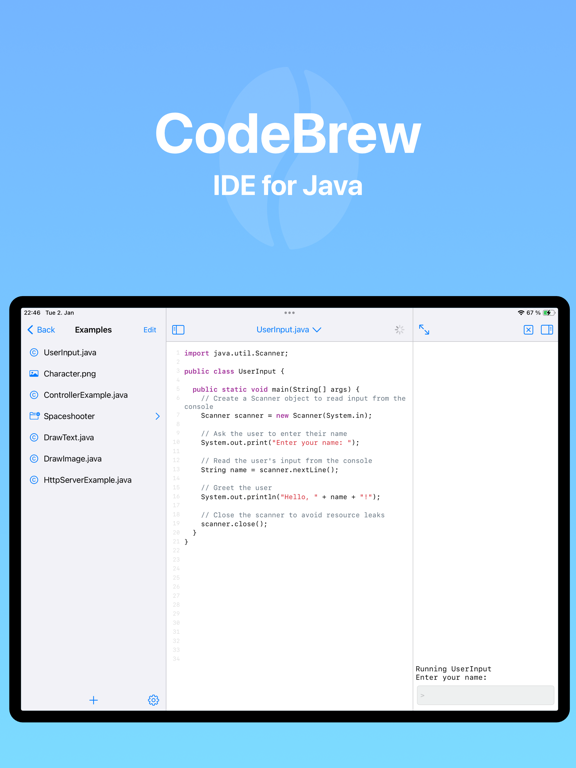
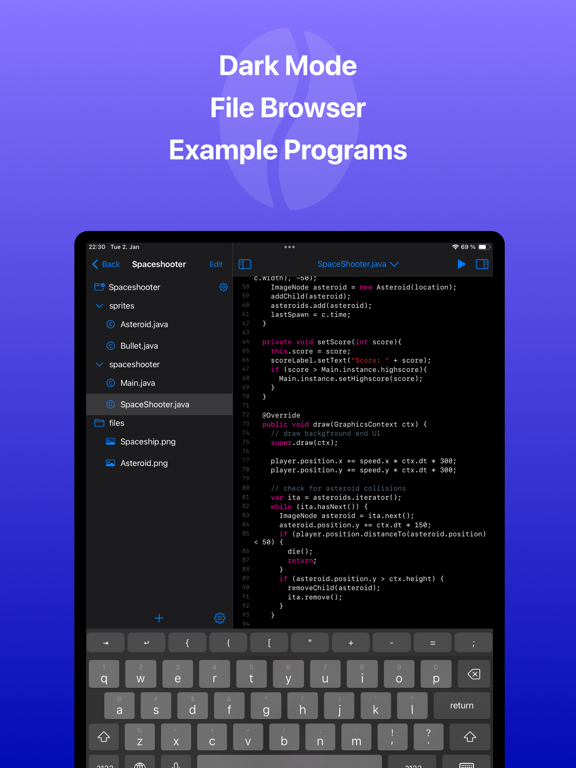
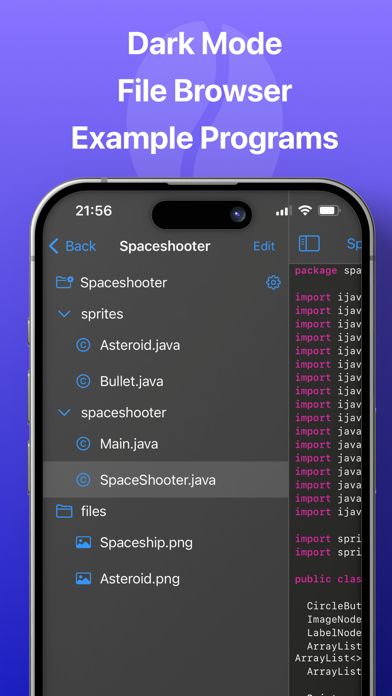
Not sure where to start? CodeBrew includes a library of example projects to guide you. Learn from real-world scenarios, kickstart your projects, and elevate your coding prowess.

Who is CodeBrew for?
CodeBrew is tailor-made for developers seeking a powerful, portable Java 17 IDE. Whether you're a student learning the ropes, a professional crafting intricate solutions, or a hobbyist exploring the world of coding, CodeBrew is your ideal companion.


Embark on a coding adventure like never before with CodeBrew. Download now and revolutionize your Java development experience on your iPad!


Java is a registered trademark of Oracle and/or its affiliates
The Terms of Service apply: https://astrobeats.net/tos.html

Show More

최신 버전 1.2.0의 새로운 기능

Last updated on Feb 16, 2026
오래된 버전
Added GLApplication class
- Write 3d Interactive experiences and Games
- Add 2d Graphics and Text
- see OpenGL/ Demos

Minor Improvements to 2D API
- Added scale attribute
- New 2D Games added to examples

New minor features
- Add a setting to toggle auto-closing brackets
- Add a setting to toggle line
- add a feature to share projects as ZIP files
- Specify program arguments by long-pressing the run button

A ton of Bug Fixes and under the hood improvements
- Fix missing JavaDoc
- Fix JARs not being added to classpath
- Improve Language Server performance
- Fixed several crashes

To explore the new demos, Go to Settings > Reset Examples
Happy Coding!
Show More
Version History
1.2.0
Feb 16, 2026
Added GLApplication class
- Write 3d Interactive experiences and Games
- Add 2d Graphics and Text
- see OpenGL/ Demos

Minor Improvements to 2D API
- Added scale attribute
- New 2D Games added to examples

New minor features
- Add a setting to toggle auto-closing brackets
- Add a setting to toggle line
- add a feature to share projects as ZIP files
- Specify program arguments by long-pressing the run button

A ton of Bug Fixes and under the hood improvements
- Fix missing JavaDoc
- Fix JARs not being added to classpath
- Improve Language Server performance
- Fixed several crashes

To explore the new demos, Go to Settings > Reset Examples
Happy Coding!

CodeBrew - IDE for Java FAQ

제한된 국가 또는 지역에서 CodeBrew - IDE for Java를 다운로드하는 방법을 알아보려면 여기를 클릭하십시오.
CodeBrew - IDE for Java의 최소 요구 사항을 보려면 다음 목록을 확인하십시오.
iPhone
iPad

CodeBrew - IDE for Java 대안

당신은 또한 좋아할 수도 있습니다

Julius Naeumann에서 더 많은 것을 얻기