CodeREADr: Admin Edition

CodeREADr: Admin Edition


무료

2.18.6for iPhone, iPad
Age Rating
4+
Apps in this category do not contain restricted content.
9+
Apps in this category may contain mild or occasional cartoon, fantasy or real-life violence, as well as occasional or mild adult, sexually suggestive or horrifying content and may not be suitable for children under 9 years of age.
12+
Apps in this category may contain occasional mild indecent language, frequent or intense cartoon or real-life violence, minor or occasional adult or sexually suggestive material, and simulated gambling, and may be for children under 12 years of age.
17+
You must be at least 17 years old to access this App.
Apps in this category may contain frequent and intense offensive language; Frequent and intense cartoon, fantasy or realistic violence: frequent and intense adult, scary and sexually suggestive subjects: as well as sexual content, nudity, tobacco, alcohol and drugs, may not be suitable for children under 17 years of age.
CodeREADr: Admin Edition 스크린 샷
CodeREADr: Admin Edition 포스터CodeREADr: Admin Edition 포스터CodeREADr: Admin Edition 포스터CodeREADr: Admin Edition 포스터CodeREADr: Admin Edition 포스터

About CodeREADr: Admin Edition

CodeREADr is an enterprise-grade barcode scanner and data capture app used by businesses and integrated by developers for capturing, validating, and tracking data (AIDC).

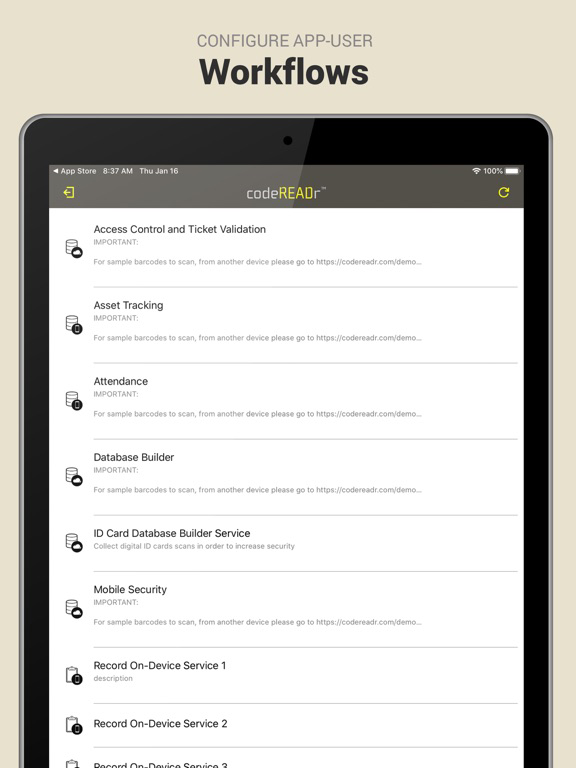
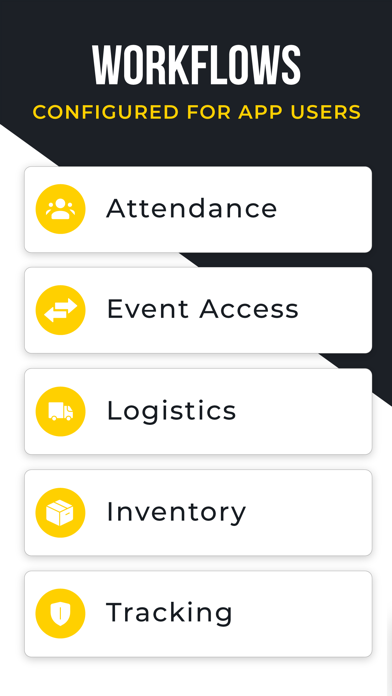
Ideal for ticket validation, access control, inventory, asset tracking, logistics, attendance, security patrols, lead retrieval, coupon/voucher/loyalty programs, retail price audits, scan-to-order services, and more.


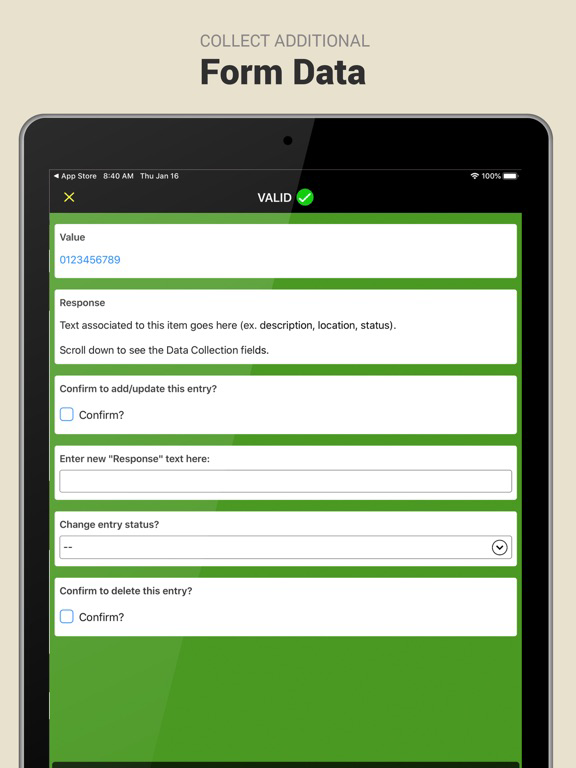
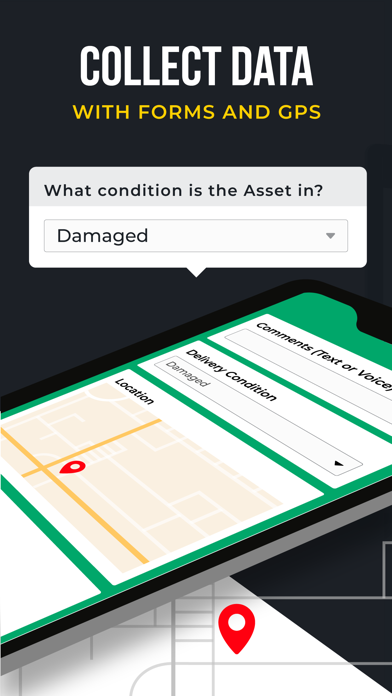
Use the app in conjunction with our web services to scan barcodes, read NFC, and capture text (OCR). You can collect data with form fields, secondary scans, multiple-choice answers, drop-down menus, photos, GPS locations, and signatures. You can record and validate the data embedded in each scanned barcode and know who scanned (app usernames), what they scanned (i.e. barcodes, RFID/NFC, and OCR data), when they scanned (timestamps), where they scanned (GPS), how they scanned (capture type), and why they scanned (your configured workflow).


Connect to 4,000+ apps to automate the flow of data to and from our servers. Connect to secure server in real-time with APIs and webhooks (Postback URL). Real-time and scheduled data transfer to third-party databases (e.g. Google Sheets, Excel, etc.).


The app uses the device's built-in camera but you can optionally use rugged, dedicated scanning devices and accessories with standard keyboard emulation.


Features:
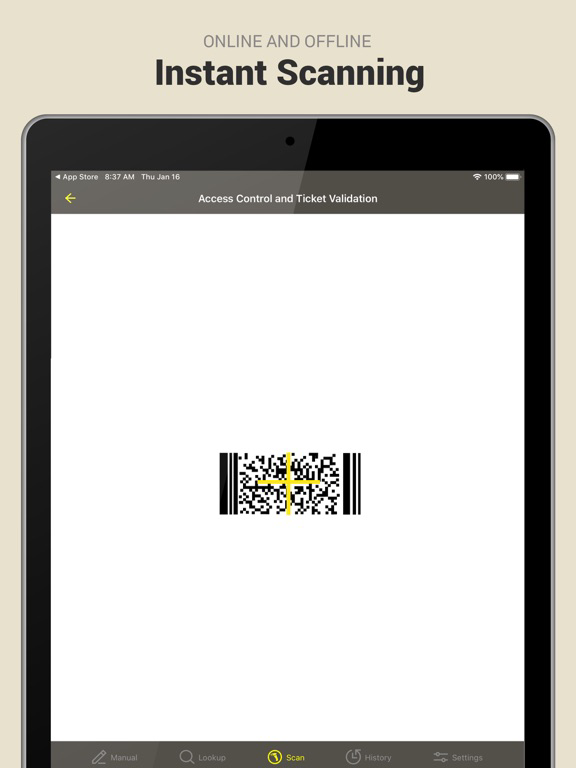
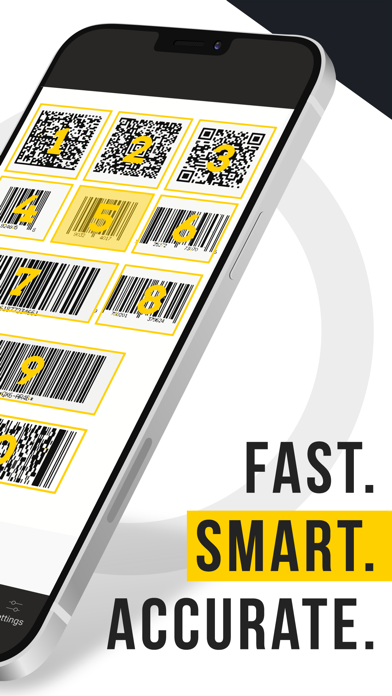
* Fast, accurate scanning of print and mobile barcodes using the device's own camera.
* Secure, real-time recording and validation of every scan.
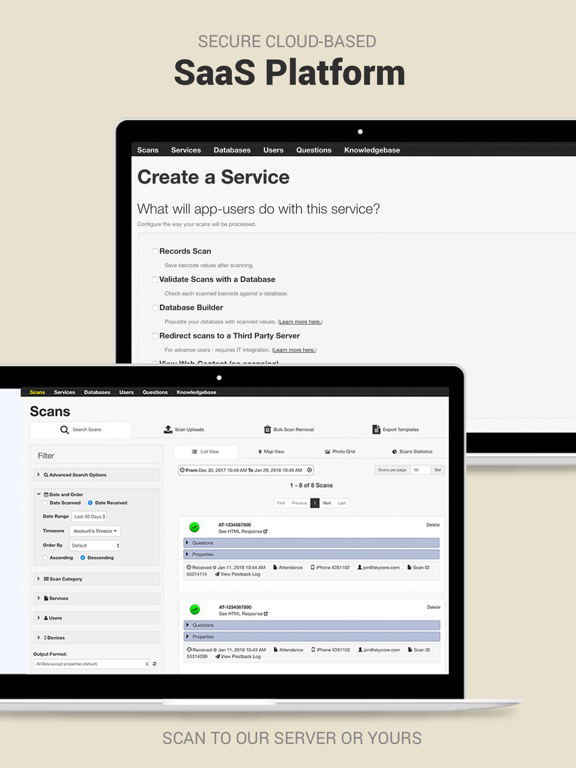
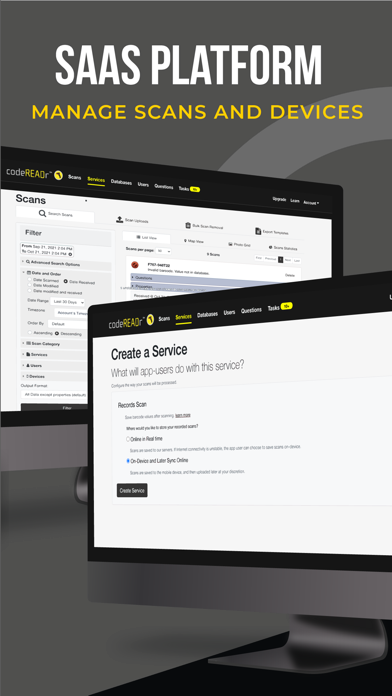
* Manage users, databases, services, and more with the integrated SaaS web service.
* Scan offline for recording and validation with Auto-Sync in the background.
* Simply hover the camera over the target barcode to read it.
* Scan up to 50 commercial, industrial, and medical barcode types.
* SD PRO Scan Modes: Batch (captures up to 200 barcodes in a single camera view), Framing (select decoding window), Targeting (targets one code among many), Selecting (preview multiple codes and select), and Triggering (simulates pressing a button or trigger to scan a specific barcode).
* SD PRO Rule-Based Scanning: Create rules to scan only the barcode(s) you want to capture in the camera view.
* Auto-Next-Scan for continuous, repetitive scanning (no need to press any buttons).
* Kiosk Mode for unattended applications and to hide in-app settings.
* Developer API, Postback URL, and Direct Scan to URL for using your own servers.
* Scan Mask technology (Pattern Matching) if no database is available.
* Import databases. Export barcodes.
* Custom question-answer scripts for form data.
* Conditional and custom validations of scanned and collected data.
* White Label version available to rebrand the app.
* Single Sign-On (SSO) SAML 2.0 support.


Questions? Feedback? Email: info@codereadr.com

Show More

최신 버전 2.18.6의 새로운 기능

Last updated on Apr 23, 2026
오래된 버전
- The "Camera Focus Mode" setting allows for selection between "Auto" and "Continuous" to optimize scanning performance based on user workflow.
- The "Camera Scanner View" option provides "Fit," "Fill," and "Stretch" settings to adjust the visual presentation of the live feed.
- Bug fixes and general improvements.

From last release...
- Enhanced the app's GS1 barcode scanning capabilities maintaining alignment with current industry standards for robust data capture.
- The "Test Scanning Barcodes" feature in "Learn More" now includes the option for new users to try OCR (Optical Character Recognition) simply enable the OCR switch and press and hold the shutter button to activate.
- Bug fixes and general improvements.
Show More
Version History
2.18.6
Apr 23, 2026
- The "Camera Focus Mode" setting allows for selection between "Auto" and "Continuous" to optimize scanning performance based on user workflow.
- The "Camera Scanner View" option provides "Fit," "Fill," and "Stretch" settings to adjust the visual presentation of the live feed.
- Bug fixes and general improvements.

From last release...
- Enhanced the app's GS1 barcode scanning capabilities maintaining alignment with current industry standards for robust data capture.
- The "Test Scanning Barcodes" feature in "Learn More" now includes the option for new users to try OCR (Optical Character Recognition) simply enable the OCR switch and press and hold the shutter button to activate.
- Bug fixes and general improvements.

CodeREADr: Admin Edition FAQ

제한된 국가 또는 지역에서 CodeREADr: Admin Edition를 다운로드하는 방법을 알아보려면 여기를 클릭하십시오.
CodeREADr: Admin Edition의 최소 요구 사항을 보려면 다음 목록을 확인하십시오.
iPhone
iPad

CodeREADr: Admin Edition 대안

당신은 또한 좋아할 수도 있습니다

CodeREADr Inc에서 더 많은 것을 얻기