

DisplayNote Classroom
Free
2.3.1for iPad
Age Rating
DisplayNote Classroom 스크린 샷
About DisplayNote Classroom
DisplayNote Classroom lets you wirelessly share what’s on your screen to other connected devices in a classroom, lecture theatre or training room.
It takes what’s on your device and wirelessly casts it in real-time to everyone in the room. No paper copies, no reformatting, and no recreating content to suit your audience’s devices.
Anyone connected to your session can share their screen, annotations and images with you or with each other, making lessons interactive for teachers and students.
DisplayNote Classroom lets your audience follow your presentation on their device in real-time. With the tap of a button, they can capture your screen, add their own notes, and save everything for review at a later time.
An in-app manager keeps you in control with live data on who’s connected and following your slides. It lets you pose questions to the audience, send private messages, and select who can collaborate and contribute to your presentation.
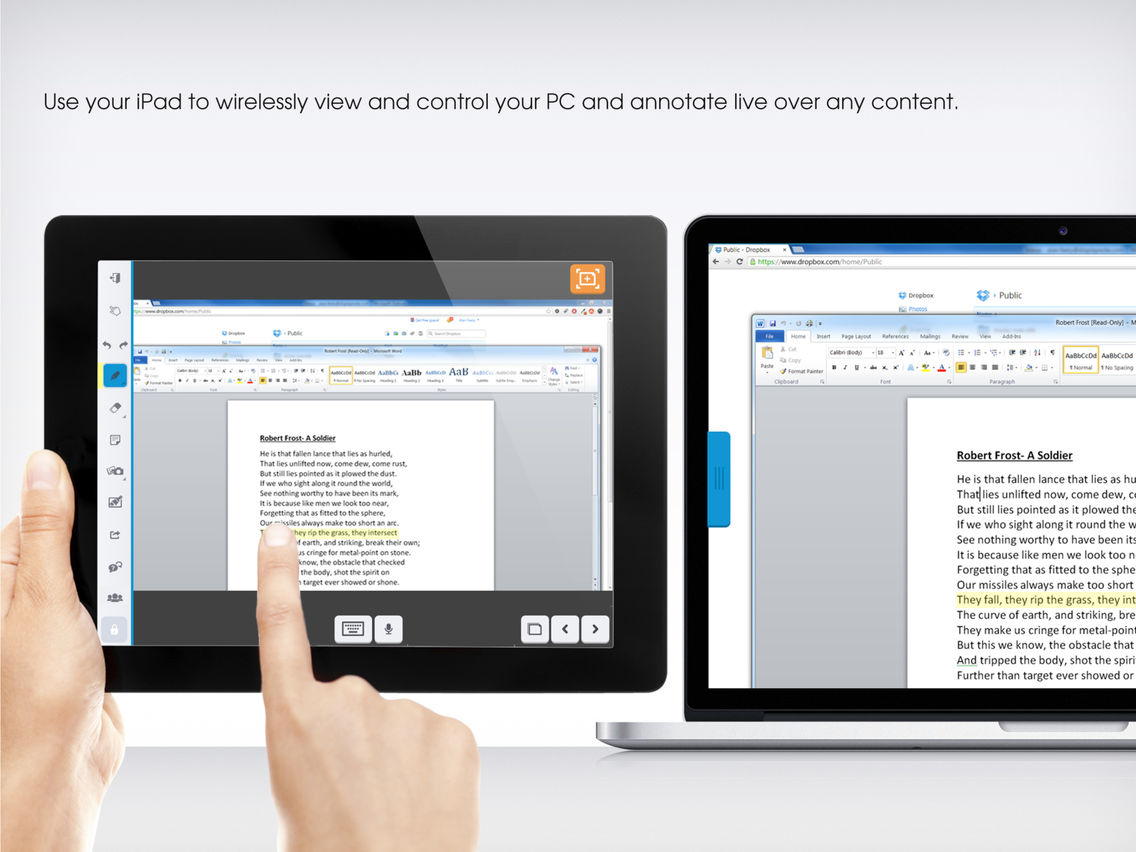
Teachers shouldn’t be tethered to the front of the room. With DisplayNote Classroom you can choose to present from your PC, or from anywhere else in the room. Using your mobile device, you can simply take remote control of your PC and use DisplayNote Classroom in exactly the same way.
It takes what’s on your device and wirelessly casts it in real-time to everyone in the room. No paper copies, no reformatting, and no recreating content to suit your audience’s devices.
Anyone connected to your session can share their screen, annotations and images with you or with each other, making lessons interactive for teachers and students.
DisplayNote Classroom lets your audience follow your presentation on their device in real-time. With the tap of a button, they can capture your screen, add their own notes, and save everything for review at a later time.
An in-app manager keeps you in control with live data on who’s connected and following your slides. It lets you pose questions to the audience, send private messages, and select who can collaborate and contribute to your presentation.
Teachers shouldn’t be tethered to the front of the room. With DisplayNote Classroom you can choose to present from your PC, or from anywhere else in the room. Using your mobile device, you can simply take remote control of your PC and use DisplayNote Classroom in exactly the same way.
Show More
최신 버전 2.3.1의 새로운 기능
Last updated on Feb 27, 2019
Version History
2.3.1
Feb 27, 2019
DisplayNote Classroom FAQ
제한된 국가 또는 지역에서 DisplayNote Classroom를 다운로드하는 방법을 알아보려면 여기를 클릭하십시오.
DisplayNote Classroom의 최소 요구 사항을 보려면 다음 목록을 확인하십시오.
iPad
DisplayNote Classroom은 다음 언어를 지원합니다. English


