dot Customizer
무료
1.10for iPhone, iPad
Age Rating
dot Customizer 스크린 샷
About dot Customizer
dot Customizer is a free application for using with compatible embroidery machines.
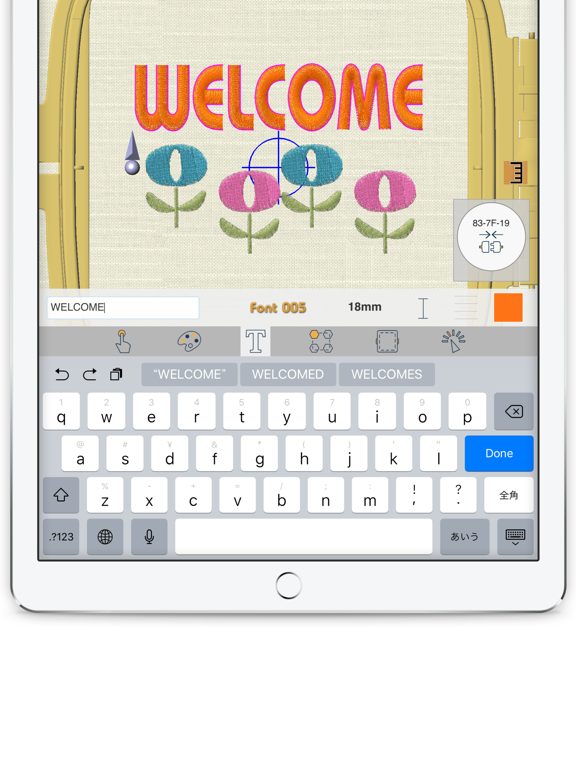
With this app, you can create and edit embroidery designs and send them directly to the machine for embroidering. Great embroidery fun for everyone from beginners to experts!
What you can do:
· Simply choose any of the built-in designs and send wirelessly to the embroidery machine for stitching out (no need for cords or USB sticks to transfer designs).
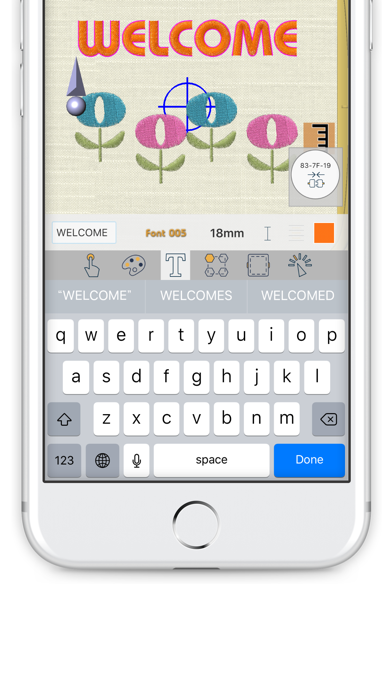
· Combine embroidery designs with letters/words to create original designs.
· Add embroidery to other projects.
· Create original lettering designs with your favorite fonts.
Main features:
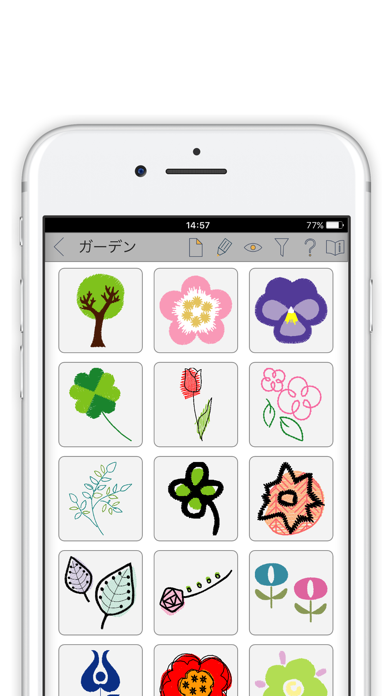
· 260 built-in embroidery designs from a range of categories
· 12 different English fonts plus one Japanese font (incl. Kanji)
· 2 different modes including easy-to-use "Beginner level"
· A variety of editing functions: copy/paste/resize/stitch density adjustment/color selection/positioning etc.
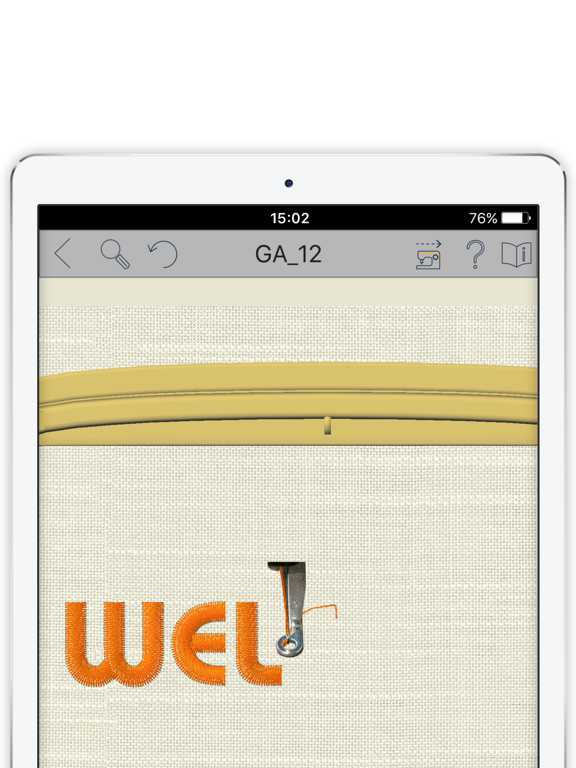
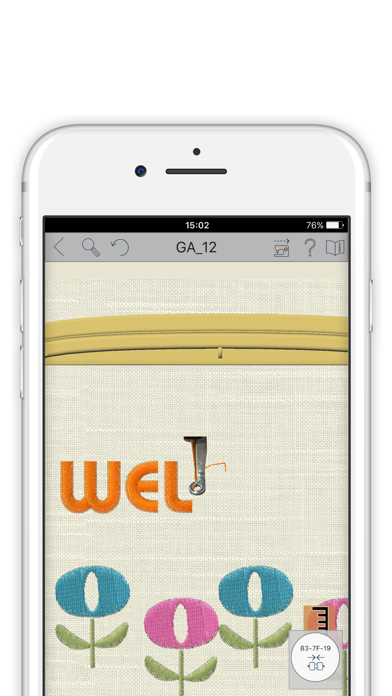
· Embroidery simulation and trace functions to check the position on the fabric before stitching out
Supported OS:
iOS 12.0 or later
Supported screen size:
4.7 inches or larger

With this app, you can create and edit embroidery designs and send them directly to the machine for embroidering. Great embroidery fun for everyone from beginners to experts!
What you can do:
· Simply choose any of the built-in designs and send wirelessly to the embroidery machine for stitching out (no need for cords or USB sticks to transfer designs).
· Combine embroidery designs with letters/words to create original designs.
· Add embroidery to other projects.
· Create original lettering designs with your favorite fonts.
Main features:
· 260 built-in embroidery designs from a range of categories
· 12 different English fonts plus one Japanese font (incl. Kanji)
· 2 different modes including easy-to-use "Beginner level"
· A variety of editing functions: copy/paste/resize/stitch density adjustment/color selection/positioning etc.
· Embroidery simulation and trace functions to check the position on the fabric before stitching out
Supported OS:
iOS 12.0 or later
Supported screen size:
4.7 inches or larger
Show More
최신 버전 1.10의 새로운 기능
Last updated on Aug 29, 2024
오래된 버전
Bug fixes and performance enhancements
Show More
Version History
1.10
Aug 29, 2024
Bug fixes and performance enhancements
dot Customizer FAQ
제한된 국가 또는 지역에서 dot Customizer를 다운로드하는 방법을 알아보려면 여기를 클릭하십시오.
dot Customizer의 최소 요구 사항을 보려면 다음 목록을 확인하십시오.
iPhone
iPad
관련 동영상
Latest introduction video of dot Customizer on iPhone