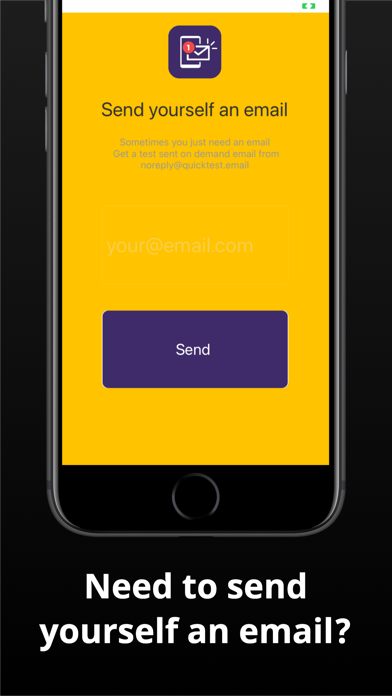
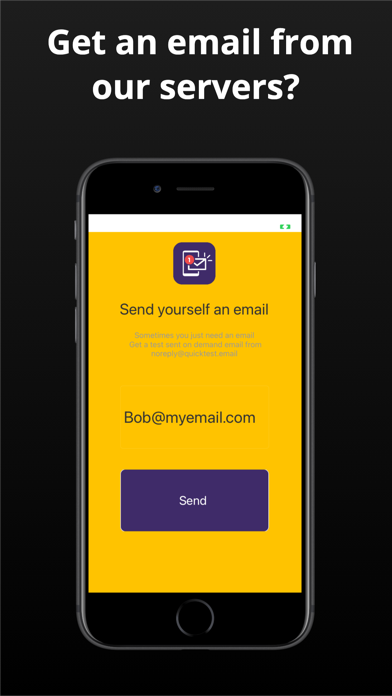
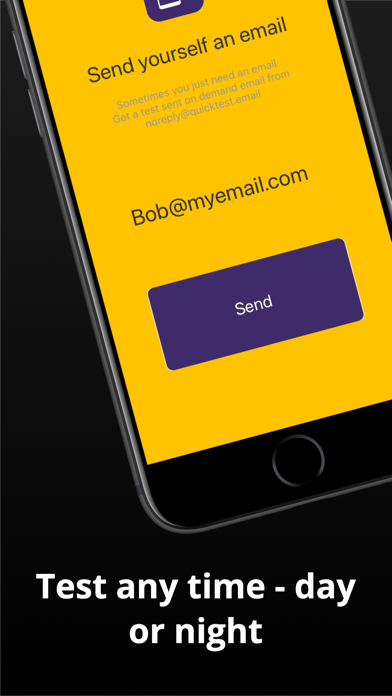
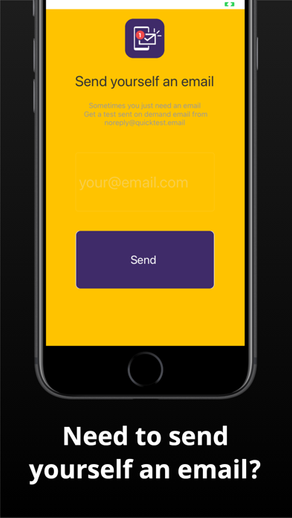
Email problems again.... Quickly send yourself a test email message from our servers. Sometimes you just need to have a quick email sent to your self.
Perhaps instead of asking (again) your spouse / coworker / friend to send you an email to test it.
"Hey can you send me another test email...." just click the button in this app and we'll send you a message immediately.
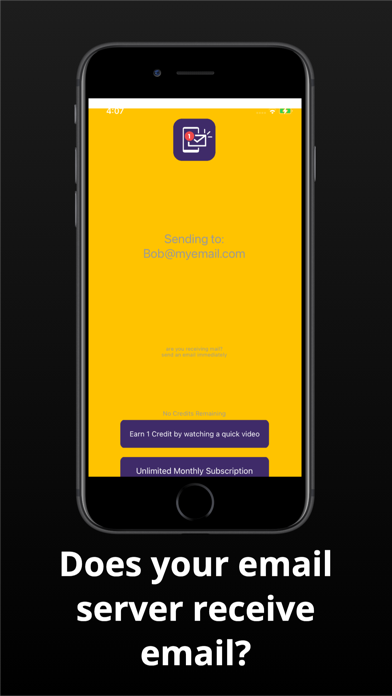
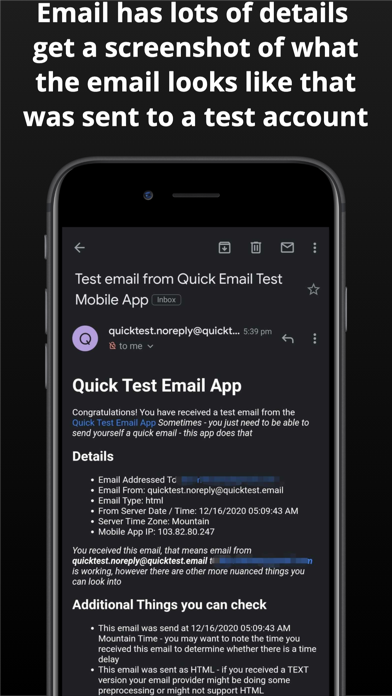
As you have likely found out, sending yourself an email doesn't test whether your email is actually working. When you send a test email from our servers, and then you receive the email, that is when you know that your email box is working.
If you do not receive the email search for "Quick Email Test" and check your spam to see if you have received it - email is sent from our server IMMEDIATELY - and your email provider (most email providers) should only take about 1 to 2 minutes to receive any simple email.
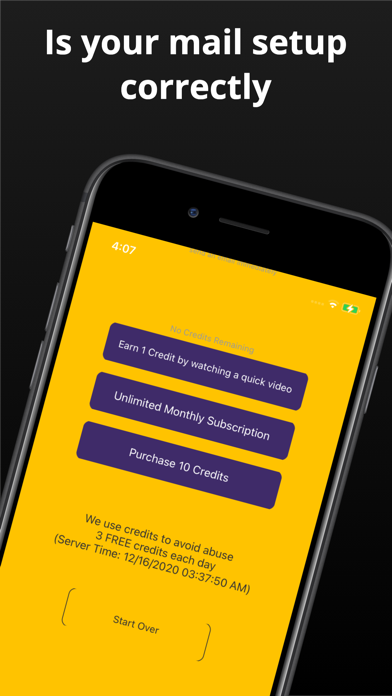
Here are a couple of issues that might exist if you dont receive an email.
- The mail might be in your SPAM box (definitely check this, and check your incoming rules, filters, junk, check it all before you assume it)
- Your email domain might be expired or misconfigured.
- Your ISP or email provider might have locked or closed your domain or email account
In addition to just a simple check to confirm your email is working, you can also use the enhanced features to send a test from specific email providers. This will help you to debug problems between those providers and and your email provider.
- Gmail.com
- Outlook.com
- Yahoo.com
(have another provider you would like us to add, email us at support@quicktest.email)
While these features below are not here yet, you can install the app now so you can be notified when we add them. They are on the road map now and we are adding them soon
- Send an email with an attachment
- Choose between TEXT only or HTML only email
- Email Test Firestorm - send from all email providers in one click
- Email Receipts - see the server IP and message id from when the email was sent