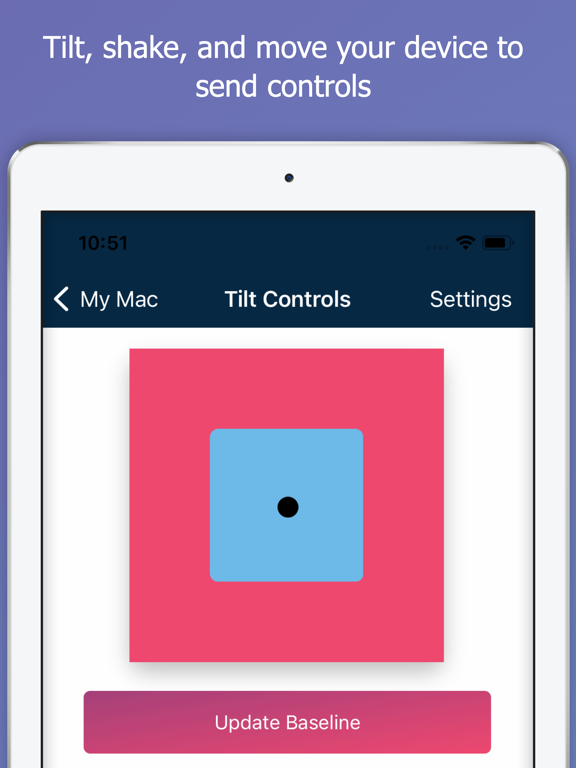
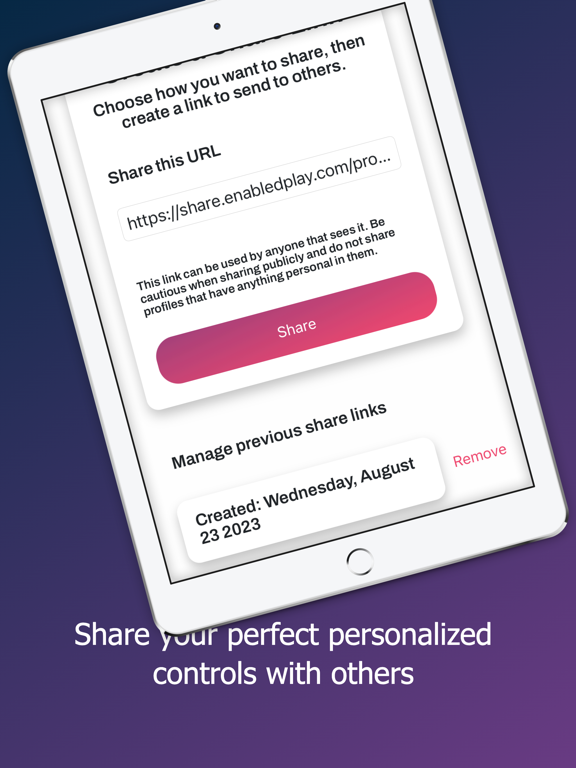
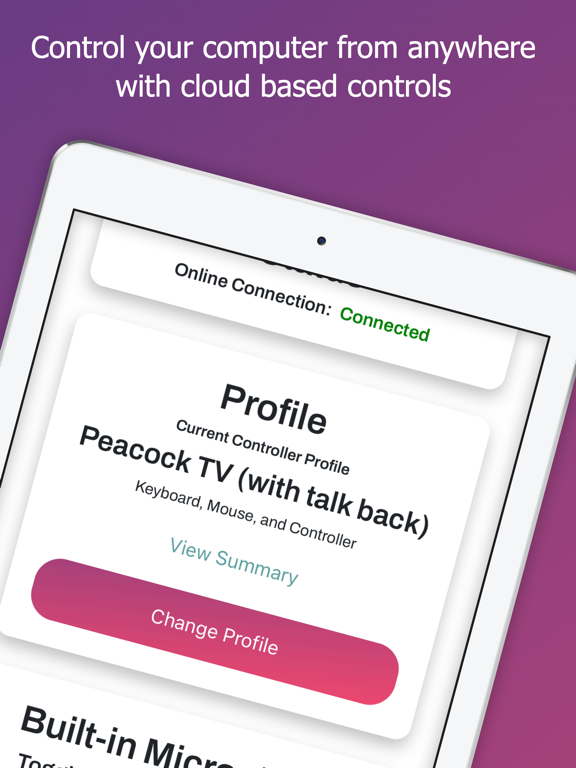
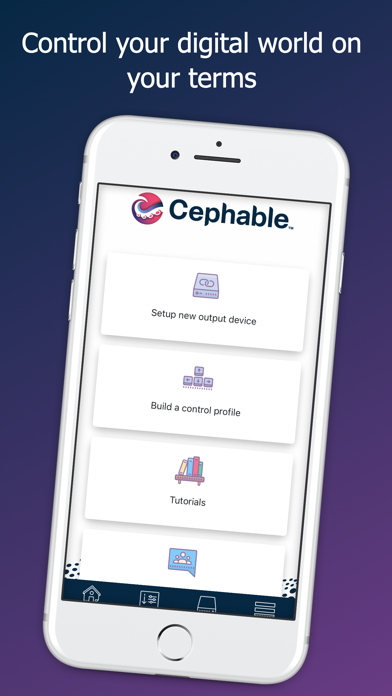
Cephable
무료
4.4.0for iPhone, iPad
Age Rating
Cephable 스크린 샷
About Cephable
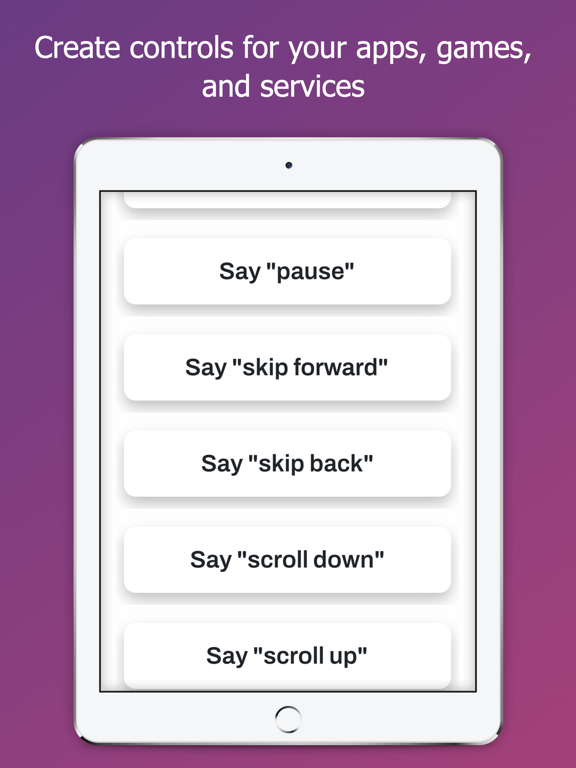
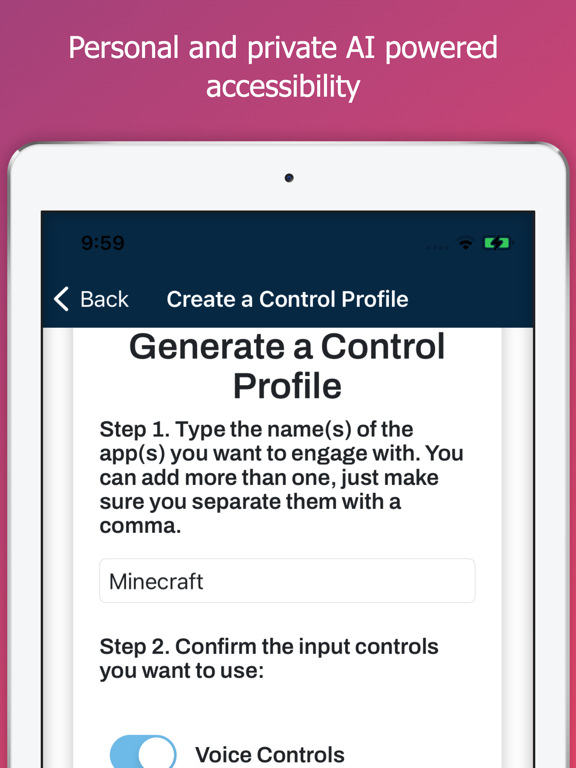
The Cephable Companion App is your personal AI for hands-free control and productivity.
Control. Create. Automate.
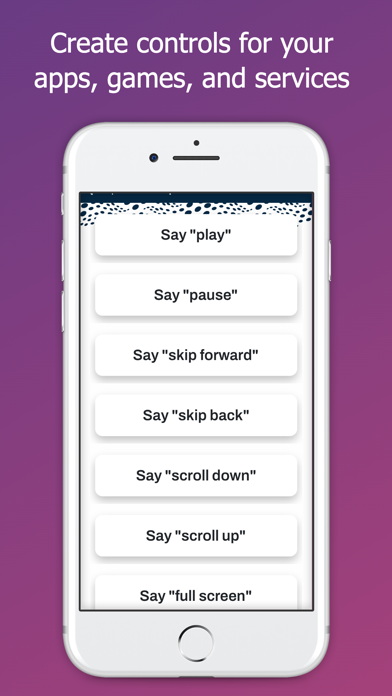
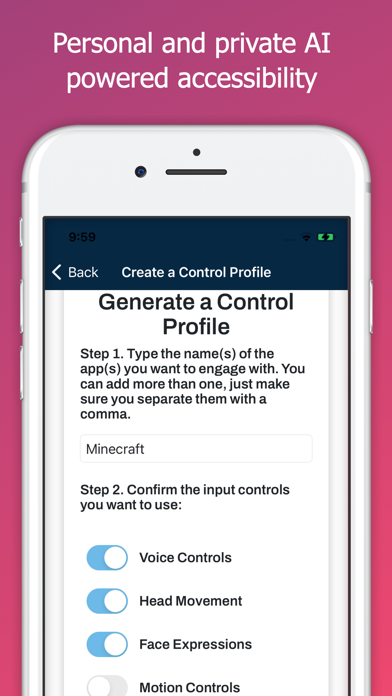
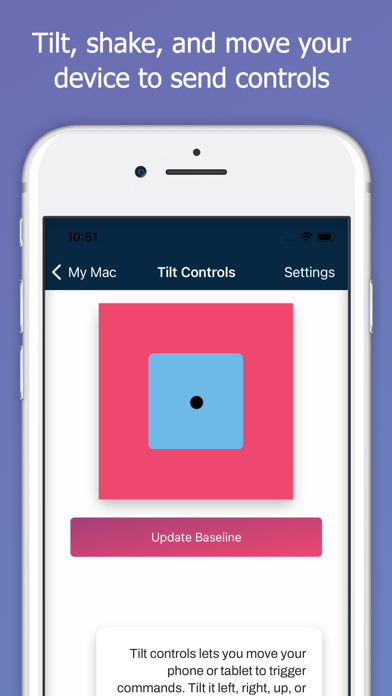
Connect your mobile device to your Mac or Windows computer or console and control your favorite apps using voice commands, dictation, quick actions, and more. Whether you’re multitasking at work, gaming, or creating content, Cephable gives you fast, flexible ways to control your day, across the tools you already use—all with local AI that doesn’t process in the cloud.
Boost your productivity
Control presentations hands-free- Advance slides, open apps, and stay in command of your meeting without ever touching your computer.
Dictate from your phone- Write documents, respond to messages, or update your CRM using only your voice.
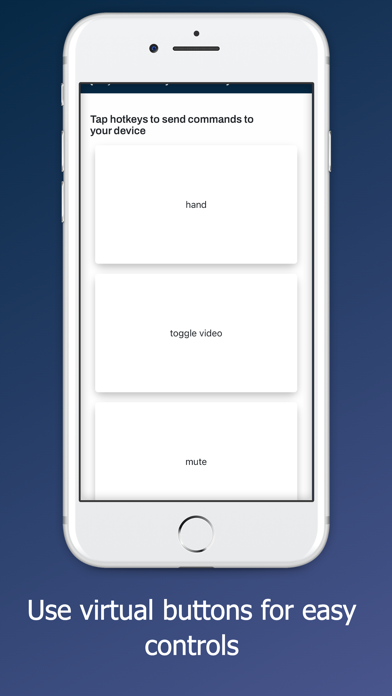
Use Quick Actions to streamline your tools- Use personalized shortcuts for everyday apps like Notion, Slack, Chrome, or Excel
Switch apps with a simple voice command- Jump from tabs to tools, from email to editing, all without breaking your flow.
Hands-Free Gameplay
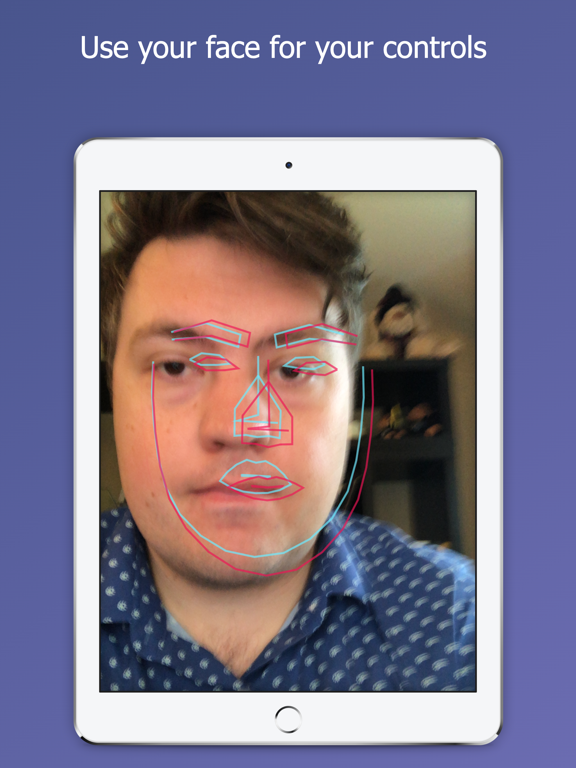
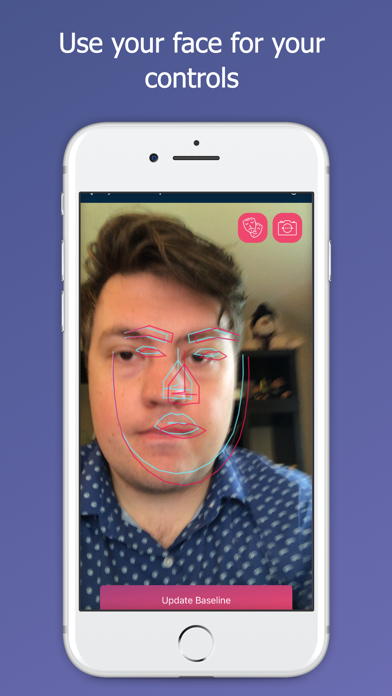
Use voice commands, facial expressions, and Quick Actions to play supported games—whether you're using a keyboard, a controller, or going fully hands-free. Cephable adds new ways to play without locking you into one style.
Privacy is built in, not bolted on
Your voice and video stay local- Cephable never records, streams, or sends your audio or video to the cloud. All inputs are processed on-device—privately and securely.
Your data is yours- Cephable doesn’t use your commands or activity to train models for others. Everything stays private—and your app controls move with you across connections.
Built to empower, not exploit- Cephable is designed to enhance your control—not monitor it. No invasive tracking. No creepy data collection.
Download the Cephable Companion App to add remote dictation and voice input to your setup. Pairs with the Cephable desktop app for Mac and Windows.
Learn more at cephable.com

Control. Create. Automate.
Connect your mobile device to your Mac or Windows computer or console and control your favorite apps using voice commands, dictation, quick actions, and more. Whether you’re multitasking at work, gaming, or creating content, Cephable gives you fast, flexible ways to control your day, across the tools you already use—all with local AI that doesn’t process in the cloud.
Boost your productivity
Control presentations hands-free- Advance slides, open apps, and stay in command of your meeting without ever touching your computer.
Dictate from your phone- Write documents, respond to messages, or update your CRM using only your voice.
Use Quick Actions to streamline your tools- Use personalized shortcuts for everyday apps like Notion, Slack, Chrome, or Excel
Switch apps with a simple voice command- Jump from tabs to tools, from email to editing, all without breaking your flow.
Hands-Free Gameplay
Use voice commands, facial expressions, and Quick Actions to play supported games—whether you're using a keyboard, a controller, or going fully hands-free. Cephable adds new ways to play without locking you into one style.
Privacy is built in, not bolted on
Your voice and video stay local- Cephable never records, streams, or sends your audio or video to the cloud. All inputs are processed on-device—privately and securely.
Your data is yours- Cephable doesn’t use your commands or activity to train models for others. Everything stays private—and your app controls move with you across connections.
Built to empower, not exploit- Cephable is designed to enhance your control—not monitor it. No invasive tracking. No creepy data collection.
Download the Cephable Companion App to add remote dictation and voice input to your setup. Pairs with the Cephable desktop app for Mac and Windows.
Learn more at cephable.com
Show More
최신 버전 4.4.0의 새로운 기능
Last updated on Apr 8, 2026
오래된 버전
Bugfix: Phone no longer sleeps while actively using camera controls.
Security updates
Security updates
Show More
Version History
4.4.0
Apr 8, 2026
Bugfix: Phone no longer sleeps while actively using camera controls.
Security updates
Security updates
Cephable FAQ
제한된 국가 또는 지역에서 Cephable를 다운로드하는 방법을 알아보려면 여기를 클릭하십시오.
Cephable의 최소 요구 사항을 보려면 다음 목록을 확인하십시오.
iPhone
iPad