FileCap
Free
1.8.9for iPhone
Age Rating
FileCap 스크린 샷
About FileCap
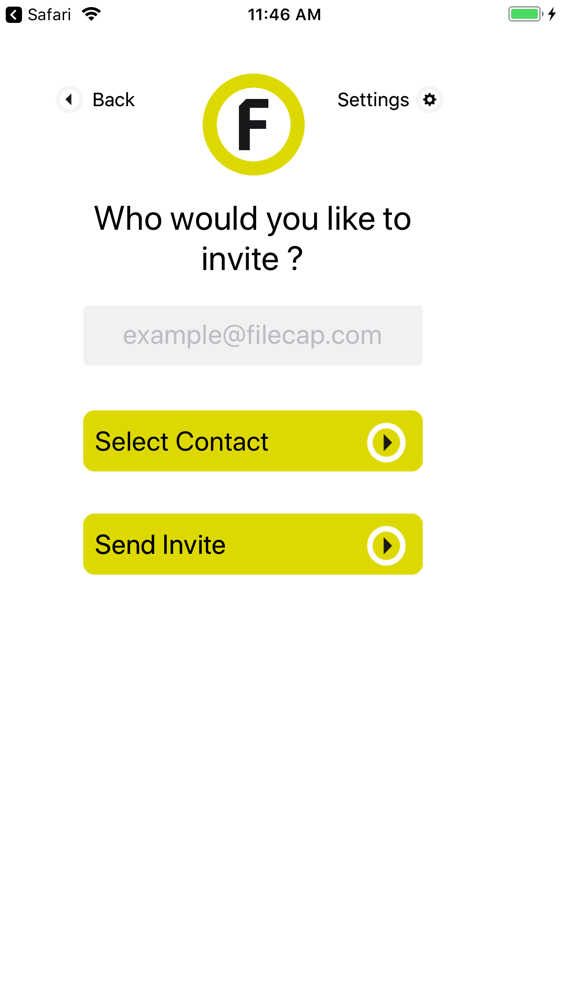
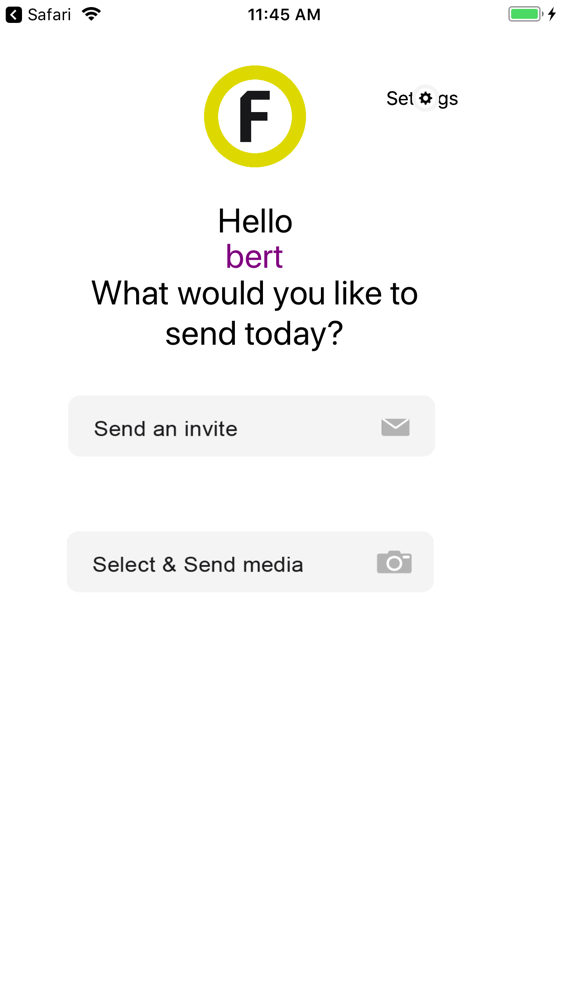
Use this app to invite others to send you large files or to send large files using your FileCap server.
What is FileCap ?
User friendly web interface
By following 3 simple steps external parties can send you large files using the web portal. They simply have to enter their name and email address, click the verification link in the FileCap email and select the files and recipients they’d like to include. An additional password can be used for extra security (2-factor).
Use FileCap through Outlook
Safely and easily send large files with Outlook? Use the clever FileCap add-in to send emails the way you’re used to, but now with attachments up to 10 GB or more! The usual actions plus the extra security provided by FileCap. Attachments are placed on the FileCap server to ensure that mail storage on your mail server is reduced to a minimum.

What is FileCap ?
User friendly web interface
By following 3 simple steps external parties can send you large files using the web portal. They simply have to enter their name and email address, click the verification link in the FileCap email and select the files and recipients they’d like to include. An additional password can be used for extra security (2-factor).
Use FileCap through Outlook
Safely and easily send large files with Outlook? Use the clever FileCap add-in to send emails the way you’re used to, but now with attachments up to 10 GB or more! The usual actions plus the extra security provided by FileCap. Attachments are placed on the FileCap server to ensure that mail storage on your mail server is reduced to a minimum.
Show More
최신 버전 1.8.9의 새로운 기능
Last updated on Oct 19, 2018
오래된 버전
Minor visual fixes for new devices and small screens.
Show More
Version History
1.8.9
Oct 19, 2018
Minor visual fixes for new devices and small screens.
FileCap FAQ
제한된 국가 또는 지역에서 FileCap를 다운로드하는 방법을 알아보려면 여기를 클릭하십시오.
FileCap의 최소 요구 사항을 보려면 다음 목록을 확인하십시오.
iPhone
FileCap은 다음 언어를 지원합니다. English