FlexPS
무료
2.0for iPhone, iPad
Age Rating
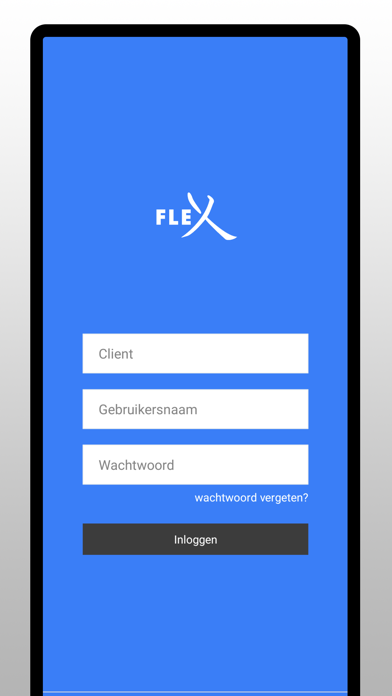
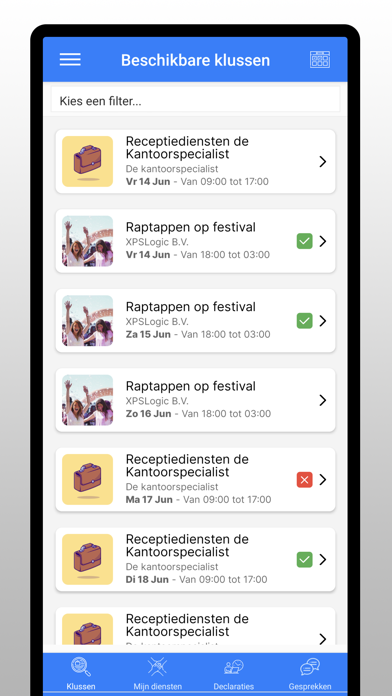
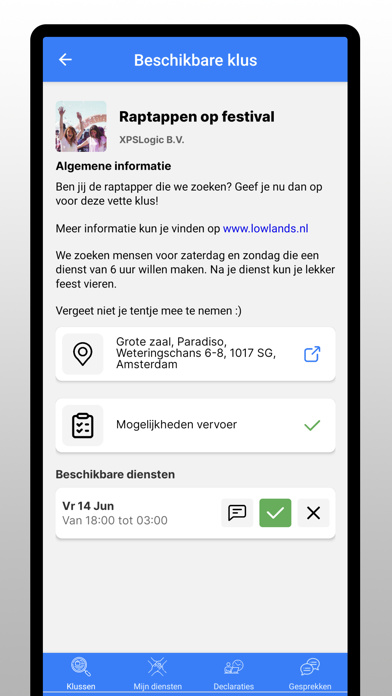
FlexPS 스크린 샷
About FlexPS
Met deze app heb je alles binnen handbereik wat je nodig hebt als flexwerker:
• Geef je beschikbaarheid door
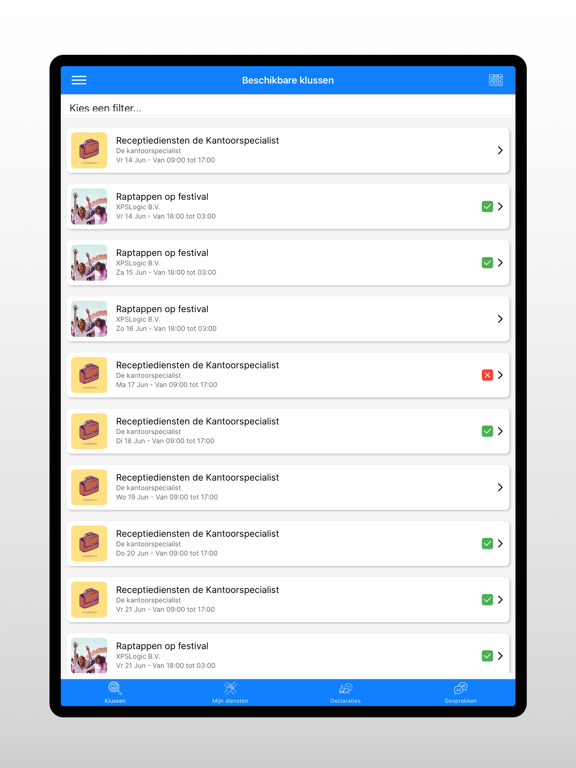
• Schrijf je in op nieuwe klussen
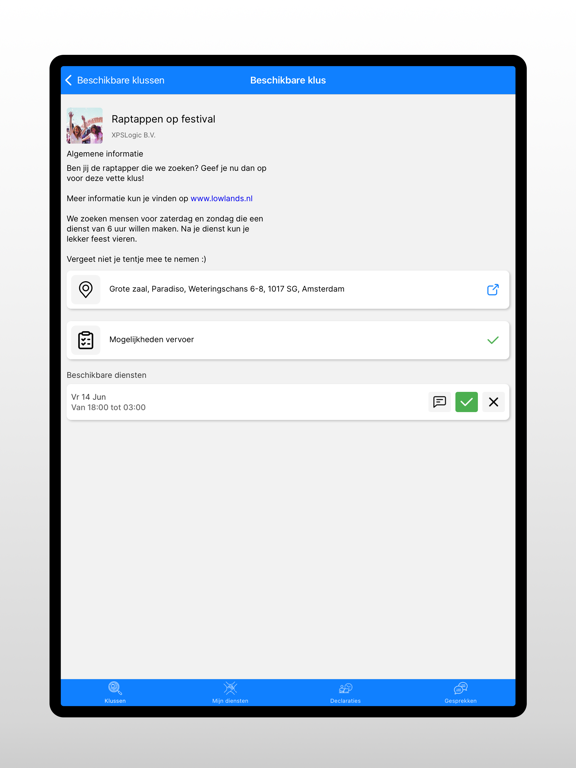
• Bekijk waar en wanneer je moet werken
• Bekijk de briefing voor je diensten
• In- en uitklokken op je dienst
• Declareer je gewerkte uren en onkosten
• Laat je gewerkte uren goedkeuren
• Vraag verlof aan
• Bekijk alle vacatures
• Vul vragenlijsten in
• Pas je eigen contactgegevens aan
• Bekijk je vragen aan de administratie
• Upload je facturen
• Wissel je spaarpunten in
• Download je arbeidscontracten
• Download je loonstroken
• Download de handleidingen/huisregels van je werkgever
• Geef je beschikbaarheid door
• Schrijf je in op nieuwe klussen
• Bekijk waar en wanneer je moet werken
• Bekijk de briefing voor je diensten
• In- en uitklokken op je dienst
• Declareer je gewerkte uren en onkosten
• Laat je gewerkte uren goedkeuren
• Vraag verlof aan
• Bekijk alle vacatures
• Vul vragenlijsten in
• Pas je eigen contactgegevens aan
• Bekijk je vragen aan de administratie
• Upload je facturen
• Wissel je spaarpunten in
• Download je arbeidscontracten
• Download je loonstroken
• Download de handleidingen/huisregels van je werkgever
Show More
최신 버전 2.0의 새로운 기능
Last updated on May 2, 2026
오래된 버전
REQUESTS (NEW FEATURE)
• View and submit company requests directly from the dashboard
• Select a location and company when creating a request
• Choose declaration rates when registering expenses
• Status badges and improved form layout
• Date summaries shown in the request list
• Edit fields based on what your employer has enabled
BARCODE SCANNER
• New built-in barcode scanner with haptic feedback when a scan is detected
POLLS
• Polls are now visible on the dashboard
• Improved poll layout and language support
SMOOTHER UI
• Groups now expand and collapse with a smooth animation
• Text fields scroll properly, auto-grow, and resize without jitter
• Consistent padding and layout across all screens
• Keyboard no longer overlaps content on form screens
BUG FIXES
• Fixed infinite loading on the clocking button
• Push notifications now open the correct screen
• Offline mode: sync screen shows only offline data, no misleading skeletons
• Fixed edge cases with missing data causing crashes
• Fixed location display in request views

• View and submit company requests directly from the dashboard
• Select a location and company when creating a request
• Choose declaration rates when registering expenses
• Status badges and improved form layout
• Date summaries shown in the request list
• Edit fields based on what your employer has enabled
BARCODE SCANNER
• New built-in barcode scanner with haptic feedback when a scan is detected
POLLS
• Polls are now visible on the dashboard
• Improved poll layout and language support
SMOOTHER UI
• Groups now expand and collapse with a smooth animation
• Text fields scroll properly, auto-grow, and resize without jitter
• Consistent padding and layout across all screens
• Keyboard no longer overlaps content on form screens
BUG FIXES
• Fixed infinite loading on the clocking button
• Push notifications now open the correct screen
• Offline mode: sync screen shows only offline data, no misleading skeletons
• Fixed edge cases with missing data causing crashes
• Fixed location display in request views
Show More
Version History
2.0
May 2, 2026
REQUESTS (NEW FEATURE)
• View and submit company requests directly from the dashboard
• Select a location and company when creating a request
• Choose declaration rates when registering expenses
• Status badges and improved form layout
• Date summaries shown in the request list
• Edit fields based on what your employer has enabled
BARCODE SCANNER
• New built-in barcode scanner with haptic feedback when a scan is detected
POLLS
• Polls are now visible on the dashboard
• Improved poll layout and language support
SMOOTHER UI
• Groups now expand and collapse with a smooth animation
• Text fields scroll properly, auto-grow, and resize without jitter
• Consistent padding and layout across all screens
• Keyboard no longer overlaps content on form screens
BUG FIXES
• Fixed infinite loading on the clocking button
• Push notifications now open the correct screen
• Offline mode: sync screen shows only offline data, no misleading skeletons
• Fixed edge cases with missing data causing crashes
• Fixed location display in request views
• View and submit company requests directly from the dashboard
• Select a location and company when creating a request
• Choose declaration rates when registering expenses
• Status badges and improved form layout
• Date summaries shown in the request list
• Edit fields based on what your employer has enabled
BARCODE SCANNER
• New built-in barcode scanner with haptic feedback when a scan is detected
POLLS
• Polls are now visible on the dashboard
• Improved poll layout and language support
SMOOTHER UI
• Groups now expand and collapse with a smooth animation
• Text fields scroll properly, auto-grow, and resize without jitter
• Consistent padding and layout across all screens
• Keyboard no longer overlaps content on form screens
BUG FIXES
• Fixed infinite loading on the clocking button
• Push notifications now open the correct screen
• Offline mode: sync screen shows only offline data, no misleading skeletons
• Fixed edge cases with missing data causing crashes
• Fixed location display in request views
FlexPS FAQ
제한된 국가 또는 지역에서 FlexPS를 다운로드하는 방법을 알아보려면 여기를 클릭하십시오.
FlexPS의 최소 요구 사항을 보려면 다음 목록을 확인하십시오.
iPhone
iPad