Flowchart Studio
무료
330for iPhone, iPad
Age Rating
Flowchart Studio 스크린 샷
About Flowchart Studio
Designed for anyone wanting to design a process, or a complex algorithm, such as solving the "edge cases" of a UI.
The Flowchart Notation is reborn with the new simple International Standard.
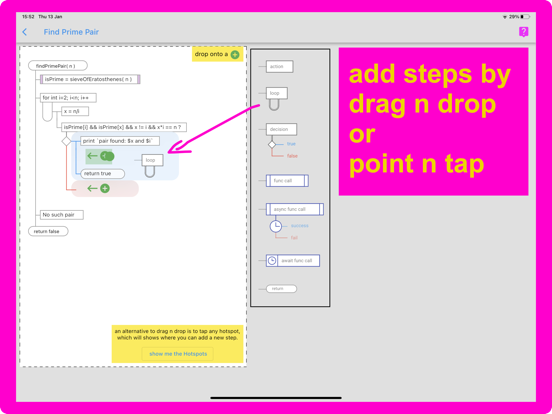
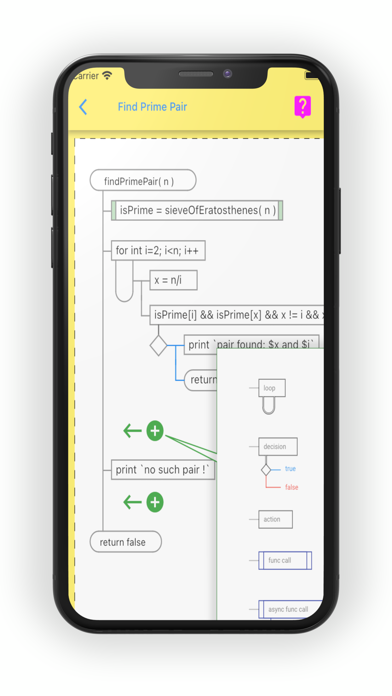
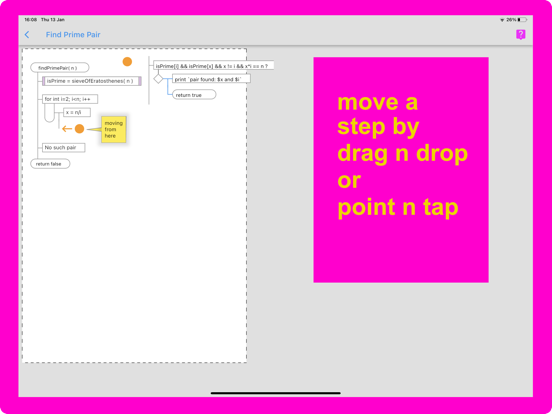
Add and Move steps by drag-n-drop, or by Point-n-Tap.
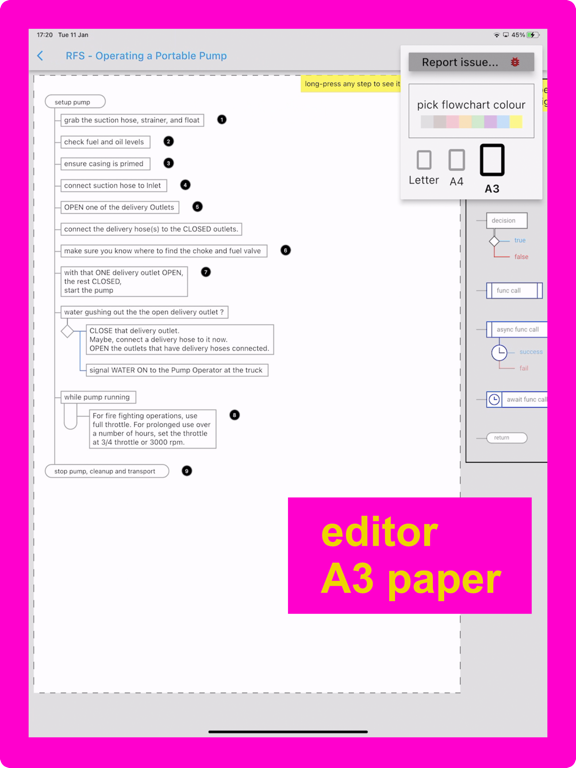
The app does all the drawing: you only have to indicate which steps to add, and their order.
A Flowchart is a tree of ordered Steps, whose execution is breadth-first.
Coders will instantly be familiar with the way any flowchart is laid out, and how the logic flows, but anyone, including youngsters, will find the notation intuitive.
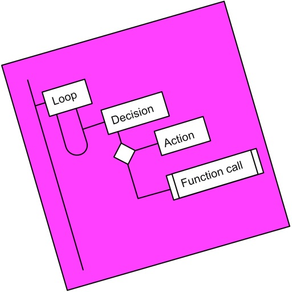
A Step is either a Loop, a Decision or an Action (the is also Async Action for coders).
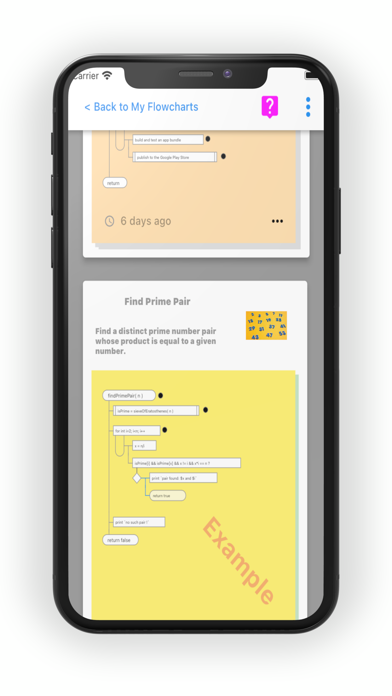
Flowcharts can be broken into smaller, linked, chunks (using Function Call steps).
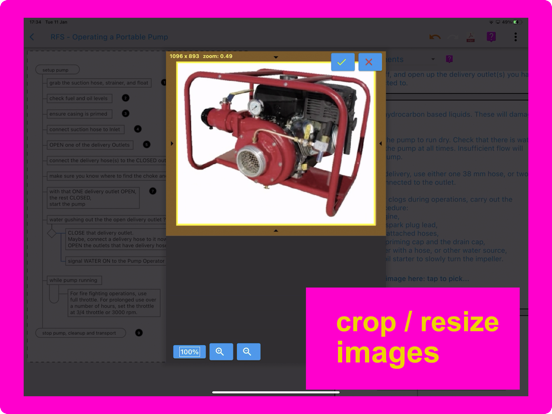
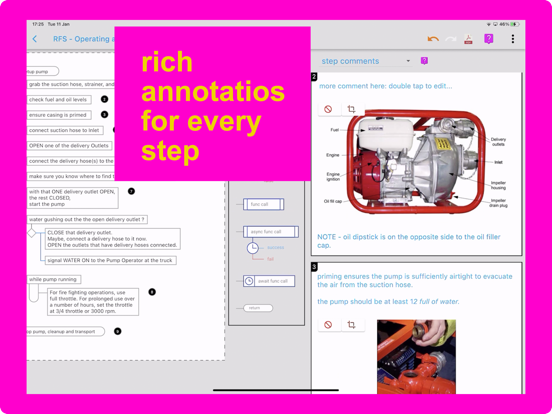
Every step can be annotated with Text and an Image.
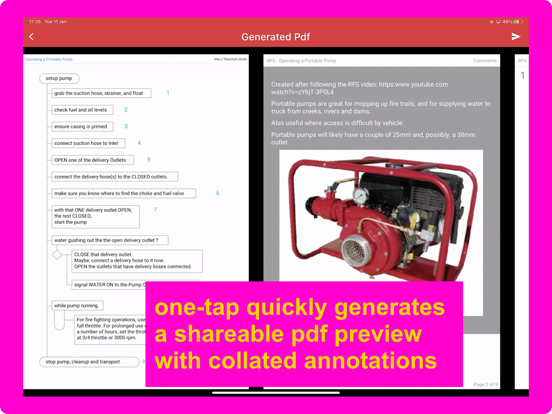
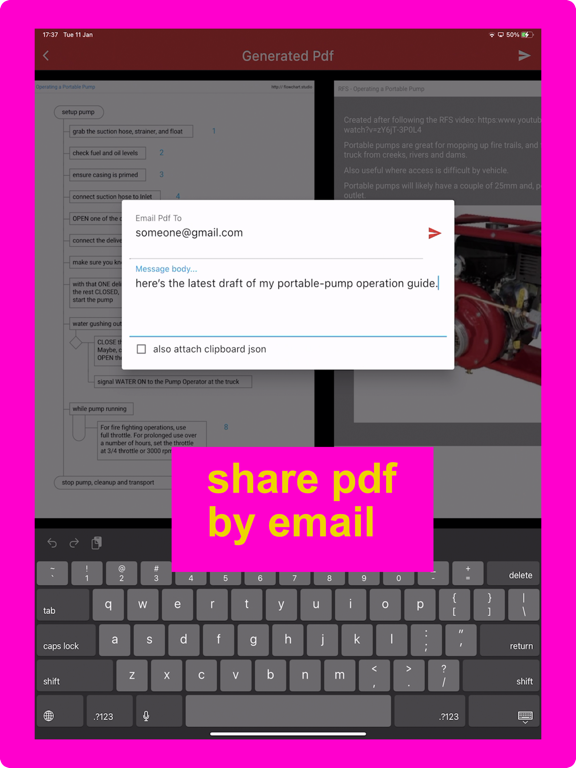
Your step annotations get collated and become part of generated Pdfs, which can be shared directly from the app via email.
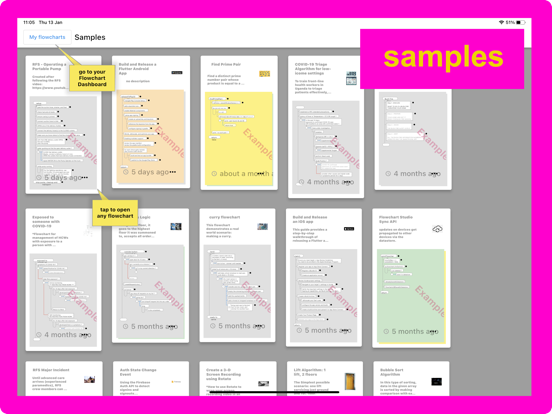
The app is designed to operate without internet access; i.e. it is “offline-first”: your work is stored on your device or, when using the web version, in browser storage. You can choose to have a copy of each flowchart sync'd to our Cloud, allowing you to work on them using any of your devices.

The Flowchart Notation is reborn with the new simple International Standard.
Add and Move steps by drag-n-drop, or by Point-n-Tap.
The app does all the drawing: you only have to indicate which steps to add, and their order.
A Flowchart is a tree of ordered Steps, whose execution is breadth-first.
Coders will instantly be familiar with the way any flowchart is laid out, and how the logic flows, but anyone, including youngsters, will find the notation intuitive.
A Step is either a Loop, a Decision or an Action (the is also Async Action for coders).
Flowcharts can be broken into smaller, linked, chunks (using Function Call steps).
Every step can be annotated with Text and an Image.
Your step annotations get collated and become part of generated Pdfs, which can be shared directly from the app via email.
The app is designed to operate without internet access; i.e. it is “offline-first”: your work is stored on your device or, when using the web version, in browser storage. You can choose to have a copy of each flowchart sync'd to our Cloud, allowing you to work on them using any of your devices.
Show More
최신 버전 330의 새로운 기능
Last updated on Jan 21, 2022
오래된 버전
Resolved missing Apple Sign-in issue: Google Sign-in removed.
In-app purchase ready to test.
Show More
Version History
330
Jan 21, 2022
Resolved missing Apple Sign-in issue: Google Sign-in removed.
In-app purchase ready to test.
Flowchart Studio FAQ
제한된 국가 또는 지역에서 Flowchart Studio를 다운로드하는 방법을 알아보려면 여기를 클릭하십시오.
Flowchart Studio의 최소 요구 사항을 보려면 다음 목록을 확인하십시오.
iPhone
iPad