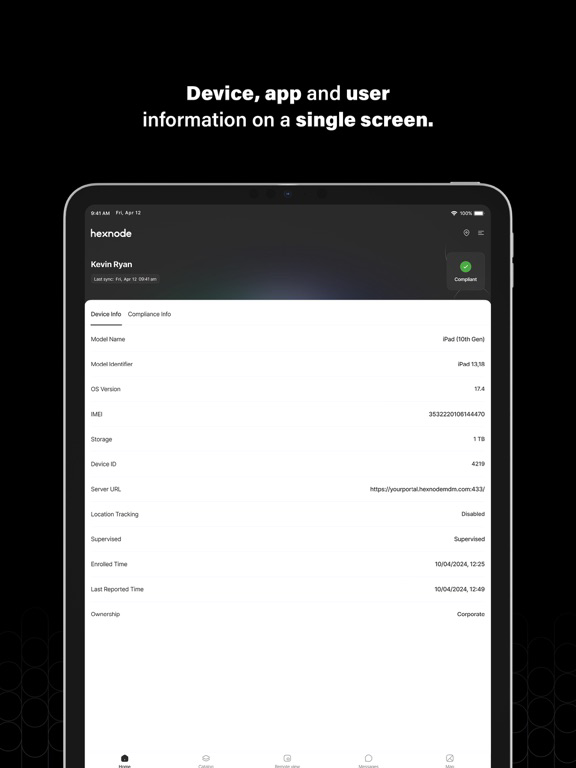
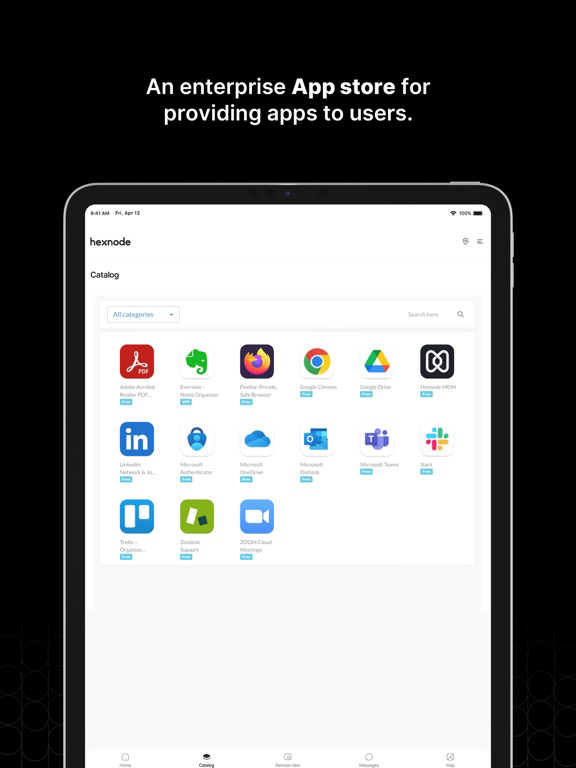
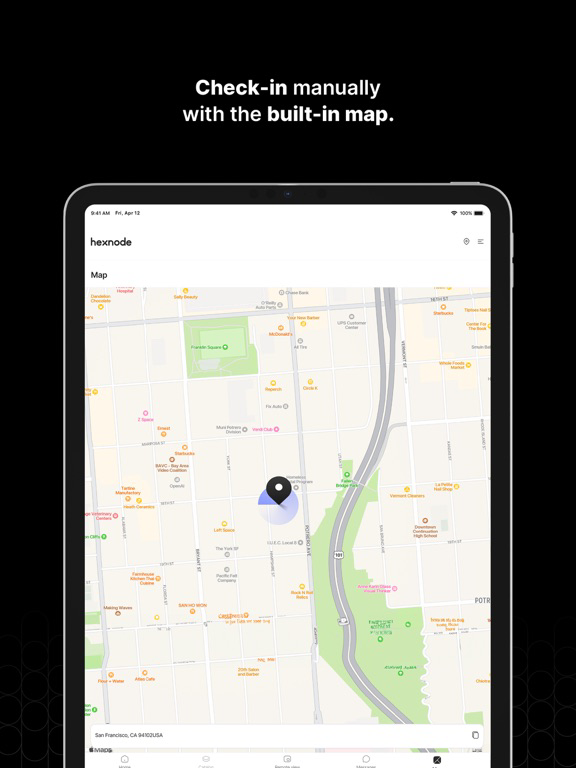
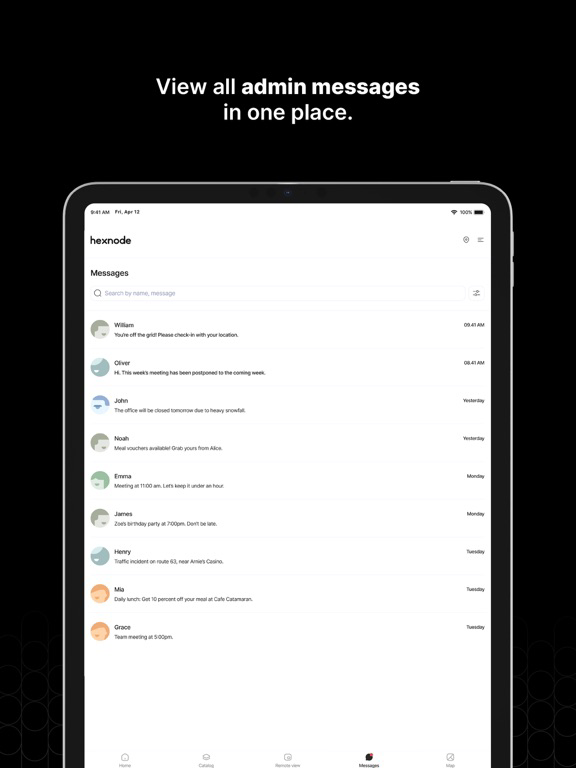
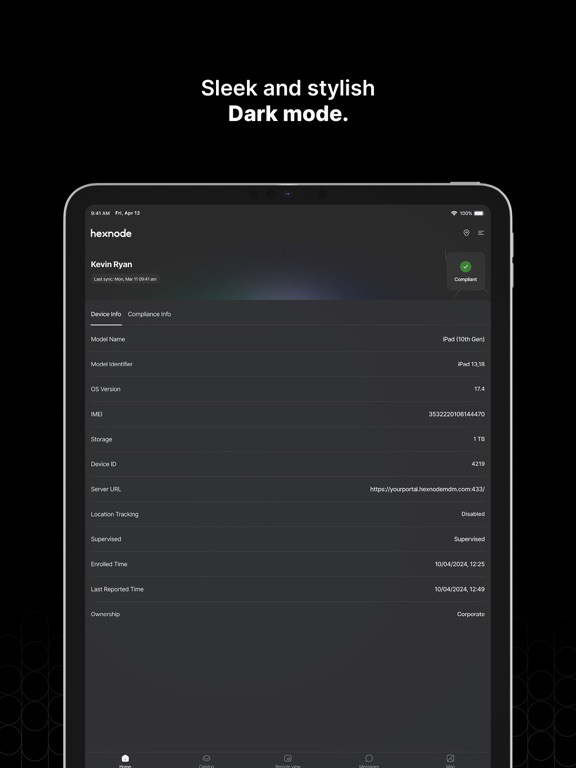
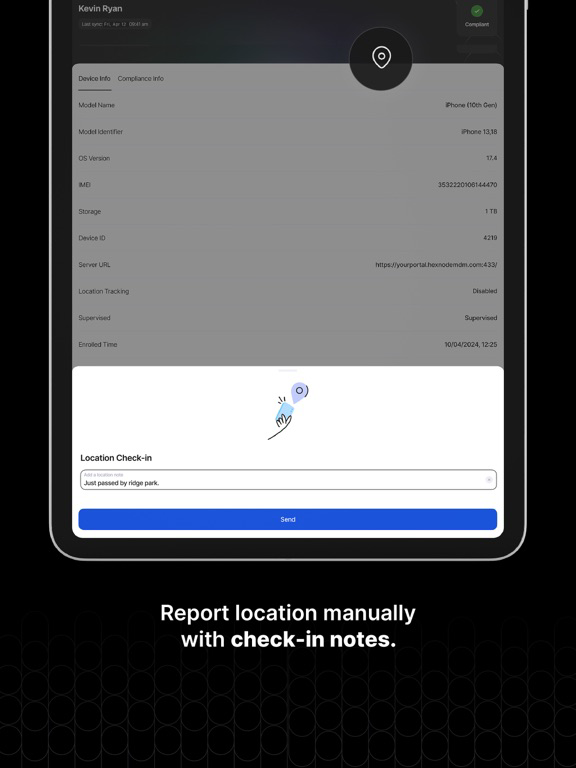
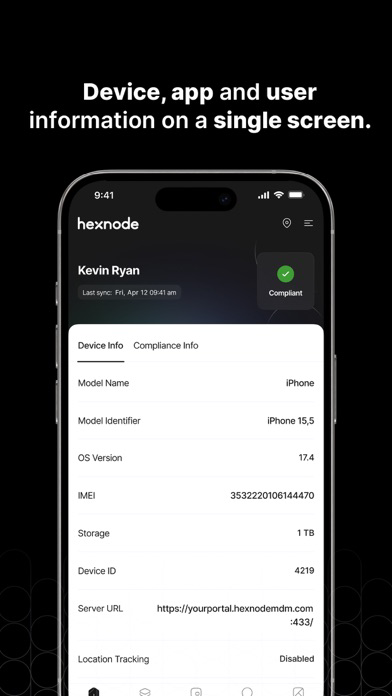
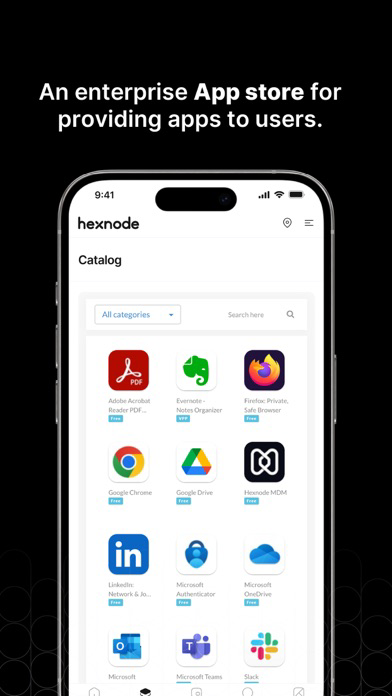
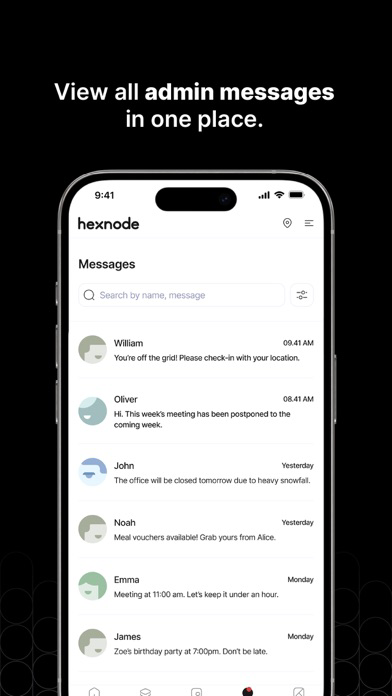
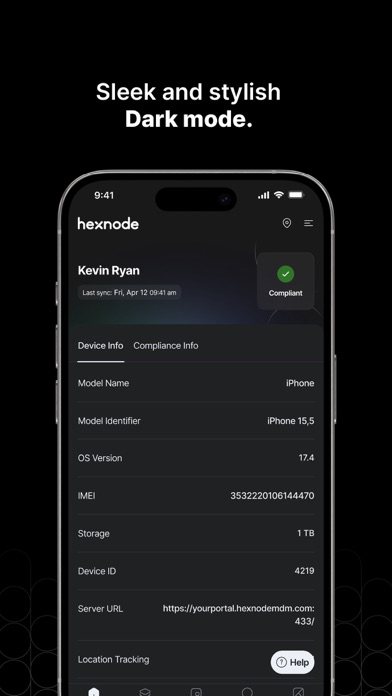
The Hexnode MDM companion app helps to manage iOS devices with Hexnode's Unified Endpoint Management solution. It lets you view your device's compliance status i.e. whether your device complies with the policies assigned by your organization. Any messages sent via the Hexnode MDM console can be viewed on the app anytime (message history is viewable even in the absence of a steady network connection). You can also access any app catalogs your IT team has set up for you, right within the app.
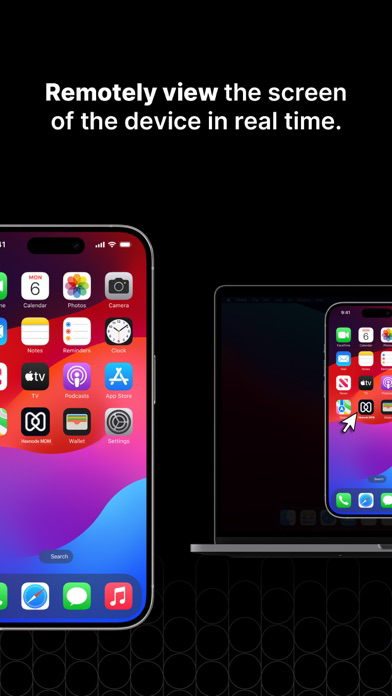
With Hexnode MDM, your IT team can remotely configure settings on the devices in your enterprise, enforce security policies, manage mobile applications, track device’s location and remotely lock or wipe devices. Single App kiosk mode launches an app as default, restricting the users to navigate out of the app while allowing the administrator to enable/disable screen orientation and touch, device buttons, VoiceOver, Zoom, assistive touch, auto-lock, invert colors, and speak selection.
NOTE: Hexnode MDM companion app is not a standalone app, it requires Hexnode's Unified Endpoint Management solution for managing devices.
Features of Hexnode MDM:
• Centralized Management Hub
• Fast, over-the-air enrollment
• Allows enrolling devices with Apple Configurator
• Seamless integration with Active Directory
• Smart Mobile Application Management
• Enterprise app deployment & app catalogs
• Apple VPP & DEP integration
• Policy and configuration management
• Compliance check and enforcement
• Email and network configuration
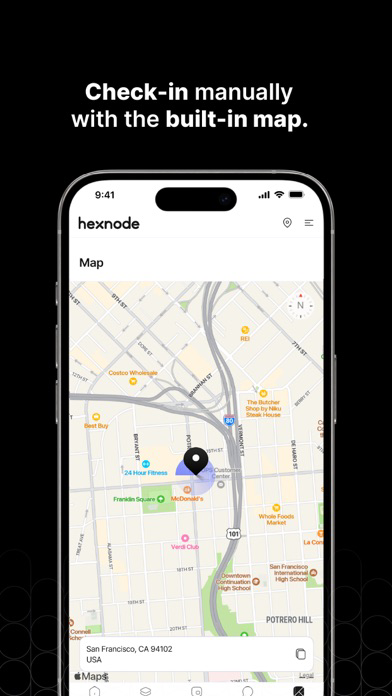
• Remote lock, wipe and location tracking capabilities
• Bypass Activation Lock of managed devices
• Configuring SCEP for securing network settings using certificates
• Efficient customization of home screen
• Control the flow of personal and business data between apps with Business Container
• Single app mode to restrict access to a single app
• Configure touch and screen orientation in single app mode, and disable/enable device buttons, VoiceOver, Zoom, AssistiveTouch and auto-lock
• Multi-admin and multi-roles
• Build geofences to restrict users from accessing data outside the permitted region
• Filter out unwanted URLs with Web Content Filtering
DISCLAIMER: Continued use of GPS in the background can dramatically decrease battery life. Please contact your organization's MDM administrator for any queries.