As cyber threats continue to become more sophisticated, it's essential to use strong and reliable security measures to protect your online accounts. That's where MFA Authenticator comes in – a mobile app designed to provide an extra layer of security to your online accounts, making it harder for hackers to gain access to your sensitive information.
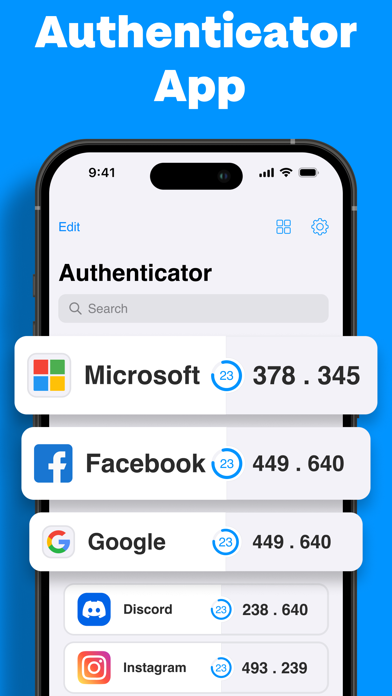
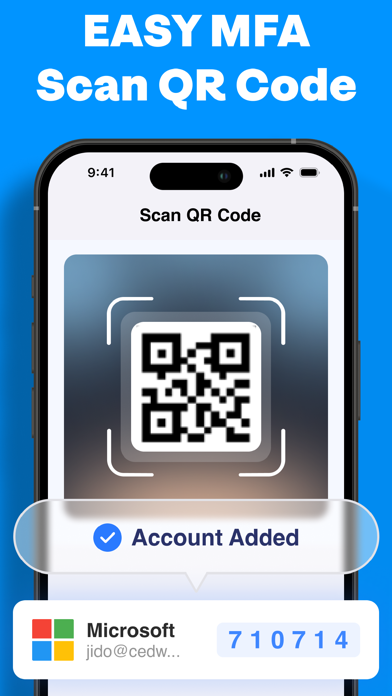
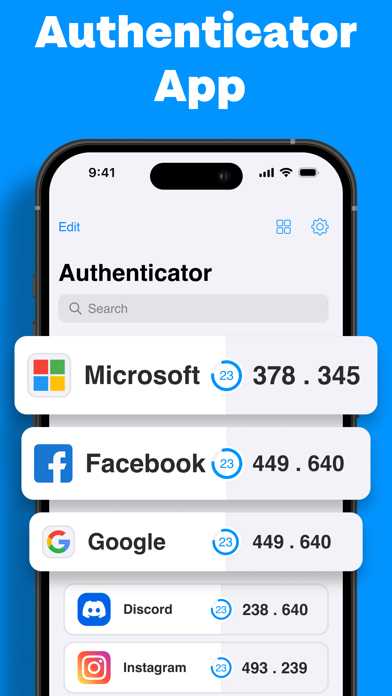
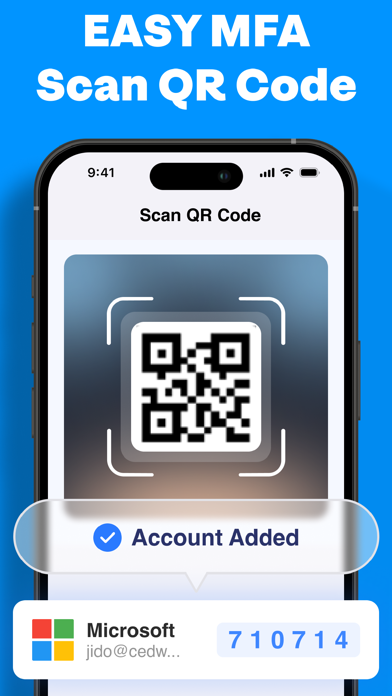
One of the most significant advantages of using MFA Authenticator is its ease of use. With this app, you can set up two-factor authentication (2FA) quickly, making it easy to secure your accounts. You can use MFA Authenticator with a wide range of services, including Google, Facebook, Dropbox, and many more. The app generates unique, time-sensitive codes that you can use to verify your identity when logging in to your accounts, ensuring that only you can access your information.
Another great feature of MFA Authenticator is its ability to work offline. Unlike some other 2FA solutions that rely on an internet connection, MFA Authenticator can generate codes even when your phone isn't connected to the internet. This feature is particularly useful when traveling or in areas with a weak or non-existent internet connection.
MFA Authenticator is also designed to be highly secure, with a range of measures in place to keep your information safe. For example, the app uses end-to-end encryption to ensure that your codes are only visible to you. Additionally, the app has a built-in security code that you need to enter when setting up the app, ensuring that only you can access your account.
• Quick and easy to set up
• Compatible with a wide range of services
• Generates unique, time-sensitive codes for added security
• Works offline, making it ideal for travel
• Uses end-to-end encryption to keep your information safe
• Requires a security code for added protection.
Overall, MFA Authenticator is an excellent app that can help you stay safe and secure online. With its ease of use, offline functionality, and strong security features, you can rest assured that your information is well-protected. So why not give it a try and take your online security to the next level?
Terms of service: https://www.code4flutter.in/terms-mfauthenticator