Age Rating
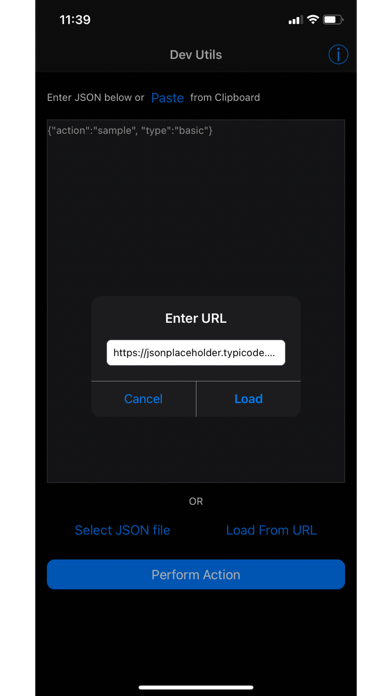
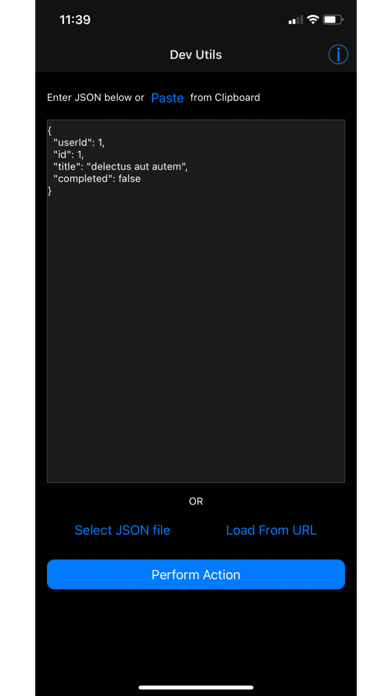
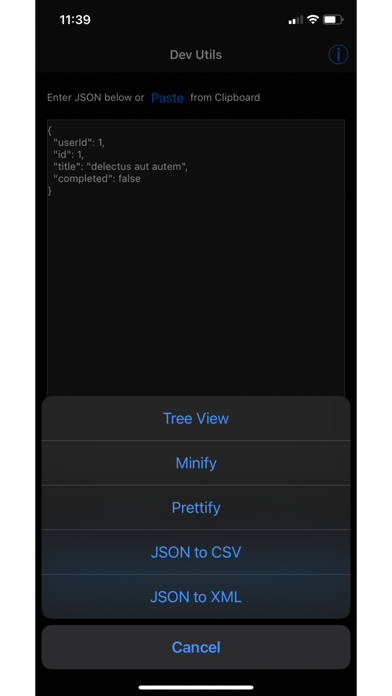
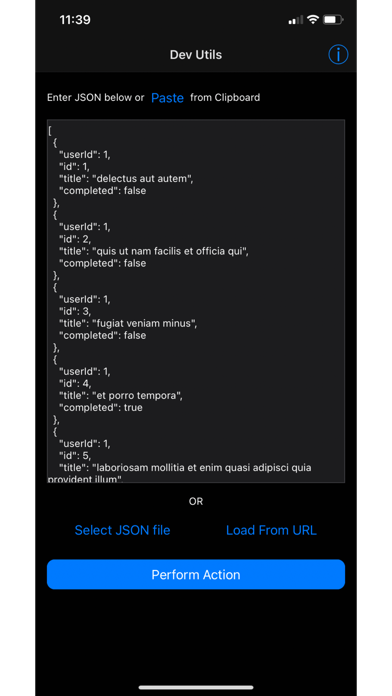
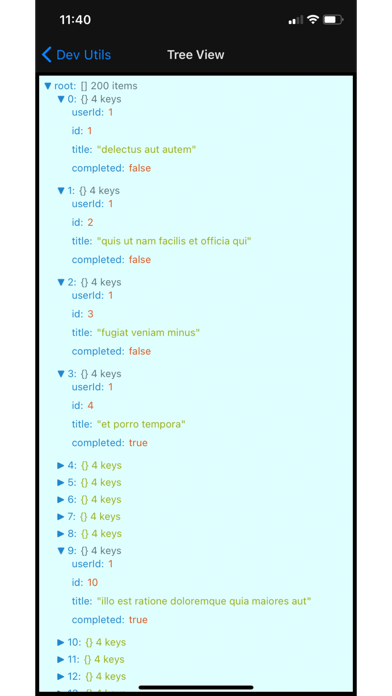
JSON Tools 스크린 샷
About JSON Tools
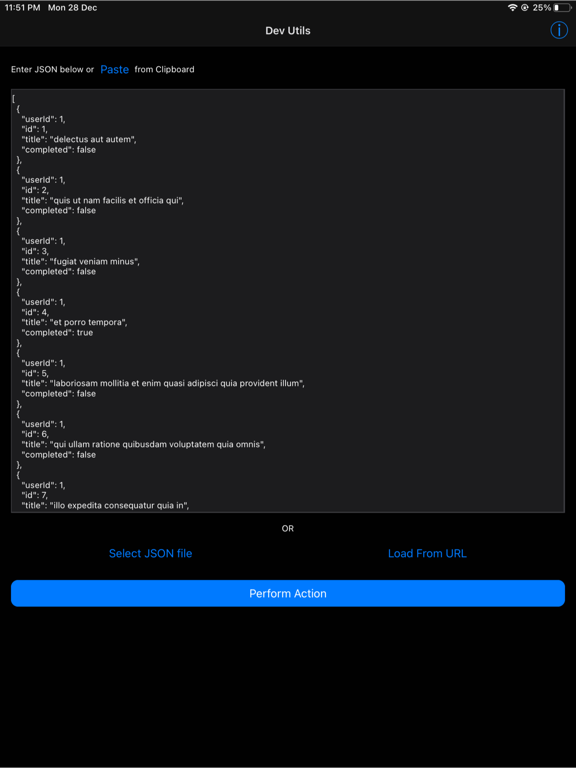
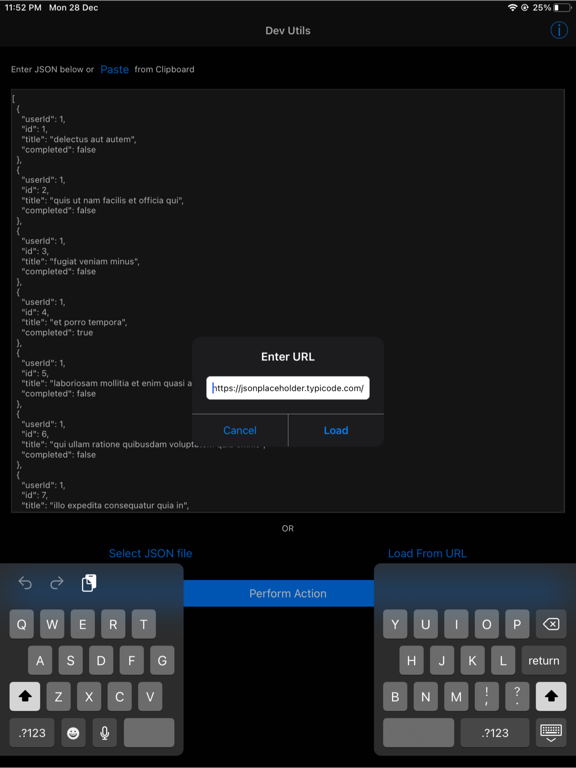
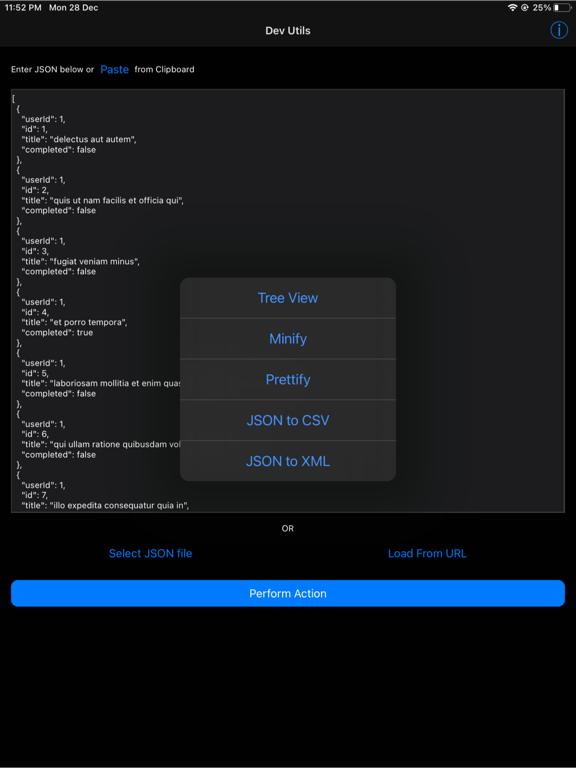
JSON Tools incorporates the following tools:
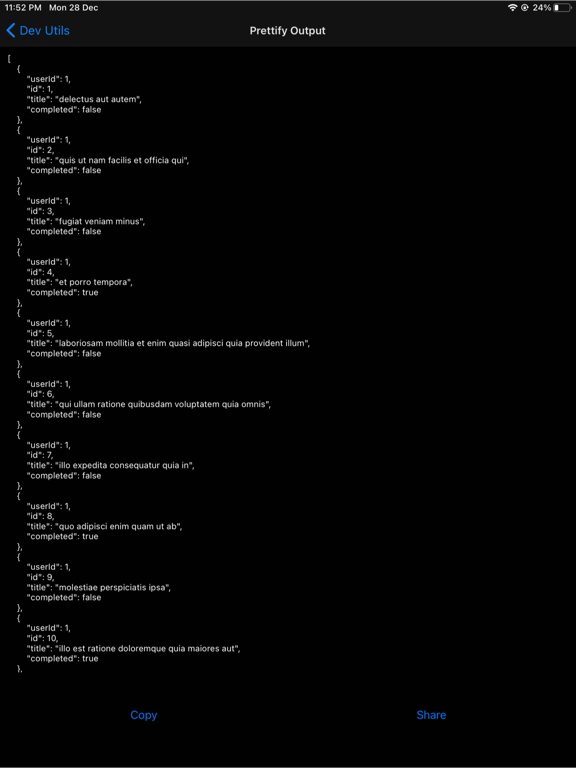
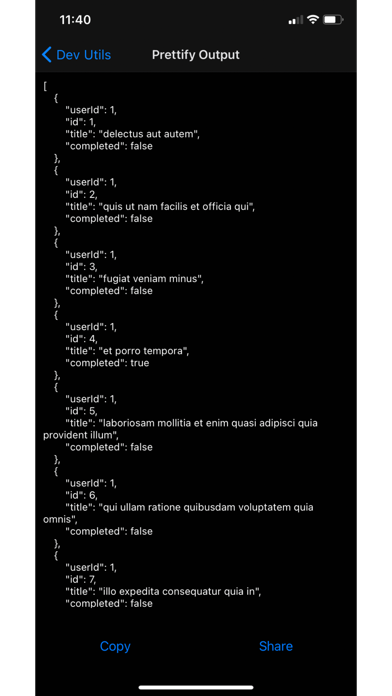
1) JSON Formatter
2) JSON Validator
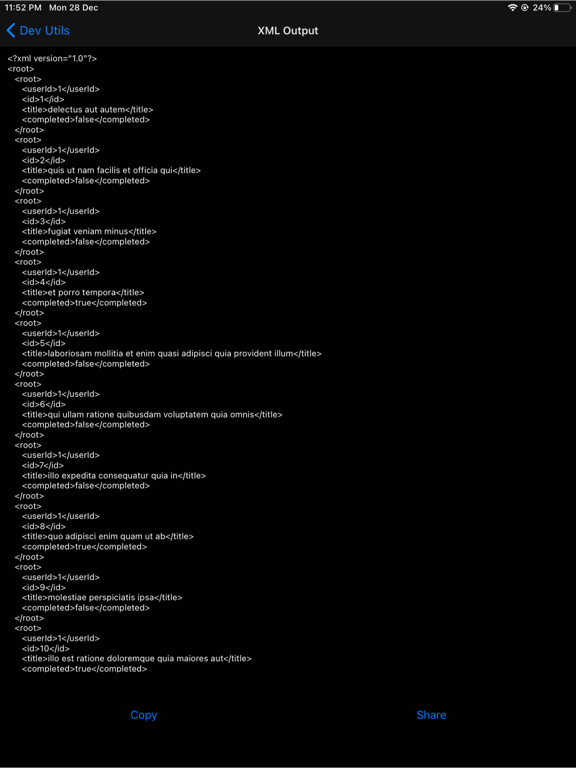
3) JSON to XML Converter
4) JSON Table View
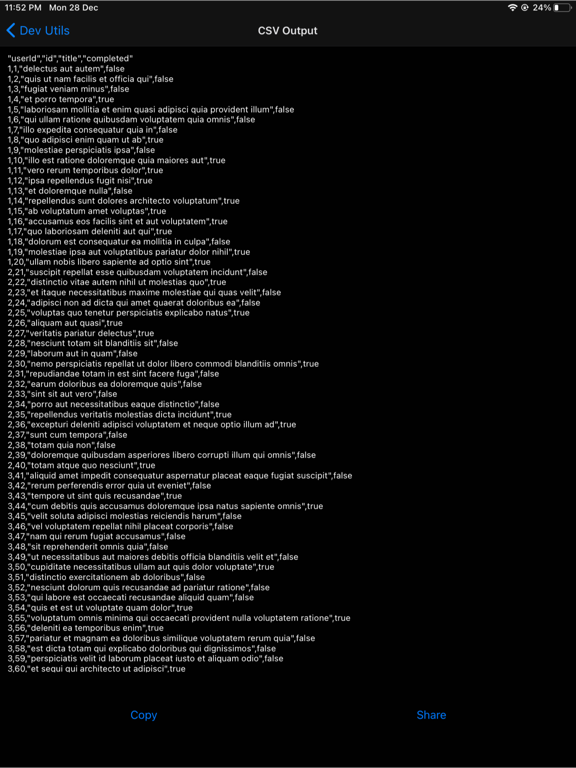
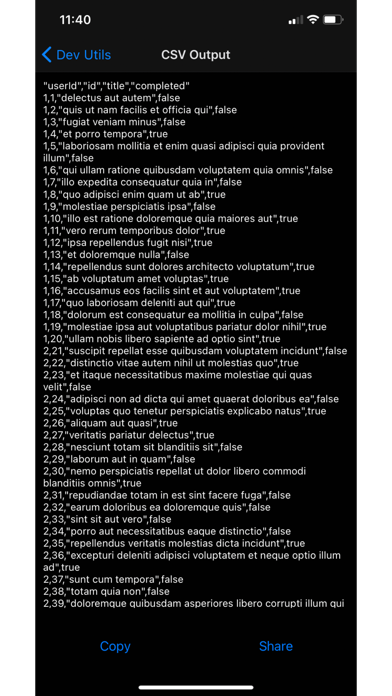
5) JSON to CSV Converter
6) JSON to Base64 Converter
7) JSON to YAML Converter
8) JSON to TSV Converter
9) JSON to HTML / MD Converter
10) JSON to TOON Converter
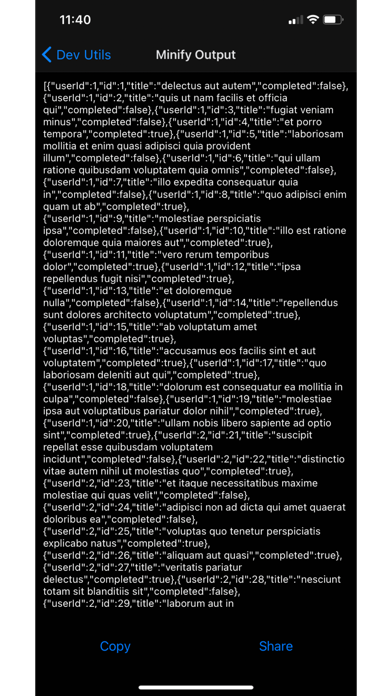
11) JSON Minifier
12) JSON to TOML Converter
13) JSON Tree Viewer
14) JSON to Code Generator (C#, Java, Typescript etc.,)
15) JSON to JSON Schema Generator
1) JSON Formatter
2) JSON Validator
3) JSON to XML Converter
4) JSON Table View
5) JSON to CSV Converter
6) JSON to Base64 Converter
7) JSON to YAML Converter
8) JSON to TSV Converter
9) JSON to HTML / MD Converter
10) JSON to TOON Converter
11) JSON Minifier
12) JSON to TOML Converter
13) JSON Tree Viewer
14) JSON to Code Generator (C#, Java, Typescript etc.,)
15) JSON to JSON Schema Generator
Show More
최신 버전 5.0의 새로운 기능
Last updated on May 7, 2026
오래된 버전
Multi-Tab Support: Work with multiple JSON files simultaneously without switching windows. Open and edit files side by side in dedicated tabs, keeping your workflow smooth and organized.
Direct File Access: Open JSON files directly from your device storage or file manager. No more import/export.
Refreshed UI: A cleaner, more intuitive interface that gets out of your way. Improved layout, better readability, and a polished look that makes working with even complex JSON structures a breeze.

Direct File Access: Open JSON files directly from your device storage or file manager. No more import/export.
Refreshed UI: A cleaner, more intuitive interface that gets out of your way. Improved layout, better readability, and a polished look that makes working with even complex JSON structures a breeze.
Show More
Version History
5.0
May 7, 2026
Multi-Tab Support: Work with multiple JSON files simultaneously without switching windows. Open and edit files side by side in dedicated tabs, keeping your workflow smooth and organized.
Direct File Access: Open JSON files directly from your device storage or file manager. No more import/export.
Refreshed UI: A cleaner, more intuitive interface that gets out of your way. Improved layout, better readability, and a polished look that makes working with even complex JSON structures a breeze.
Direct File Access: Open JSON files directly from your device storage or file manager. No more import/export.
Refreshed UI: A cleaner, more intuitive interface that gets out of your way. Improved layout, better readability, and a polished look that makes working with even complex JSON structures a breeze.
JSON Tools 가격
오늘:
₩1,100
최저 가격:
₩1,100
최고 가격:
₩3,300
JSON Tools FAQ
제한된 국가 또는 지역에서 JSON Tools를 다운로드하는 방법을 알아보려면 여기를 클릭하십시오.
JSON Tools의 최소 요구 사항을 보려면 다음 목록을 확인하십시오.
iPhone
iPad