Labyrinth Library
무료
5.0for iPhone, iPad
Age Rating
Labyrinth Library 스크린 샷
About Labyrinth Library
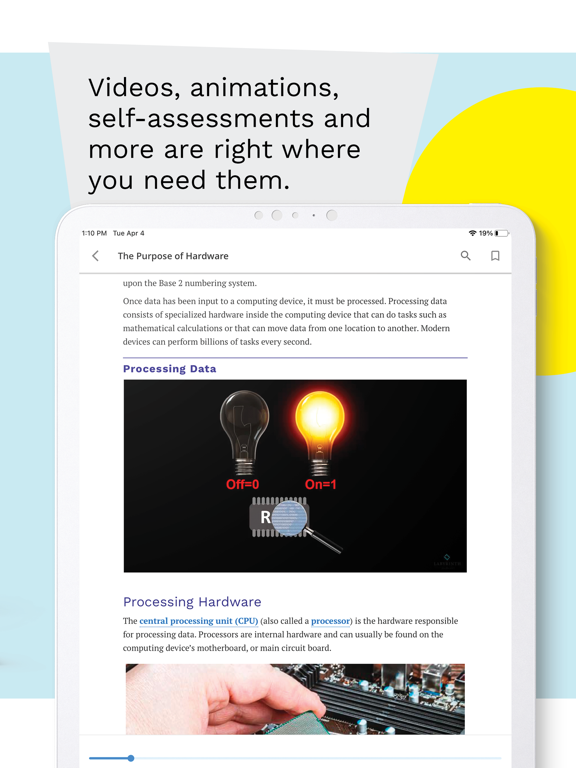
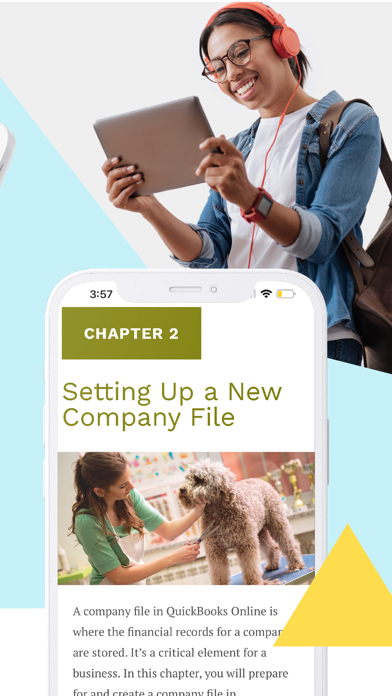
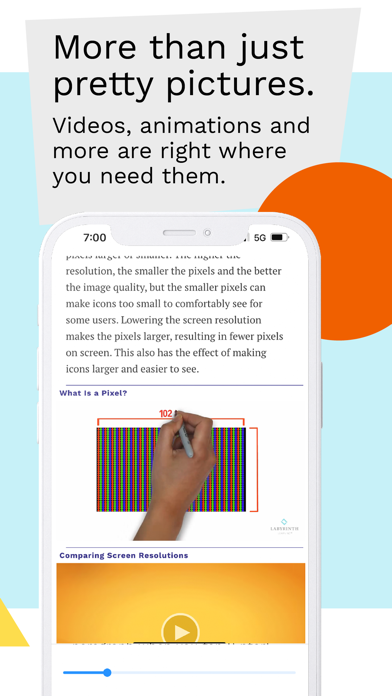
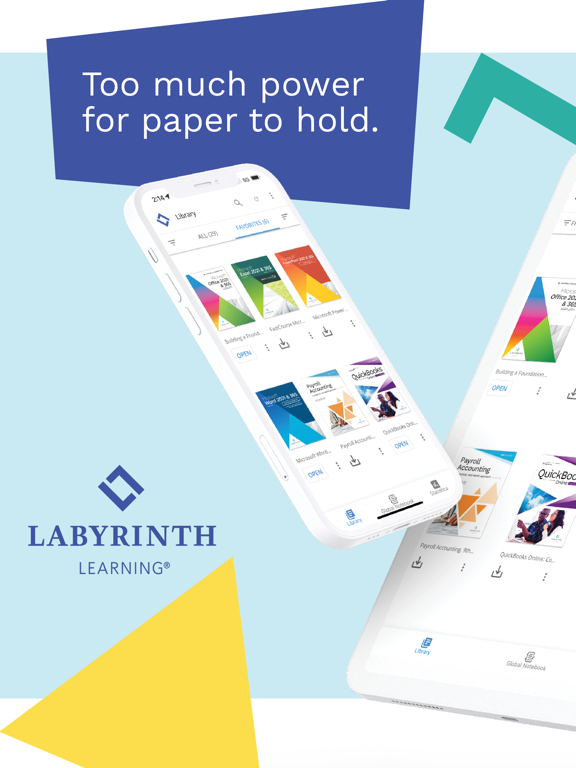
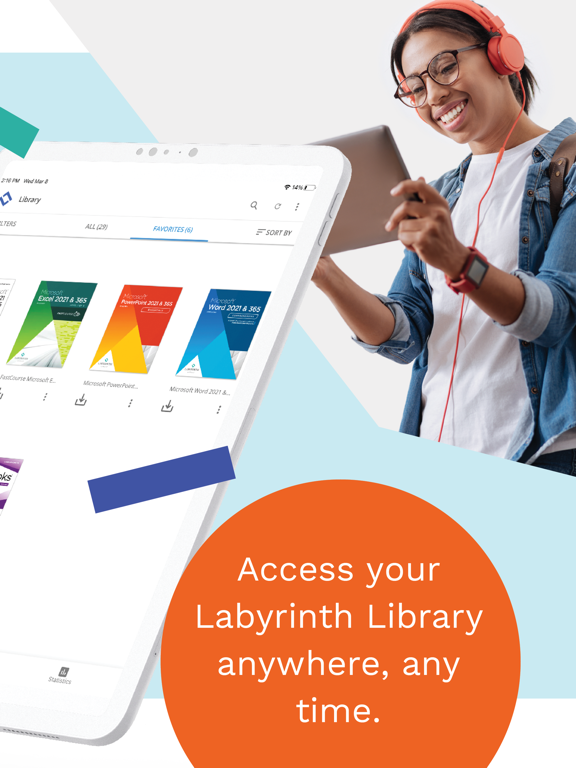
Take your learning on the go with Labyrinth Learning’s companion e-reader app. With anytime, anywhere access to your learning and multimedia content from your mobile device, you can keep up with your studies while you keep up with your day.
• Learn anywhere with offline access to all learning and multimedia content
• Check your understanding with self-quizzes that give immediate feedback
• Listen to your books with the text-to-speech feature
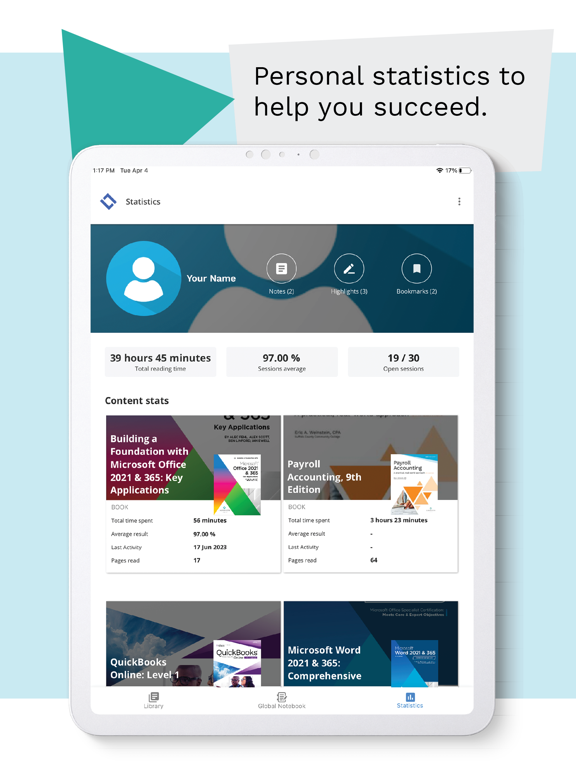
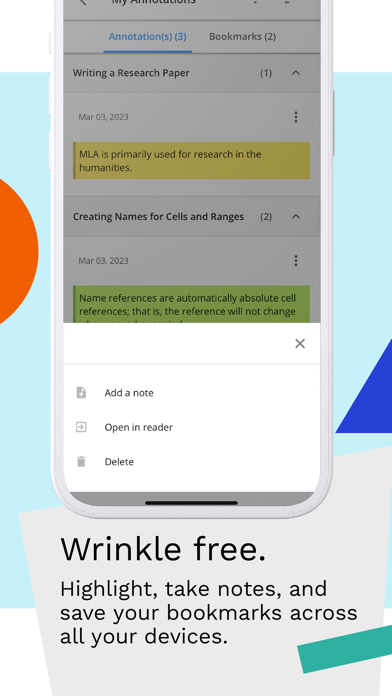
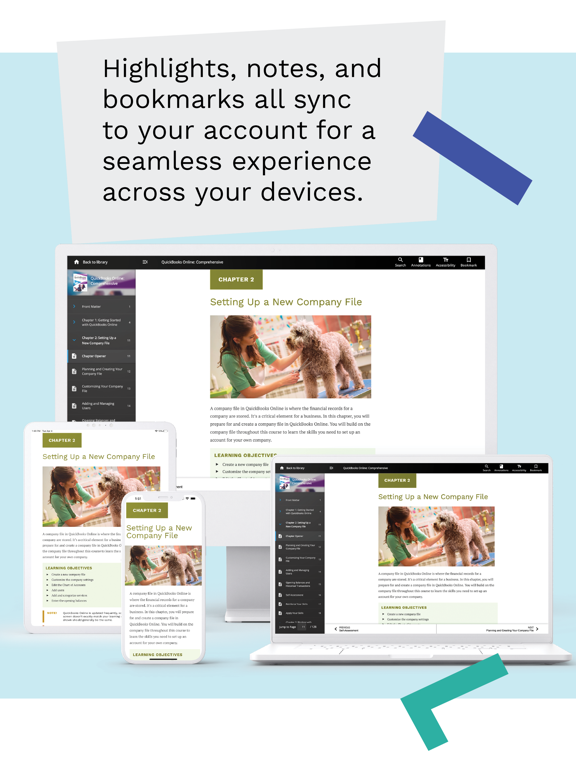
• Highlight text, take notes, bookmark pages – all synced to your account across all your devices
• Customize text settings and preferences
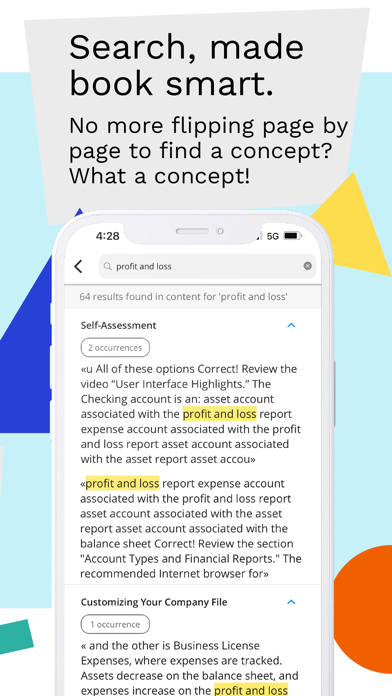
• Search for words or phrases and see the results in context
• Access alternative text for images to support all learners
Requirements:
• Active Labyrinth Library account
• One or more books redeemed in your account
• Learn anywhere with offline access to all learning and multimedia content
• Check your understanding with self-quizzes that give immediate feedback
• Listen to your books with the text-to-speech feature
• Highlight text, take notes, bookmark pages – all synced to your account across all your devices
• Customize text settings and preferences
• Search for words or phrases and see the results in context
• Access alternative text for images to support all learners
Requirements:
• Active Labyrinth Library account
• One or more books redeemed in your account
Show More
최신 버전 5.0의 새로운 기능
Last updated on May 26, 2026
오래된 버전
We’re excited to introduce a completely reimagined app — rebuilt from the ground up.
Brand-New Design — A modern experience with full Light & Dark Mode support across iPhone and iPad.
Home Screen — Quickly jump back into reading with Last Read and instant access to your pinned books.
Advanced iPad Support — Full support for Split View, Slide Over, Stage Manager, multiple reader windows, keyboard, and trackpad input.
Text-to-Speech (TTS) — Listen to books with synchronized sentence highlighting, adjustable playback speed (0.5×–2×), and voice selection.
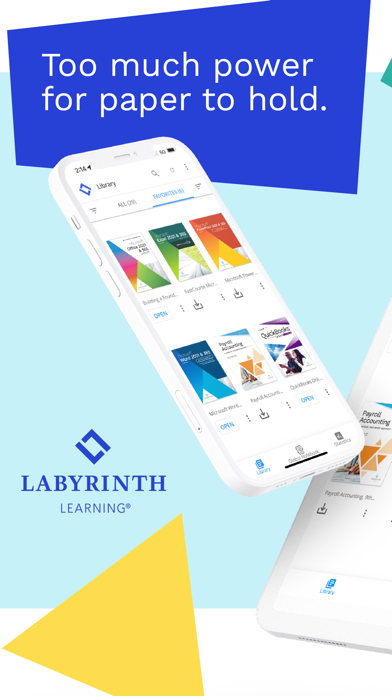
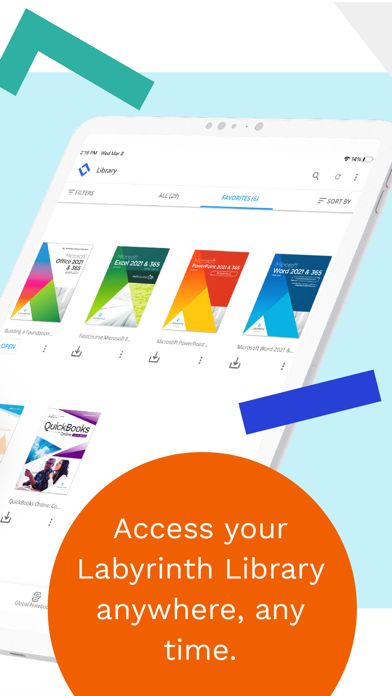
Redesigned Library — Browse, Filter, and Sort your collection in a responsive layout.
Book Details — Access the Table of Contents, Bookmarks, and Annotations before opening a book.
Personal Notebooks — View and edit all your highlights and notes across every book in one searchable and filterable space or search, filter, and sort annotations for the current page or entire book without losing your spot.
Search Everything — Search both book content and your personal annotations simultaneously, with results highlighted directly on the page.
Personal Themes — Choose from Default, Black, Sepia, or White themes. Adjust font size, enable accessibility fonts like OpenDyslexic and Lexie, and use volume buttons for page navigation.
Smart Navigation — Navigate seamlessly with Back/Forward history, direct page jumps, and quick-access panels for contents, bookmarks, and reading history.

Brand-New Design — A modern experience with full Light & Dark Mode support across iPhone and iPad.
Home Screen — Quickly jump back into reading with Last Read and instant access to your pinned books.
Advanced iPad Support — Full support for Split View, Slide Over, Stage Manager, multiple reader windows, keyboard, and trackpad input.
Text-to-Speech (TTS) — Listen to books with synchronized sentence highlighting, adjustable playback speed (0.5×–2×), and voice selection.
Redesigned Library — Browse, Filter, and Sort your collection in a responsive layout.
Book Details — Access the Table of Contents, Bookmarks, and Annotations before opening a book.
Personal Notebooks — View and edit all your highlights and notes across every book in one searchable and filterable space or search, filter, and sort annotations for the current page or entire book without losing your spot.
Search Everything — Search both book content and your personal annotations simultaneously, with results highlighted directly on the page.
Personal Themes — Choose from Default, Black, Sepia, or White themes. Adjust font size, enable accessibility fonts like OpenDyslexic and Lexie, and use volume buttons for page navigation.
Smart Navigation — Navigate seamlessly with Back/Forward history, direct page jumps, and quick-access panels for contents, bookmarks, and reading history.
Show More
Version History
5.0
May 26, 2026
We’re excited to introduce a completely reimagined app — rebuilt from the ground up.
Brand-New Design — A modern experience with full Light & Dark Mode support across iPhone and iPad.
Home Screen — Quickly jump back into reading with Last Read and instant access to your pinned books.
Advanced iPad Support — Full support for Split View, Slide Over, Stage Manager, multiple reader windows, keyboard, and trackpad input.
Text-to-Speech (TTS) — Listen to books with synchronized sentence highlighting, adjustable playback speed (0.5×–2×), and voice selection.
Redesigned Library — Browse, Filter, and Sort your collection in a responsive layout.
Book Details — Access the Table of Contents, Bookmarks, and Annotations before opening a book.
Personal Notebooks — View and edit all your highlights and notes across every book in one searchable and filterable space or search, filter, and sort annotations for the current page or entire book without losing your spot.
Search Everything — Search both book content and your personal annotations simultaneously, with results highlighted directly on the page.
Personal Themes — Choose from Default, Black, Sepia, or White themes. Adjust font size, enable accessibility fonts like OpenDyslexic and Lexie, and use volume buttons for page navigation.
Smart Navigation — Navigate seamlessly with Back/Forward history, direct page jumps, and quick-access panels for contents, bookmarks, and reading history.
Brand-New Design — A modern experience with full Light & Dark Mode support across iPhone and iPad.
Home Screen — Quickly jump back into reading with Last Read and instant access to your pinned books.
Advanced iPad Support — Full support for Split View, Slide Over, Stage Manager, multiple reader windows, keyboard, and trackpad input.
Text-to-Speech (TTS) — Listen to books with synchronized sentence highlighting, adjustable playback speed (0.5×–2×), and voice selection.
Redesigned Library — Browse, Filter, and Sort your collection in a responsive layout.
Book Details — Access the Table of Contents, Bookmarks, and Annotations before opening a book.
Personal Notebooks — View and edit all your highlights and notes across every book in one searchable and filterable space or search, filter, and sort annotations for the current page or entire book without losing your spot.
Search Everything — Search both book content and your personal annotations simultaneously, with results highlighted directly on the page.
Personal Themes — Choose from Default, Black, Sepia, or White themes. Adjust font size, enable accessibility fonts like OpenDyslexic and Lexie, and use volume buttons for page navigation.
Smart Navigation — Navigate seamlessly with Back/Forward history, direct page jumps, and quick-access panels for contents, bookmarks, and reading history.
Labyrinth Library FAQ
제한된 국가 또는 지역에서 Labyrinth Library를 다운로드하는 방법을 알아보려면 여기를 클릭하십시오.
Labyrinth Library의 최소 요구 사항을 보려면 다음 목록을 확인하십시오.
iPhone
iPad