Link Wi-Fi
Free, super fast, secure Wi-Fi
Free
1.2.4for iPhone, iPad
Age Rating
Link Wi-Fi 스크린 샷
About Link Wi-Fi
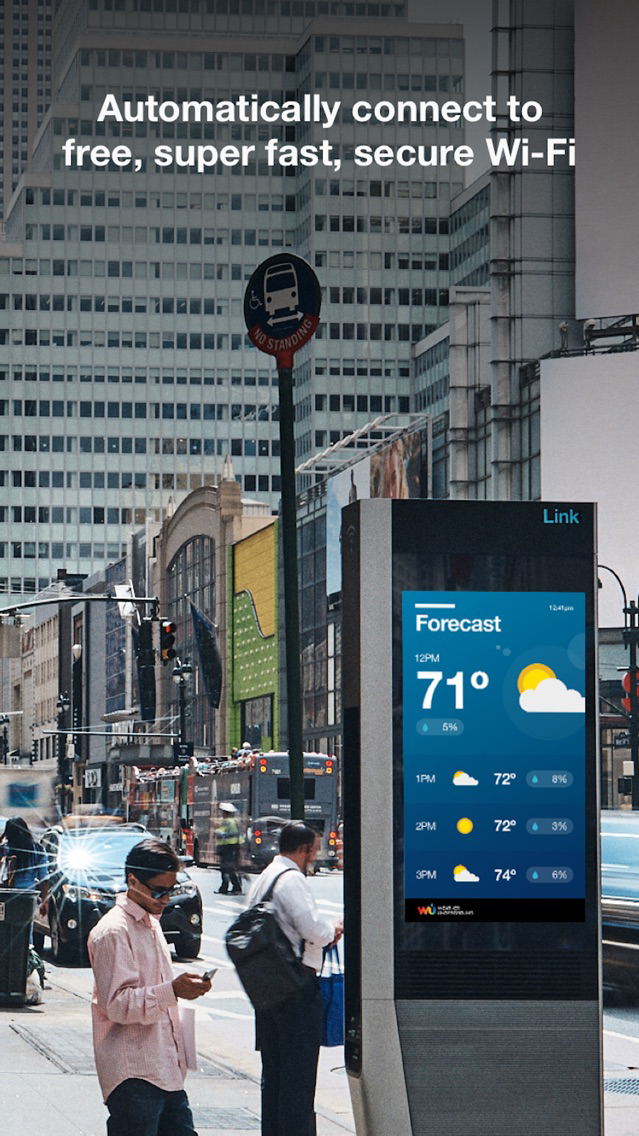
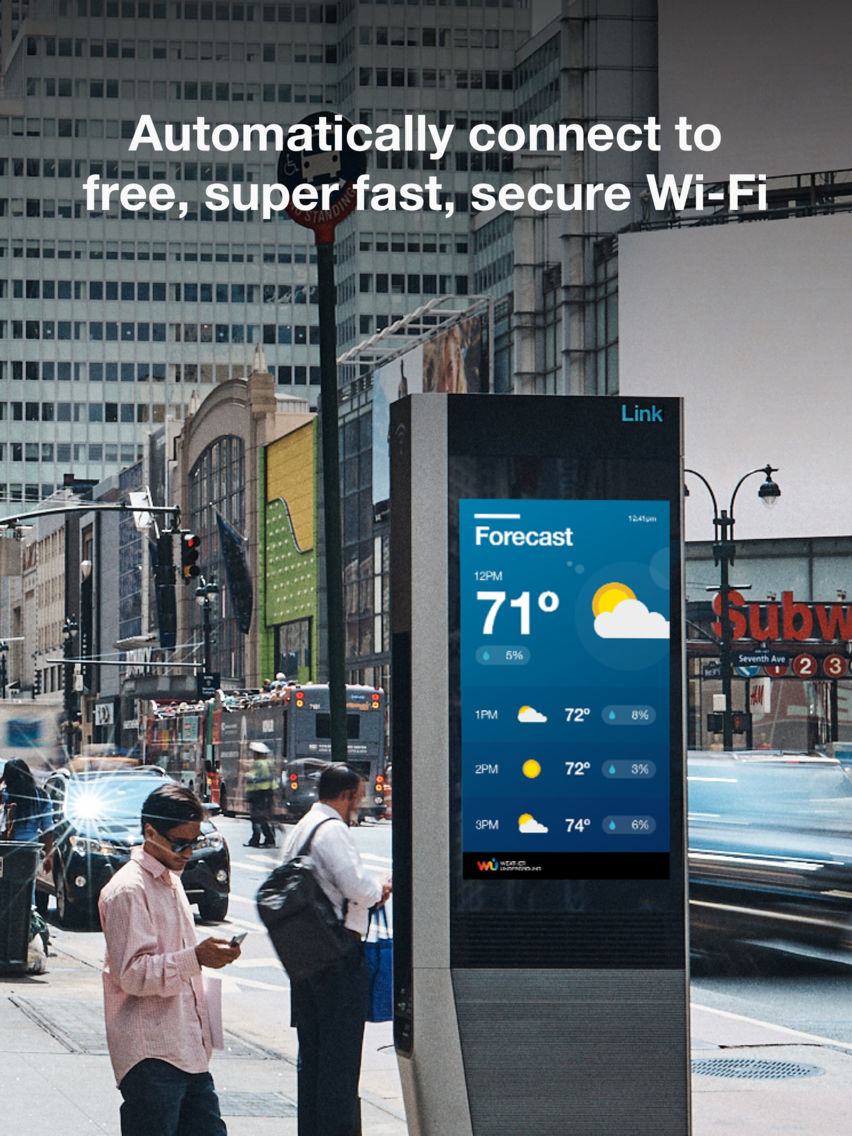
Download the Link Wi-Fi app to automatically connect to free, super fast and secure Wi-Fi whenever you're near a Link kiosk.
Features include:
- Automatic connection to free, super fast Wi-Fi
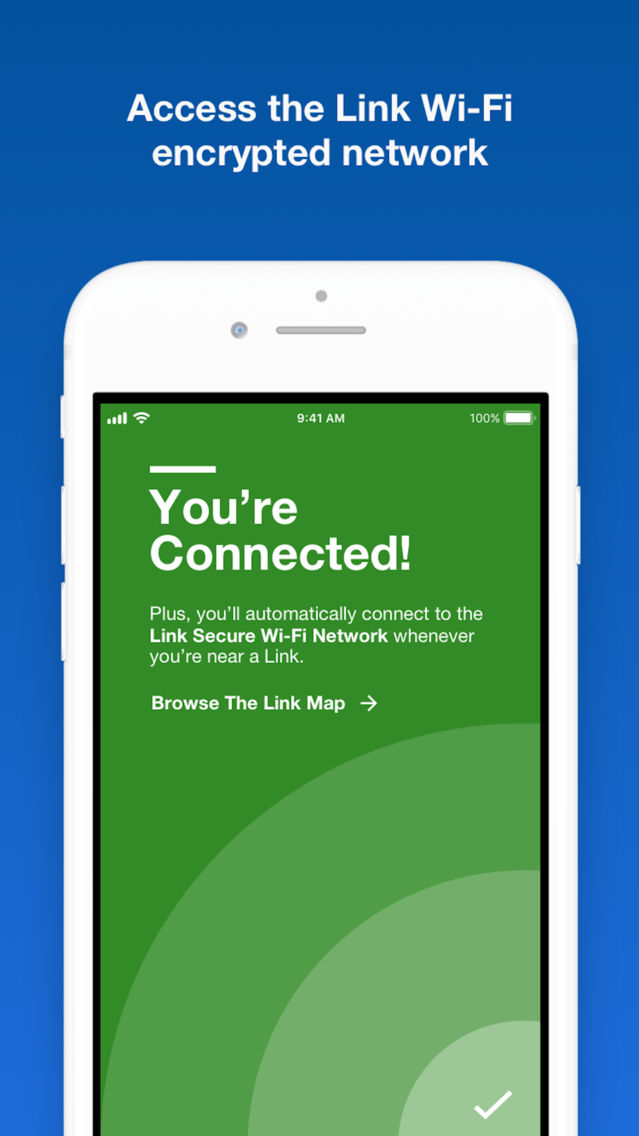
- Secure, encrypted network access for mobile devices
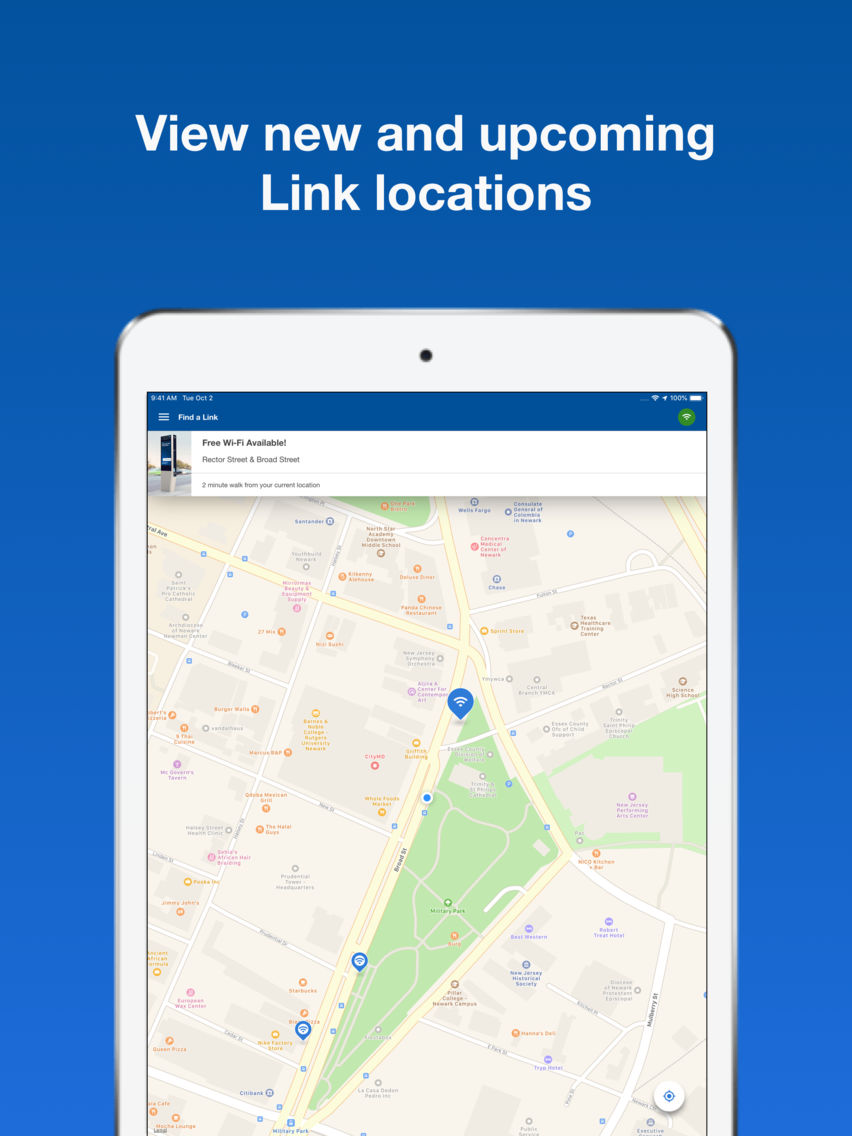
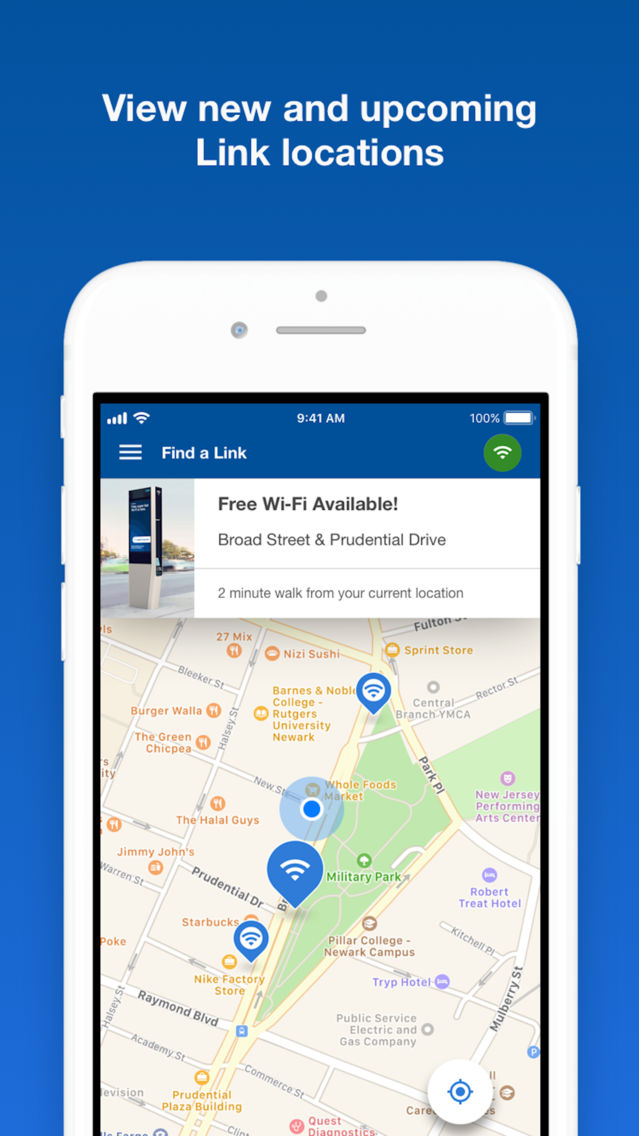
- A map showing where to connect to Link Wi-Fi near you
- Upcoming Link locations near you
Currently Link Wi-Fi supports LinkNWK in Newark and LinkPHL in Philadelphia. LinkNYC and InLinkUK are not currently supported.
Want to learn more? Visit www.cities.link/how-to-connect/

Features include:
- Automatic connection to free, super fast Wi-Fi
- Secure, encrypted network access for mobile devices
- A map showing where to connect to Link Wi-Fi near you
- Upcoming Link locations near you
Currently Link Wi-Fi supports LinkNWK in Newark and LinkPHL in Philadelphia. LinkNYC and InLinkUK are not currently supported.
Want to learn more? Visit www.cities.link/how-to-connect/
Show More
최신 버전 1.2.4의 새로운 기능
Last updated on Apr 29, 2019
오래된 버전
- Performance improvements
Show More
Version History
1.2.4
Apr 29, 2019
- Performance improvements
1.2.3
Dec 5, 2018
- Integration with LinkPHL in Philadelphia
- Performance improvements
1.2.2
Oct 30, 2018
Updated map now shows LinkNYC network, and improved map pins clarify compatible networks.
1.2.1
Oct 16, 2018
Use the Link Wi-Fi app to connect to free, super fast, secure Wi-Fi in Newark.
1.1.2
Oct 12, 2018
Use the Link Wi-Fi app to connect to free, super fast, secure Wi-Fi in Newark.
1.1.1
Jul 9, 2018
Public release of Link Wi-Fi app
1.1
Jul 6, 2018
Link Wi-Fi FAQ
제한된 국가 또는 지역에서 Link Wi-Fi를 다운로드하는 방법을 알아보려면 여기를 클릭하십시오.
Link Wi-Fi의 최소 요구 사항을 보려면 다음 목록을 확인하십시오.
iPhone
iPad
Link Wi-Fi은 다음 언어를 지원합니다. English