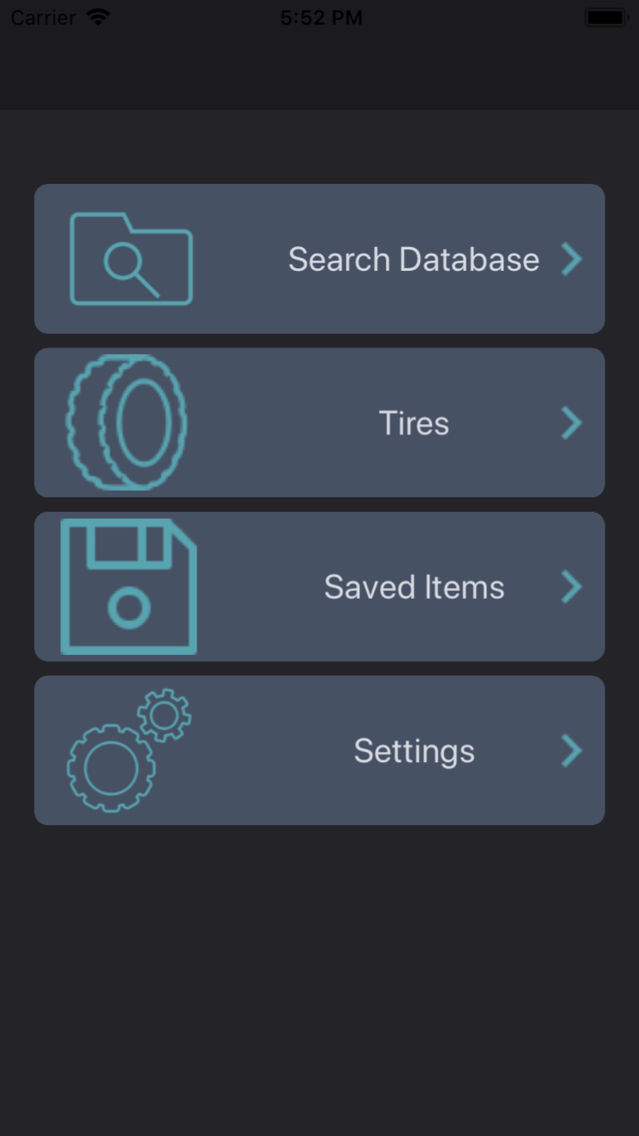
Military Technician is built from the ground up with efficiency in mind, not by another nameless company contracted to build software for a field they've never worked in, and know nothing about. It was made to provide you with only the information you need, without having to dig through the information you don't. We started out with the idea of completely replacing the need to haul around a laptop for FEDLOG, wasting your time digging through an unoptimized WebFLIS, or having to deal with GCSS outages, and have expanded our ideas from there; with an end goal of being the go-to resource for any information you need to complete the job.
Current Features:
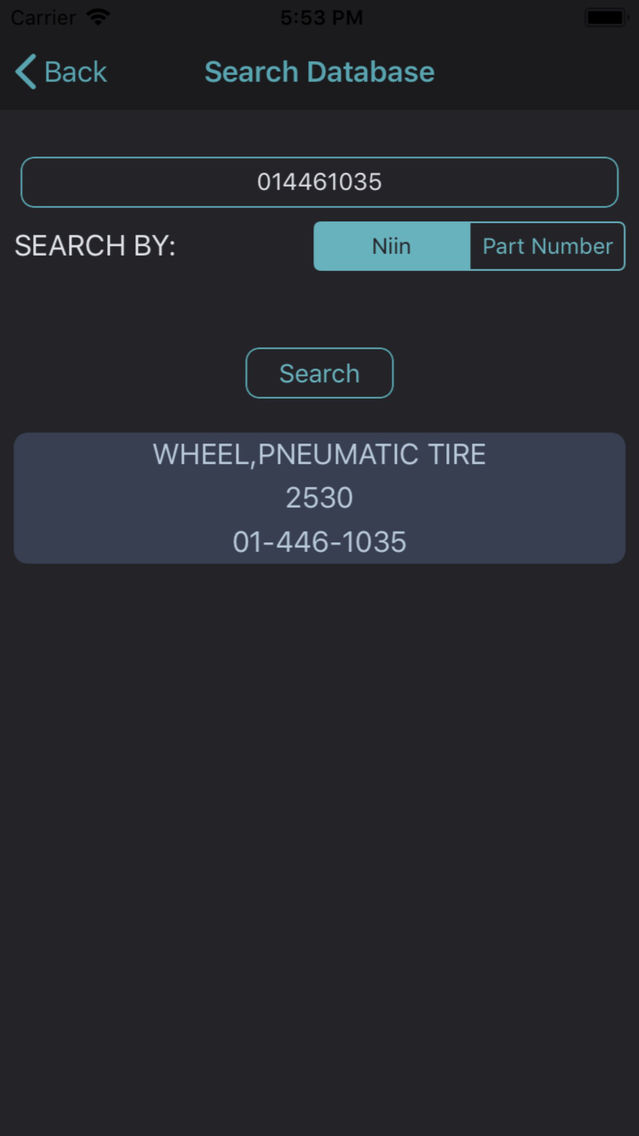
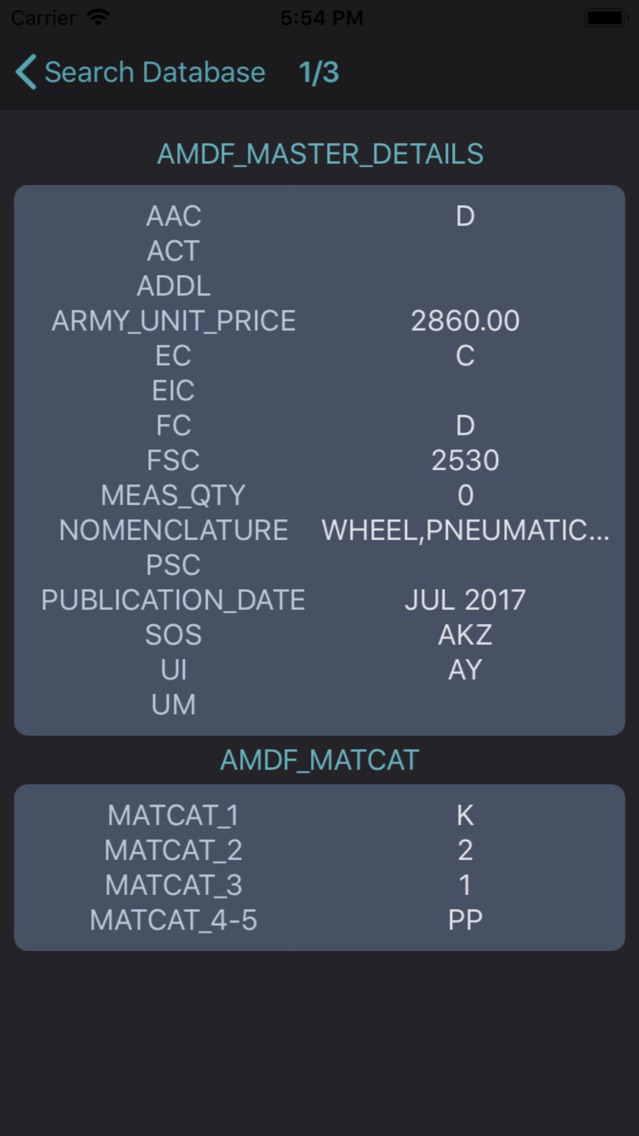
- Search for complete item information by NIIN, or Part Number.
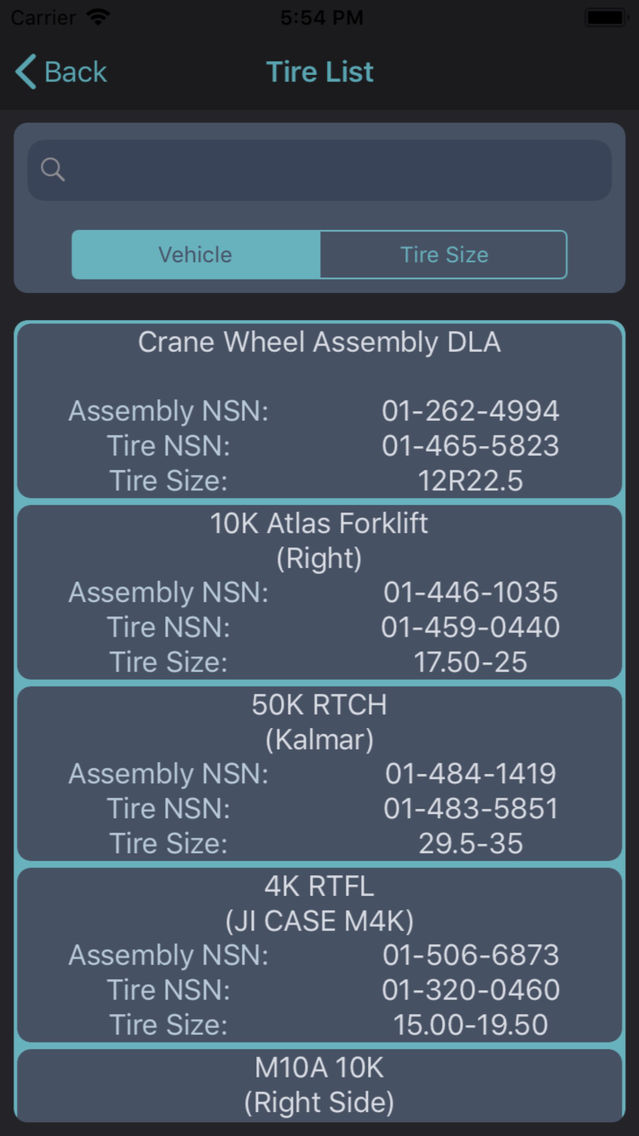
- Quick List of tires (constantly updated)
- Save items for later view.
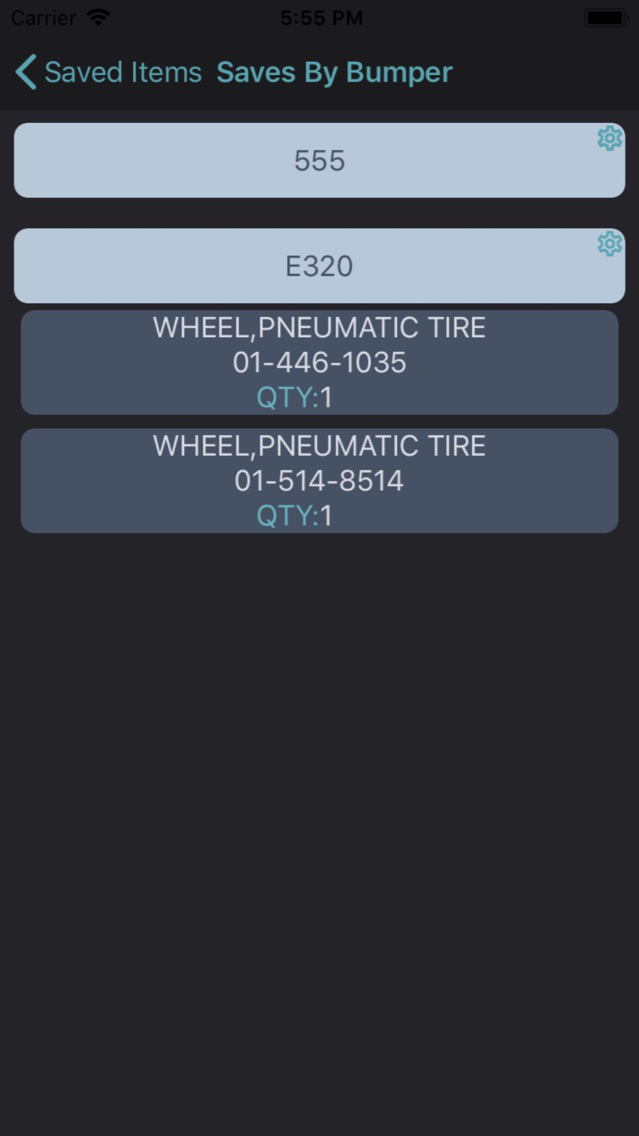
- Save items by Bumper Number into lists.
- Cache searches for offline viewing.