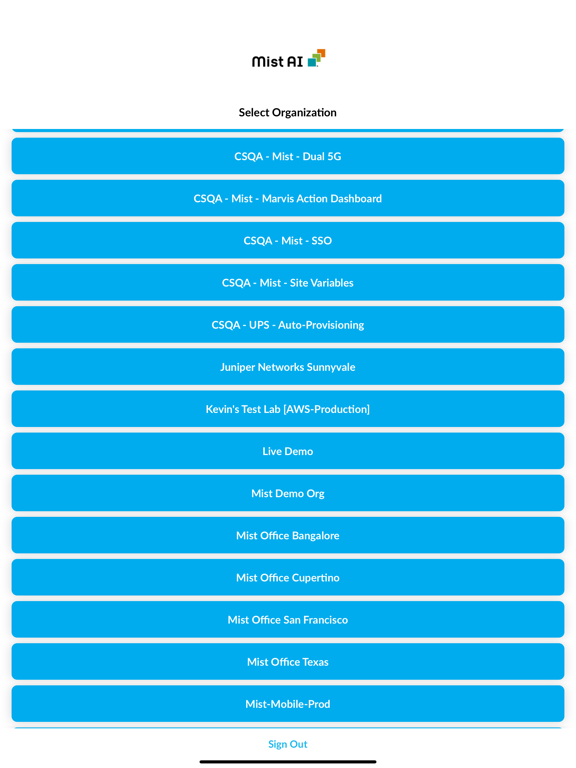
The Mist AI app is designed to help in installing Juniper Switch(es), Wan edge routers, Mist edge, and Mist Access Point(s) for easy on-boarding.
Mist AI supports the user roles mentioned below:
• Admin role: Access to all the application features.
• Installer role: Limited access. They can only do the initial setup of devices in the Org.
Mist AI has the following features:
LOGIN
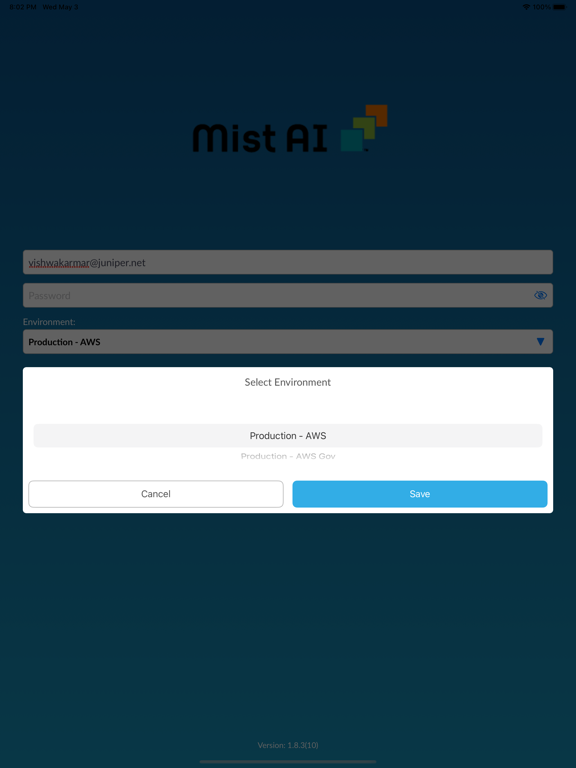
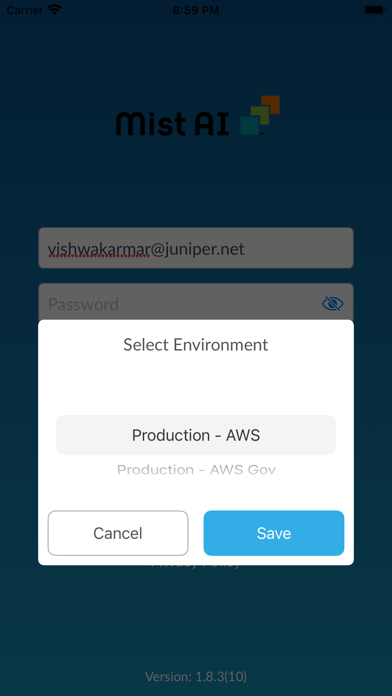
• Allows users with the admin/installer role to securely log in with their existing Mist account.
• Log in via SSO and biometric authentication.
CLAIM DEVICE
• Claim a Juniper Switch(es), Wan edge routers, Mist edge, and Mist Access Point(s) to an Org or Site using a Claim or QR code(if not already claimed via activation code).
DEVICE INVENTORY
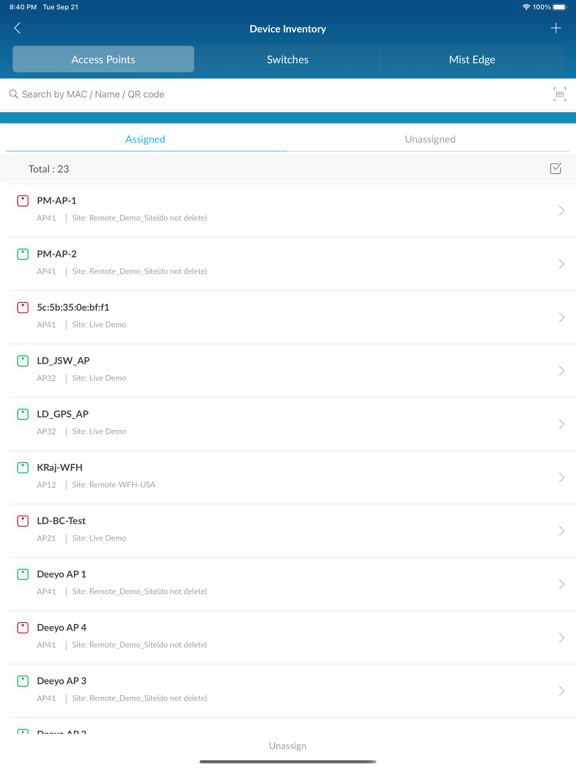
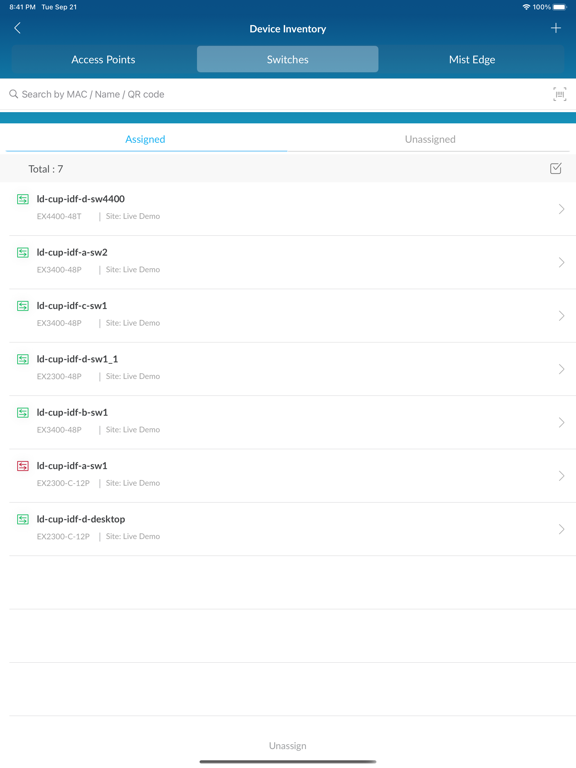
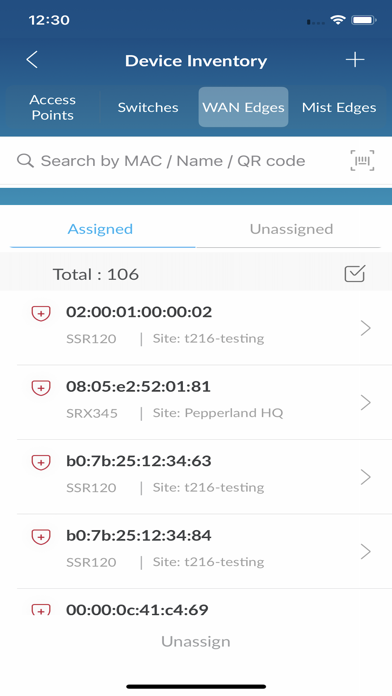
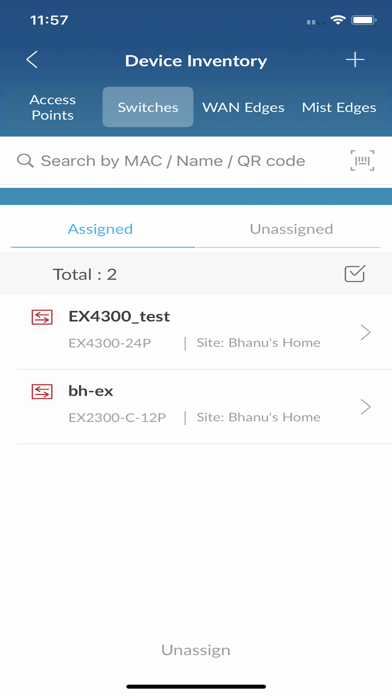
• Fast and easy way to search devices by name, mac, or scanning a QR at the Org level.
• View list and count of devices on the Org Level.
• An efficient way to assign multiple devices to a Site.
• View device model and associate Site name.
SITE INFORMATION
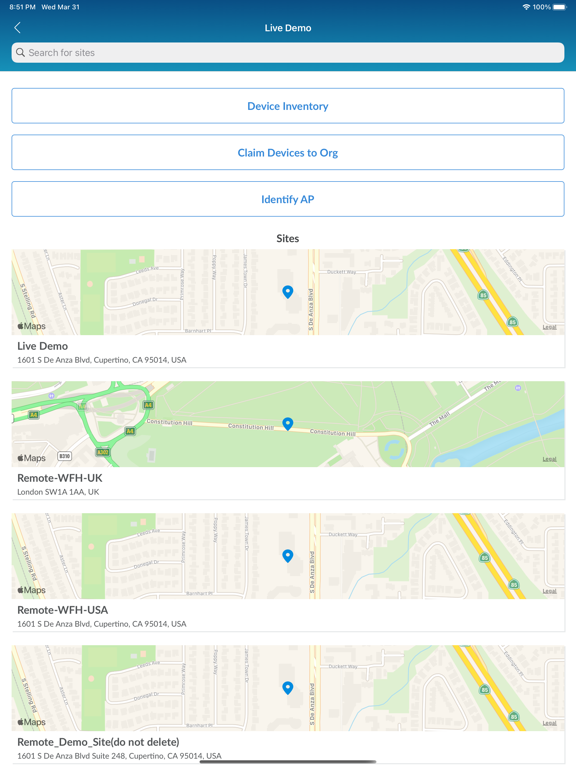
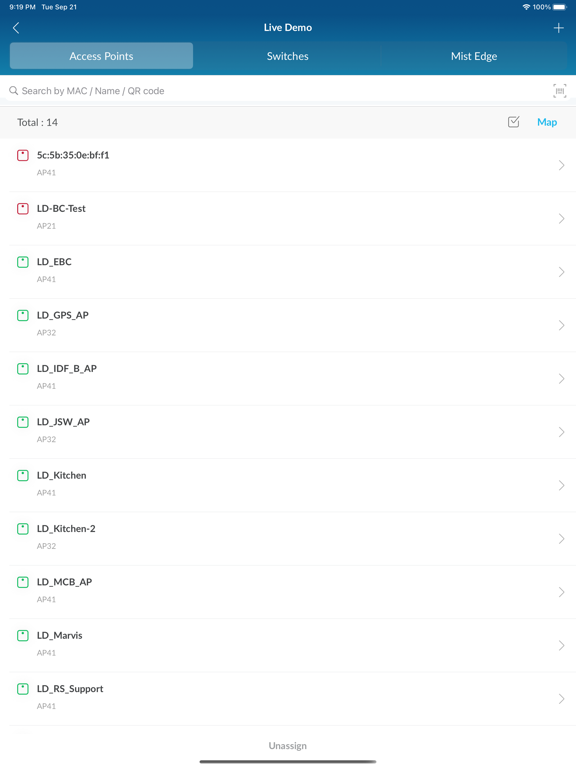
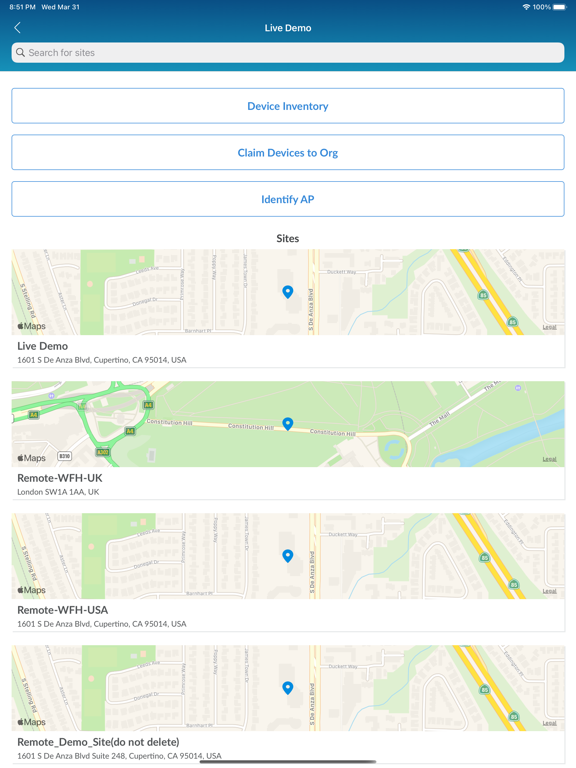
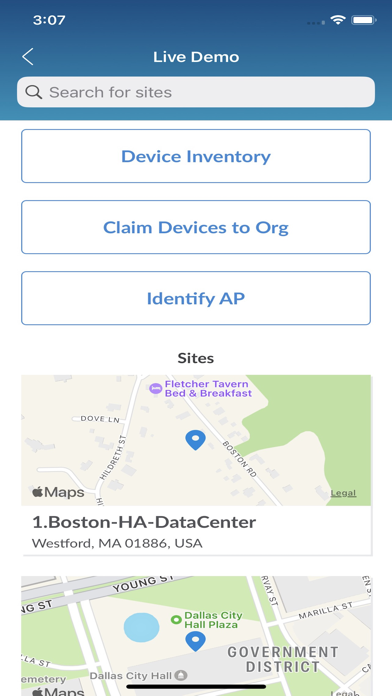
• View Juniper Switch(es), Wan edge routers, Mist edge and Mist Access Point(s) in list view.
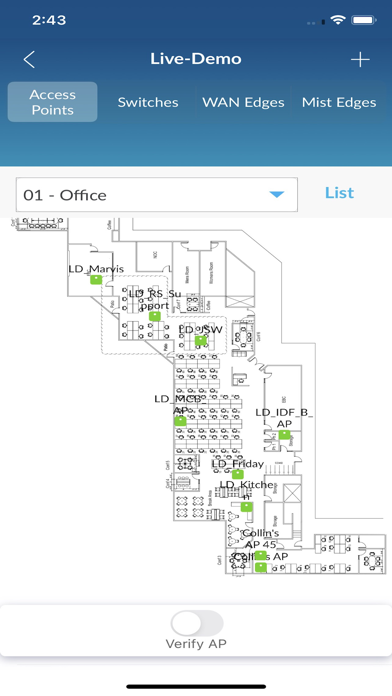
• View Access Points in map view.
• Fast and easy way to search devices by name, mac, or scanning a QR at the Site level.
• View the total number of devices on the Site.
• Device status (connected or disconnected).
• Navigate to the device detail page.
DEVICE DETAILS
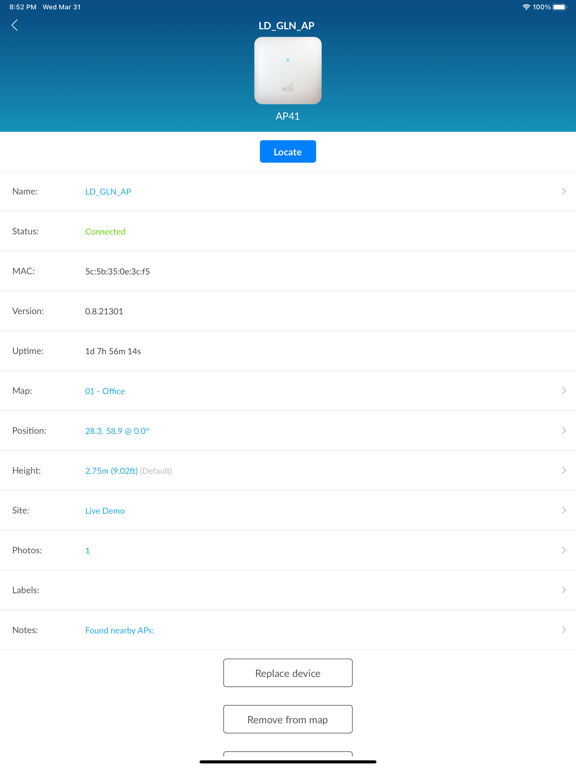
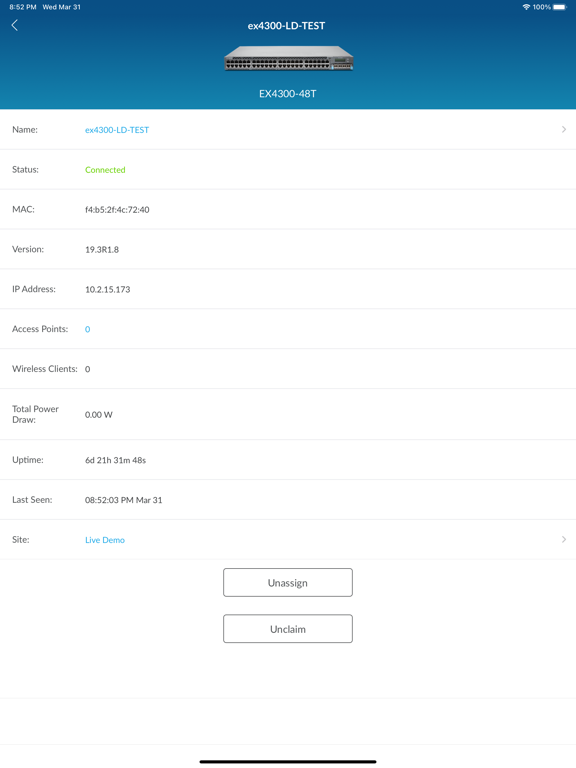
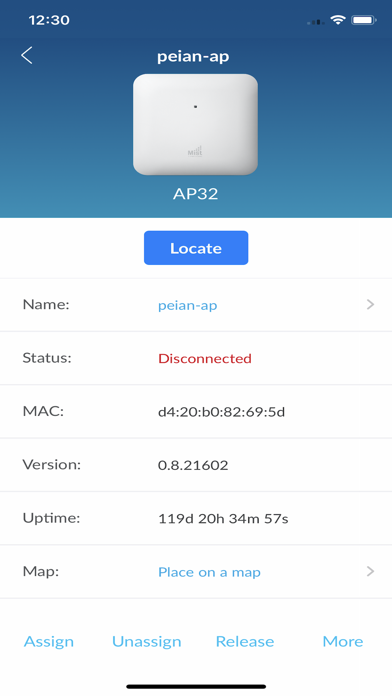
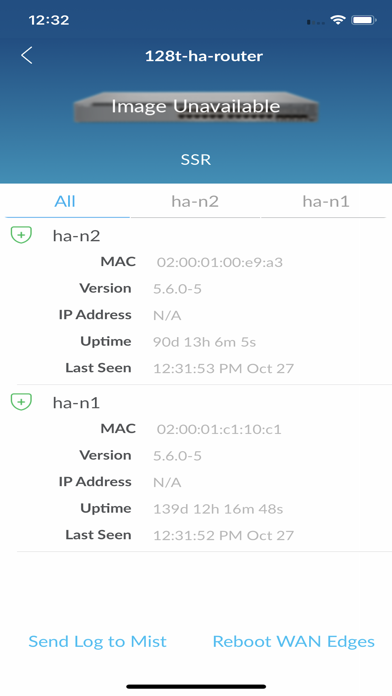
• View device details such as name, mac, status (connected/disconnected), firmware version, and uptime.
• Unassign, Unclaim, or Replace devices.
• Remove the Access Point from a map. (AP only)
• Allows placement of an Access Point on a floor plan with the ability to set AP height and LED orientation.(AP only)
MIST AI APP REQUIREMENTS
• Mist Account.
• Admin/Installer role access to the deployment Org.
• Juniper Switch(es), Wan edge routers, Mist edge and Mist Access Point(s)
USER MANUAL
• https://www.mist.com/documentation/mist-ai-mobile-app/