Net Optimizer : Optimize Ping
무료
1034for iPhone, iPad
Age Rating
Net Optimizer : Optimize Ping 스크린 샷
About Net Optimizer : Optimize Ping
What is the benefit of Net Optimizer?
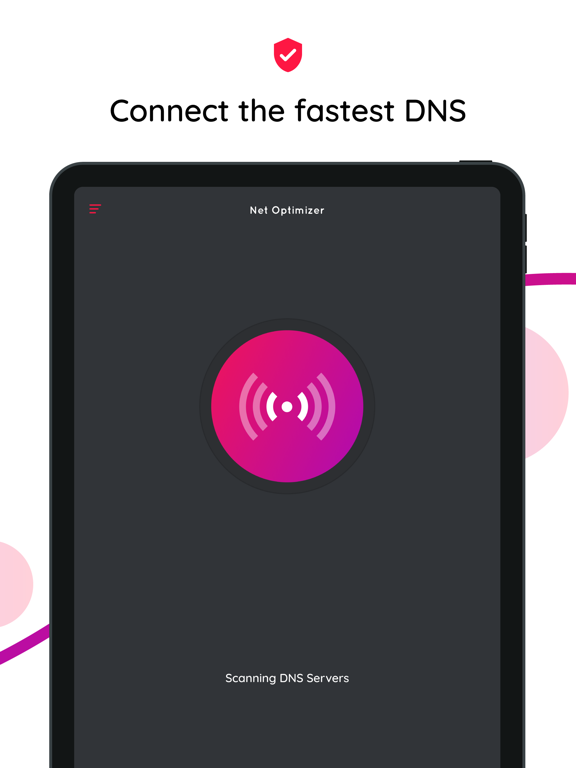
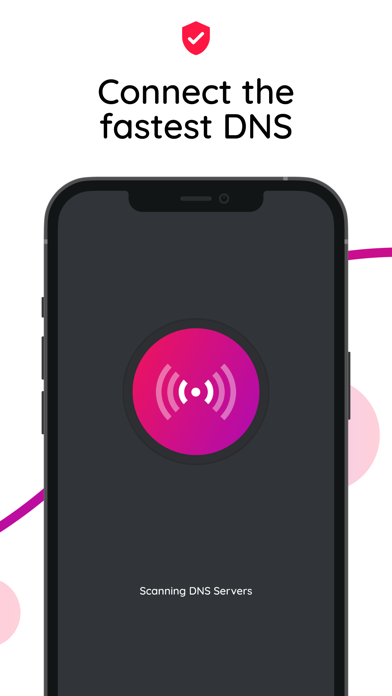
- Find & Connect the fastest DNS server based on your location & network.
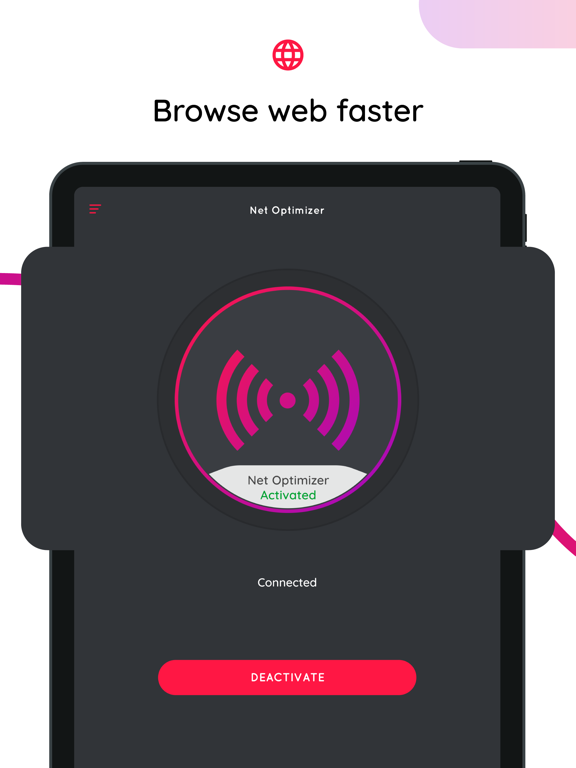
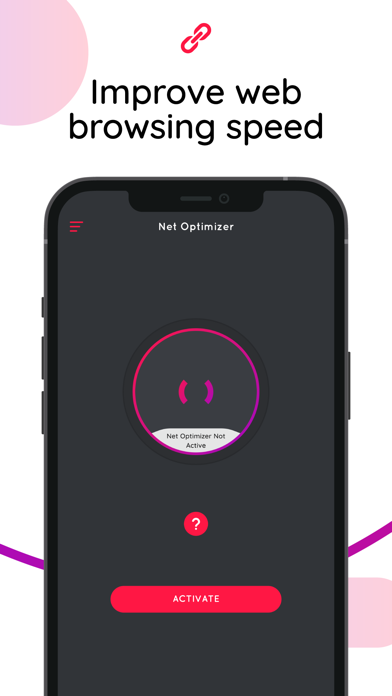
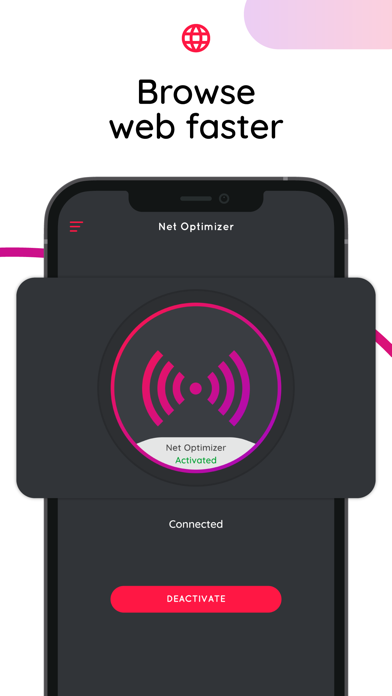
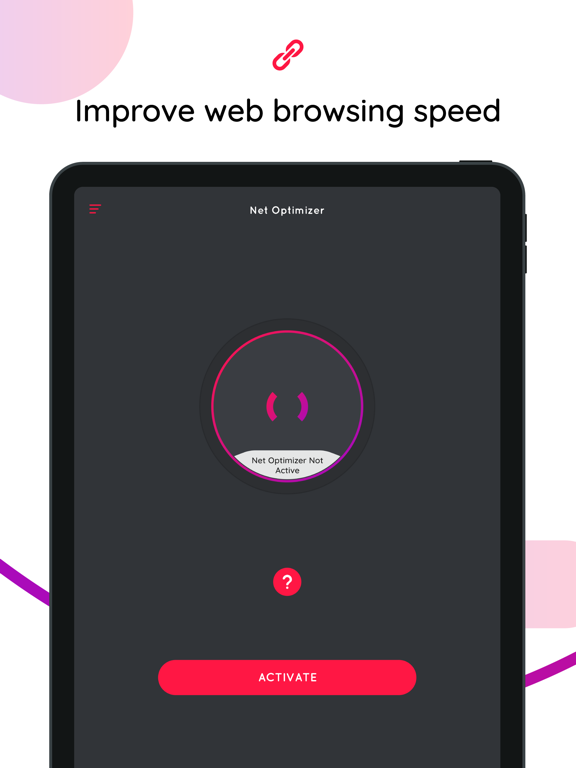
- Improve web surfing speed with faster response time.
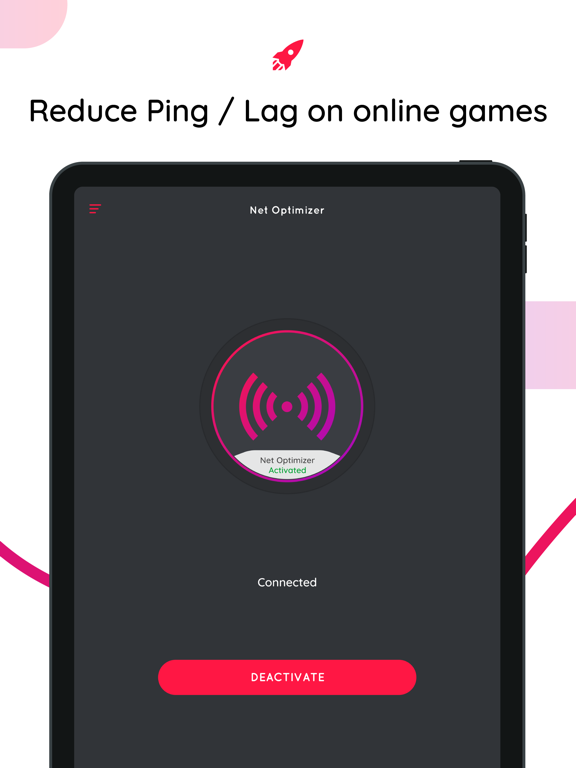
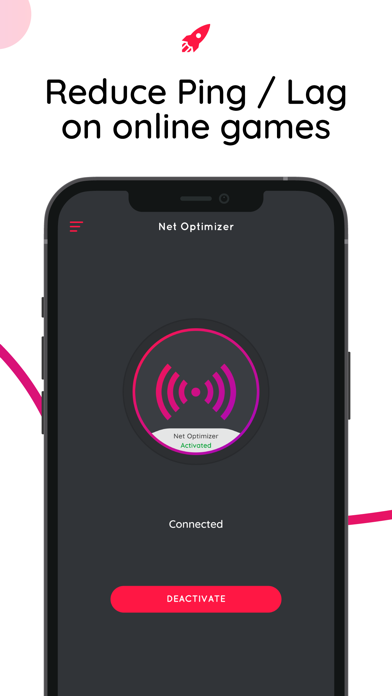
- Fix lag and reduce latency (ping time) on online games for a better gaming experience.
Features
- Just one touch to find & connect the fastest DNS server to improve your connection.
- Automatically detect connection changes and optimize the network.
- Works for both mobile data (3G/4G/5G) and WiFi connection
- Supports many different DNS Servers (Cloudflare, Level3, Verisign, Google, DNS Watch, Comodo Secure, OpenDNS, SafeDNS, OpenNIC, SmartViper, Dyn, FreeDNS, Alternate DNS, Yandex DNS, UncensoredDNS, puntCAT, and more)
How it works?
If you have a high-speed Internet connection but notice that your web browsing speed isn’t all that it’s cracked up to be, then your problem may lie in the DNS. By optimizing your device's DNS records, you can find the fastest routes for your data packets to take when traveling the Internet. It won’t boost to your download/upload speed, but in some cases it can result in quite a noticeable improvement in web browsing time.
At times, you may experience slow hiccups while trying to use the internet from your device. Sometimes, these problems can be attributed to your provider's DNS settings because your ISP may not always have the best DNS server speeds.
Your default DNS server directly affects how fast you’ll be able to connect to a website. So choosing the fastest server according to your location will help speed up browsing.
With Net Optimizer, you can find the fastest DNS server and connect to it with just one touch!
So your browsing speed and gaming experience (ping and latency) can be improved. (But you should remember that DNS settings will not affect your internet download / upload speed but response time)
Results
Test results showed a 132.1 percent improvement from using Google's DNS servers over using the stock DNS servers, but in real world usage, it might not be exactly that much faster. Still, this one tweak might get you finally feeling like you have a blazing connection to the internet!
Privacy Policy: https://apps.bgn.capital/privacy.html
Terms Of Use: https://apps.bgn.capital/terms.html

- Find & Connect the fastest DNS server based on your location & network.
- Improve web surfing speed with faster response time.
- Fix lag and reduce latency (ping time) on online games for a better gaming experience.
Features
- Just one touch to find & connect the fastest DNS server to improve your connection.
- Automatically detect connection changes and optimize the network.
- Works for both mobile data (3G/4G/5G) and WiFi connection
- Supports many different DNS Servers (Cloudflare, Level3, Verisign, Google, DNS Watch, Comodo Secure, OpenDNS, SafeDNS, OpenNIC, SmartViper, Dyn, FreeDNS, Alternate DNS, Yandex DNS, UncensoredDNS, puntCAT, and more)
How it works?
If you have a high-speed Internet connection but notice that your web browsing speed isn’t all that it’s cracked up to be, then your problem may lie in the DNS. By optimizing your device's DNS records, you can find the fastest routes for your data packets to take when traveling the Internet. It won’t boost to your download/upload speed, but in some cases it can result in quite a noticeable improvement in web browsing time.
At times, you may experience slow hiccups while trying to use the internet from your device. Sometimes, these problems can be attributed to your provider's DNS settings because your ISP may not always have the best DNS server speeds.
Your default DNS server directly affects how fast you’ll be able to connect to a website. So choosing the fastest server according to your location will help speed up browsing.
With Net Optimizer, you can find the fastest DNS server and connect to it with just one touch!
So your browsing speed and gaming experience (ping and latency) can be improved. (But you should remember that DNS settings will not affect your internet download / upload speed but response time)
Results
Test results showed a 132.1 percent improvement from using Google's DNS servers over using the stock DNS servers, but in real world usage, it might not be exactly that much faster. Still, this one tweak might get you finally feeling like you have a blazing connection to the internet!
Privacy Policy: https://apps.bgn.capital/privacy.html
Terms Of Use: https://apps.bgn.capital/terms.html
Show More
최신 버전 1034의 새로운 기능
Last updated on May 21, 2026
오래된 버전
- Performance improvements
Show More
Version History
1034
May 21, 2026
- Performance improvements
Net Optimizer : Optimize Ping FAQ
Net Optimizer : Optimize Ping는 다음 제한 국가 이외의 지역에서 제공됩니다.
China
Net Optimizer : Optimize Ping의 최소 요구 사항을 보려면 다음 목록을 확인하십시오.
iPhone
iPad
제한된 국가 또는 지역에서 Net Optimizer : Optimize Ping를 다운로드하는 방법을 알아보려면 여기를 클릭하십시오.