Nextstop by CXT Software
Free
2.7.12for iPhone, iPad
Age Rating
Nextstop by CXT Software 스크린 샷
About Nextstop by CXT Software
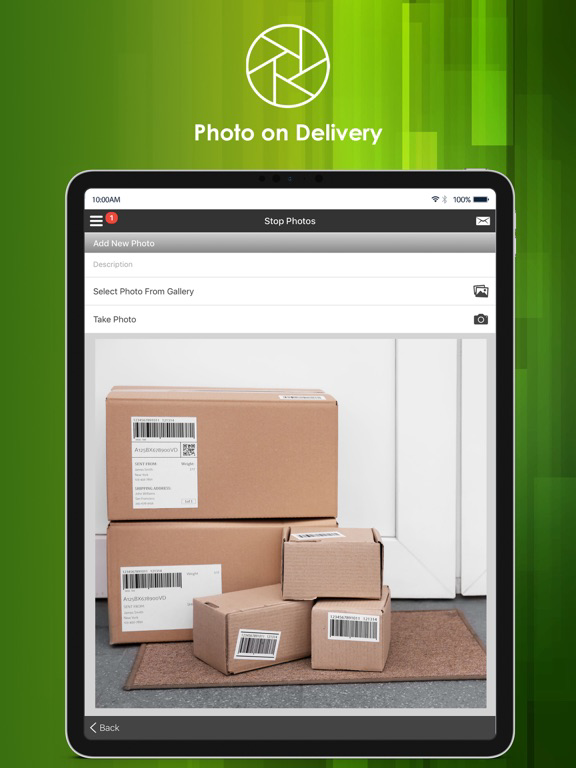
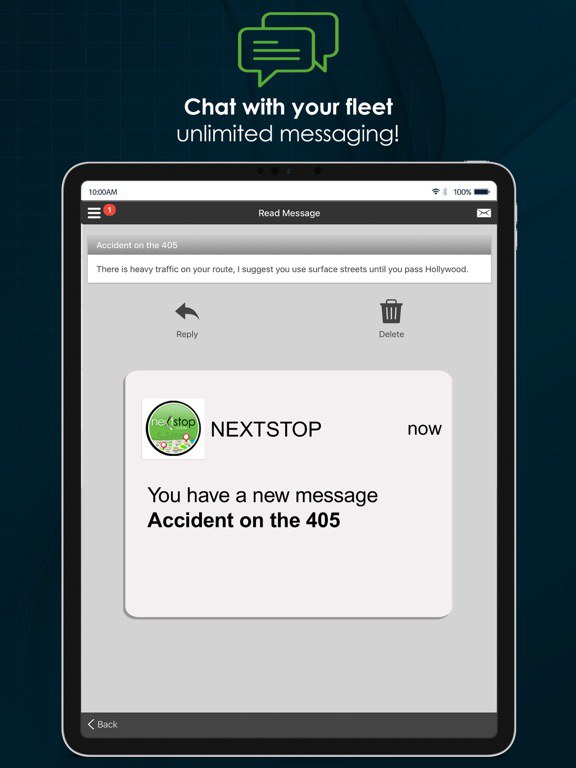
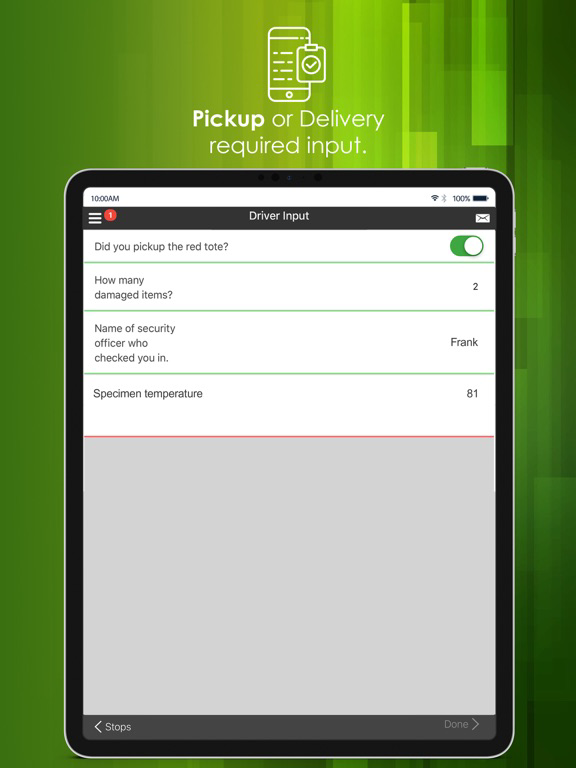
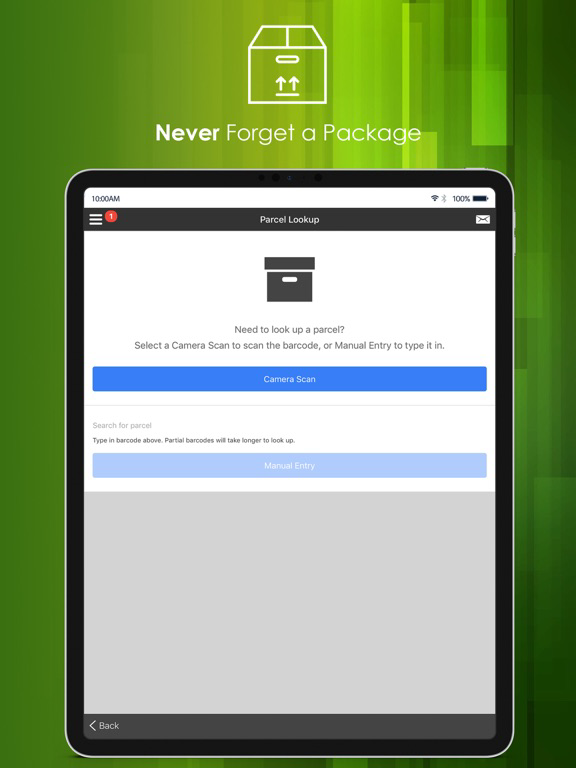
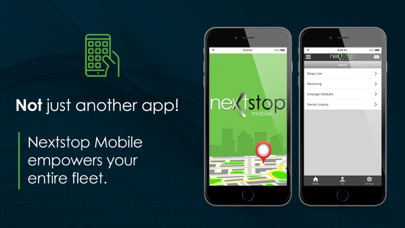
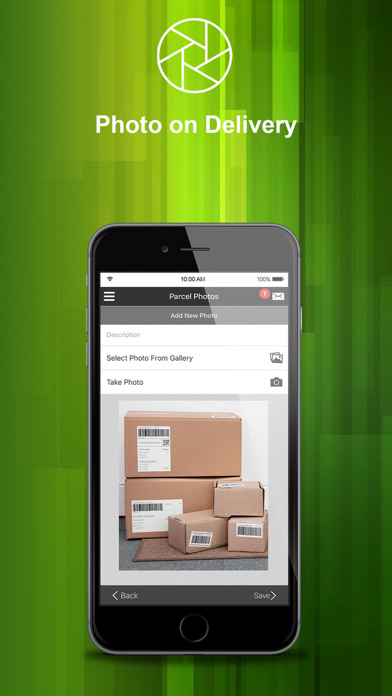
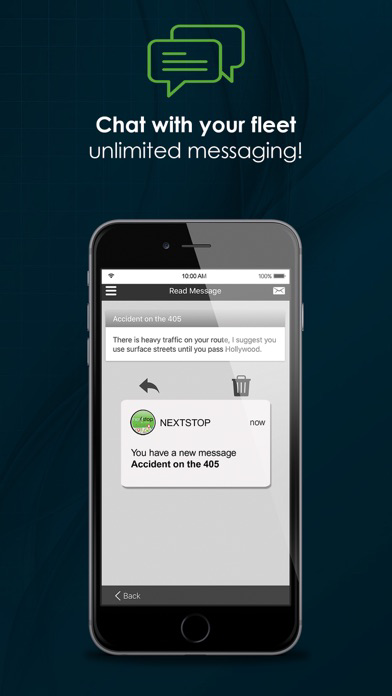
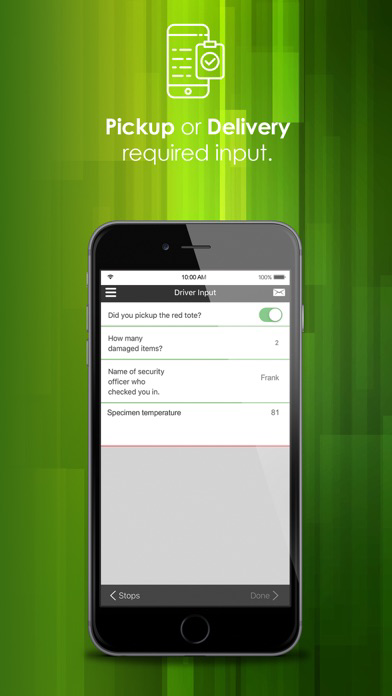
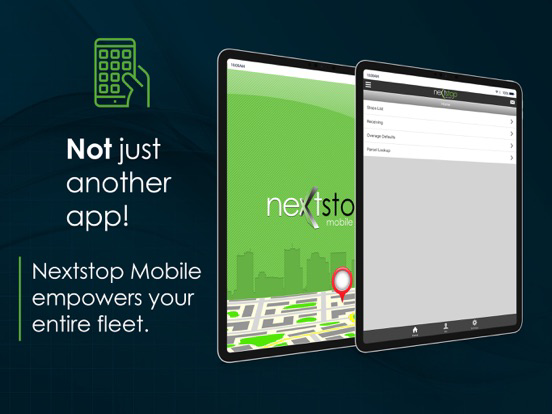
Nextstop Mobile is CXT Software’s easy-to-use smartphone app that connects with X Dispatch. Nextstop Mobile includes all the features you expect including detailed stop-level information, GPS tracking, signature capture, photo on delivery, barcode scanning, real-time data transfer, two-way messaging and so much more.
Nextstop Mobile is designed to be straightforward and intuitive making it easy to complete each step of the delivery or pickup process.
If you're new to CXT Software or have not yet switched your fleet to Nextstop Mobile, please contact your sales representative or account manager for a demonstration.
Contact Sales: Sales@cxtsoftware.com
Contact Account Management: AccountManagement@cxtsoftware.com
** Nextstop Mobile requires an "active business account with CXT Software" to function. Drivers, please see your carrier's driver management resources for assistance.
** For optimal performance, please keep Nextstop Mobile in the foreground when using the application and make sure it's exempt from any battery optimization on your handset.
* Continually Updated
* GPS Tracking
* Signature Capture
* Stop Consolidation
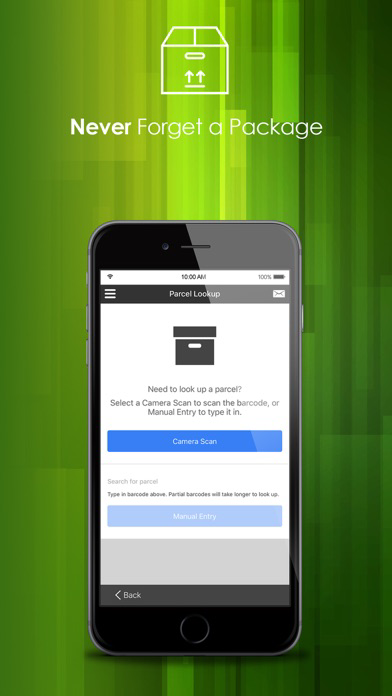
* Bluetooth and Camera Bar-code Scanning
* Scan Summary Views
* Over, Short, and Damaged (OS&D)
* Dispatch Messaging
* Parcel Photos
* Driver Check-in/out
* Job Confirmation and Rejection
* Location Scanning
* Parcel and Stop Status Codes
* Simple Stop List Search
* Multi-user Receive Scanning
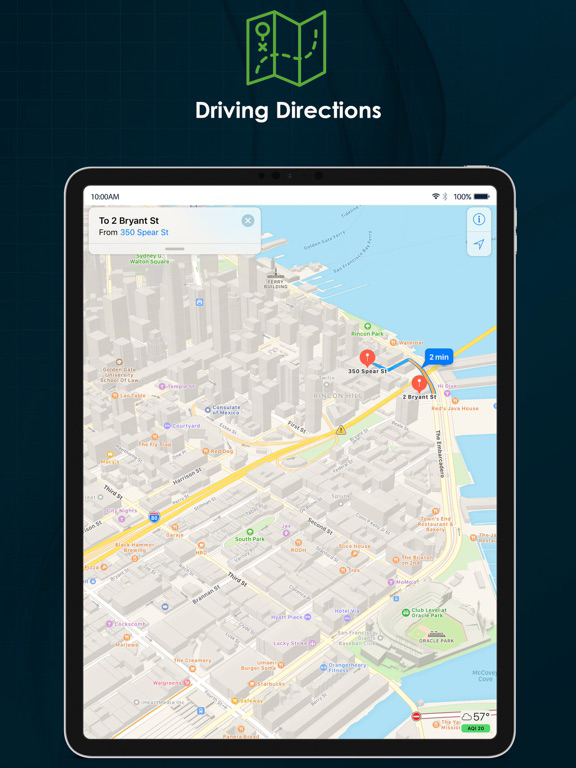
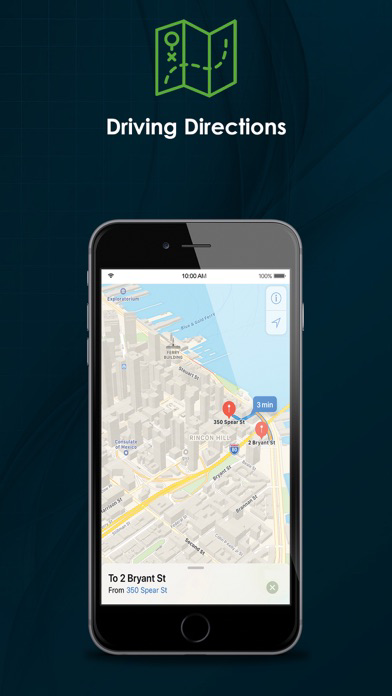
* Tap-to-Map Turn by Turn Directions
* Tap-to-Call

Nextstop Mobile is designed to be straightforward and intuitive making it easy to complete each step of the delivery or pickup process.
If you're new to CXT Software or have not yet switched your fleet to Nextstop Mobile, please contact your sales representative or account manager for a demonstration.
Contact Sales: Sales@cxtsoftware.com
Contact Account Management: AccountManagement@cxtsoftware.com
** Nextstop Mobile requires an "active business account with CXT Software" to function. Drivers, please see your carrier's driver management resources for assistance.
** For optimal performance, please keep Nextstop Mobile in the foreground when using the application and make sure it's exempt from any battery optimization on your handset.
* Continually Updated
* GPS Tracking
* Signature Capture
* Stop Consolidation
* Bluetooth and Camera Bar-code Scanning
* Scan Summary Views
* Over, Short, and Damaged (OS&D)
* Dispatch Messaging
* Parcel Photos
* Driver Check-in/out
* Job Confirmation and Rejection
* Location Scanning
* Parcel and Stop Status Codes
* Simple Stop List Search
* Multi-user Receive Scanning
* Tap-to-Map Turn by Turn Directions
* Tap-to-Call
Show More
최신 버전 2.7.12의 새로운 기능
Last updated on Oct 24, 2019
오래된 버전
Minimum Version Requirements - iOS 9.0 or higher
- App store preview and screenshot updates
- To see the full release notes, please visit our support website: https://releasenotes.cxtsoftware.com/
- App store preview and screenshot updates
- To see the full release notes, please visit our support website: https://releasenotes.cxtsoftware.com/
Show More
Version History
2.7.12
Oct 24, 2019
Minimum Version Requirements - iOS 9.0 or higher
- App store preview and screenshot updates
- To see the full release notes, please visit our support website: https://releasenotes.cxtsoftware.com/
- App store preview and screenshot updates
- To see the full release notes, please visit our support website: https://releasenotes.cxtsoftware.com/
Nextstop by CXT Software FAQ
제한된 국가 또는 지역에서 Nextstop by CXT Software를 다운로드하는 방법을 알아보려면 여기를 클릭하십시오.
Nextstop by CXT Software의 최소 요구 사항을 보려면 다음 목록을 확인하십시오.
iPhone
iPad