Notezilla - Notes & Reminders
무료
4.1.3for iPhone, iPad
Age Rating
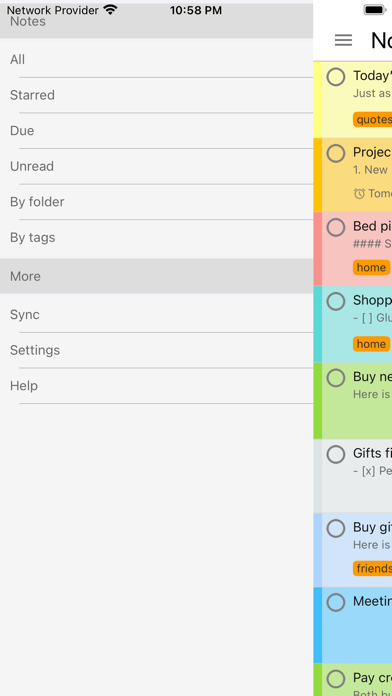
Notezilla - Notes & Reminders 스크린 샷
About Notezilla - Notes & Reminders
Notezilla is a product of Conceptworld Corporation.
Notezilla is an elegant notes & reminder app with following benefits:
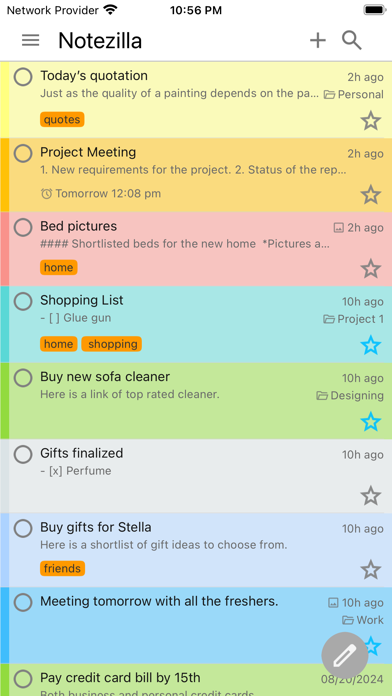
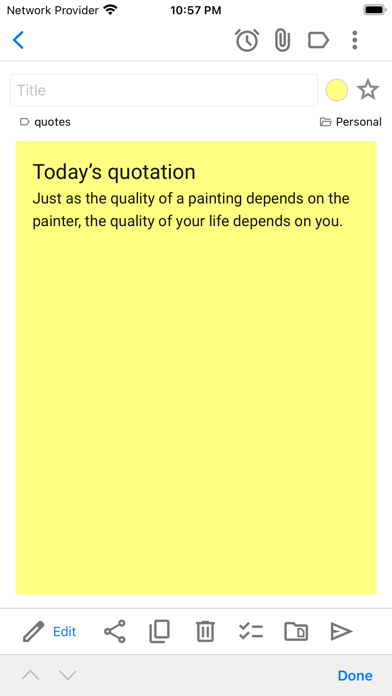
1. Quickly jot down your thoughts & to-do lists on colorful sticky notes. It is an enjoyable experience.
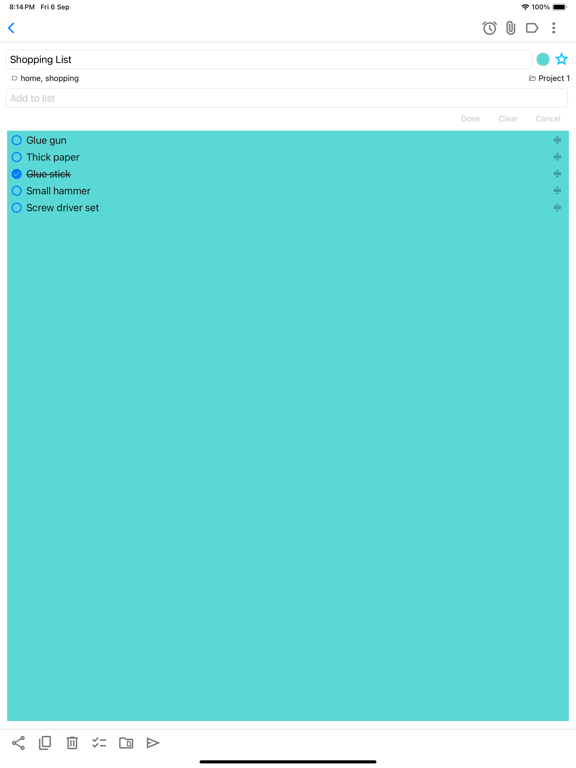
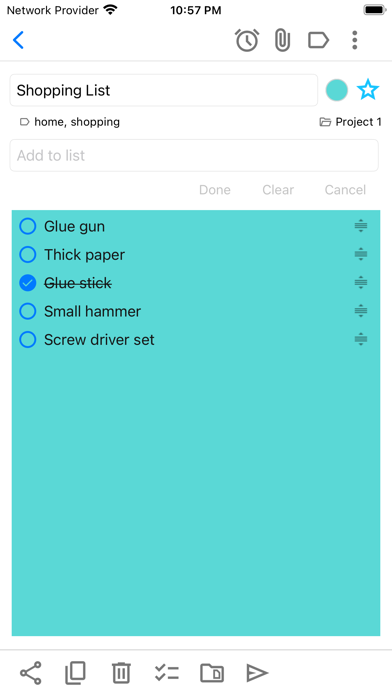
2. Create checklist notes to keep track of pending tasks. Motivates you to reach your goal faster.
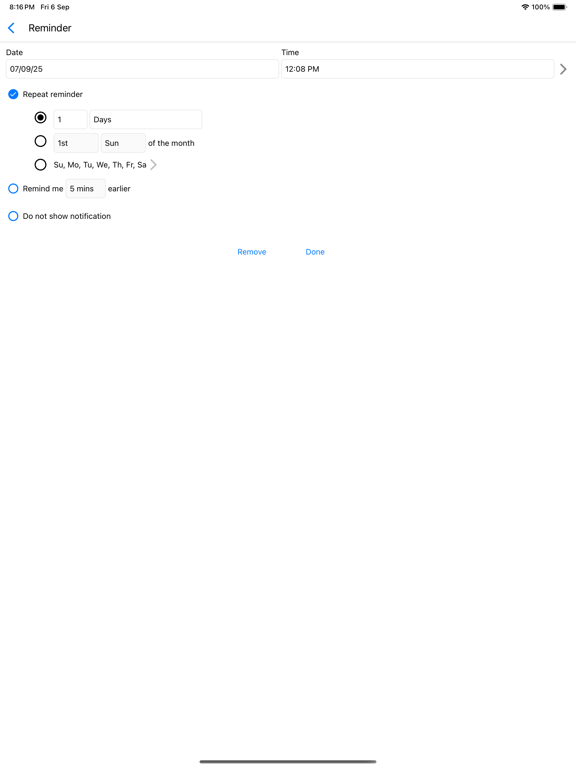
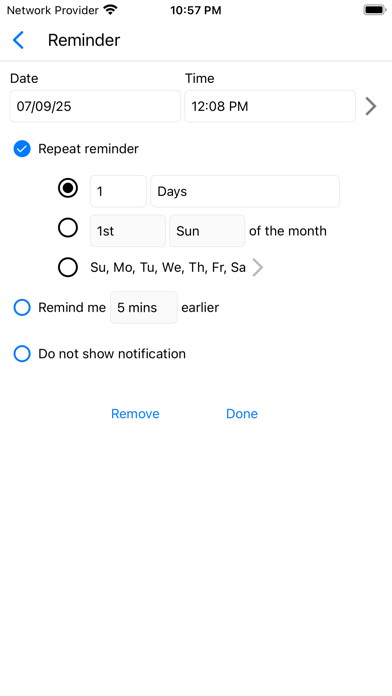
3. Set reminder alarms to notify you automatically about your tasks. Complete important stuff on time.
4. Attach pictures to notes from camera or photo gallery.
5. Create or attach handwritten notes and drawings.
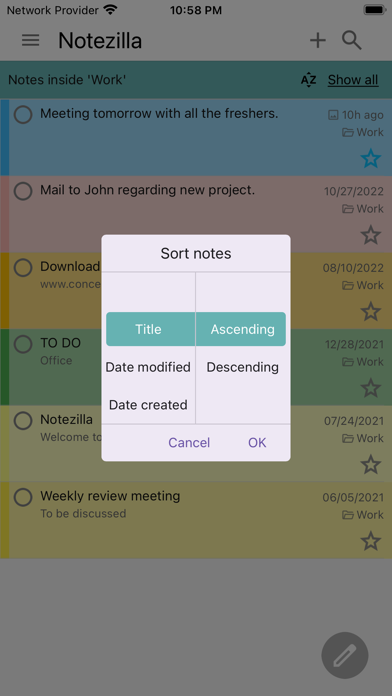
6. Search & pick the right note when it is needed the most. Helps you in your daily busy schedule.
7. Stick notes to your phone's home screen using widgets.
8. Easily set tags on your notes to group them & locate them faster. Gets you organized with least effort.
9. Star notes that are most important at the moment. Keeps you focused on your current task.
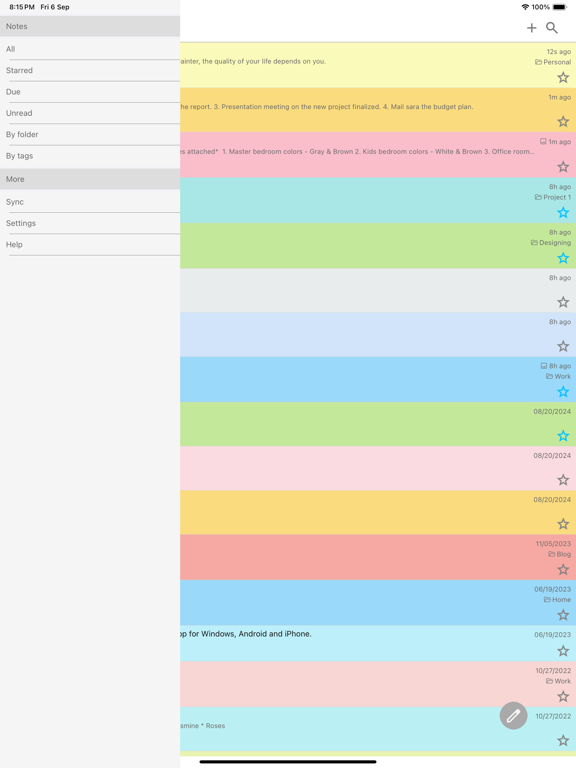
10. The notes list is simple & very intuitive.
11. Protect sensitive notes with a master password. Secure your notes.
When you sync your notes with our cloud (optional), you can reap some more benefits:
1. Have your notes appear on your Windows desktop as colorful sticky notes using Notezilla app for Windows.
2. Sync & access your notes from any smartphone/tablet, Windows PC, Mac etc.
3. Backup your notes to our secured cloud so that you can restore your notes back when you switch to another phone.
4. Send notes & reminders to other Notezilla users, right to their phone or Windows desktop.

Notezilla is an elegant notes & reminder app with following benefits:
1. Quickly jot down your thoughts & to-do lists on colorful sticky notes. It is an enjoyable experience.
2. Create checklist notes to keep track of pending tasks. Motivates you to reach your goal faster.
3. Set reminder alarms to notify you automatically about your tasks. Complete important stuff on time.
4. Attach pictures to notes from camera or photo gallery.
5. Create or attach handwritten notes and drawings.
6. Search & pick the right note when it is needed the most. Helps you in your daily busy schedule.
7. Stick notes to your phone's home screen using widgets.
8. Easily set tags on your notes to group them & locate them faster. Gets you organized with least effort.
9. Star notes that are most important at the moment. Keeps you focused on your current task.
10. The notes list is simple & very intuitive.
11. Protect sensitive notes with a master password. Secure your notes.
When you sync your notes with our cloud (optional), you can reap some more benefits:
1. Have your notes appear on your Windows desktop as colorful sticky notes using Notezilla app for Windows.
2. Sync & access your notes from any smartphone/tablet, Windows PC, Mac etc.
3. Backup your notes to our secured cloud so that you can restore your notes back when you switch to another phone.
4. Send notes & reminders to other Notezilla users, right to their phone or Windows desktop.
Show More
최신 버전 4.1.3의 새로운 기능
Last updated on May 12, 2026
오래된 버전
- Added support for handwritten/drawing note.
- Checklist note improved.
- Pictures can now be reordered.
- Title area hidden while editing a note for better visibility on small devices.
- Trash can be emptied from the trash folder itself.
- Sticky note widget display improved (title not shown if blank).
- Smoother note typing.
- UI improvements and bug fixes.
- Checklist note improved.
- Pictures can now be reordered.
- Title area hidden while editing a note for better visibility on small devices.
- Trash can be emptied from the trash folder itself.
- Sticky note widget display improved (title not shown if blank).
- Smoother note typing.
- UI improvements and bug fixes.
Show More
Version History
4.1.3
May 12, 2026
- Added support for handwritten/drawing note.
- Checklist note improved.
- Pictures can now be reordered.
- Title area hidden while editing a note for better visibility on small devices.
- Trash can be emptied from the trash folder itself.
- Sticky note widget display improved (title not shown if blank).
- Smoother note typing.
- UI improvements and bug fixes.
- Checklist note improved.
- Pictures can now be reordered.
- Title area hidden while editing a note for better visibility on small devices.
- Trash can be emptied from the trash folder itself.
- Sticky note widget display improved (title not shown if blank).
- Smoother note typing.
- UI improvements and bug fixes.
Notezilla - Notes & Reminders FAQ
제한된 국가 또는 지역에서 Notezilla - Notes & Reminders를 다운로드하는 방법을 알아보려면 여기를 클릭하십시오.
Notezilla - Notes & Reminders의 최소 요구 사항을 보려면 다음 목록을 확인하십시오.
iPhone
iPad