PDF Scanner is an easy-to-use app. It will turn your phone’s cam into a PDF scanner.
It can use your phone’s cam to scan anything including documents, paper notes, receipts, and books into clear PDFs and images. It also can convert images into text with OCR technology. Any Scanner can help you to deal with your work easily when you have files and need to scan to share them. Download it for free!
Features of Scanner:
- Quickly & Easily Scan Document
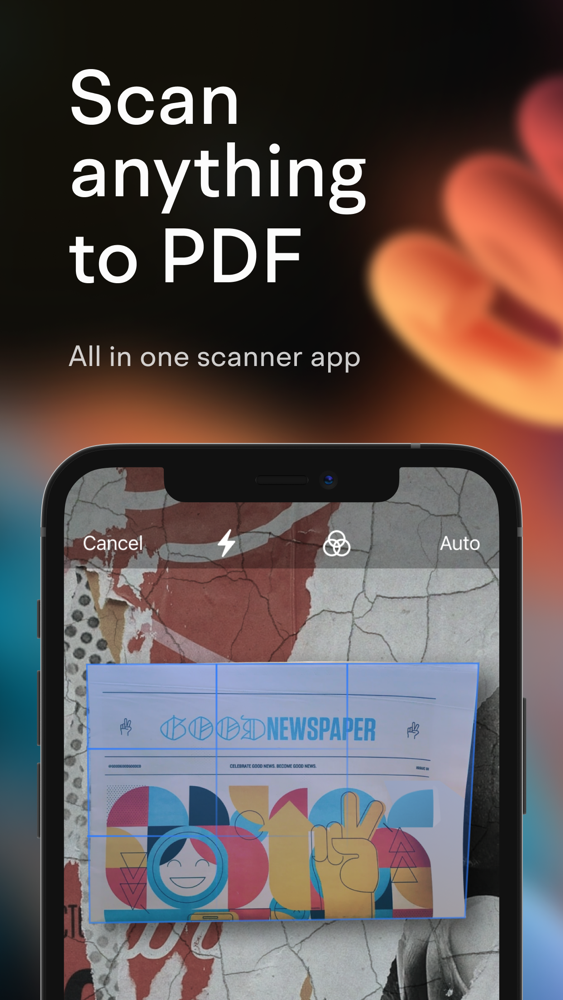
Any Scanner use your phone cam to scan every documents you meet in daily life: paper notes, receipts, books, whiteboard discussions, business cards, certificates, power point etc.
- High Scan Quality:
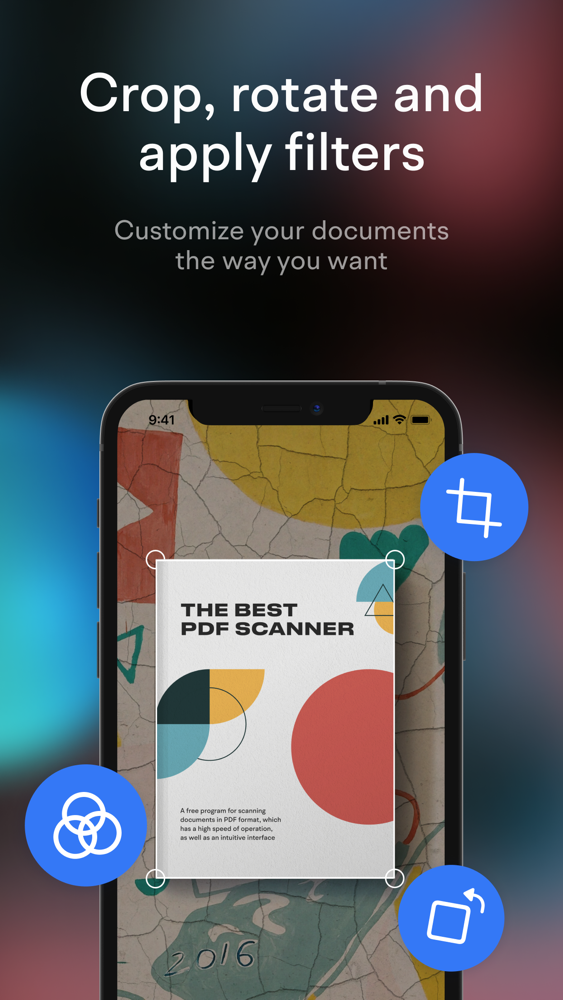
Any Scanner can crop smart and auto enhancing to make sure the texts and documents in scanned are clear and sharp.
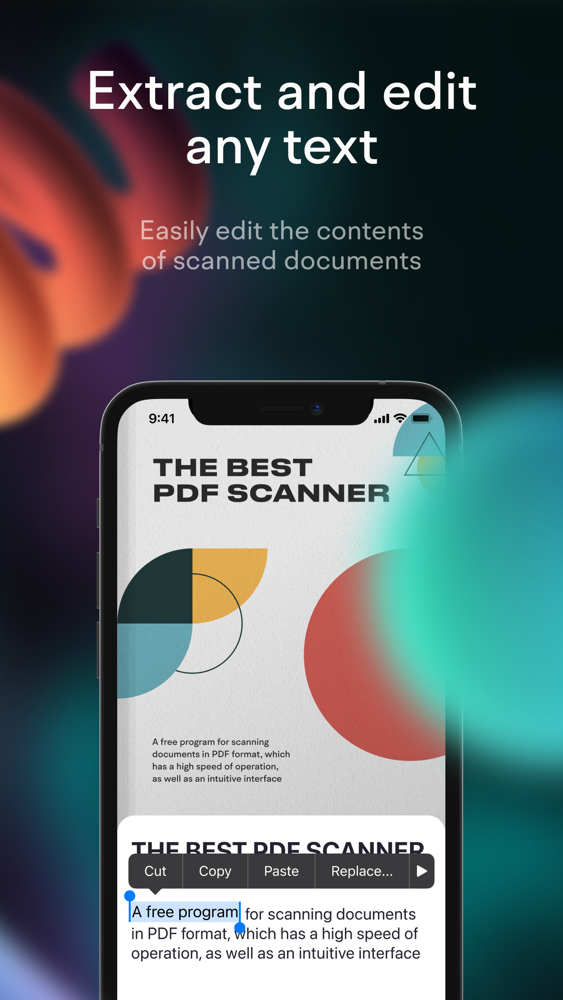
-Identify & Extract Texts from Image
Any Scanner can use OCR (optical character recognition) technology to convert images into text for editing or sharing.
- VIEW AND PRINT PDFs
• Open and view PDFs
• Choose Single Page or Continuous scroll mode.
• Print PDF directly from your device.
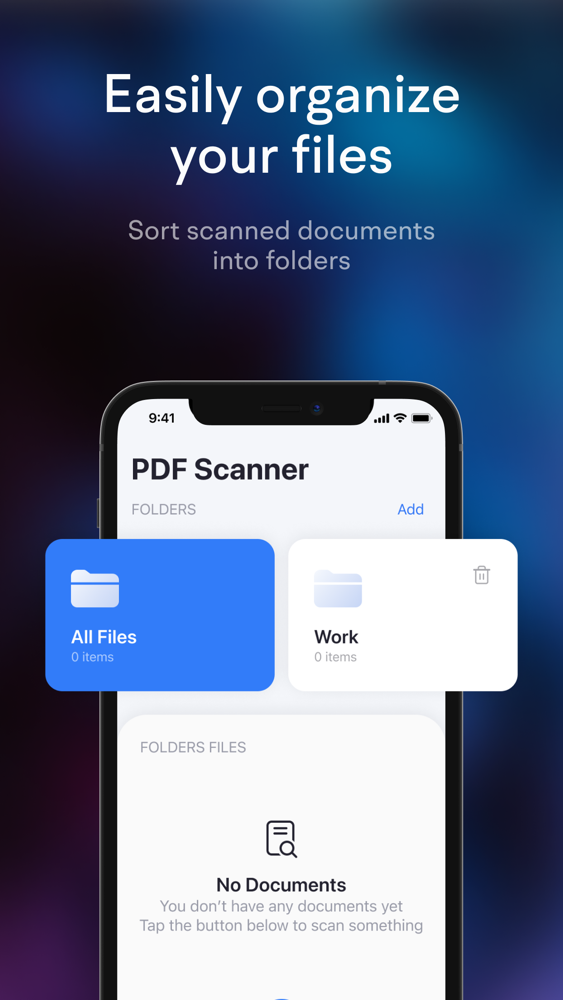
-Powerful & Clear PDF Files Manager
PDF Scanner has a legible file list to show all PDF or JPG files. Also can help you to find them in your mobile devices. In Any Scanner you can read them next time!
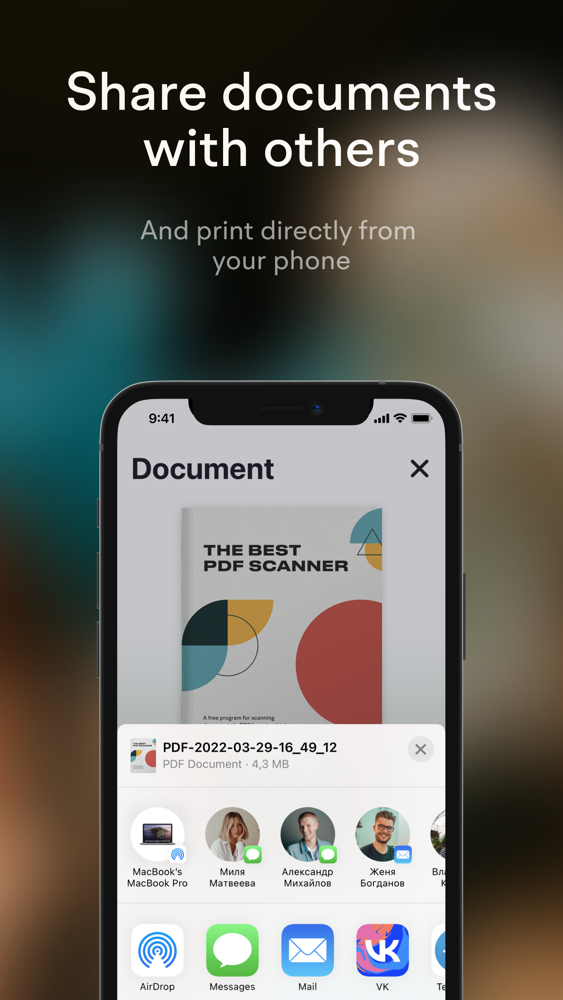
- Share PDF Files
PDF Scanner can send documents in PDF or JPEG format to friends via various ways.
- Advanced Document Editing
Scanner offers a full set of editing tools such as cropping size, controlling brightness, and adding filters to edit documents.
INNOVATIVE PDF SCANNER
– Scan documents and photos to PDF, JPG, or TXT
– Easily scan multiple pages into one document
– Recognize text from any scannable object with OCR
– Put your electronic signature on documents
Privacy:
https://ajar-utensil-e35.notion.site/Privacy-70ea3069f4f8498fa5ea38c912c3522e
Therms of service:
https://ajar-utensil-e35.notion.site/Terms-of-ServiceOur-Terms-of-Service-4e14a853a6304a6eb0a8713b020be276