- Small fix for crash from 1.57
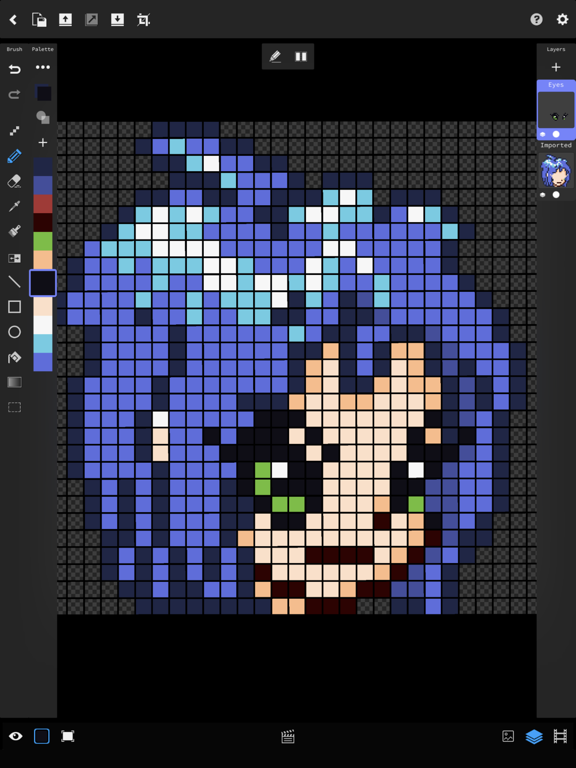
- All tools available on toolbar
- Tool options moved to small panel on top
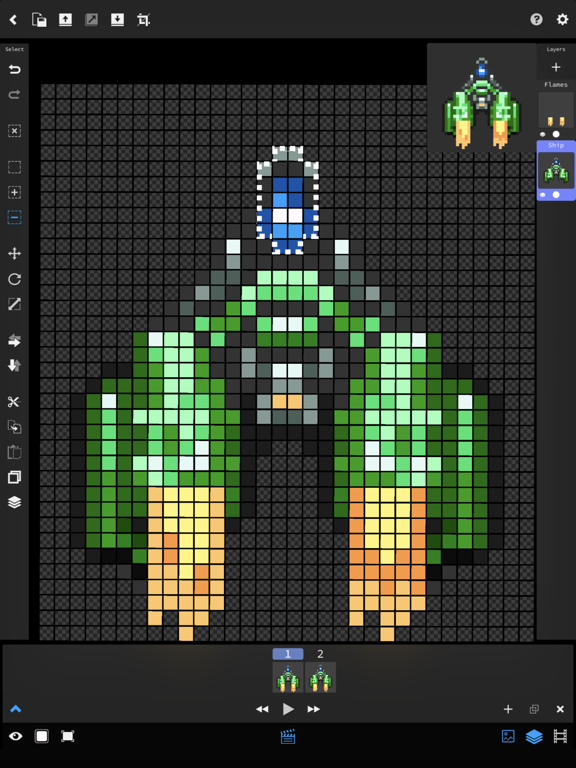
- Select mode now has accessible buttons without ... menu
- Select mode nudging buttons
- Fixed issue with being unable to move a selection back to its original position
- UI Refresh of file browser
- New animation panel for switching between animations
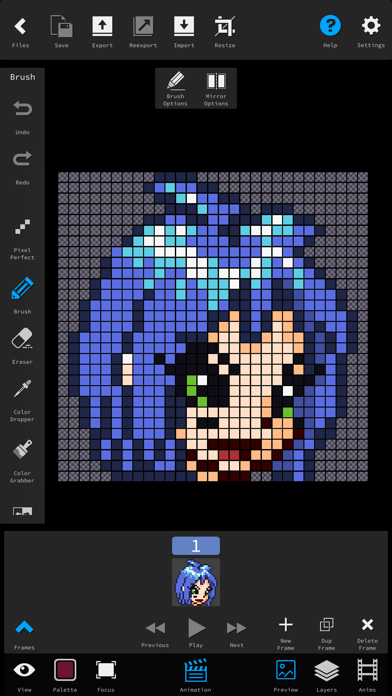
- Help button shows labels for buttons
- New import window, with much improved importing
- Ability to import into an existing Tileset
- New much faster quantize and import algorithms
- Refresh animation panel, now has delete button and deleting goes to nearest previous frame rather than jumping to 0
- Layer content copy/paste
- Ability to convert between standard/shared layers
- Layer previews update while drawing
- Autosave
- Hide UI while interacting option
- iPhone landscape support with popups for layers, tiles, palette
- Toggle for palette panel
- Updated to Unity 2019.3, various speed improvements
- Fixed current selection not showing art beneath it
- Fixed clone to layer in selection mode
- Fixed flatten layers to work on all frames
- Various other tweaks
- All tools available on toolbar
- Tool options moved to small panel on top
- Select mode now has accessible buttons without ... menu
- Select mode nudging buttons
- Fixed issue with being unable to move a selection back to its original position
- UI Refresh of file browser
- New animation panel for switching between animations
- Help button shows labels for buttons
- New import window, with much improved importing
- Ability to import into an existing Tileset
- New much faster quantize and import algorithms
- Refresh animation panel, now has delete button and deleting goes to nearest previous frame rather than jumping to 0
- Layer content copy/paste
- Ability to convert between standard/shared layers
- Layer previews update while drawing
- Autosave
- Hide UI while interacting option
- iPhone landscape support with popups for layers, tiles, palette
- Toggle for palette panel
- Updated to Unity 2019.3, various speed improvements
- Fixed current selection not showing art beneath it
- Fixed clone to layer in selection mode
- Fixed flatten layers to work on all frames
- Various other tweaks
Gradient fill tool
Swap between 2 colors
Fixed thumbnail generation
Fix isolate mode
Various other fixes
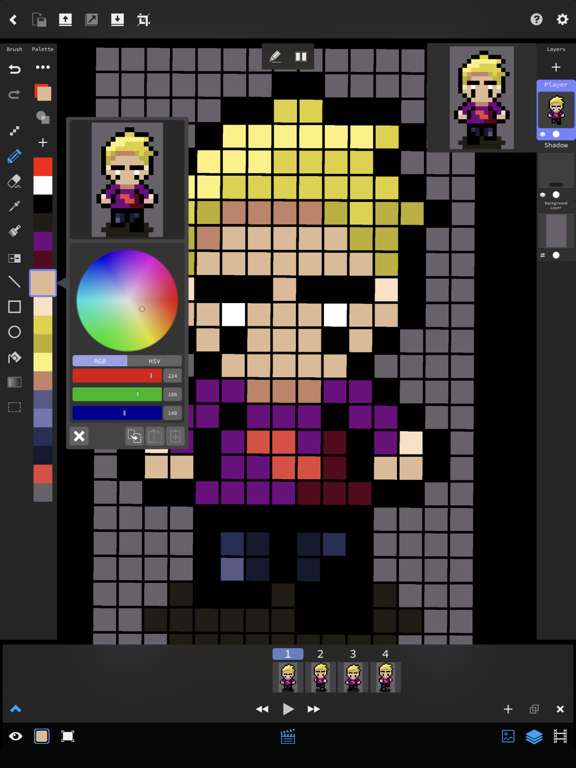
New more compact tool and selection UI
New faster brush system with hardness/flow/spacing
Premultiply alpha with canvas color
Fixed double painting issue when using an image reference layer
Fixed multitouch stopping panning on image reference
Fixed GIF export leaving trails
Fixed selection operations causing incorrect alpha
Fix for dropper not going away on hold mode
Fix for speed issue
Significantly increased painting and panning/rotating speed
Greatly improved UI scaling on most devices
When zoomed in automatic rotation centering no longer occurs
Automatic rotation centering now occurs from center of screen
More selection system improvements, including copy/paste (doesn't copy/paste the original colors into another file yet), flip
Selection and Image Ref transformations can now be undone
Layer alpha changes can now be undone
Fixed issue where the strokes wouldn't appear as you were drawing them if you were in hold for dropper mode
Fixed another thumbnail regeneration issue
Fixed issue where iCloud would still update in the background of an open file, causing older devices to slow to halt
Fixed some import and export issues
Copy/Paste for colors
New import window with more functionality
Fixed painting performance
Fixed layer alphas
Fixed moving selection happening on multiple frames
Fixed scaling image ref
Fixed image ref not rotating with canvas
Fixed thumbnails breaking on new files
Fix for smaller iPhone models
Fix for converting legacy sprites with selections
New faster file format
New faster shader based painting
Import/Export palettes
Color pick tool
Pick colors from reference images
Hold for dropper setting
UI Scale setting
Fixed missing iCloud Drive folder for newer users
Changed UI scale from user requests to make icons larger
Fixed ProMotion bug on newer iPad Pros
Sped up file database operations
Much improved 2 finger undo/3 finger redo
MP4 export
Fixed notch on XR/XS
Disabled canvas border by request
Fixed colors on importing non linear textures
Fixed imported textures slightly changing colors after first save
Added 2X scale option to PNG import
Custom grid support
Support for importing PNG into a layer
Two finger tap Undo, three finger tap Redo (Beta functionality, still improving this)
Fixes for new iPad Pros and iPhone XS/XR
Fix for not being able to put a 0 in number inputs
Increased dropper engage time
Removed dropper from erase tool
Fix for ignore presses for pencil button not working sometimes
Fix import PNG to sprite causing a blank canvas
Fix for importing PNGs with uppercase extension
Fix for selecting canvas color
Offset top bar buttons from edge of screen to help with accidental iOS pulldown
Quantize imported PNG palettes to max of 256 (To prevent crazy numbers of palette entries on photo import)
Export frames/JSON as a zip file for easier sending
Implemented new file system backend, now has improved file management in preparation for more syncing services
Increased max size of image reference to 1024
Increased max resize value to 1024
Quick Export button - Quickly reexport using the previous settings
Alpha support - Brushes now have alpha channel support
New brushes - Different shapes for brushes and antialiased brushes
Tile view - Paint sprites tiled in a grid
Side by side view - See the next and previous frames on the canvas
Animated GIF Transparency support
Selection Scaling in transform tool
Fix for paste frame bugs
Fixed import from Locations
Alpha lock option
Disable UI during playback
Renamed layer types, and sunsetting old Legacy/Standard layers
Fixes to Undo system
Fixed Share button crash
Added padding option to export, and defaulted to 0
Fix for critical background layer bug causing them to break after an undo
Fix sometimes plotting pixels on zoom/pan on iPhone
JSON Export
Rewritten exporter with more features
Undo on background layer will now stay on the correct layer
Option to set background color
Fixed setting specific RGB colors
Fixed HSV colors changing incorrectly when changing one channel
Made RGB default
Improved color picker and number input UIs
Redone export window, added options to export separate frames and to force power of 2
Improved UI for adjusting Image Ref layers
Fixed RGB sliders changing each other
Fixed copying and pasting a frame that has shared layers
Fixed Isolate mode with image ref layers
Fixed some multitouch bugs
* New *
Shared Layers - Make a layer once, and it will appear on all frames in an animation
Background Layers - Layers that appear on every frame with the same artwork
Image Reference Layers - Add reference photos from your photo library for tracing
Resize - New faster resize/offset tool
Save Button - Only save when you want to keep your changes
GIF Export - Fixed hold/framerate timing in exported GIFs
Memory Fixes - Huge reduction in memory usage to fix crashes on large files
* Coming Next *
Palette files
Side-by-Side animation frame view
Export JSON files for reading sprites in game engines
New name: Pixel Edit Pro!
- Overhauled file browser
- Improved touch canvas significantly, reducing draw latency and imrpvoing rotation/zoom
- Polished UI
- Added preview to color changing
- Added duplicate button to frame view
- Added docked layer panel back on iPad
- Optimizations for large files
- Added RGB back to color picker
- Added more options for exporting
- Fixed symmetry when both X and Y are on
- Fixed accidentally overwriting files with the same name
- Fixed import window
- Fixed slowdowns when interacting with iCloud
Added iPhone and iPhone X support
Cleaned up UI and made it more compact
Added more export options, including animated GIF
Fixed some speed issues
Fixed an issue causing retry to be incorrect sometimes
Fixed import window