PreCloud 1.14.0: Merge notes and files
There is no Notes tab anymore. (But your notes are not lost!)
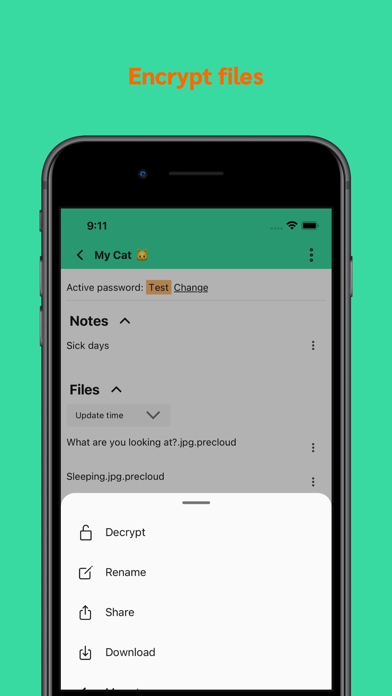
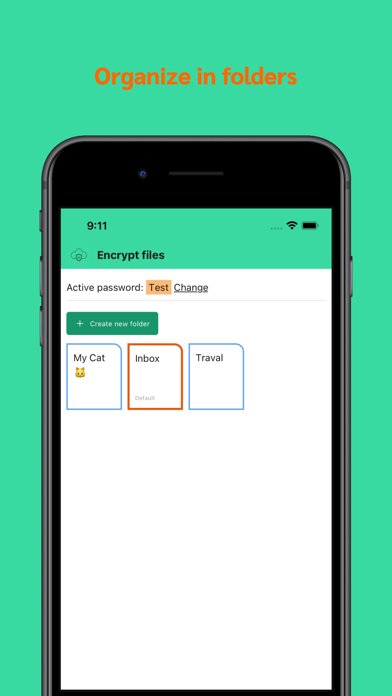
All notebooks are moved to the Files tab, so notebooks also become folders. And in each folder, there is a Notes section, and a Files section.
The reason: As I use PreCloud more and more, I find myself creating notebooks and folders with the same name, like "Work", "Family", "Xiangcai".
It's just easier to have everything in one place.
---
Receive updates: www.getrevue.co/profile/precloud
Someone asked me to add the in-app-purchase for donation (see here: https://github.com/penghuili/PreCloud/issues/3)
So here you have it! You can now donate with in-app-purchase!
Some other improvements:
Randomise your files in a folder to view;
Download remote files, so files never leave PreCloud;
---
Receive updates: www.getrevue.co/profile/precloud
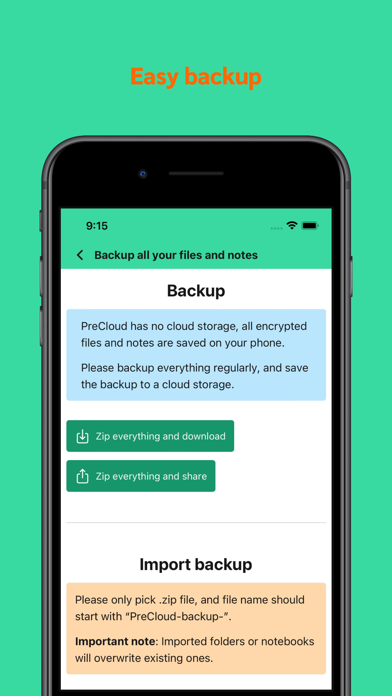
PreCloud has no cloud, all encrypted files and notes are saved on your phone. If you lose your phone, you lose everything.
This version deals with this problem.
I introduced a "Backup" screen, where you can zip everything and share it to any cloud storage.
Of course, you can import the backup.
You can find the Backup screen at "Settings -> Backup".
---
Other improvements:
- Preview decrypted file if it's image or video;
- Move folders;
---
Receive updates: www.getrevue.co/profile/precloud
Encrypt real large files, up to 1GB
In last version I increased the encryption size from 20MB to 200MB.
In this version, it jumps to 1GB.
Happy encrypting!
Receive updates: www.getrevue.co/profile/precloud
This release introduces sub-folders for files encryption.
I was wandering in a forest nearby during the weekend, and took a lot of photos with PreCloud. I have a "Travel" folder, so all photos are saved here.
But this folder becomes unmanageable very quickly, because everything can go here.
I need make it possible to create sub-folders within a folder. That's what I did in the past 2 days.
Now I have 2 sub-folders within "Travel".
Receive updates: www.getrevue.co/profile/precloud
This version has a lot of changes:
- Add Camera icon to bottom tab bar. So you can take photo quickly. The photo will be encrypted and saved in the default folder. Of course, you can change the default folder;
- You can now empty a folder;
- Now the App size decreased dramatically (from 80MB -> 20MB);
- But you can now encrypt bigger files, 200MB;
- And you can Move or Delete file in the decryption modal, so it's easier to organise your files;
In version 1.9, I introduced notes and notebooks, so you can organise your notes well;
In version 1.10, it's all about file folders.
Until now you can use PreCloud to encrypt and decrypt files, but you need to decide what to do with the files immediately, PreCloud doesn't store your files.
Now you can create file folders, and the encrypted files will be saved in those folders. Next time you open PreCloud, the files are still available in the app.
Receive updates: getrevue.co/profile/precloud
This release introduces improvements and bug fixes:
- Show a popup when selecting photos in note;
- Move the action sheet of notes to the note details screen;
- Bug fixes;
This release build on top of the last release:
- Now you can rename notebook;
- Delete notebook;
- Insert multiple images once to your note;
- Fix image picker in note editor;
- Fix bug when deleting a note;
This version introduces a very important change: Notebook.
Previously I introduced the rich text editor, in which you can insert images, so you can create blog / diary like notes.
[Btw, I always want to build a note taker that can insert images :)]
And in this version, you can organise your notes in different notebooks.
Hope you like it!
I moved the plain text encryption into the settings screen, to make the notes screen clean.
1. Improve the rich text editor: Loads more reliably, the toolbar is always fixed at bottom; Works well with keyboard; Pick saved notes from phone;
2. A new toast message design, which beautiful and reliable;
3. Re-organised heart screen;
1. Re-organise the heart screen;
2. Make the toast message more robust and good looking;
1. Re-organise the heart screen;
2. Make the toast message more robust and good looking;
In this version I re-worked the rich text editor:
1. You can Insert images now (Maximum of 10 images though);
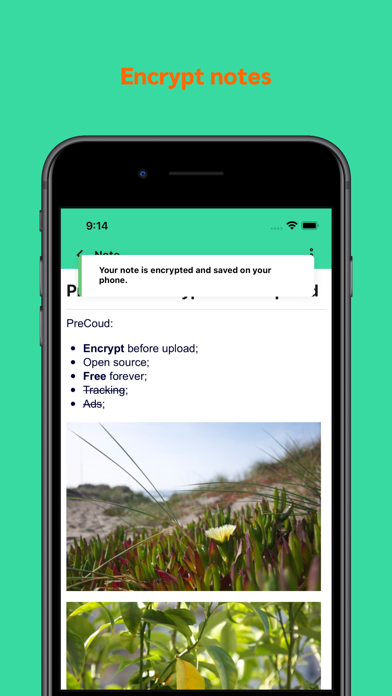
2. The note now will be encrypted and saved on your phone as a file (file extension .precloudnote);
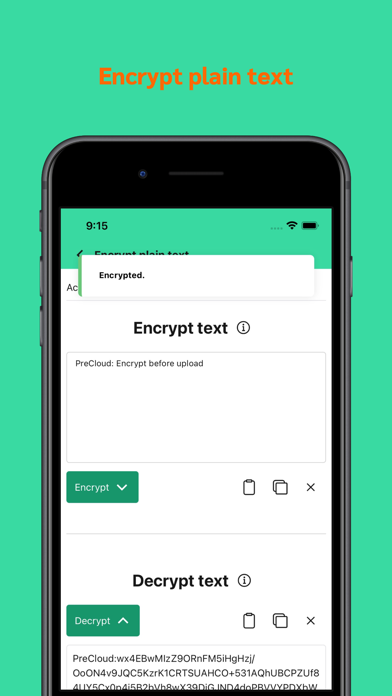
3. I added the plain text encryption back, so if you just want to encrypt some text, go here;
4. I also re-worked the navigation in the app;
My goal with rich text note is, you can take all your private notes here and feel safe about them.
Until now, the text editor is very basic, you can only type, there are no formats.
In this version, I implemented a text editor. You can add list, intent the list, make text bold, strikethrough it and etc.
This is the start of the text editor, I will keep improving it (for example insert images) Stay tuned.
Change "PreCloud Blog" to "What's new?"
Various small improvements and introduce my cat
o(=•ェ•=)m
Improve settings screen
^_~
Improvements:
- Copy password from the passwords screen;
- Make screens not swipable;
Feature:
- You can now decrypt multiple files at once!
Feature:
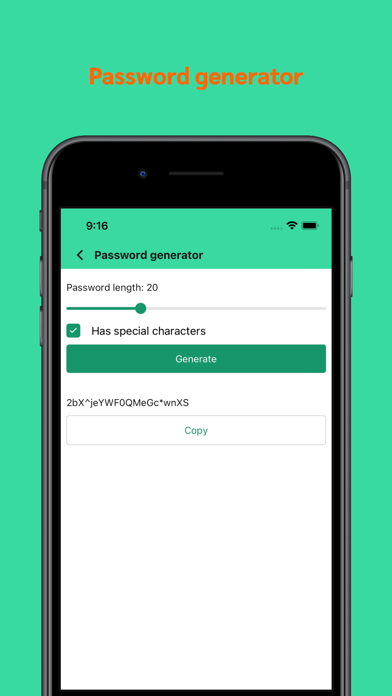
- Add password generator :)
Feature:
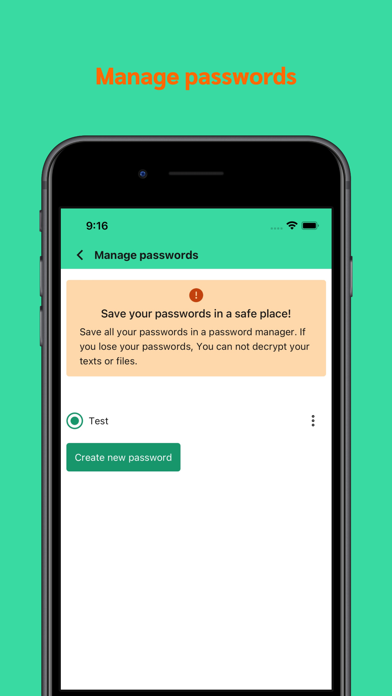
- Now you can add multiple passwords!
Feature:
- Now you can rename the encrypted and decrypted file;
Fix:
- Close keyboard after text is encrypted;
- Use the eye icon for view file;
Feature:
- Finally you can now pick images from the camera roll and encrypt them!
- And you can take a picture within PreCloud, and encrypt it right away. The picture never reaches your camera roll!
Add newsletter link to settings screen :)