xTerminal - Your Ultimate SSH Terminal Shell
xTerminal is your all-in-one SSH terminal client for managing servers with speed and security. Whether you're an IT professional or a developer, xTerminal gives you the tools to easily connect, control, and manage your servers from anywhere.
Key Features:
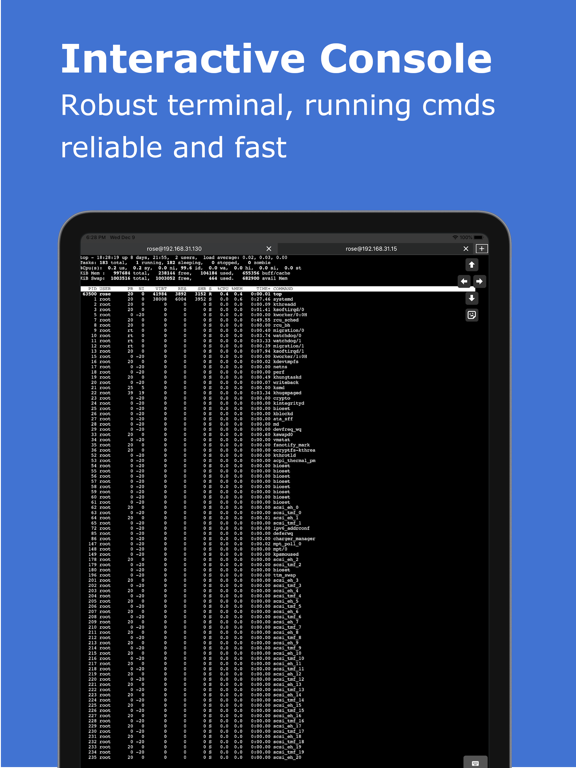
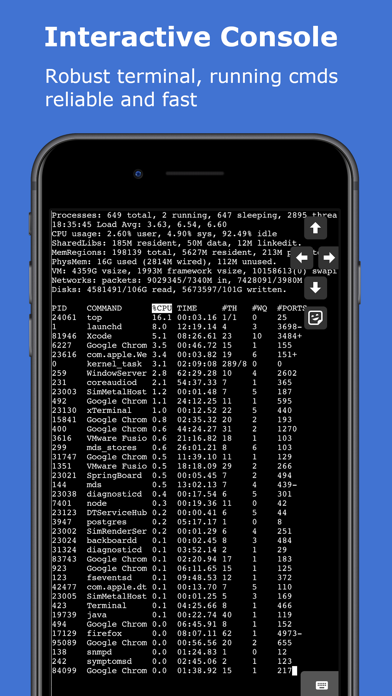
* Interactive SSH Terminal: A fast, reliable terminal for executing commands on your servers. Eg: Use top to monitor system status or follow logs with tail -f.
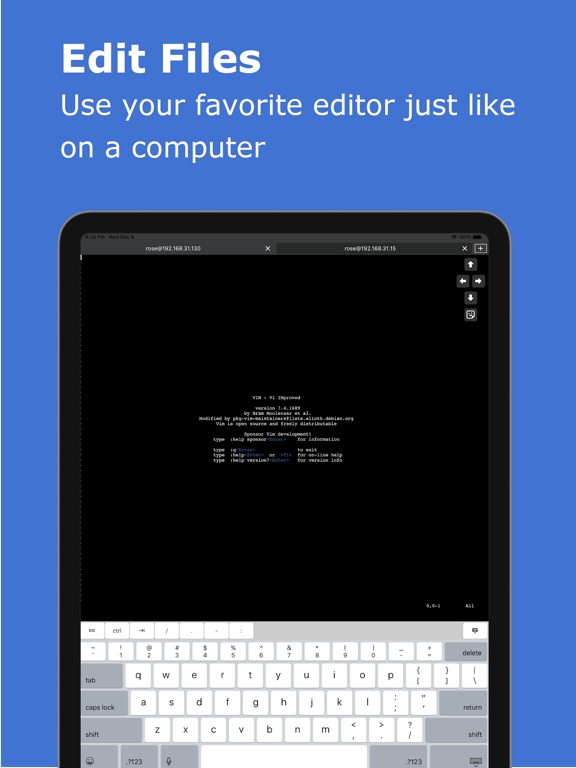
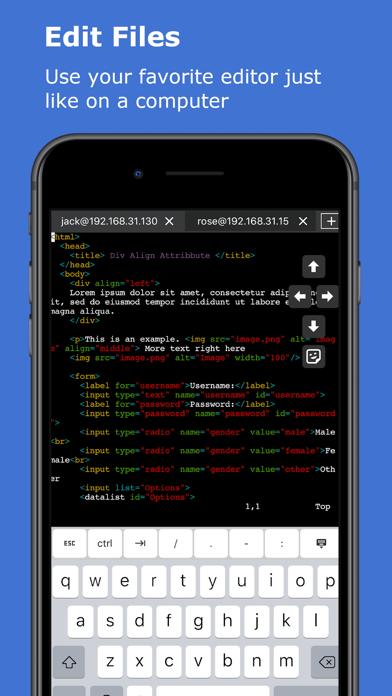
* Powerful Editor: Edit documents with vi/vim just like on a desktop, with full support for CTRL and arrow keys, making your SSH terminal experience smooth.
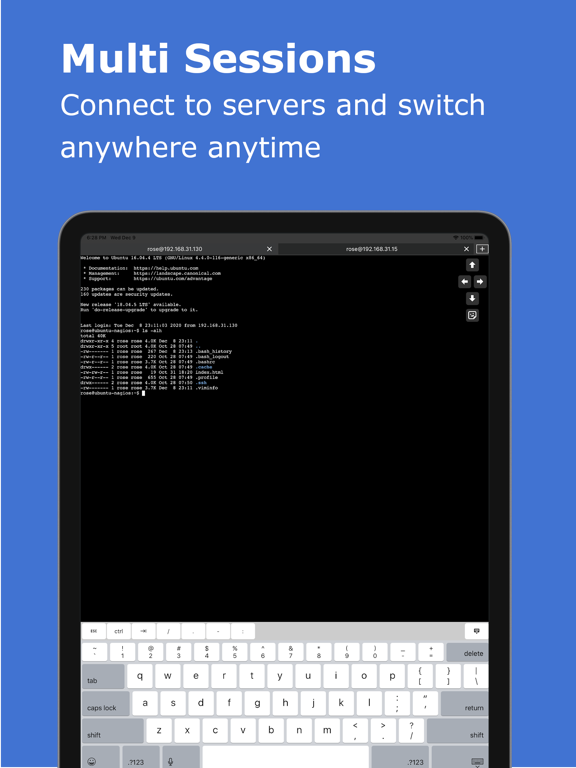
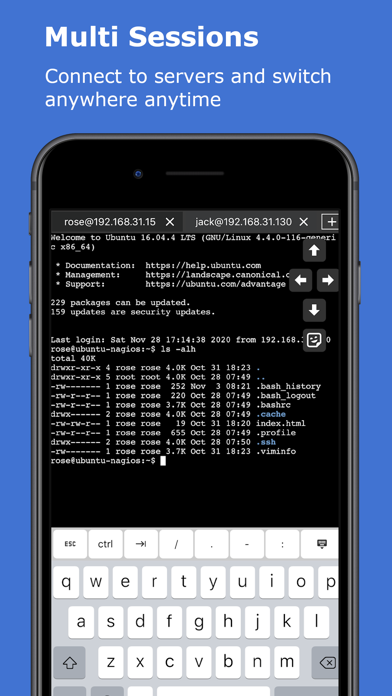
* Multi-Session Management: Manage multiple SSH connections at once. Add, remove, and switch between sessions with ease, boosting your productivity.
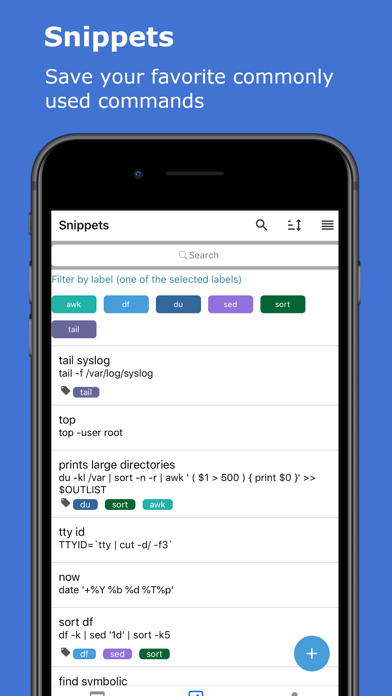
* Snippets: Save and organize frequently used SSH commands. Quickly search by name, command, or label, making repeated tasks quicker and simpler.
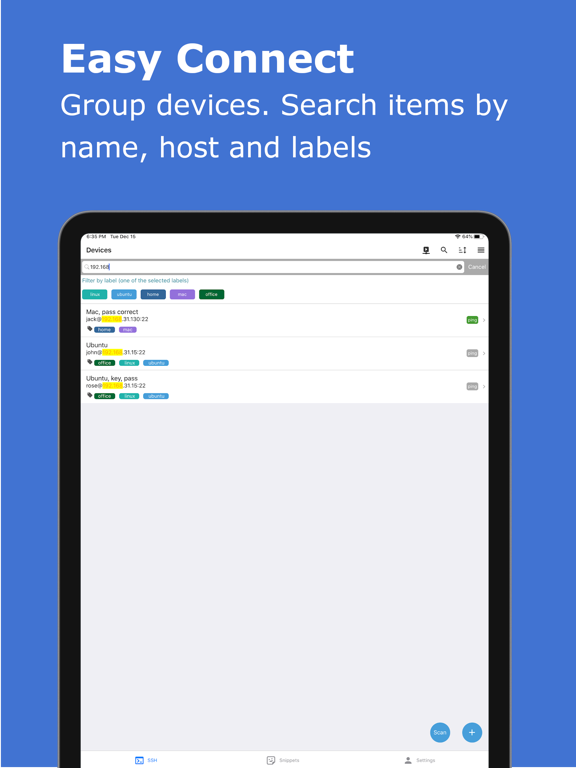
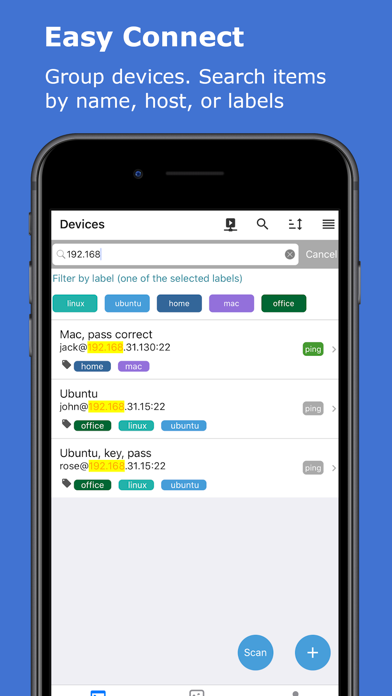
* Device Management: Add your SSH servers, group them by labels, and search by name, host, or labels. Connect via password or public key authentication.
* Advanced SSH Options: Support for SSH jump hosts and SOCKS5 proxies for enhanced security and flexible connections.
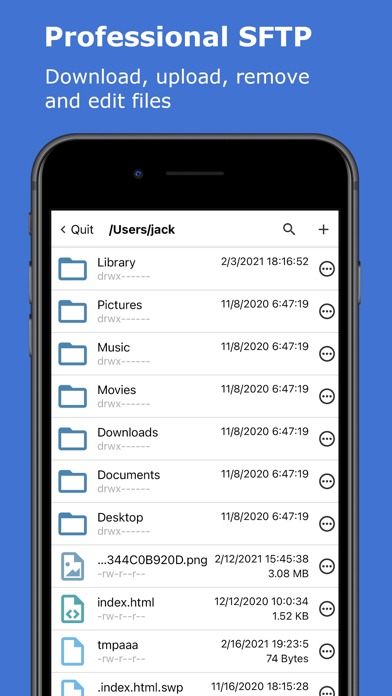
* SFTP for File Management: Upload, download, edit, move, and delete files using the built-in SFTP, allowing you to manage files on your servers directly from the terminal.
* Keep Sessions Alive: Use “Keep Awake” and “Keep Alive” features to maintain persistent SSH connections without interruptions.
* User-Friendly Interface: Simple navigation with pull-to-refresh, search highlights, sortable lists, and drag-and-drop to reorder devices or snippets.
* Live Ping Monitoring: Check device connectivity in real-time with ping stats, including ms and TTL, helping you monitor the health of your network.
* Discover Network Devices: Easily find and save neighboring network devices for quick access later.
* Secure Port Knocking: Add an extra layer of protection by using port knocking to guard your servers from unauthorized access.
* Enhanced Security: Use TouchID/FaceID to protect your SSH sessions, ensuring secure access to your terminal on app launch or resume.
* iCloud Sync: Backup and restore your device and snippet lists across all iOS devices, ensuring seamless access to your settings anywhere.
* Copy & Paste: Effortlessly run commands from the clipboard or copy terminal output, streamlining your workflow in the terminal.
* Universal App: Optimized for both iPhone and iPad, giving you a consistent experience across devices.
* Secure Data Storage: All credentials and data are stored securely on your device, so you can rest assured your information is safe.
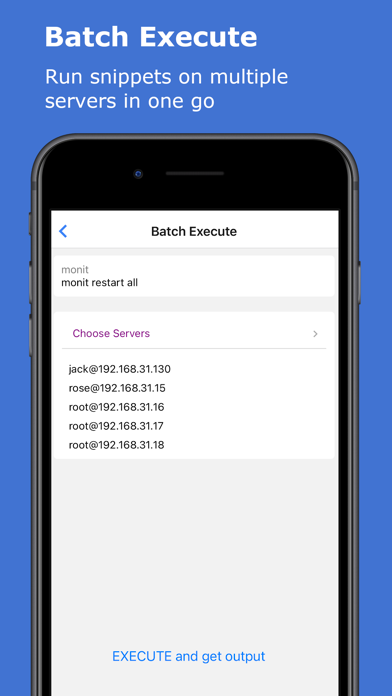
* Batch Execution: Execute commands on multiple servers at once and view all the outputs in one go.
* Startup Snippets: Set up essential commands to run on app startup, giving you immediate access to critical tasks as soon as you connect.
xTerminal is built for anyone needing a fast, reliable, and secure SSH terminal. It’s perfect for managing remote servers on various platforms, including macOS, Linux, OpenBSD, FreeBSD, NetBSD, Solaris, and OpenVMS.
Payment will be charged to iTunes Account at confirmation of purchase.
Subscription automatically renews unless auto-renew is turned off at least 24-hours before the end of the current period.
Account will be charged for renewal within 24-hours prior to the end of the current period, and identify the cost of the renewal.
Subscriptions may be managed by the user and auto-renewal may be turned off by going to the user's Account Settings after purchase.
Any unused portion of a free trial period, if offered, will be forfeited when the user purchases a subscription to that publication, where applicable.
Terms of use https://septudio.com/terms-of-use and privacy policy https://septudio.com/privacy-policy