Stack_Calculator
Free
1.0.1for iPhone
Age Rating
Stack_Calculator 스크린 샷
About Stack_Calculator
To promo this powerful tool, free in limited time! - 9/10/2017
----
Remember those days with fantastic HP RPN calculators? Can’t stand the slow speed of those HP RPN simulators on your iPhone devices? Try this one, Stack Calculator - A new type intuitive, rapid of RPN calculator improved from HP calculator.
- equip a real and deep 256 elements data stack, not just 4 registers compared with your old HP calculator. That fully releases your freedom for the data storage and calculation.
- provide stack operation commands such as: Swap, Pick, Roll, Drop. You can freely move and duplicate any top 10 numbers on the stack.
- Speedy, simple and convenient design. short App boot time, well design for number editing, even push into stack.
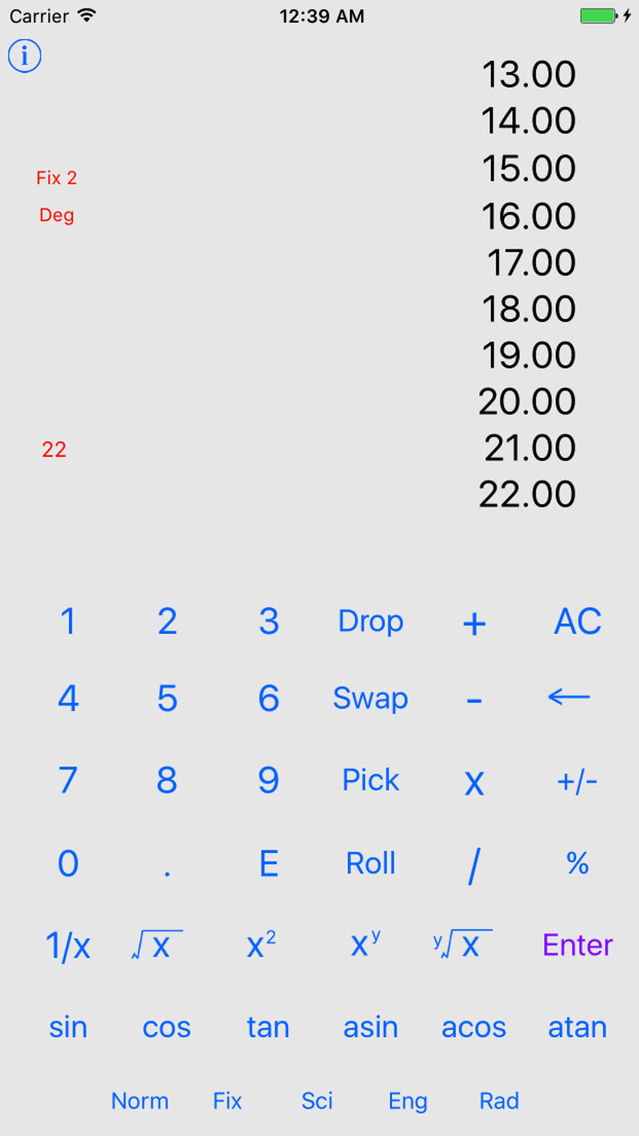
- multi lines of stack field (about 10 lines) to help you fully monitor and manipulate the data in stack instead of that one line display on your old HP calculator.
- New, elegant and modern graphic interface inherited from iOS.
- unique ‘continuous operation mode’ followed from modern calculator. you can treat your calculator as a counter to count everything.
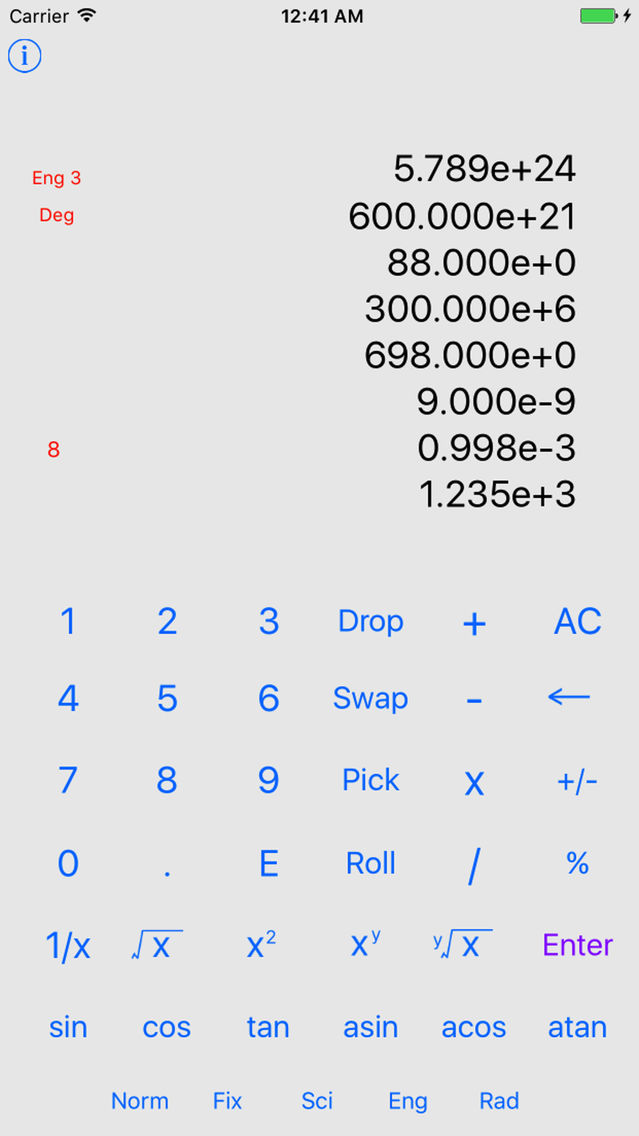
- 3 flexible number notation format displays: fix points, science notation, engineer notation.
For those not so familiar with HP RPN calculator,
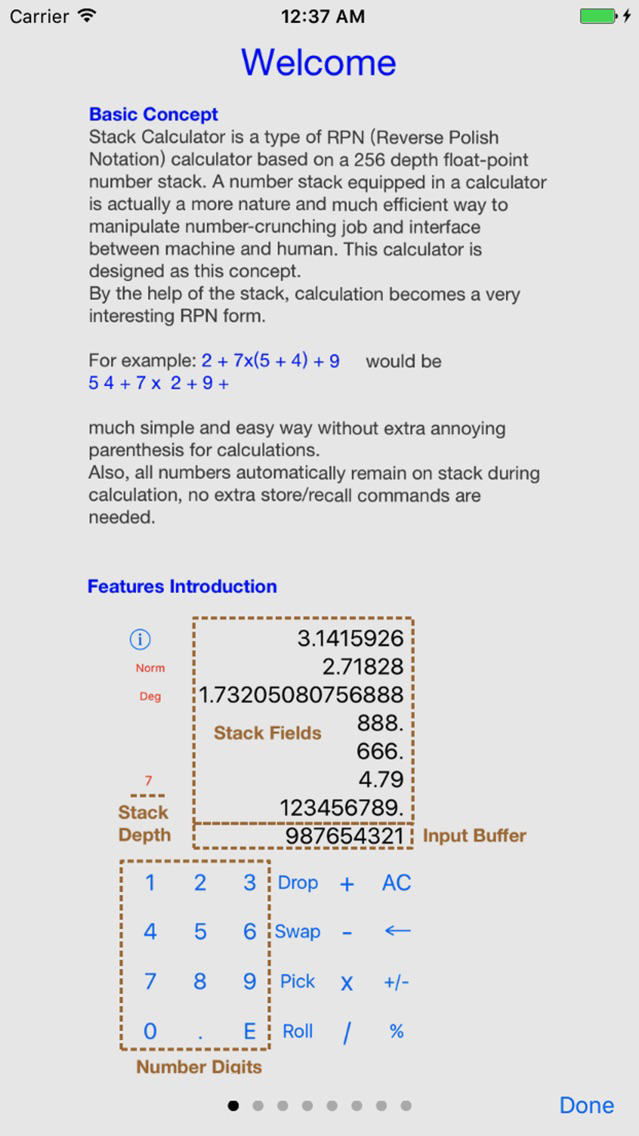
Stack Calculator is a type of RPN (Reverse Polish Notation) calculator based on a 256 depth float-point number stack. A number stack equipped in a calculator is actually a more nature and much efficient way to manipulate number-crunching job and interface between machine and human. This calculator is designed as this concept.
===
if you saw strange underline text on buttons, this effect is from iOS system, not from this App. Please go to Settings > General > Accessibility and turn off Button Shapes to eliminate underlined texts.

----
Remember those days with fantastic HP RPN calculators? Can’t stand the slow speed of those HP RPN simulators on your iPhone devices? Try this one, Stack Calculator - A new type intuitive, rapid of RPN calculator improved from HP calculator.
- equip a real and deep 256 elements data stack, not just 4 registers compared with your old HP calculator. That fully releases your freedom for the data storage and calculation.
- provide stack operation commands such as: Swap, Pick, Roll, Drop. You can freely move and duplicate any top 10 numbers on the stack.
- Speedy, simple and convenient design. short App boot time, well design for number editing, even push into stack.
- multi lines of stack field (about 10 lines) to help you fully monitor and manipulate the data in stack instead of that one line display on your old HP calculator.
- New, elegant and modern graphic interface inherited from iOS.
- unique ‘continuous operation mode’ followed from modern calculator. you can treat your calculator as a counter to count everything.
- 3 flexible number notation format displays: fix points, science notation, engineer notation.
For those not so familiar with HP RPN calculator,
Stack Calculator is a type of RPN (Reverse Polish Notation) calculator based on a 256 depth float-point number stack. A number stack equipped in a calculator is actually a more nature and much efficient way to manipulate number-crunching job and interface between machine and human. This calculator is designed as this concept.
===
if you saw strange underline text on buttons, this effect is from iOS system, not from this App. Please go to Settings > General > Accessibility and turn off Button Shapes to eliminate underlined texts.
Show More
최신 버전 1.0.1의 새로운 기능
Last updated on Aug 27, 2017
오래된 버전
- UI buttons size/position fine tune on iPhone 6/7, 6/7 Plus, to improve the user experience.
- Some minor bugs fix.
Show More
Version History
1.0.1
Aug 22, 2017
- UI buttons size/position fine tune on iPhone 6/7, 6/7 Plus, to improve the user experience.
- Some minor bugs fix.
Stack_Calculator FAQ
제한된 국가 또는 지역에서 Stack_Calculator를 다운로드하는 방법을 알아보려면 여기를 클릭하십시오.
Stack_Calculator의 최소 요구 사항을 보려면 다음 목록을 확인하십시오.
iPhone
Stack_Calculator은 다음 언어를 지원합니다. Chinese, English