Apps in this category do not contain restricted content.
9+
Apps in this category may contain mild or occasional cartoon, fantasy or real-life violence, as well as occasional or mild adult, sexually suggestive or horrifying content and may not be suitable for children under 9 years of age.
12+
Apps in this category may contain occasional mild indecent language, frequent or intense cartoon or real-life violence, minor or occasional adult or sexually suggestive material, and simulated gambling, and may be for children under 12 years of age.
17+
You must be at least 17 years old to access this App.
Apps in this category may contain frequent and intense offensive language; Frequent and intense cartoon, fantasy or realistic violence: frequent and intense adult, scary and sexually suggestive subjects: as well as sexual content, nudity, tobacco, alcohol and drugs, may not be suitable for children under 17 years of age.
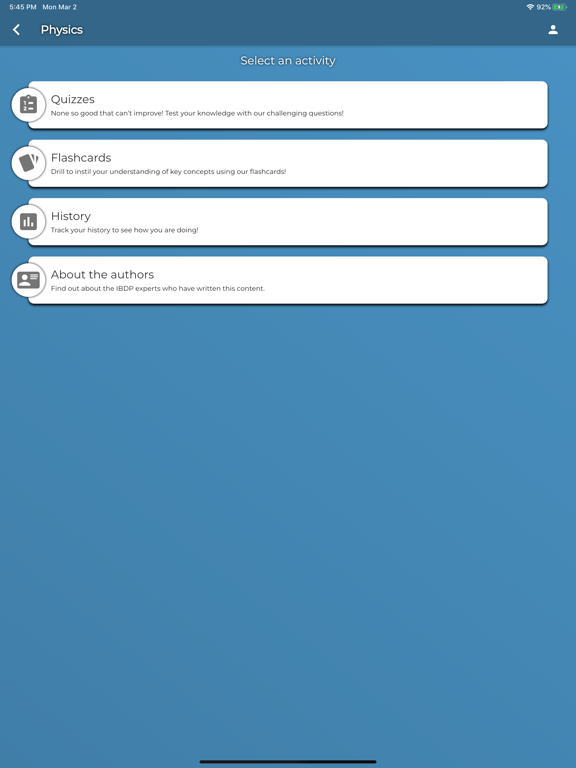
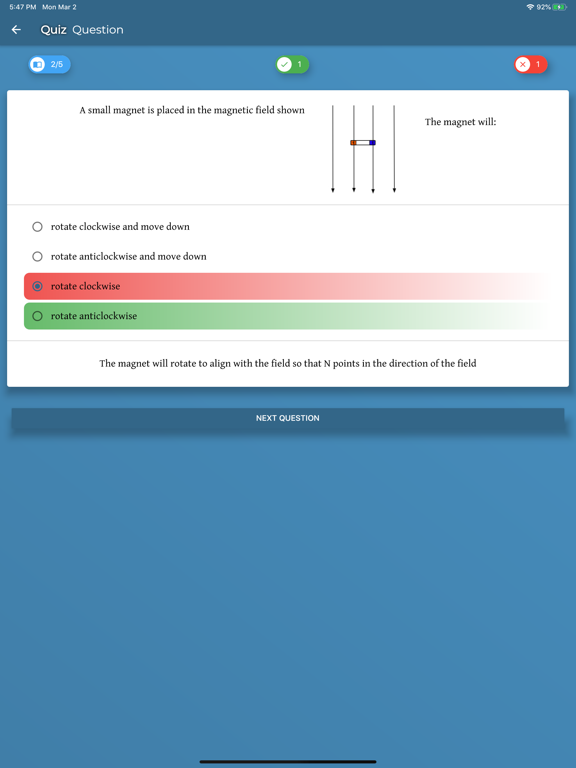
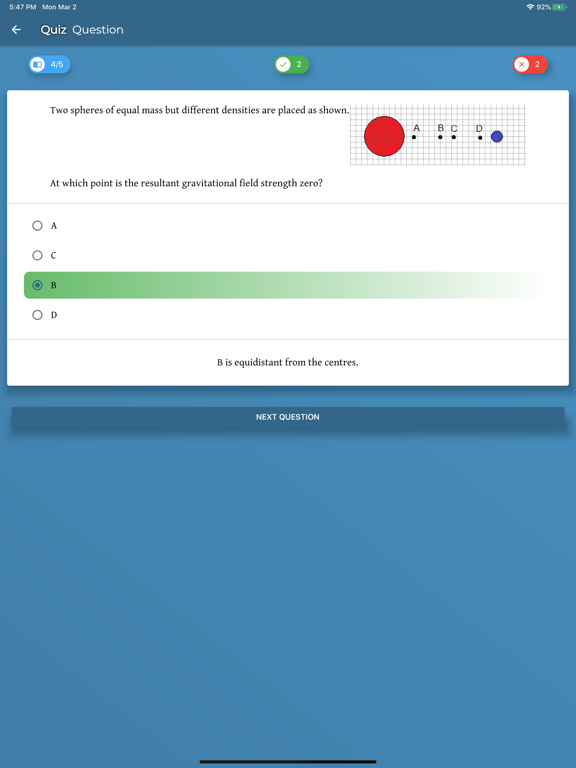
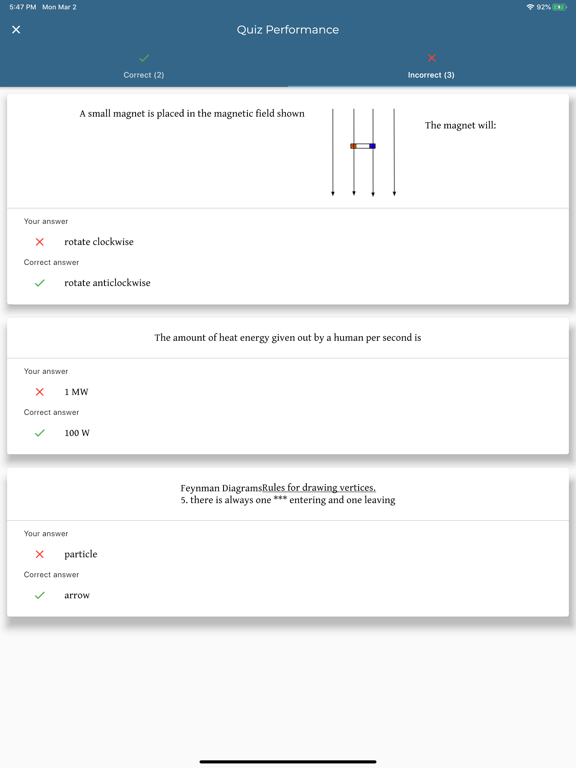
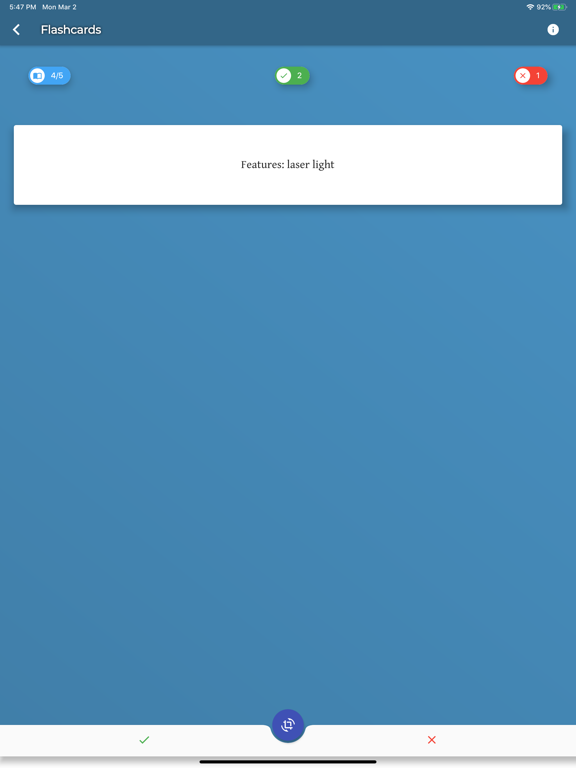
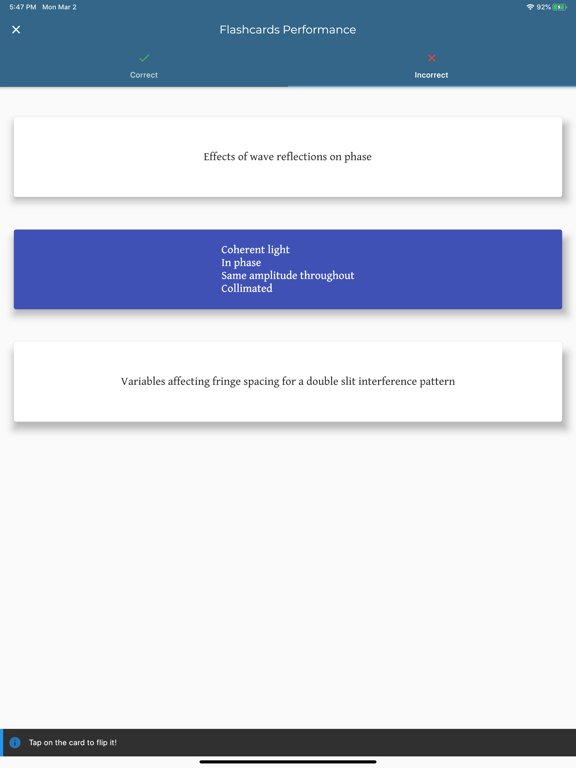
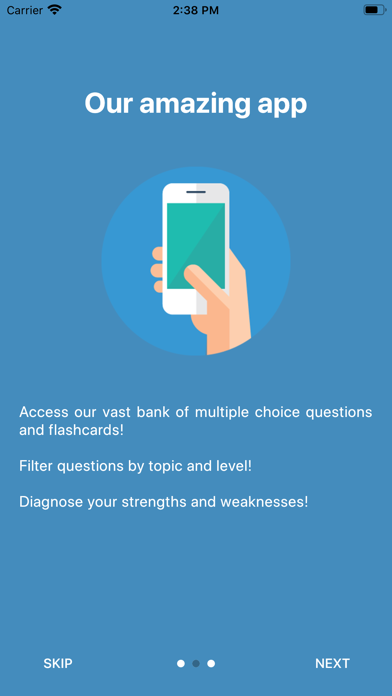
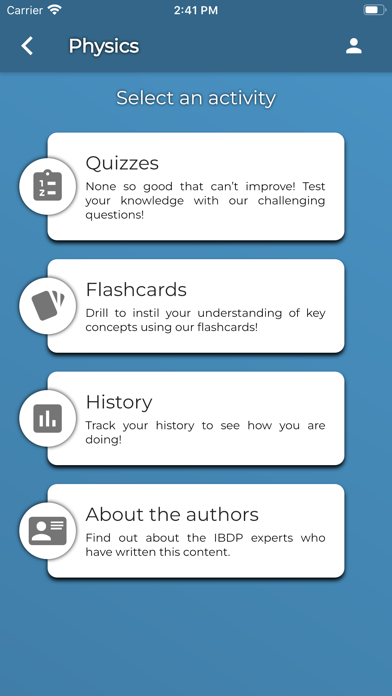
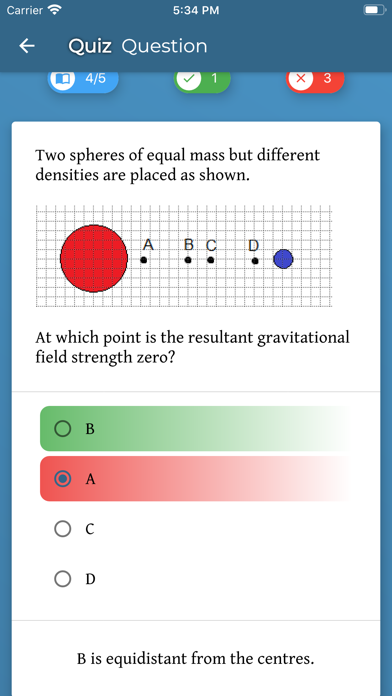
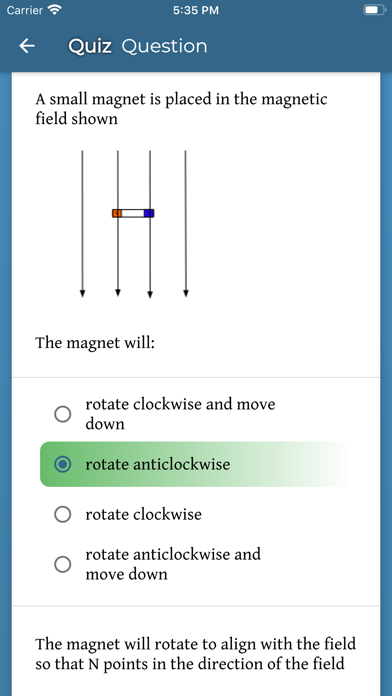
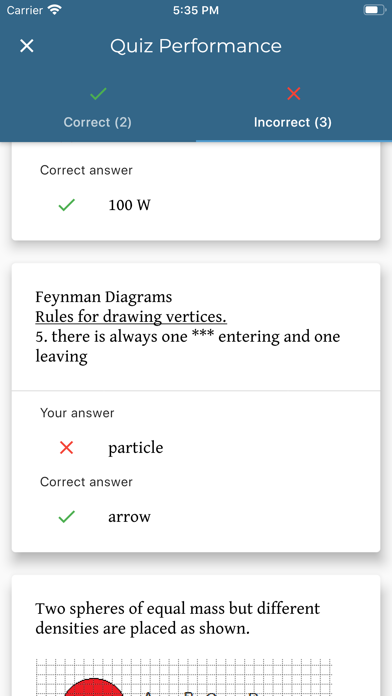
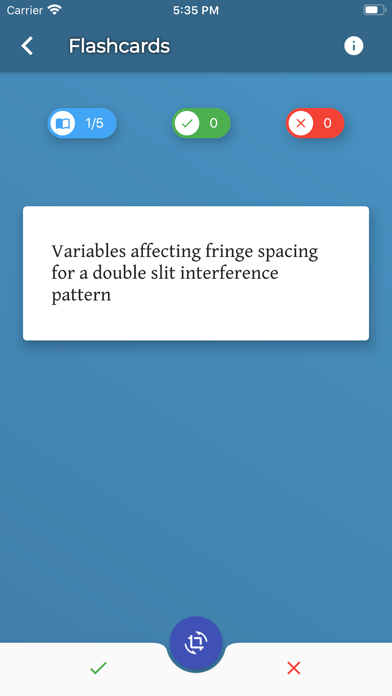
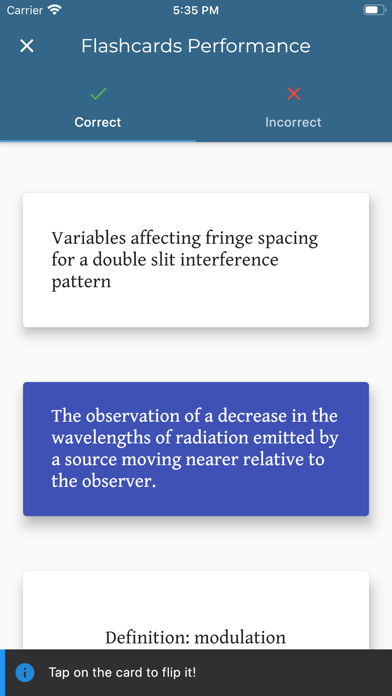
InThinking Revision App 스크린 샷
About InThinking Revision App
You will find single-choice and multiple-choice questions that will help you improve on your knowledge in preparation for your IB exams!
Show More
Show Less
최신 버전 1.6.00의 새로운 기능
Last updated on Feb 18, 2022
오래된 버전
- Implementation of the new StudyIB.net subscription model. - Changed the styling for fill in the gaps and drag and drop style questions. - Many styling changes. - Stability fixes. - Bug fixes.
Show More
Show Less
Version History
1.6.00
Feb 18, 2022
- Implementation of the new StudyIB.net subscription model. - Changed the styling for fill in the gaps and drag and drop style questions. - Many styling changes. - Stability fixes. - Bug fixes.
1.5.00
Dec 27, 2021
- The app is now called "InThinking Revision App". - The general speed of use of the app has been greatly increased. - Changed the way the content is downloaded on the device: Now we stream the content on demand. - Many styling changes. - Bug fixes.
1.4.01
Jul 1, 2021
- Fixed a problem where some topics wouldn't show for certain subjects. - Fixed a problem where the download progress would show more than 100% - Main menu display changes - Topics used to filter quizzes / flashcard set now appear in the history page overview - Fixed a problem where the slider for max questions / flashcards would get strange numbers and would not start the quiz / flashcard set
1.4.00
May 21, 2021
- Subtopics are now available: filtering questions or flashcards is now easier now - General background system updates - Updated app icon and Spanish B icon
1.3.00
Mar 20, 2021
- General background system updates - General stability improvements - Fixed an issue which caused problems with Physics questions downloads - Prepared the system for the new Spanish B release
1.2.03
Sep 30, 2020
- Fixed an issue that would cause some questions to show false answers as correct ones - Fixed a registration issue that would give an incorrect confirmation email
1.2.02
Sep 12, 2020
- Fixed an issue where content would download each time the app would load - Added a button at the end of quizzes / flashcard sets to go back to the subject homepage - Miscellaneous performance and display improvements
1.2.01
Aug 29, 2020
- Added downloads information page - Reworked the content download system, speeds should increase - Reworked Quiz History section which sometimes would not show previous quizzes - Little adjustment to question page - button is now floating
1.1.12
Jun 22, 2020
- HL / SL levels implementation, synchronized with the website - Improvements to the error reporting system - Updating the app would sometimes require a re-login, this was fixed - Miscellaneous display adjustments
1.1.11
May 19, 2020
- Fixed issue where formulas wouldn't show properly sometimes - Fixed visual issue with fill-in-the-gaps questions - Miscellaneous display adjustments
1.1.10
May 4, 2020
Display fixes. Fixed issue where questions wouldn't download correctly sometimes.
1.1.8
Apr 7, 2020
- Added problem reporting button in the top bar - Added notifications for content download in the background - Miscellaneous display adjustments