SugarSync
무료
5.2.0for iPhone, iPad
Age Rating
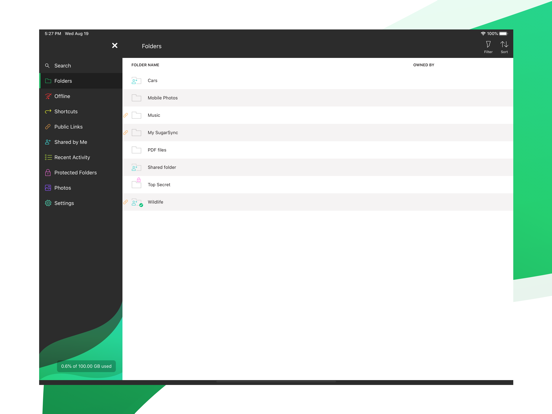
SugarSync 스크린 샷
About SugarSync
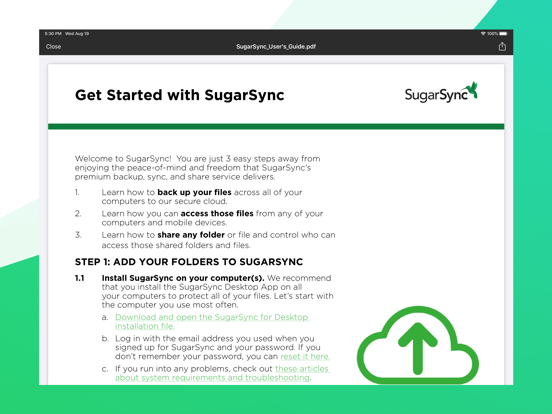
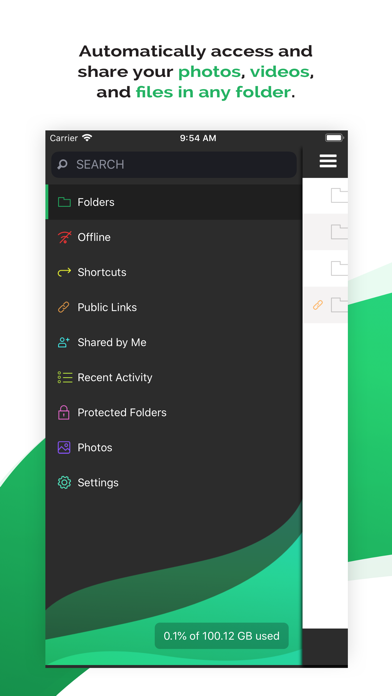
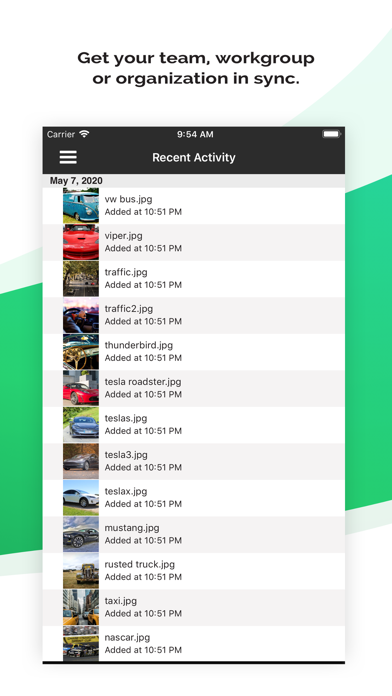
SugarSync lets you securely backup your files, photos, music, and more, on any device. We add a layer of security to all of your file syncing and storing so you can keep your digital life private and organized. Easily sync and send files from one device to another, collaborate with team members, and enjoy seamless file syncing across your devices with minimal effort.
Features:
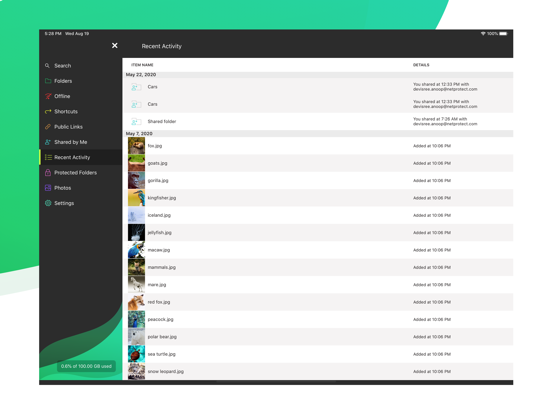
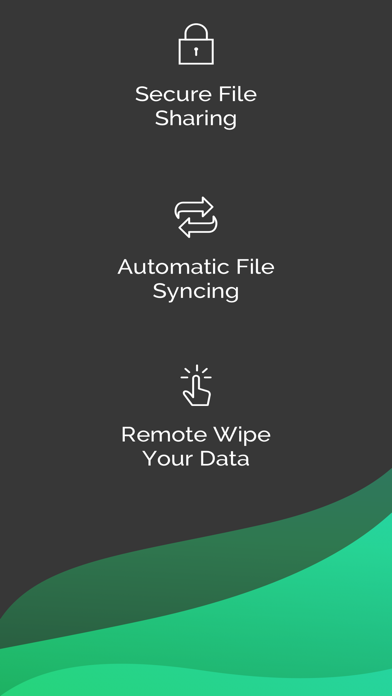
Automatically sync your files to the cloud
Instantly backup photos taken on your iPhone
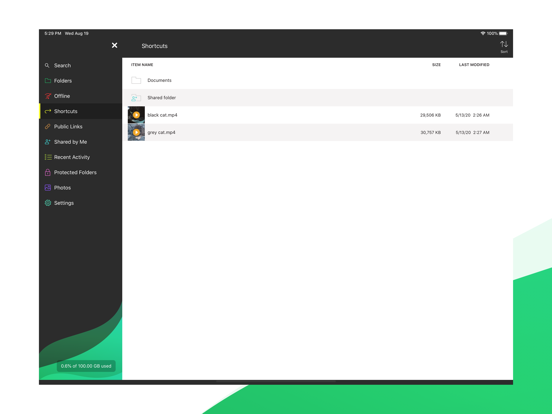
Sync multiple folders at once
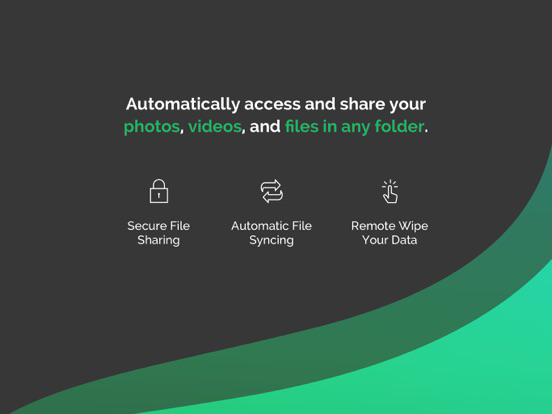
Remotely wipe your data in the case of device theft or loss
Complete Data Security
SugarSync makes security a priority. We use industry-standard encryption to protect your files and data while they sync to our servers, and store them in the cloud in an encrypted format.
iPhone Photo Syncing
Skip using iCloud or a cable to upload your iPhone photos. SugarSync lets you automatically upload photos from your iPhone to your computer so you can have all of your important memories and more in one secure place.
Auto-Syncing Across Devices
SugarSync makes it easy to keep all of your devices synced. You can automatically sync files across computers, devices, and platforms, and all changes made in the cloud will be automatically applied to all of your synced devices.
Flexible File Sharing
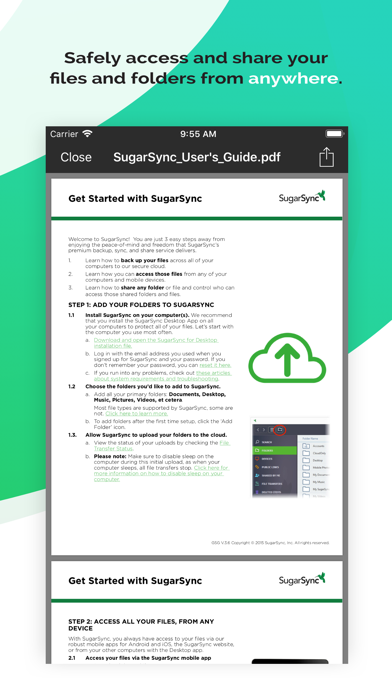
Sharing files and folders has never been easier. SugarSync lets you control how and what you want to share, whether it’s a small read-only file or a large folder with editing permissions — it’s up to you.
Easy Restoration
Never worry about losing your important files, photos, and documents again. Our Protected Folders option lets you easily roll back your folder to a previous date in time so you can recover all files within it at once.
Enjoy a free 30-day trial when you sign up for SugarSync. Choose from our 100 GB, 250 GB, and 500 GB personal plan options, or choose our business plan which offers 10000 GB of space. We also offer custom business plans for teams looking for the right cloud storage for their needs.
Learn more about SugarSync here: https://www.sugarsync.com/
Terms of Service: https://www.sugarsync.com/terms/
Privacy Policy: https://www.sugarsync.com/privacy/

Features:
Automatically sync your files to the cloud
Instantly backup photos taken on your iPhone
Sync multiple folders at once
Remotely wipe your data in the case of device theft or loss
Complete Data Security
SugarSync makes security a priority. We use industry-standard encryption to protect your files and data while they sync to our servers, and store them in the cloud in an encrypted format.
iPhone Photo Syncing
Skip using iCloud or a cable to upload your iPhone photos. SugarSync lets you automatically upload photos from your iPhone to your computer so you can have all of your important memories and more in one secure place.
Auto-Syncing Across Devices
SugarSync makes it easy to keep all of your devices synced. You can automatically sync files across computers, devices, and platforms, and all changes made in the cloud will be automatically applied to all of your synced devices.
Flexible File Sharing
Sharing files and folders has never been easier. SugarSync lets you control how and what you want to share, whether it’s a small read-only file or a large folder with editing permissions — it’s up to you.
Easy Restoration
Never worry about losing your important files, photos, and documents again. Our Protected Folders option lets you easily roll back your folder to a previous date in time so you can recover all files within it at once.
Enjoy a free 30-day trial when you sign up for SugarSync. Choose from our 100 GB, 250 GB, and 500 GB personal plan options, or choose our business plan which offers 10000 GB of space. We also offer custom business plans for teams looking for the right cloud storage for their needs.
Learn more about SugarSync here: https://www.sugarsync.com/
Terms of Service: https://www.sugarsync.com/terms/
Privacy Policy: https://www.sugarsync.com/privacy/
Show More
최신 버전 5.2.0의 새로운 기능
Last updated on Apr 6, 2022
오래된 버전
Share files to SugarSync even if App Lock is enabled
Open multiple files at once with an external app
Stability improvements
Open multiple files at once with an external app
Stability improvements
Show More
Version History
5.2.0
Apr 6, 2022
Share files to SugarSync even if App Lock is enabled
Open multiple files at once with an external app
Stability improvements
Open multiple files at once with an external app
Stability improvements
SugarSync FAQ
제한된 국가 또는 지역에서 SugarSync를 다운로드하는 방법을 알아보려면 여기를 클릭하십시오.
SugarSync의 최소 요구 사항을 보려면 다음 목록을 확인하십시오.
iPhone
iPad