SynScan
무료
2.5.15for iPhone, iPad
Age Rating
SynScan 스크린 샷
About SynScan
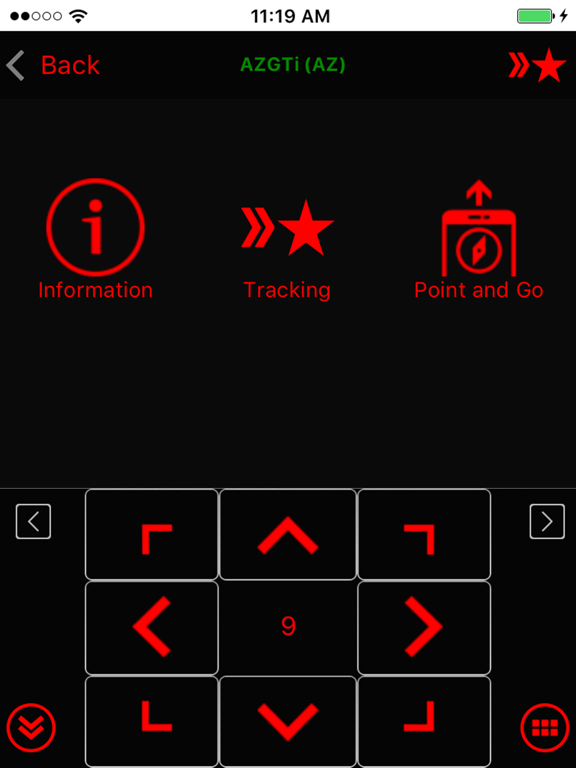
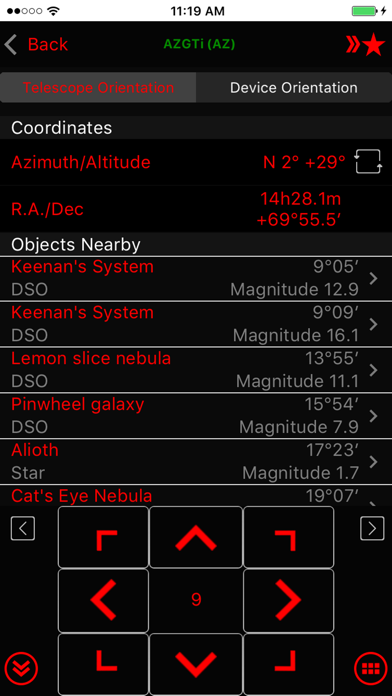
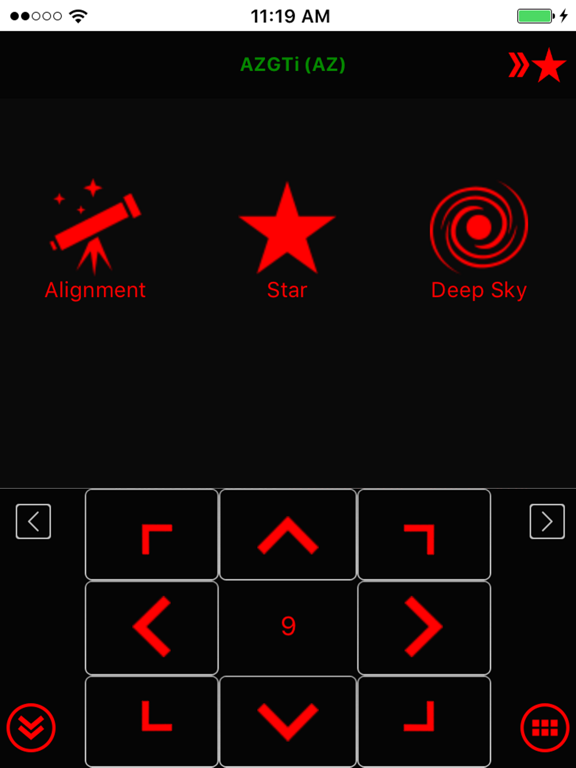
Use the SynScan app to control Sky-Watcher telescope mounts via Wi-Fi or Bluetooth LE. Mounts without built-in Wi-Fi can be supported via a SynScan Wi-Fi adapter.
This version of the SynScan app is suited for novice users using alt-azimuth mounts.
Features
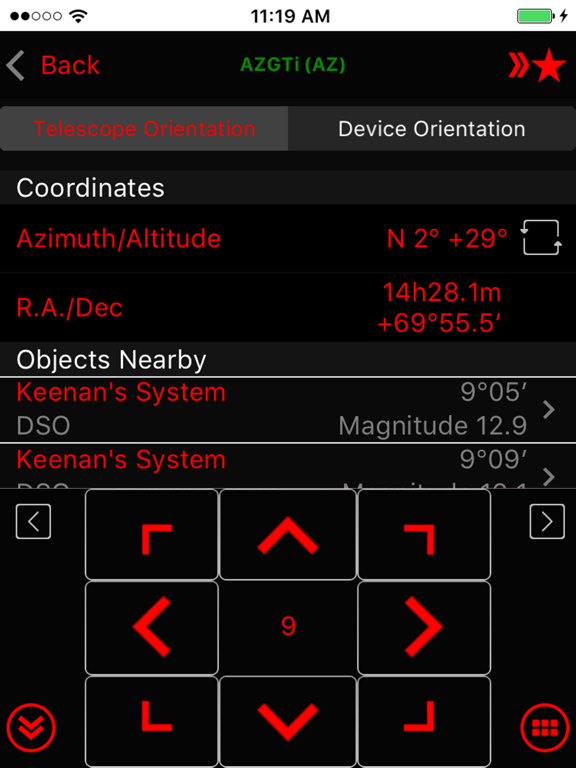
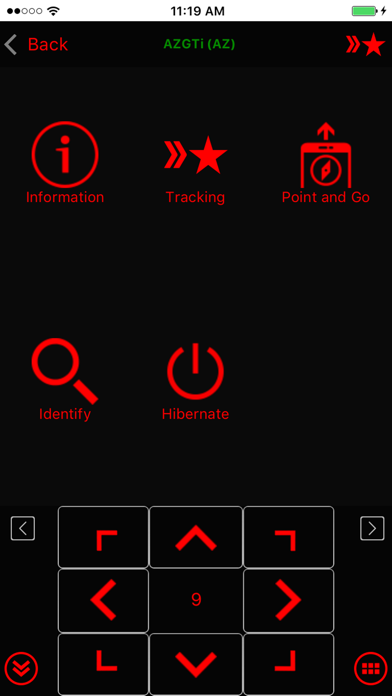
- Control telescope mount to slew, align, GOTO and track.
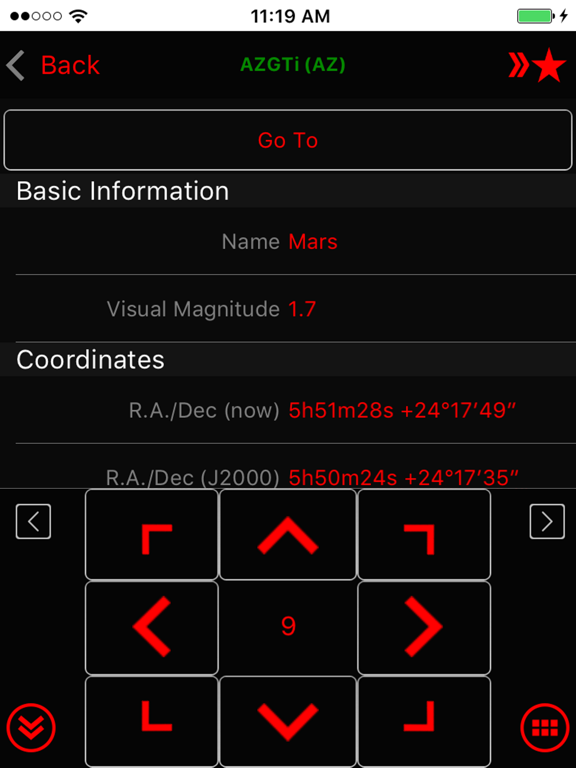
- Point And Track: track celestial objects (including the Sun and planets) without aligning.
- Support gamepad navigation.
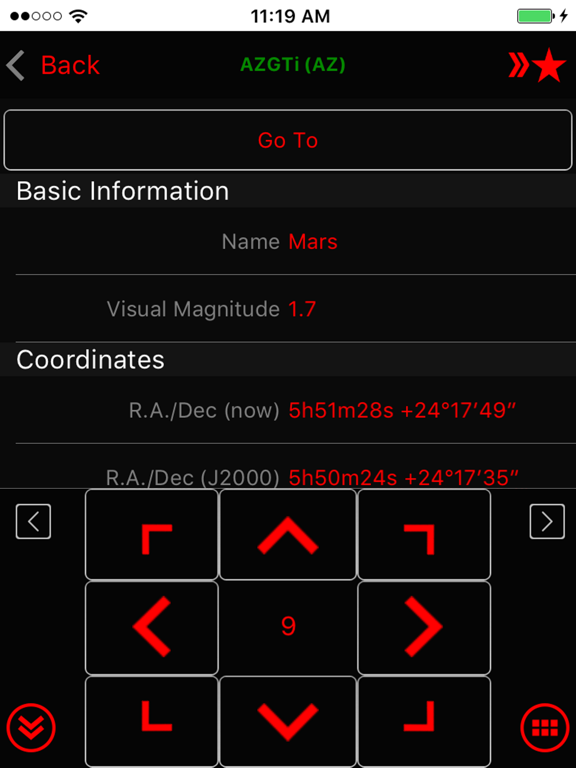
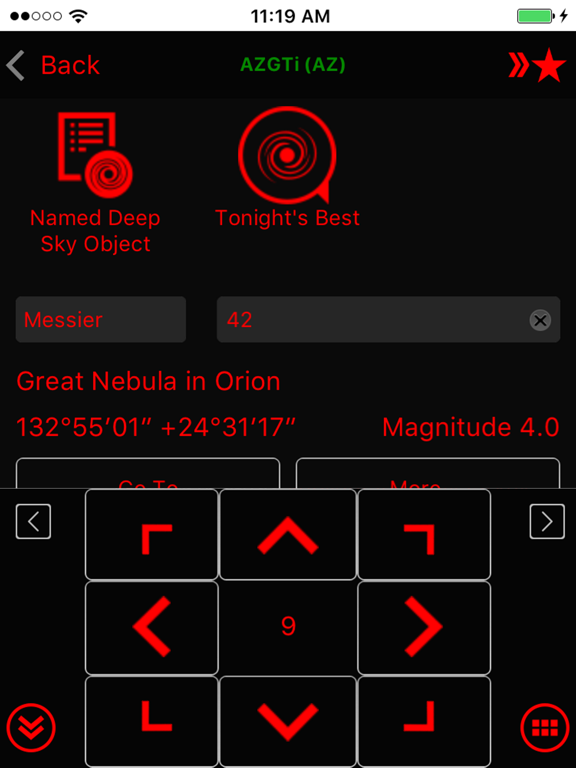
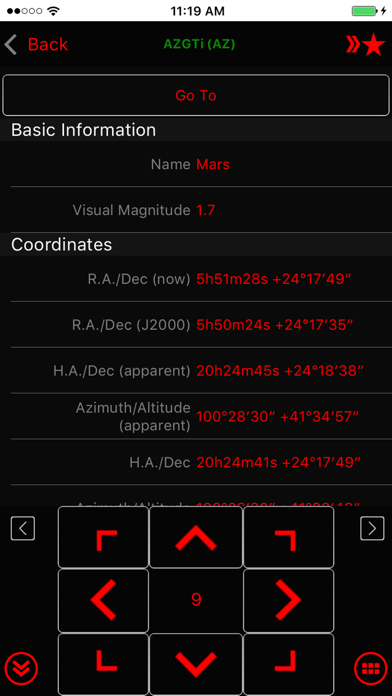
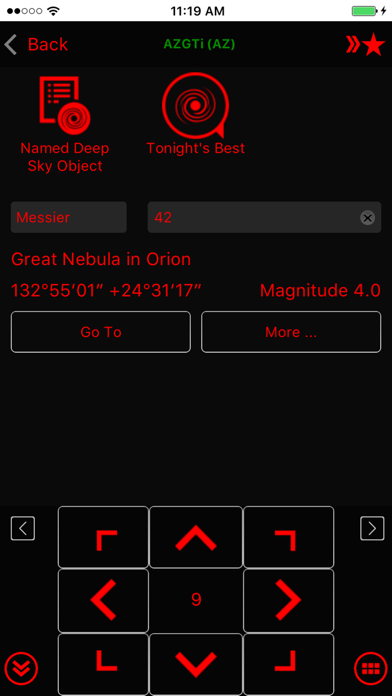
- Browse a catalog of stars, comets, and deep sky objects. Or, save your own objects.
- Provide access to mount for use by third-party apps, including ASCOM clients, SkySafari, Luminos, Stellarium Mobile Plus, Stellarium Desktop or customer-developed apps. Also set up mount alignment for Luminos, Skysafari.
- Support access to the mount and the SynScan app from any platform that supports TCP/UDP connections.
- Provide emulator mount for testing and practicing.
- Track fast-moving earth satellites by working with the PreviSat app on Windows PC or the Lumios app on iOS devices.

This version of the SynScan app is suited for novice users using alt-azimuth mounts.
Features
- Control telescope mount to slew, align, GOTO and track.
- Point And Track: track celestial objects (including the Sun and planets) without aligning.
- Support gamepad navigation.
- Browse a catalog of stars, comets, and deep sky objects. Or, save your own objects.
- Provide access to mount for use by third-party apps, including ASCOM clients, SkySafari, Luminos, Stellarium Mobile Plus, Stellarium Desktop or customer-developed apps. Also set up mount alignment for Luminos, Skysafari.
- Support access to the mount and the SynScan app from any platform that supports TCP/UDP connections.
- Provide emulator mount for testing and practicing.
- Track fast-moving earth satellites by working with the PreviSat app on Windows PC or the Lumios app on iOS devices.
Show More
최신 버전 2.5.15의 새로운 기능
Last updated on Jan 26, 2025
오래된 버전
• PM Sharing: changed broadcast interval from every 60 sec to every 3 sec. Make more robust.
• Connect popup: fix problem with multiple popup (connect, choose mode, restore from park) not showing in right order
• AZ tracking: not use trail points to track when aux encoder is enabled
• Fix ASCOM server not responding due to receiving zero length UDP packet.
• Tonight's best page: not reset tab or search text when leaving
• Fix crash when going to polar alignment page while disconnected but have EQ mount alignment
• Alignment routine: fix centering UI incorrectly closing when centering failed
• SynScan App protocol server: add support for getting mount axis: 'telescope.Action("AxisCoordinatesGet", "")' -> degree string eg "45.0,15.0". No need to update "SynScan App" ASCOM driver.
• Camera exposure group: ensure to keep screen awake
• Connect popup: fix problem with multiple popup (connect, choose mode, restore from park) not showing in right order
• AZ tracking: not use trail points to track when aux encoder is enabled
• Fix ASCOM server not responding due to receiving zero length UDP packet.
• Tonight's best page: not reset tab or search text when leaving
• Fix crash when going to polar alignment page while disconnected but have EQ mount alignment
• Alignment routine: fix centering UI incorrectly closing when centering failed
• SynScan App protocol server: add support for getting mount axis: 'telescope.Action("AxisCoordinatesGet", "")' -> degree string eg "45.0,15.0". No need to update "SynScan App" ASCOM driver.
• Camera exposure group: ensure to keep screen awake
Show More
Version History
2.5.15
Jan 26, 2025
• PM Sharing: changed broadcast interval from every 60 sec to every 3 sec. Make more robust.
• Connect popup: fix problem with multiple popup (connect, choose mode, restore from park) not showing in right order
• AZ tracking: not use trail points to track when aux encoder is enabled
• Fix ASCOM server not responding due to receiving zero length UDP packet.
• Tonight's best page: not reset tab or search text when leaving
• Fix crash when going to polar alignment page while disconnected but have EQ mount alignment
• Alignment routine: fix centering UI incorrectly closing when centering failed
• SynScan App protocol server: add support for getting mount axis: 'telescope.Action("AxisCoordinatesGet", "")' -> degree string eg "45.0,15.0". No need to update "SynScan App" ASCOM driver.
• Camera exposure group: ensure to keep screen awake
• Connect popup: fix problem with multiple popup (connect, choose mode, restore from park) not showing in right order
• AZ tracking: not use trail points to track when aux encoder is enabled
• Fix ASCOM server not responding due to receiving zero length UDP packet.
• Tonight's best page: not reset tab or search text when leaving
• Fix crash when going to polar alignment page while disconnected but have EQ mount alignment
• Alignment routine: fix centering UI incorrectly closing when centering failed
• SynScan App protocol server: add support for getting mount axis: 'telescope.Action("AxisCoordinatesGet", "")' -> degree string eg "45.0,15.0". No need to update "SynScan App" ASCOM driver.
• Camera exposure group: ensure to keep screen awake
SynScan FAQ
제한된 국가 또는 지역에서 SynScan를 다운로드하는 방법을 알아보려면 여기를 클릭하십시오.
SynScan의 최소 요구 사항을 보려면 다음 목록을 확인하십시오.
iPhone
iPad