TapCoding
무료
1.3.3for iPhone, iPad and more
Age Rating
TapCoding 스크린 샷
About TapCoding
Learning to be a Swift programmer has never been so easy, convenient, or fun!
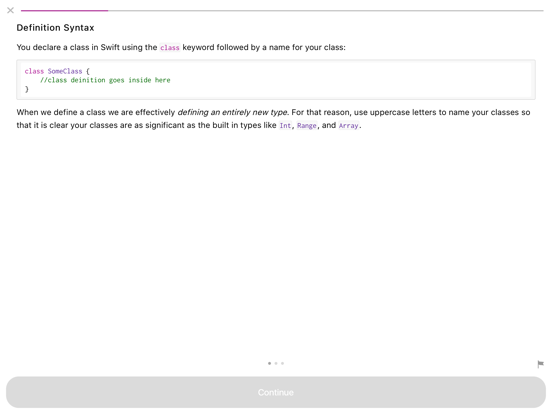
TapCoding uses thousands of bite-sized exercises to teach you to code. All together, this content is easily the size of an entire programming book.
But programming books are boring.
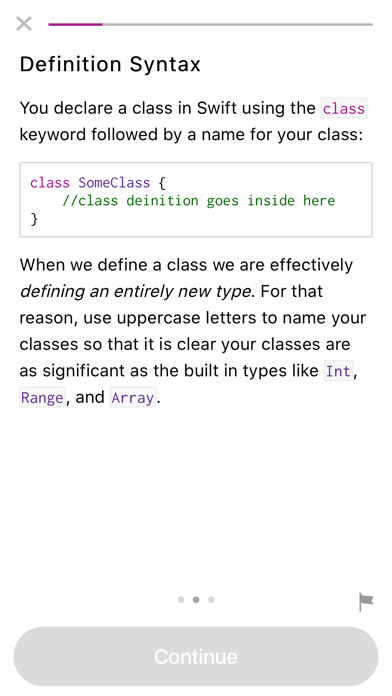
Don't just read about programming in Swift. Actually do it, with all the interactive exercises:
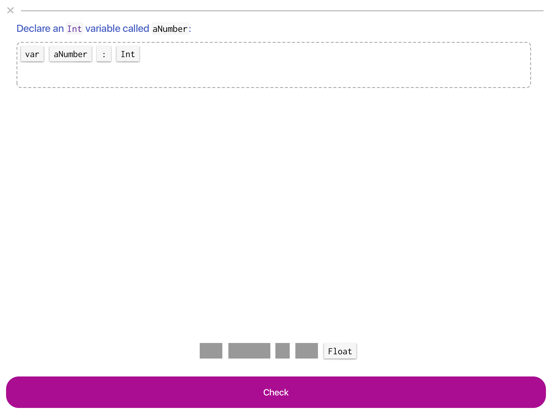
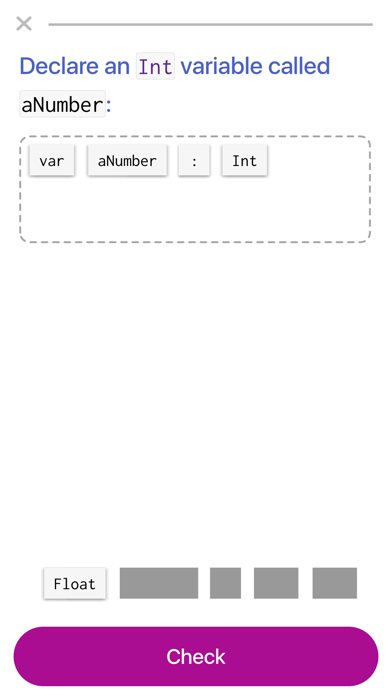
- Code building pages for producing code via drag-and-drop.
- True/false exercises for emphasizing important concepts.
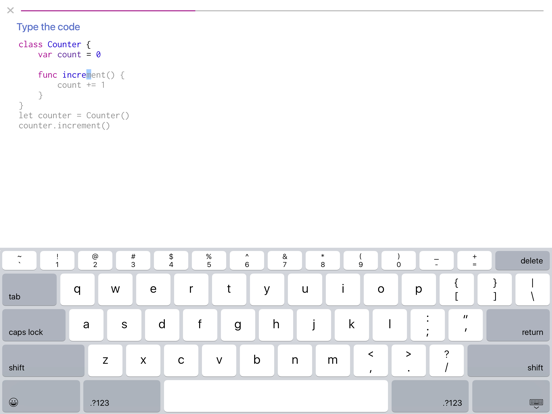
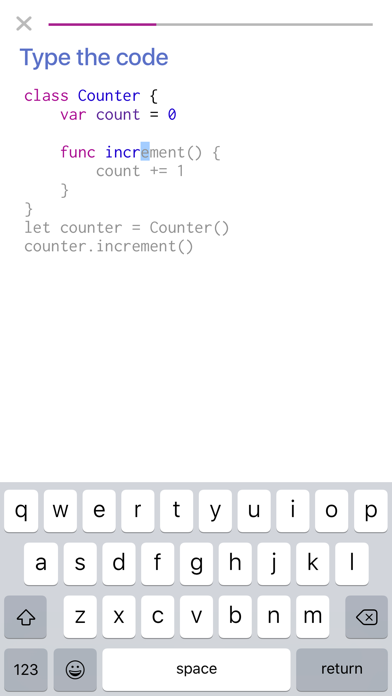
- Code typing pages for reinforcing the rote muscle memory of coding.
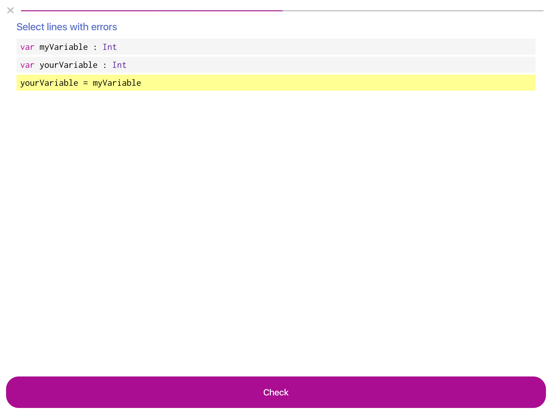
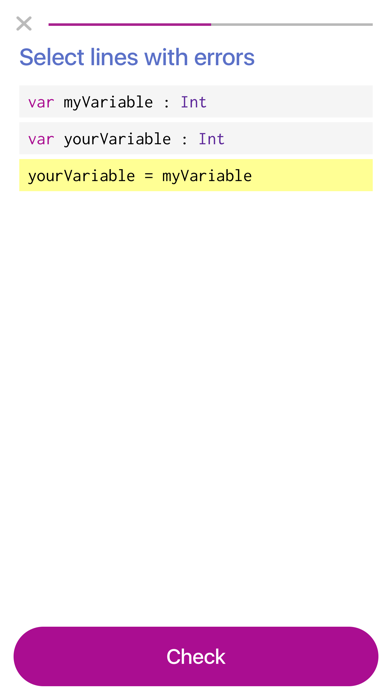
- Error spotting pages for comprehending existing code and detecting mistakes in logic or syntax.
These exercises get you into the action, helping you engage and invest in your learning.
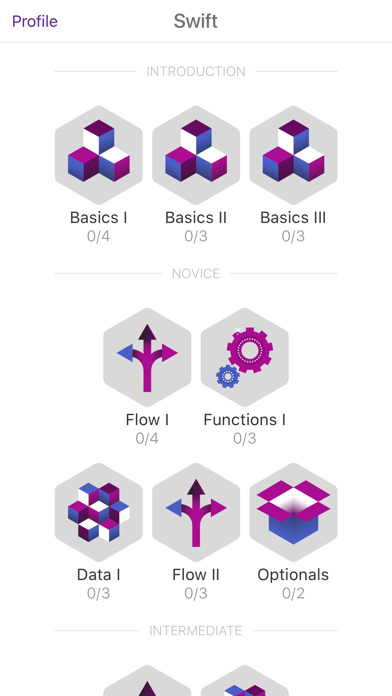
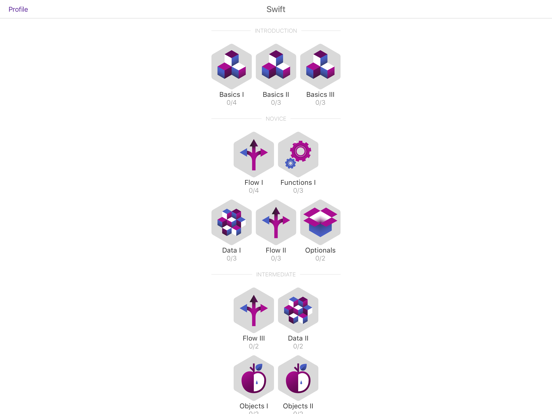
TapCoding's carefully crafted curriculum takes you from a complete newbie up to an intermediate skill level, all from the comfort of your couch. The novice course can be unlocked 100% for free, so get started today!

TapCoding uses thousands of bite-sized exercises to teach you to code. All together, this content is easily the size of an entire programming book.
But programming books are boring.
Don't just read about programming in Swift. Actually do it, with all the interactive exercises:
- Code building pages for producing code via drag-and-drop.
- True/false exercises for emphasizing important concepts.
- Code typing pages for reinforcing the rote muscle memory of coding.
- Error spotting pages for comprehending existing code and detecting mistakes in logic or syntax.
These exercises get you into the action, helping you engage and invest in your learning.
TapCoding's carefully crafted curriculum takes you from a complete newbie up to an intermediate skill level, all from the comfort of your couch. The novice course can be unlocked 100% for free, so get started today!
Show More
최신 버전 1.3.3의 새로운 기능
Last updated on Nov 6, 2019
오래된 버전
1.3.3 (and 1.3.2)
~ Fixed bugs preventing progress through some typing exercises.
1.3 & 1.3.1
~ Added support for iOS 13 and various new screen sizes.
~ Bug fixes on the reading pages.
~ Fixed inconsistent navigation bar in dark mode.
~ Fixed bottom-of-page indicator not appearing when swiping between pages.
~ Minor layout improvement on home screen.
~ Fixed bugs preventing progress through some typing exercises.
1.3 & 1.3.1
~ Added support for iOS 13 and various new screen sizes.
~ Bug fixes on the reading pages.
~ Fixed inconsistent navigation bar in dark mode.
~ Fixed bottom-of-page indicator not appearing when swiping between pages.
~ Minor layout improvement on home screen.
Show More
Version History
1.3.3
Nov 6, 2019
1.3.3 (and 1.3.2)
~ Fixed bugs preventing progress through some typing exercises.
1.3 & 1.3.1
~ Added support for iOS 13 and various new screen sizes.
~ Bug fixes on the reading pages.
~ Fixed inconsistent navigation bar in dark mode.
~ Fixed bottom-of-page indicator not appearing when swiping between pages.
~ Minor layout improvement on home screen.
~ Fixed bugs preventing progress through some typing exercises.
1.3 & 1.3.1
~ Added support for iOS 13 and various new screen sizes.
~ Bug fixes on the reading pages.
~ Fixed inconsistent navigation bar in dark mode.
~ Fixed bottom-of-page indicator not appearing when swiping between pages.
~ Minor layout improvement on home screen.
TapCoding FAQ
제한된 국가 또는 지역에서 TapCoding를 다운로드하는 방법을 알아보려면 여기를 클릭하십시오.
TapCoding의 최소 요구 사항을 보려면 다음 목록을 확인하십시오.
iPhone
Nécessite iOS 9.2 ou version ultérieure.
iPad
Nécessite iPadOS 9.2 ou version ultérieure.
iPod touch
Nécessite iOS 9.2 ou version ultérieure.
TapCoding은 다음 언어를 지원합니다. Anglais
관련 동영상
Latest introduction video of TapCoding on iPhone