Target Compass is an application which shows the direction towards your target location while you traveling. It will help you to reach your destination easily in correct way. Just set the target location and get the direction towards that place through our compass. It is very simple! Just download it!!!
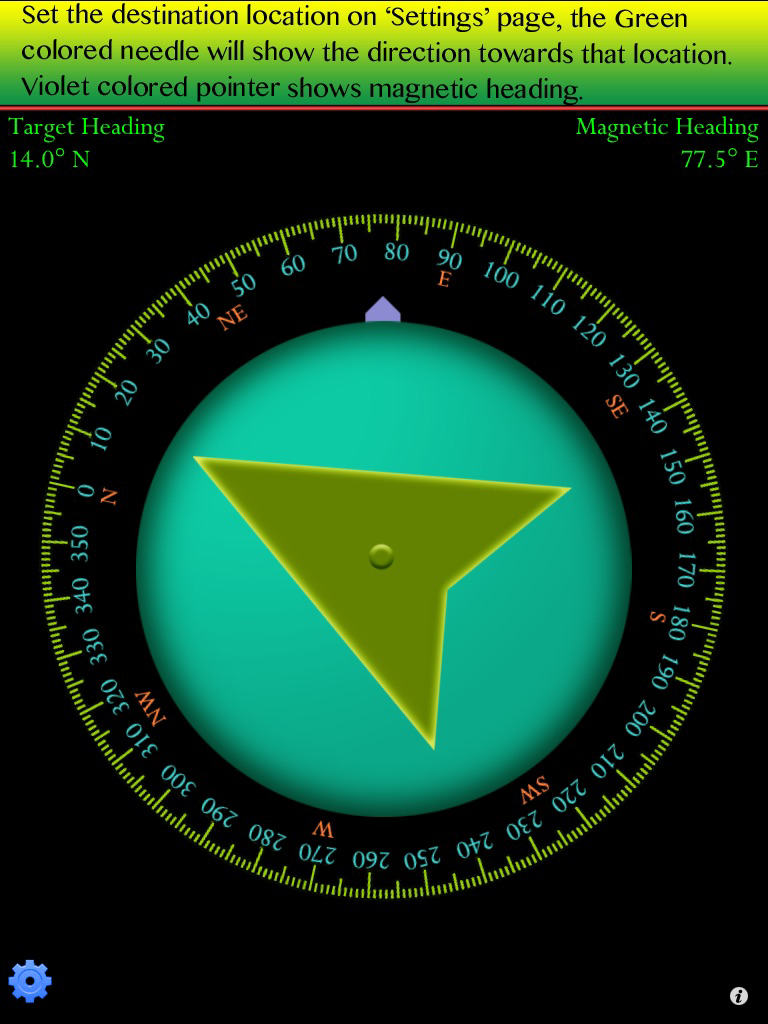
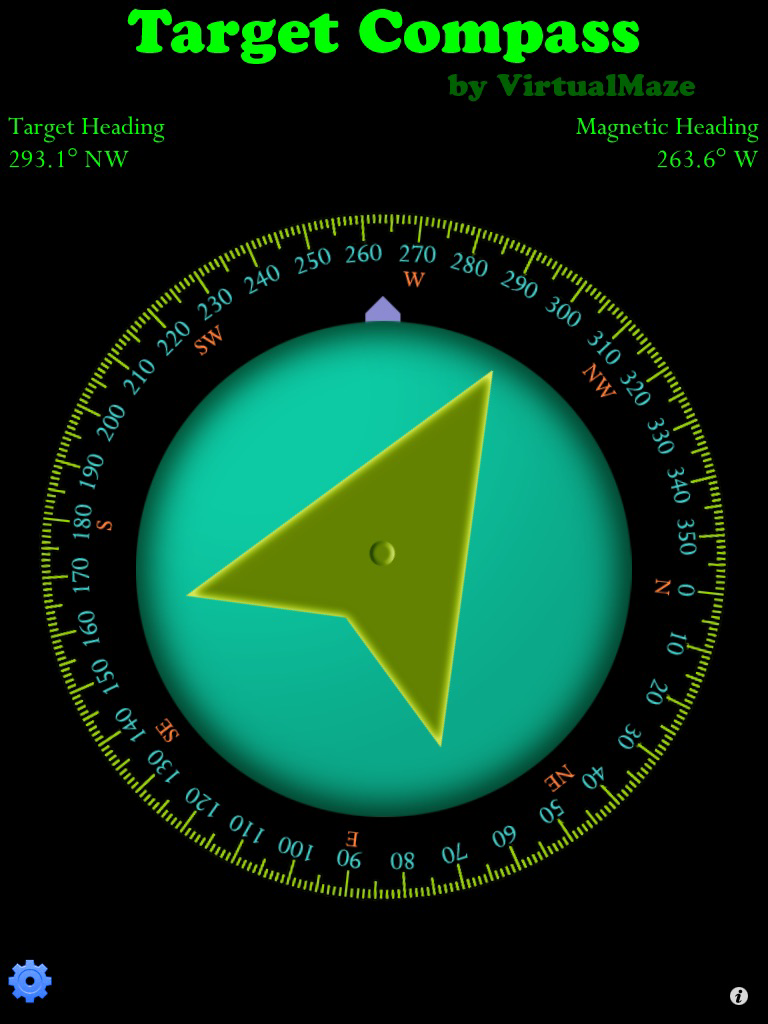
This application is a very simple version of our successful 'GPS Direction' app. Through this application, you can get target heading and magnetic heading. You can use this app as target compass and ordinary magnetic compass.
Features:
*********
* Usability: Very simple and easy to use.
* Navigation: Get the target heading and magnetic heading while traveling. It will help you more in reaching the destination at time.
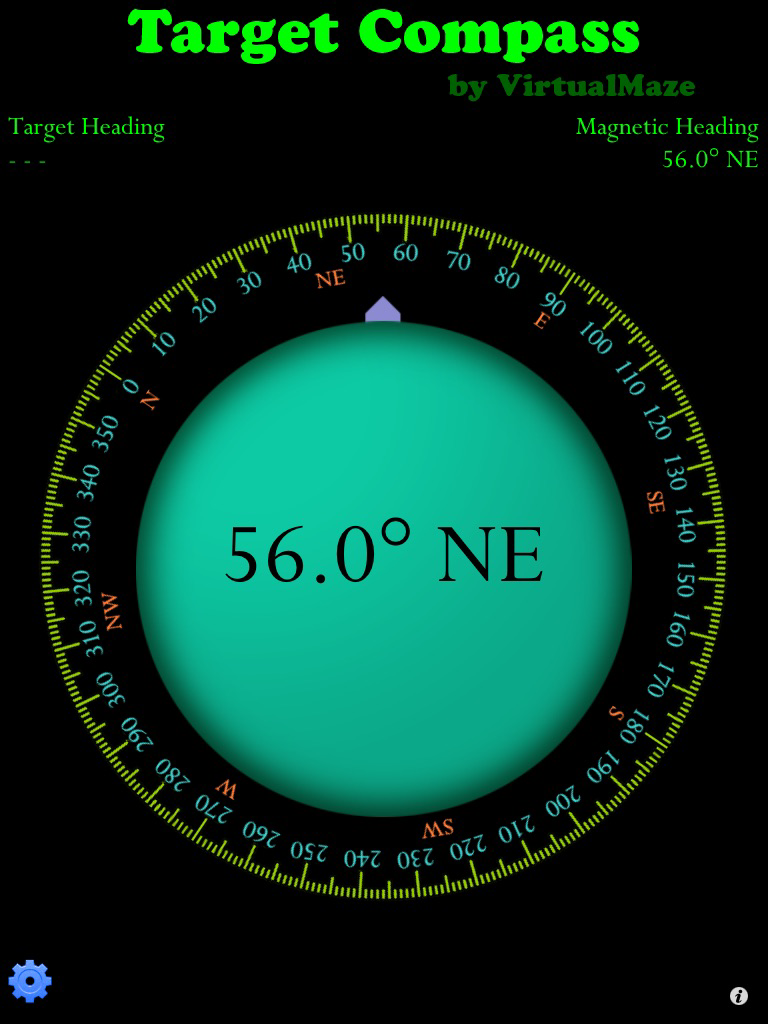
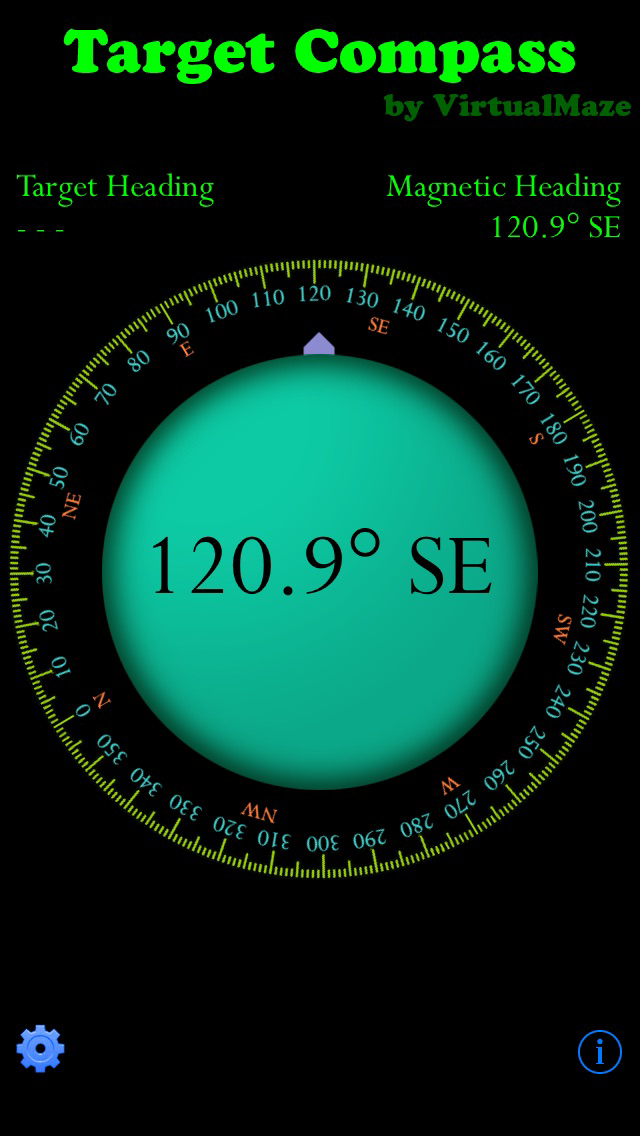
* Magnetic compass: You can get magnetic heading. Violet colored pointer shows magnetic heading.
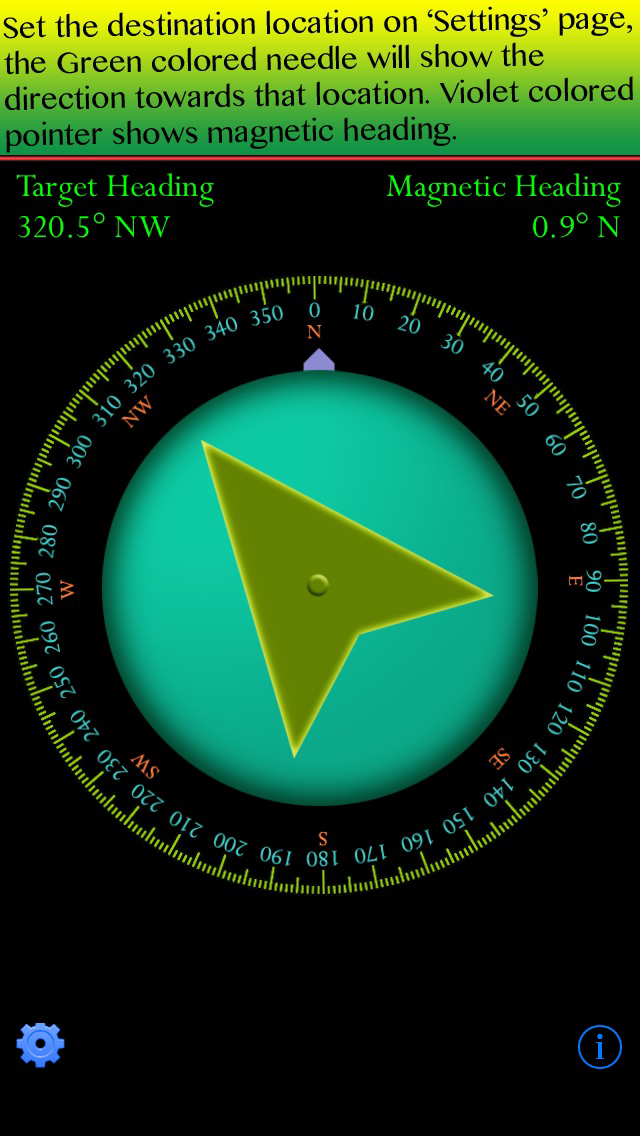
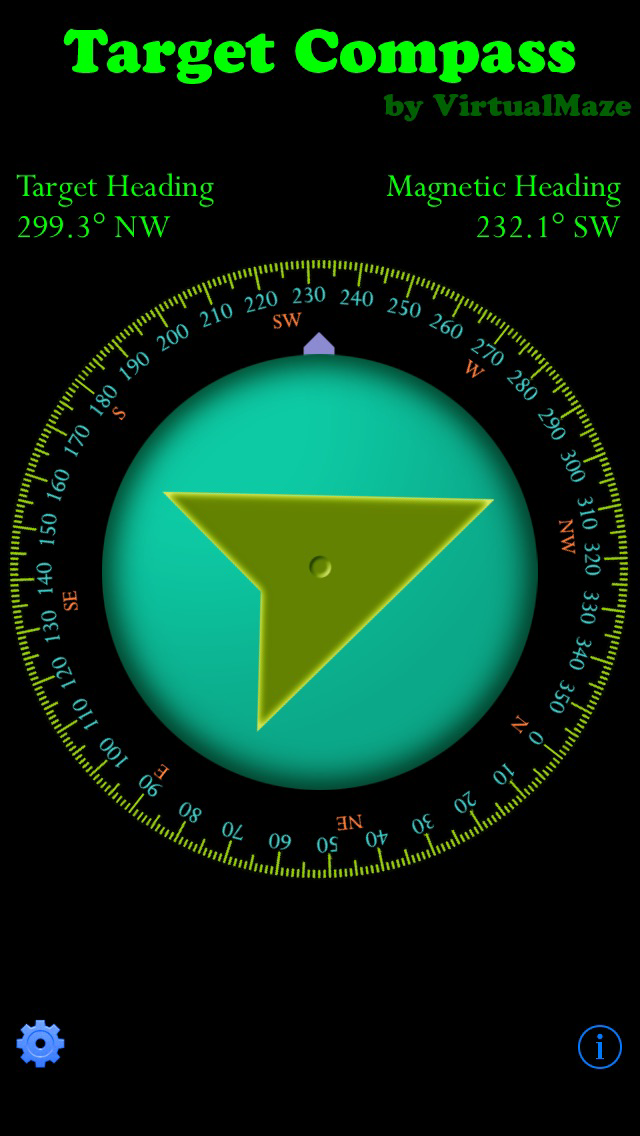
* Target compass: You can get the target heading. The Green colored needle shows the direction towards that target place. You can turn on/of the target compass.
Instructions:
*************
* Main page shows target heading, magnetic heading and the direction towards your target location which you can set in 'Settings' page
* Touch the blue colored wheel button on lower left corner to go to 'Settings' page.
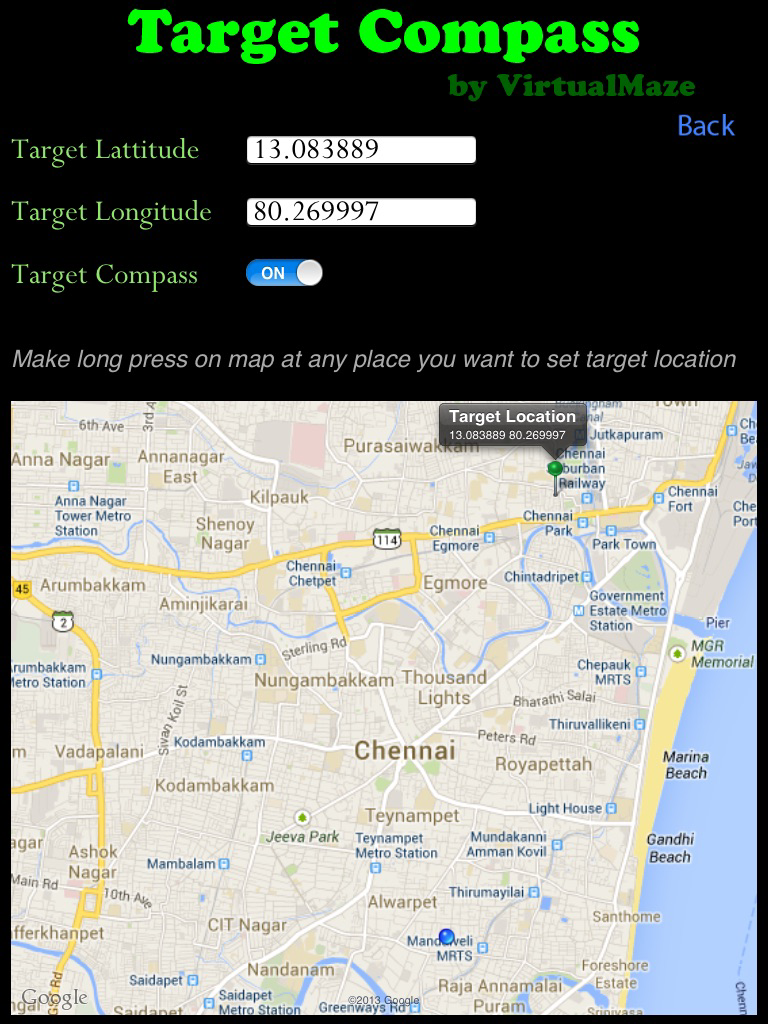
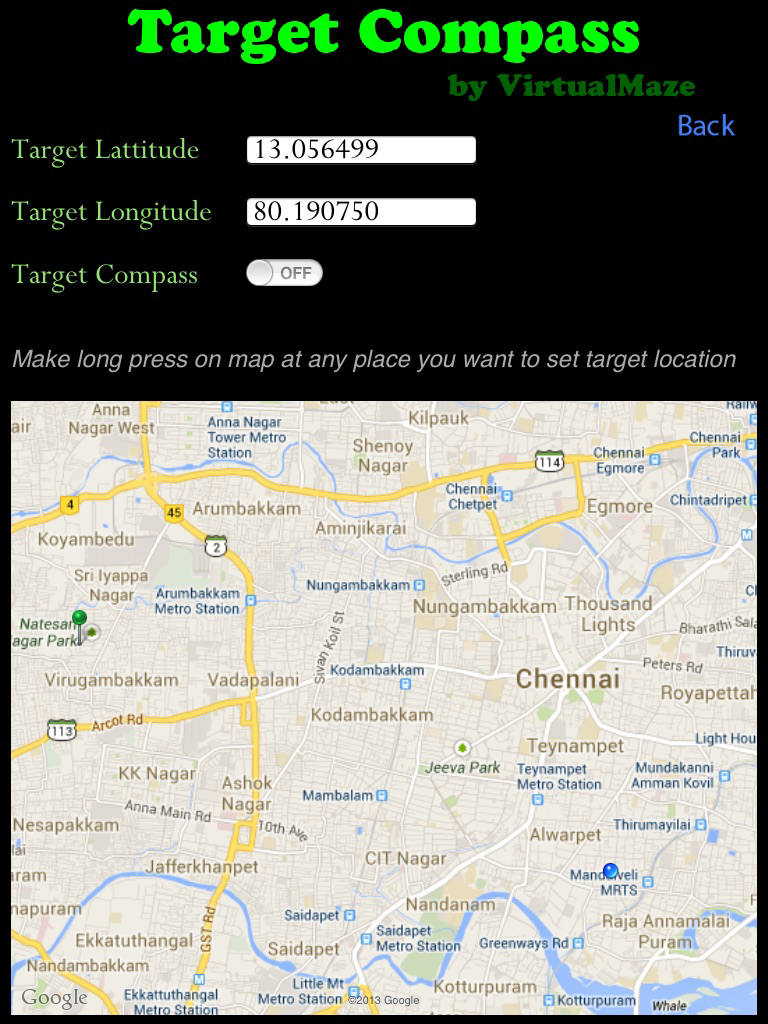
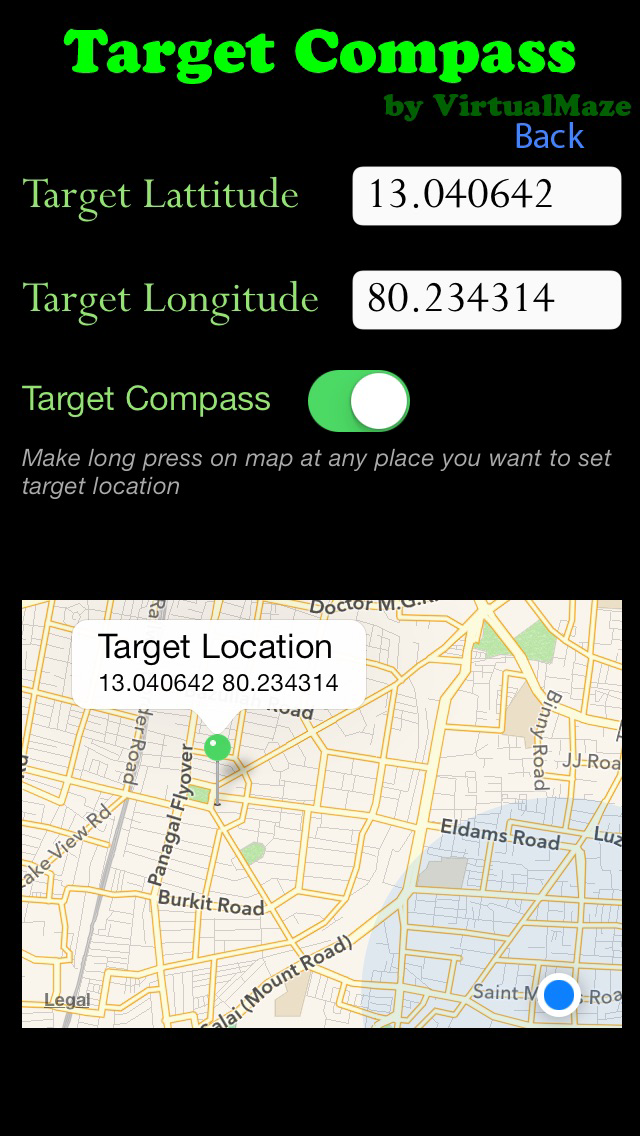
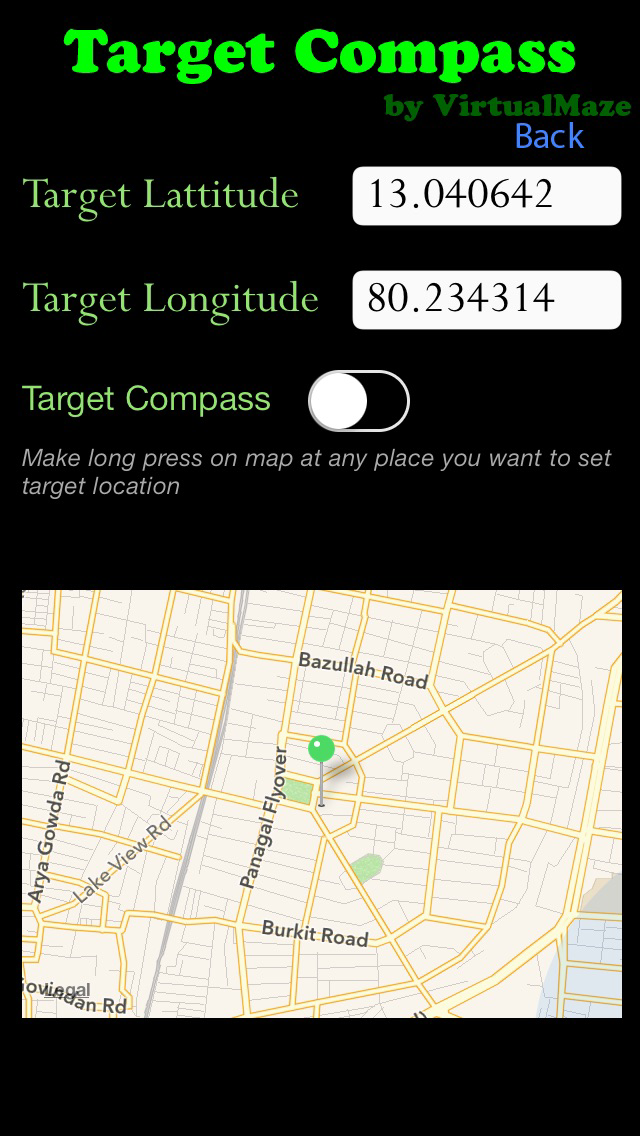
* In 'Settings' page, you can set the target location and turn on/off the target compass.
* Make long press at which you want to set target location on the map. Once it is updated, you will get one alert info. Please keep pressing until you get that alert.
* That's all. You can get the gps direction towards that update location on main page.
Please visit us at https://www.facebook.com/VirtualMaze