Age Rating
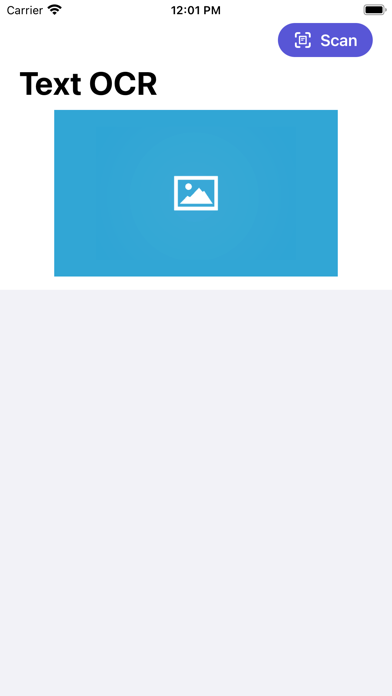
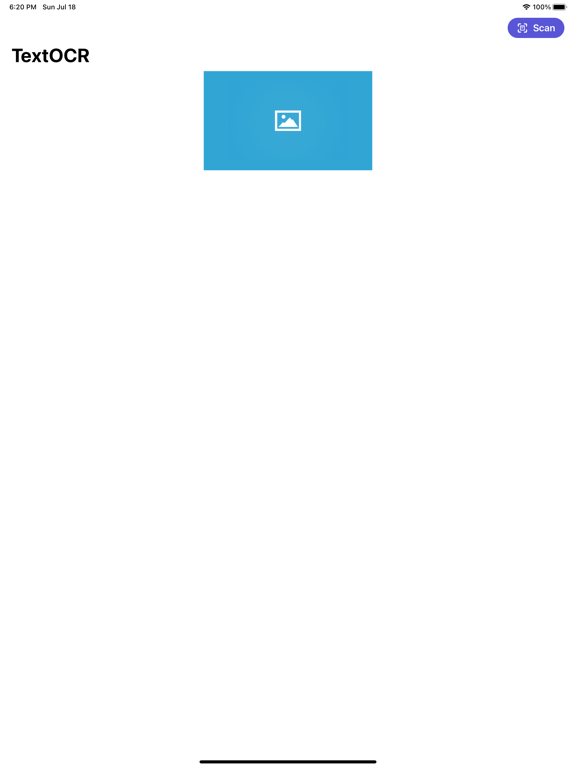
TextOCR 스크린 샷
About TextOCR
I developed this TextOCR app as I needed a simple text recognition app that I can easily scan a text image and mail the text on it to myself.
It works great for text image but not for handwriting recognition. You can use it handily to scan your receipts, phone numbers, namecards etc.
To use, first scan the image using the built in camera App in iPhone. Load up the photo and zoom in to the selected area if required. You can then copy the scanned text to other application or mail the scanned text together with the scanned image to your email account.

It works great for text image but not for handwriting recognition. You can use it handily to scan your receipts, phone numbers, namecards etc.
To use, first scan the image using the built in camera App in iPhone. Load up the photo and zoom in to the selected area if required. You can then copy the scanned text to other application or mail the scanned text together with the scanned image to your email account.
Show More
최신 버전 1.15의 새로운 기능
Last updated on Jan 4, 2024
오래된 버전
Update packages
Show More
Version History
1.15
Jan 4, 2024
Update packages
TextOCR 가격
오늘:
₩1,100
최저 가격:
₩1,100
최고 가격:
₩1,500
TextOCR FAQ
제한된 국가 또는 지역에서 TextOCR를 다운로드하는 방법을 알아보려면 여기를 클릭하십시오.
TextOCR의 최소 요구 사항을 보려면 다음 목록을 확인하십시오.
iPhone
iPad