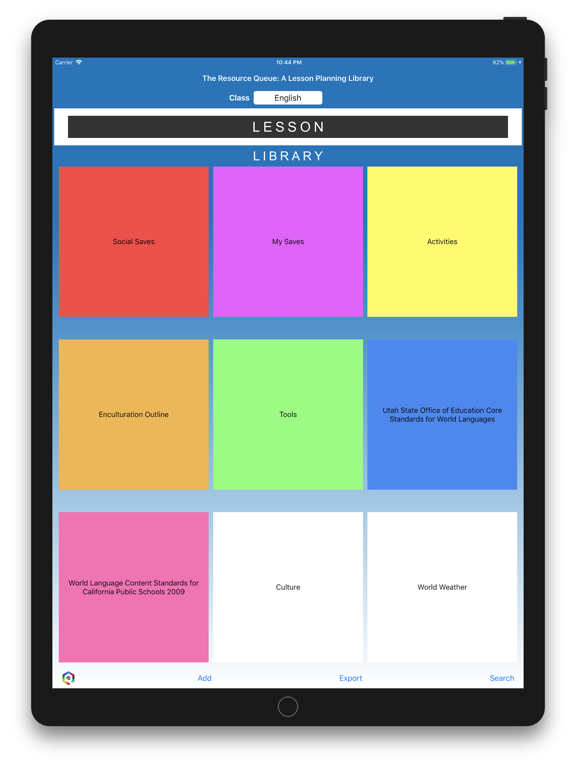
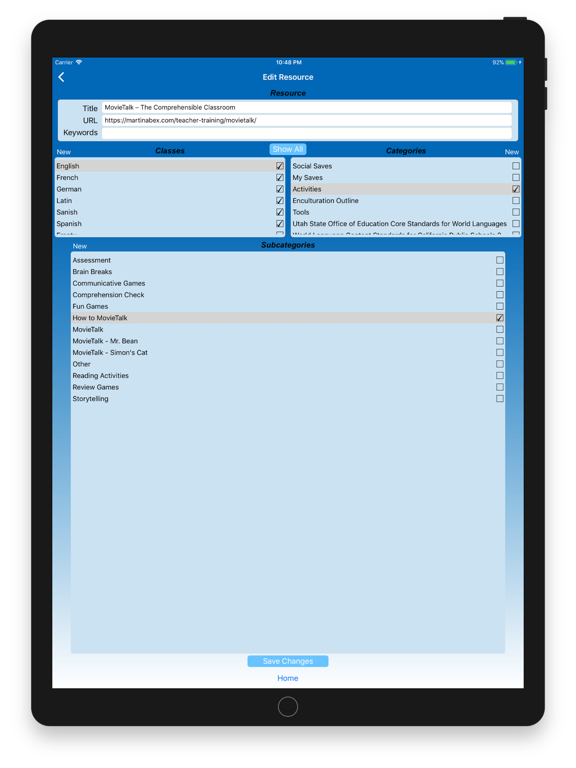
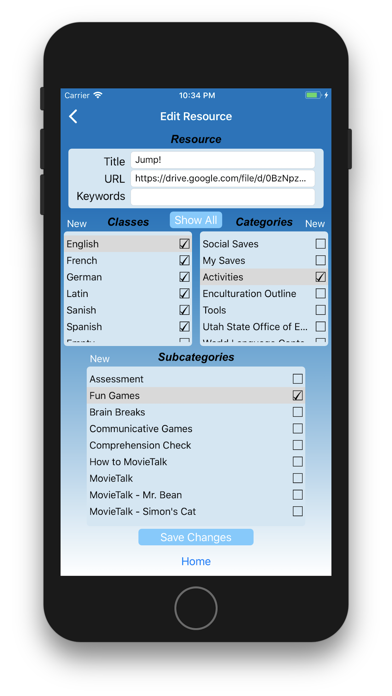
Build your own language textbooks with our Resource Management System, The Resource Queue. Make best use of authentic resources available on the web simply by saving the URLs. Our URL saver lists existing categories while allowing you to make new ones. You can save by language, type of activity, by country, by the state standard that it matches, or all of the above. When you want to use your resource it will be right where you need it. If you need an activity you just look under activities. If you need to search for holidays you look under the month you are in or the country you are studying. Or you can just keyword search. Our search feature searches titles, keywords you’ve given it, text, categories and even the month, date or year that you last used it.
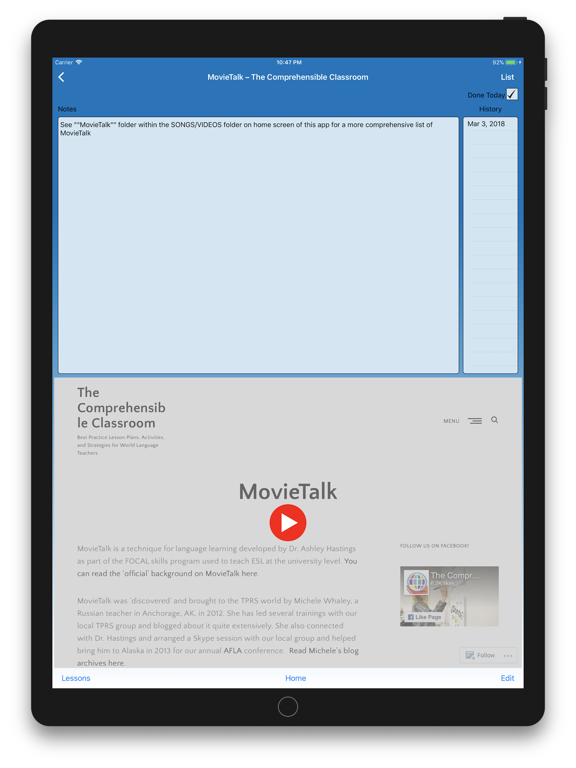
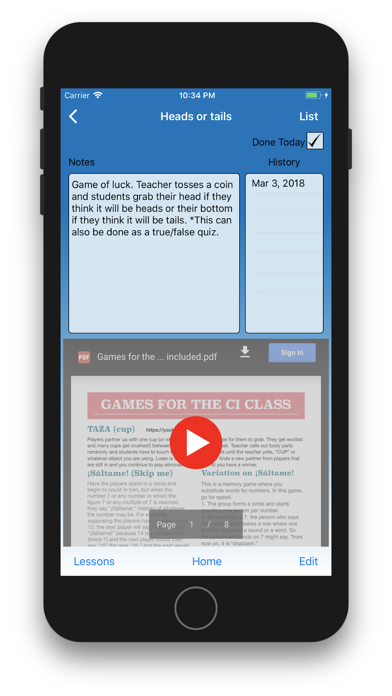
There are so many ways to build your resource library. It’s as simple as typing in the title of your favorite resource (no URL needed), such as the Fly Swatter game, or importing/exporting spreadsheets of URL saves (using our template in .csv format) from your colleagues via email. You can even import Pinterest boards or sections. All you need to know is the username or board name as listed in the URL of that Pinterest page. Resources with the same title and URL cannot be imported again, so that you can keep your annotations in the same place. Unlike last year’s lesson plan book that never gets reread for the valuable notes on successes and failures, these resources cycle back with any of your notes on how best to adapt it to your style and your students’ needs.
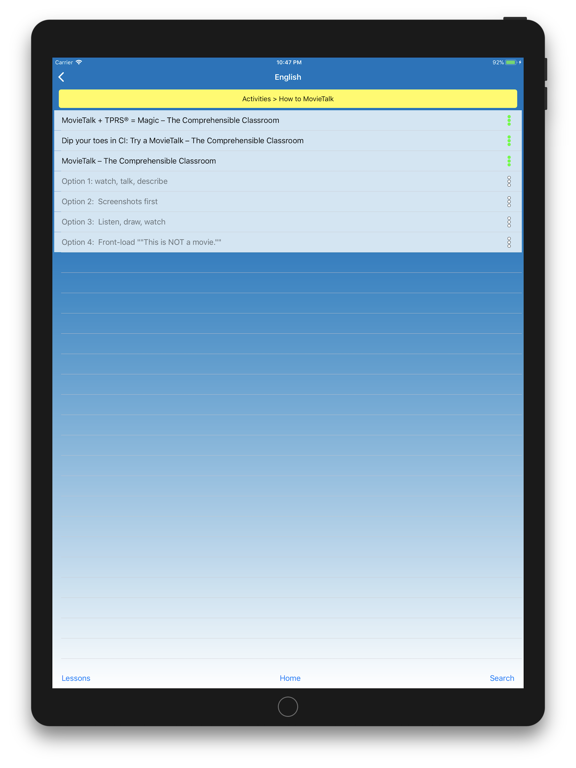
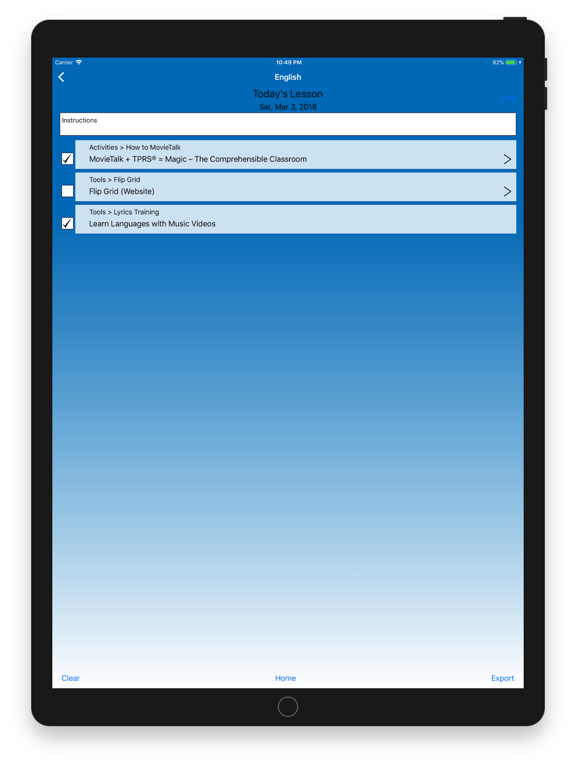
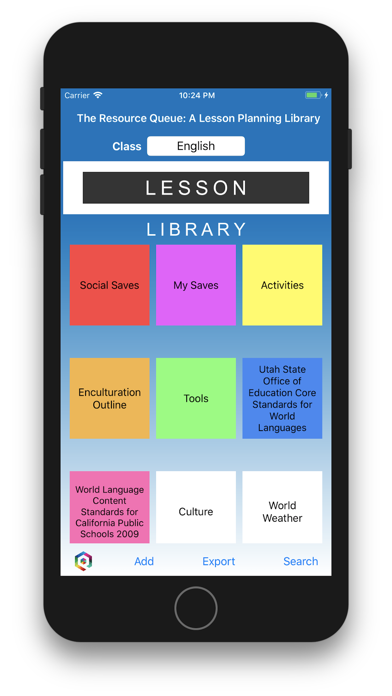
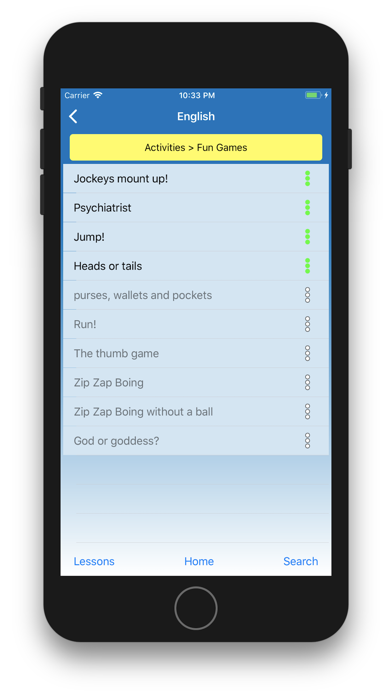
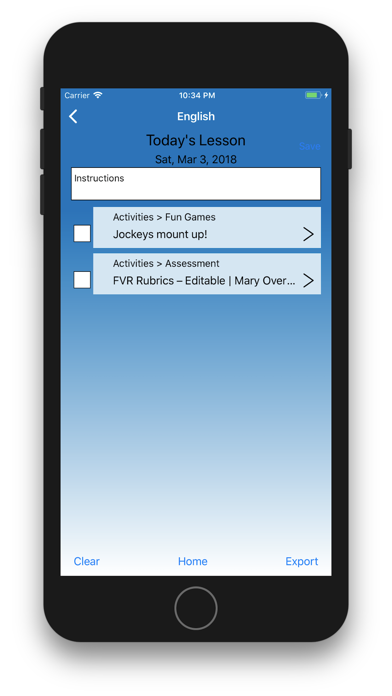
When you’re ready to plan your lesson, you just double tap on the resource and it populates into your lesson plan. If you want a whole category in your lesson plan, such as links to the weather in different countries around the world so students can discuss the weather each day in a different country, you just double tap on the World Weather tile and all resources are queued up to rotate through your lesson plans in order. Don’t like the sequence? Drag and drop it to a different position. Don’t want to use a certain resource this time around? Two taps takes it out of the queue and drops it to the bottom of the list until you want to use it again.
Once your lesson plan is populated, you can export it to the substitute teacher, your principal, absent students, post on your web page or screen share right from your device onto the projector screen in your classroom. Our export feature contains any resource text, URLs and the instructions you type in. You never need to search for hyperlinks again.
To give you an idea of what is possible with The Resource Queue, we have included hundreds of links to resources on the web, such as world weather, reading activities, state standards, YouTube series, music, newspapers and videos. We’re in a golden age of resources. All we’ve been lacking, so far, is the perfect Resource Management System. Now it’s here. Change the game.