Trinity Prep Student
Free
1.1for iPhone, iPad
Age Rating
Trinity Prep Student 스크린 샷
About Trinity Prep Student
Trinity Prep's Student App makes students' lives easier by incorporating many useful features into the app.
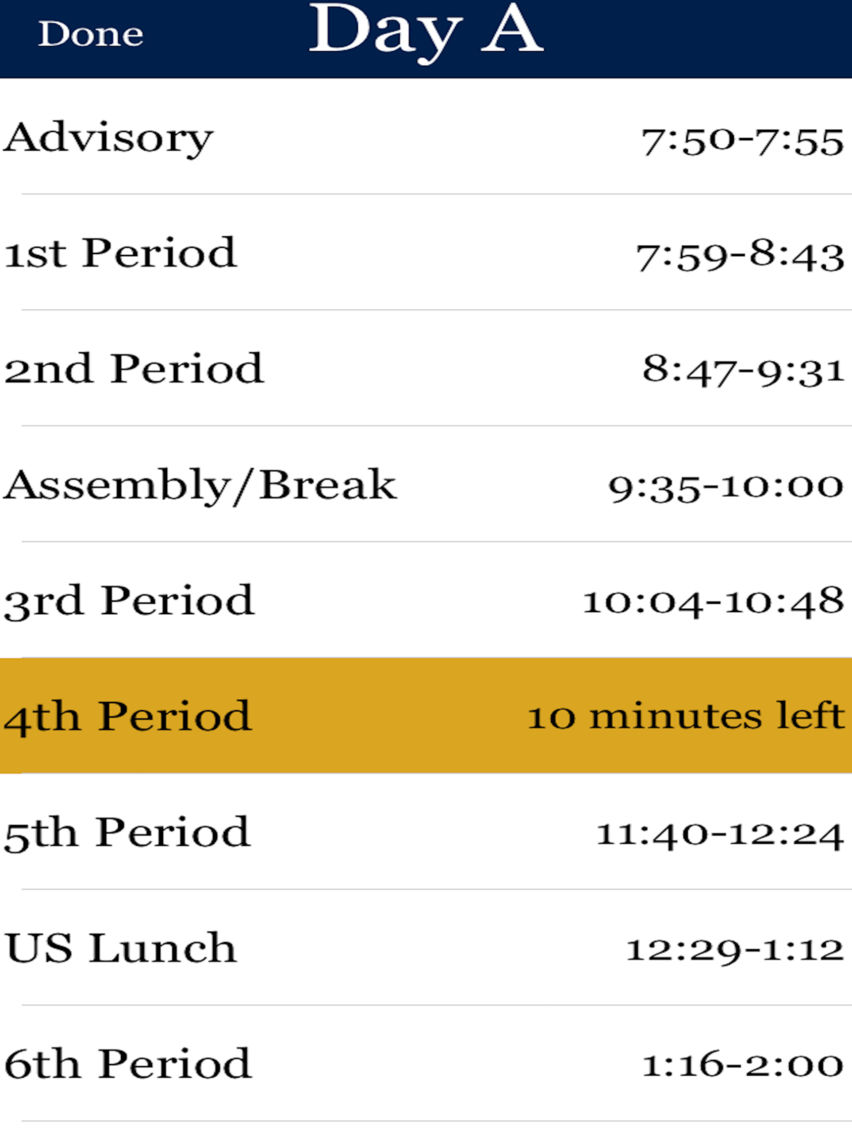
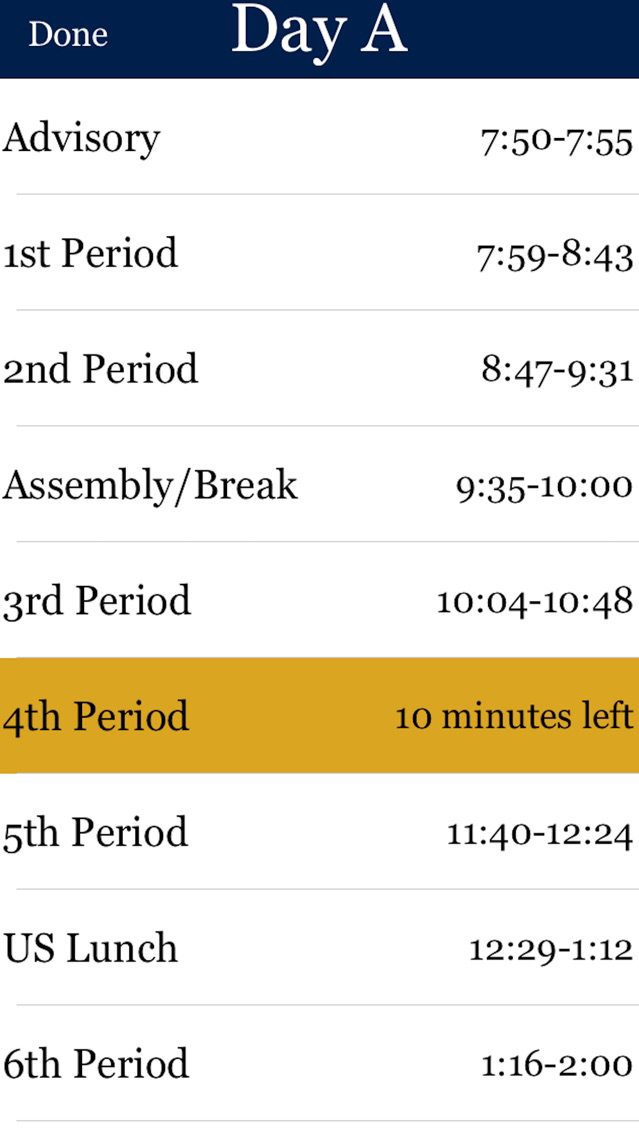
Schedule Type - We have included the Schedule Type (A,B,C,D,E,F) to let you know what schedule we are currently following so that you know which classes to go to. Clicking on "_ Day" on the home screen will bring you the list of periods and times for that day.
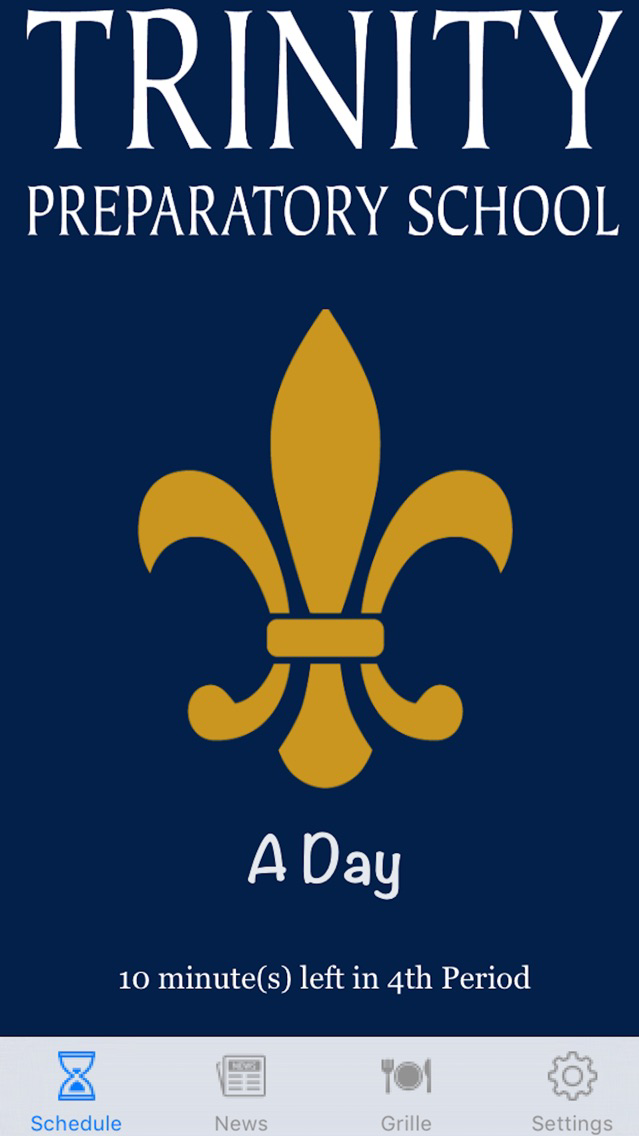
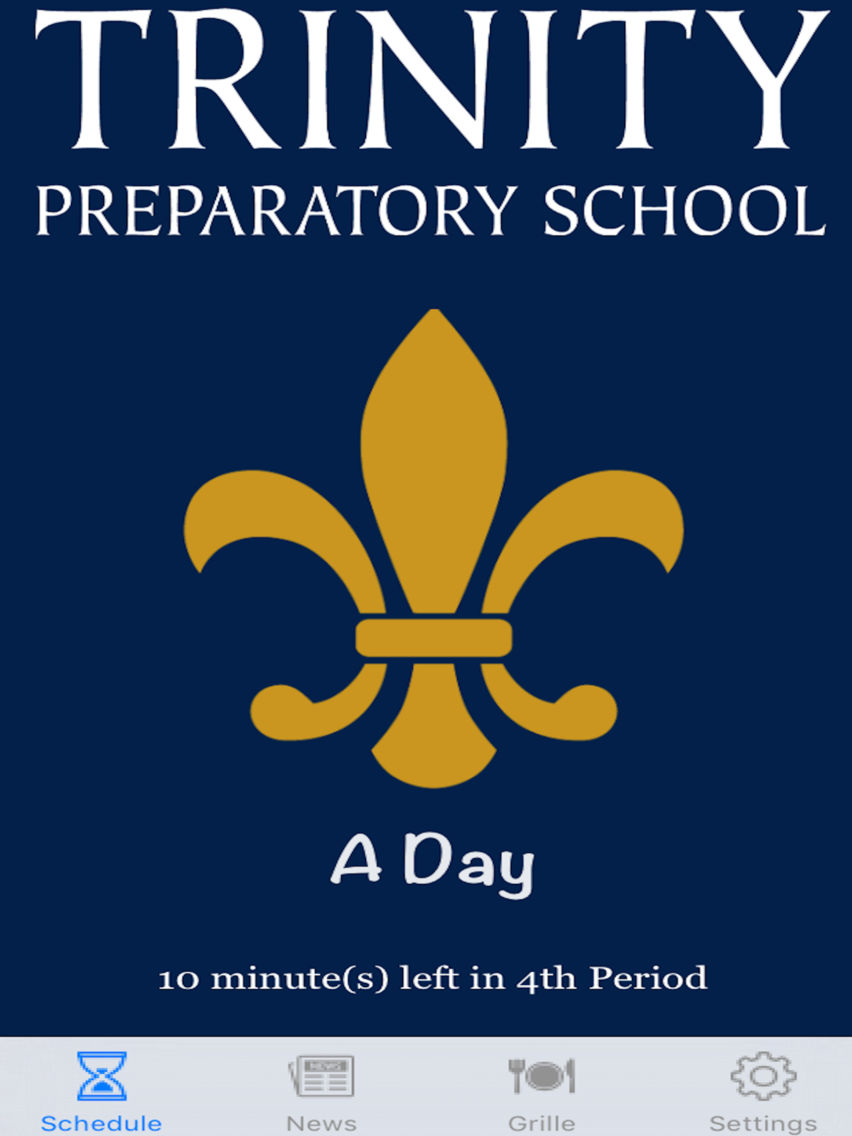
Current Class Period - Letting you know which class you're currently in helps make sure that you are where you need to be.
*Note: Class Periods default to Upper School. You can change this in Settings.
Period Countdown - This convenient feature lets you know how much time is left in the current period so you can manage your time wisely.
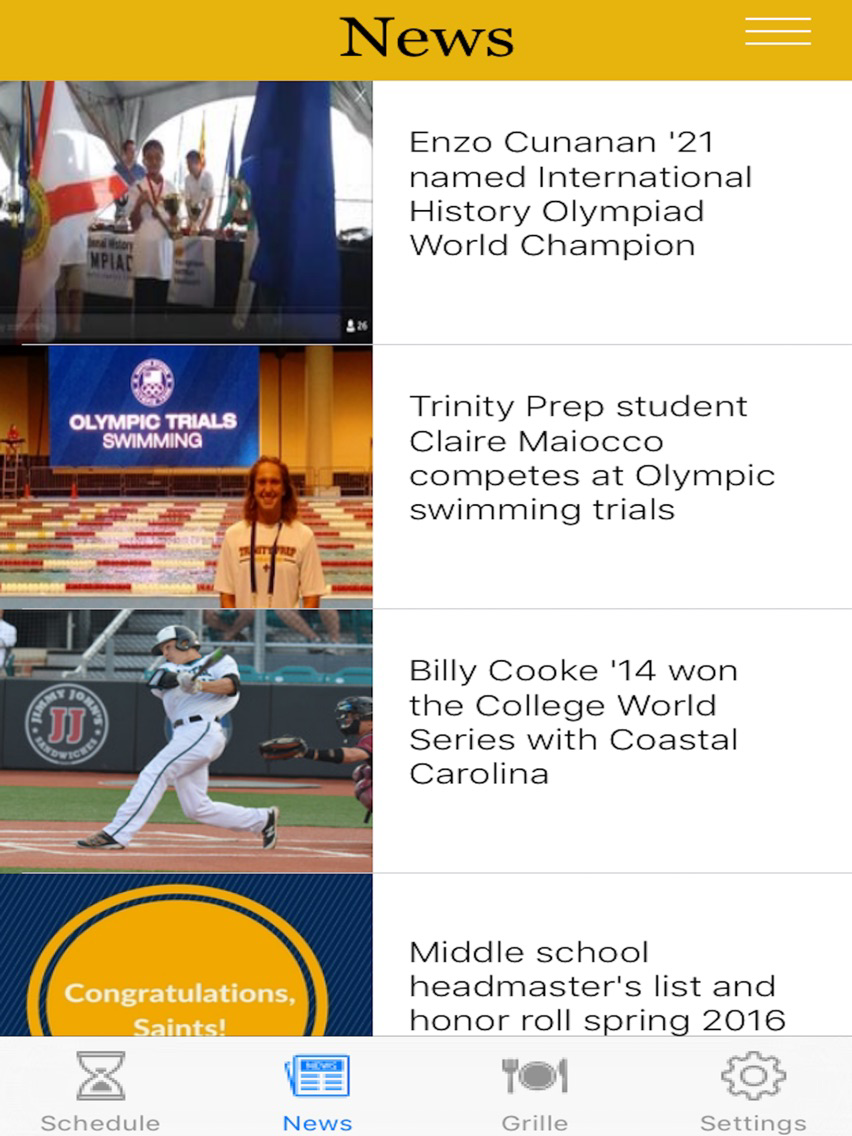
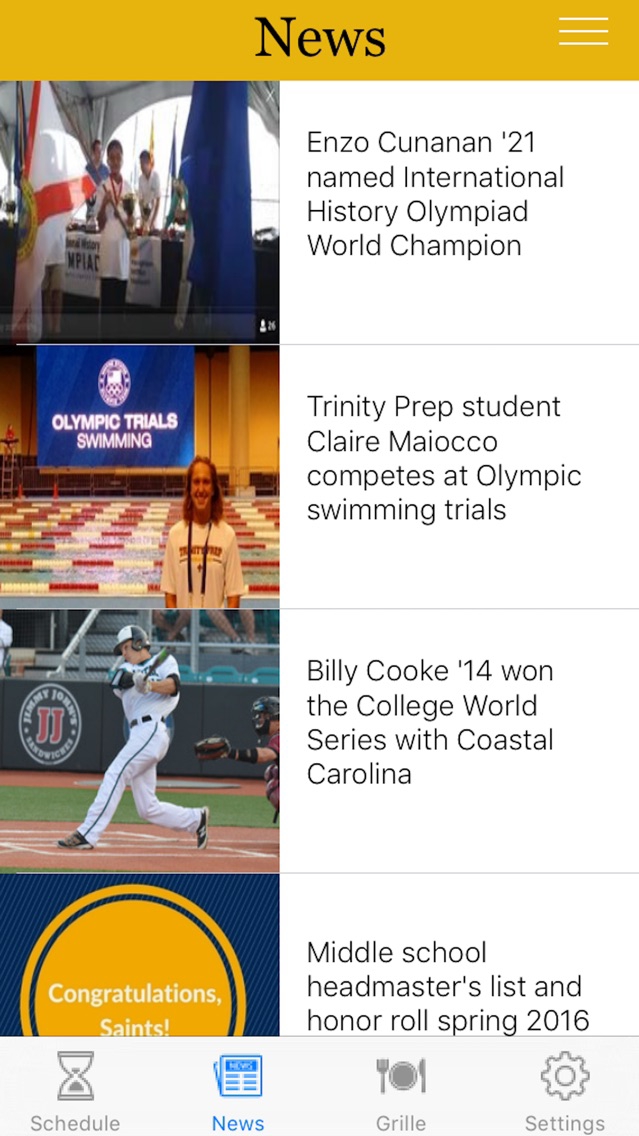
News - Allowing you to view the most recent news will keep you up to date on the most recent happenings at Trinity Prep.
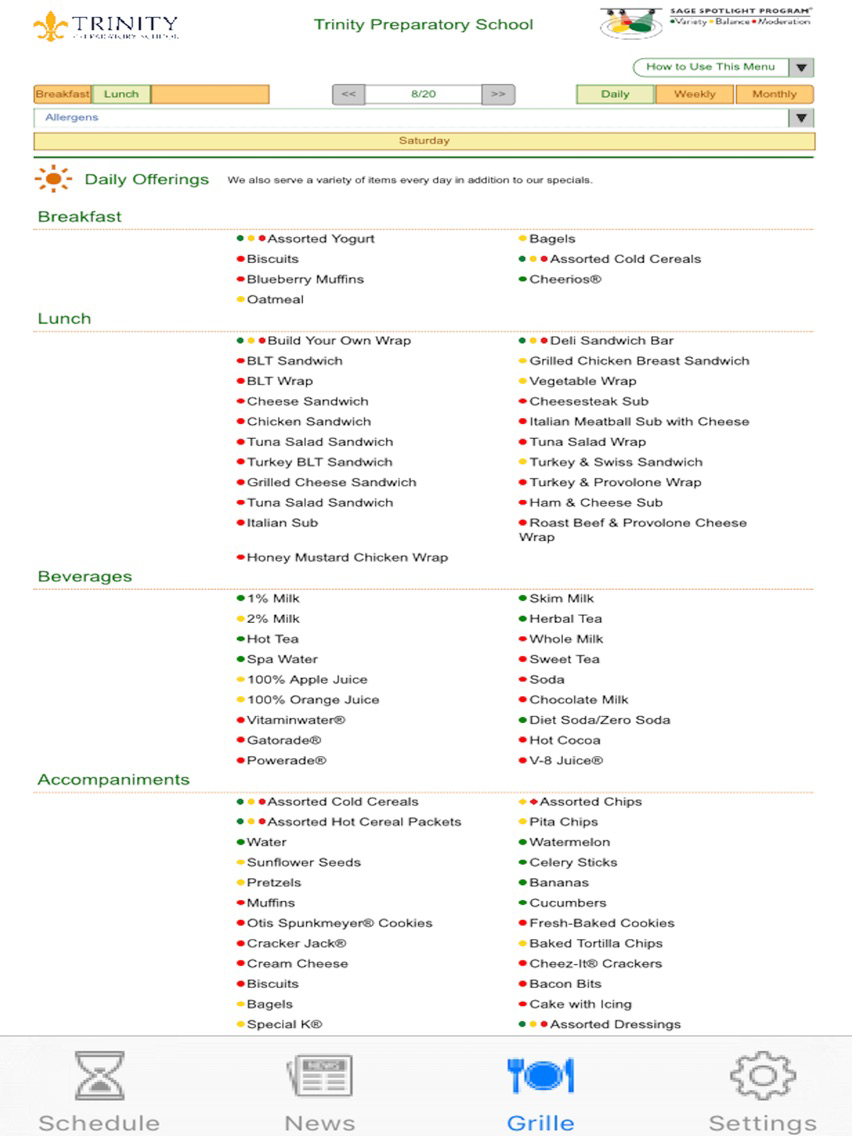
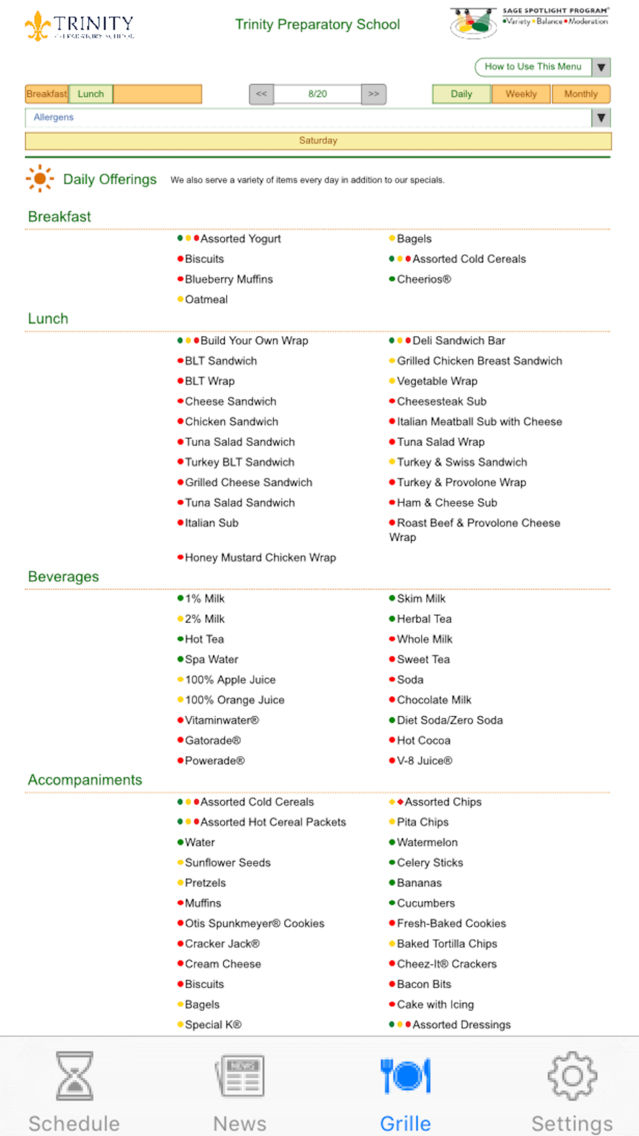
Grille Menu - Knowing what the Grille has for lunch before you come to school is often very helpful.
*This App was created and designed by Richard Woodruff*

Schedule Type - We have included the Schedule Type (A,B,C,D,E,F) to let you know what schedule we are currently following so that you know which classes to go to. Clicking on "_ Day" on the home screen will bring you the list of periods and times for that day.
Current Class Period - Letting you know which class you're currently in helps make sure that you are where you need to be.
*Note: Class Periods default to Upper School. You can change this in Settings.
Period Countdown - This convenient feature lets you know how much time is left in the current period so you can manage your time wisely.
News - Allowing you to view the most recent news will keep you up to date on the most recent happenings at Trinity Prep.
Grille Menu - Knowing what the Grille has for lunch before you come to school is often very helpful.
*This App was created and designed by Richard Woodruff*
Show More
최신 버전 1.1의 새로운 기능
Last updated on Sep 9, 2016
오래된 버전
- Added detailed schedule of the day
- View by clicking on "_ Day" on the home screen
- Fixed lag when scrolling on News Tab
- Fixed a few bugs
Show More
Version History
1.1
Sep 9, 2016
- Added detailed schedule of the day
- View by clicking on "_ Day" on the home screen
- Fixed lag when scrolling on News Tab
- Fixed a few bugs
Trinity Prep Student FAQ
제한된 국가 또는 지역에서 Trinity Prep Student를 다운로드하는 방법을 알아보려면 여기를 클릭하십시오.
Trinity Prep Student의 최소 요구 사항을 보려면 다음 목록을 확인하십시오.
iPhone
iPad
Trinity Prep Student은 다음 언어를 지원합니다. English