Vimar VIEW Wireless
무료
1.19.0for iPhone, iPad
Age Rating
Vimar VIEW Wireless 스크린 샷
About Vimar VIEW Wireless
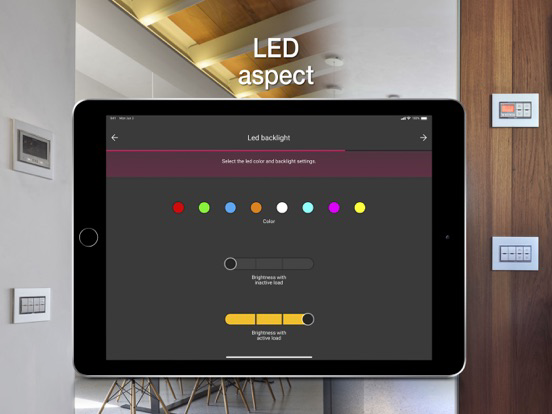
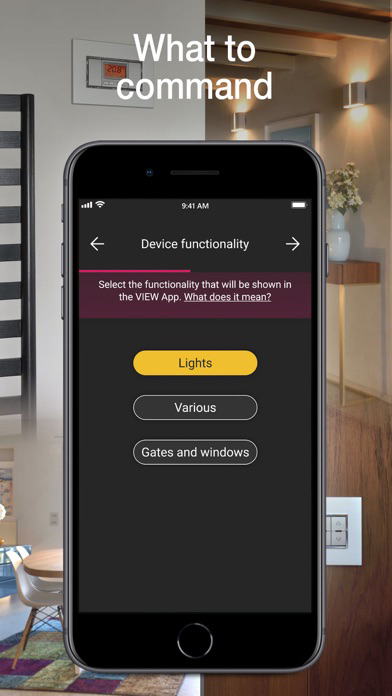
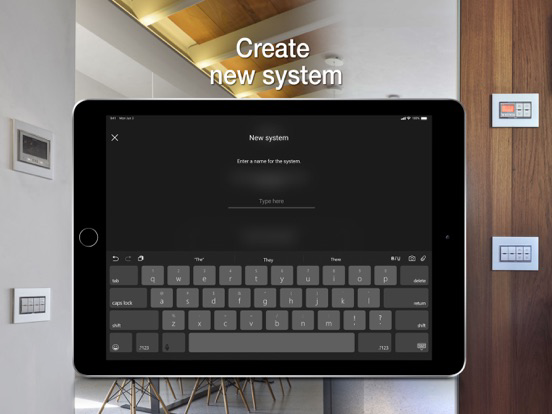
The VIEW Wireless App is designed for programming Vimar connected wiring series (Eikon, Arkè, Plana and Idea) via tablet or smartphone and creating the VIEW Wireless smart system, locally, thanks to simple steps guided by an extremely user-friendly interface.
The VIEW Wireless connected system allows the smart management of lights, roller shutters, electrical socket outlets, energy monitoring, temperature control, accesses and scenarios. The devices liaise with one another in a mesh network based on the Bluetooth 5.0 standard; they are installed like traditional flush mounted devices beside electro-mechanical 1-way switches, push buttons and 2-way switches or retrofit/in junction boxes to accommodate all installation situations and thanks to a Bluetooth/wi-fi gateway, they allow connectivity with the Vimar Cloud for integration with smart speakers and local and remote control via the VIEW APP. The connected devices allow the creation of smart systems both in new buildings and in renovations and, thanks to the easy installation, also in existing traditional systems in the form of a simple functional upgrade.
Supervision via the VIEW APP also makes it possible to benefit from a single platform control interface with VIEW IoT Smart Systems, which VIEW Wireless is a sub-system of: you can in fact also control the By-alarm burglar alarm system, the IP and 2F+ video door entry systems and the Elvox IP cameras (after integration by a professional installer via the VIEW PRO APP).
In detail, the VIEW Wireless APP allows:
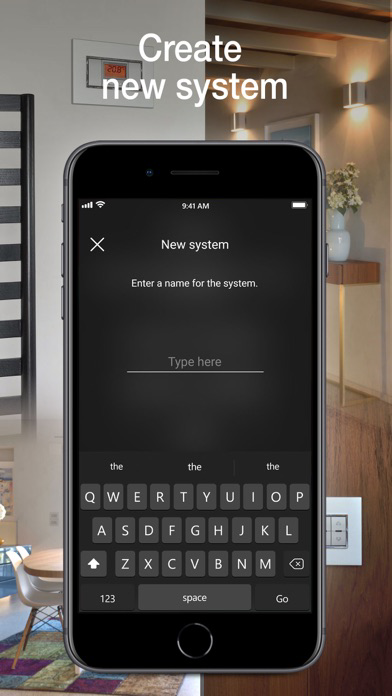
• the creation of environments and sub-environments;
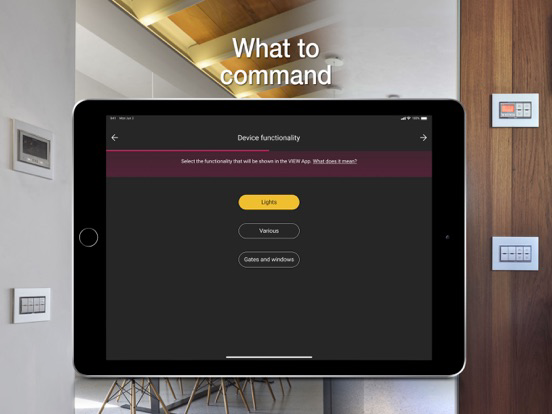
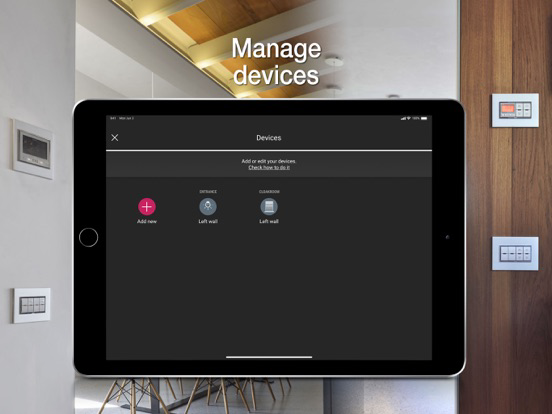
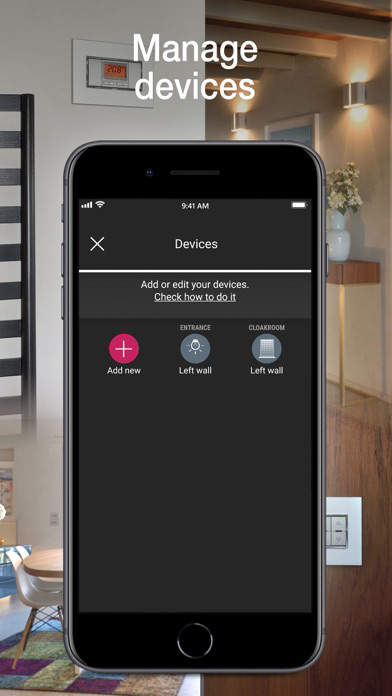
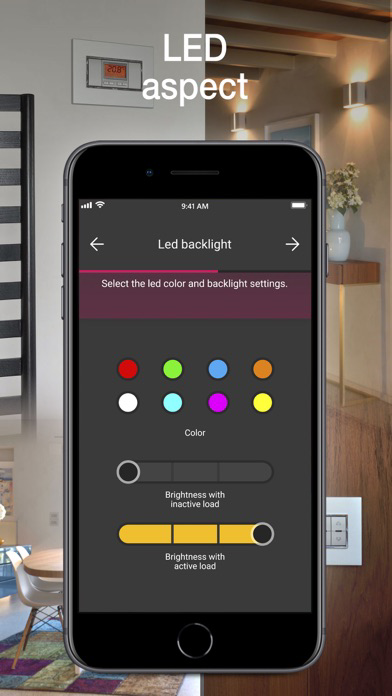
• enrolment of devices, setting their parameters and allocating them in the created environments;
• association of wired or radio push buttons (battery-free, thanks to the Energy Harvesting technological motor by EnOcean), to replicate control points or call up scenarios;
• association with the Bluetooth/wi-fi gateway;
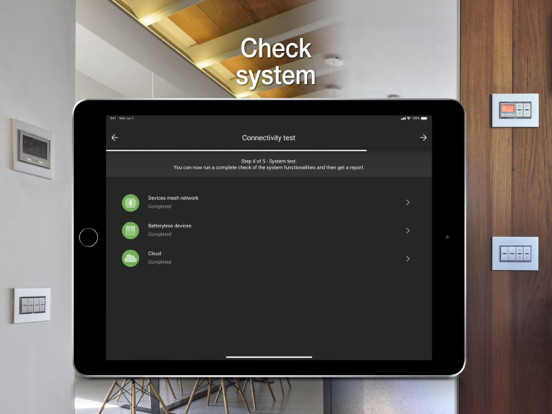
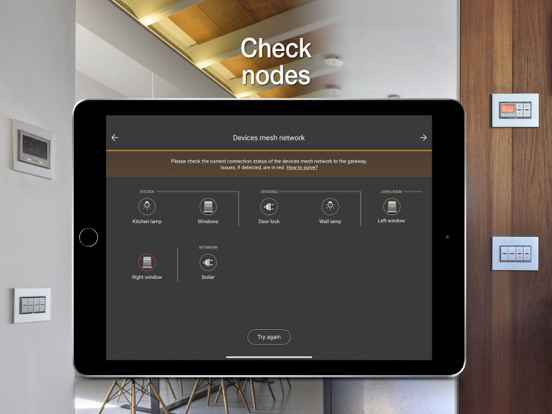
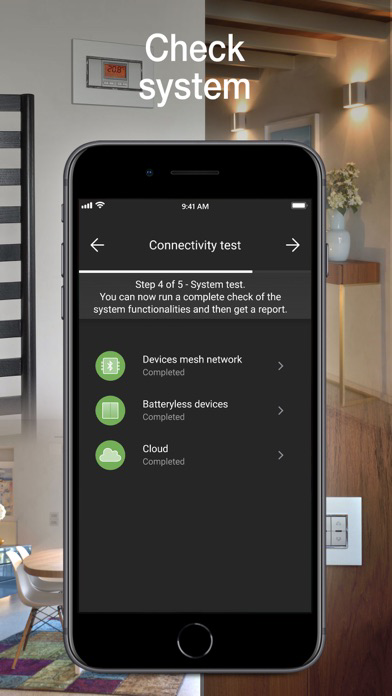
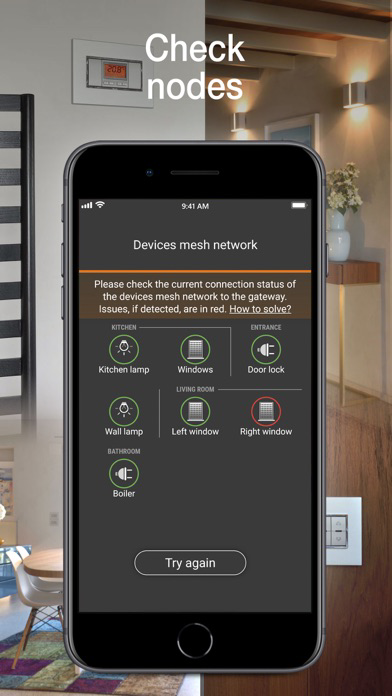
• checking the radio coverage of the mesh network configured;
• delivery of the system to the administrator user.
What’s more, the VIEW Wireless APP is designed to convert the radio standard of devices from Bluetooth 5.0 to Zigbee 3.0 (and vice-versa) ensuring configuration and direct control via the Zigbee Hub and related App.
The App can only be accessed by entering installer credentials, which are generated on the MyVIMAR portal.

The VIEW Wireless connected system allows the smart management of lights, roller shutters, electrical socket outlets, energy monitoring, temperature control, accesses and scenarios. The devices liaise with one another in a mesh network based on the Bluetooth 5.0 standard; they are installed like traditional flush mounted devices beside electro-mechanical 1-way switches, push buttons and 2-way switches or retrofit/in junction boxes to accommodate all installation situations and thanks to a Bluetooth/wi-fi gateway, they allow connectivity with the Vimar Cloud for integration with smart speakers and local and remote control via the VIEW APP. The connected devices allow the creation of smart systems both in new buildings and in renovations and, thanks to the easy installation, also in existing traditional systems in the form of a simple functional upgrade.
Supervision via the VIEW APP also makes it possible to benefit from a single platform control interface with VIEW IoT Smart Systems, which VIEW Wireless is a sub-system of: you can in fact also control the By-alarm burglar alarm system, the IP and 2F+ video door entry systems and the Elvox IP cameras (after integration by a professional installer via the VIEW PRO APP).
In detail, the VIEW Wireless APP allows:
• the creation of environments and sub-environments;
• enrolment of devices, setting their parameters and allocating them in the created environments;
• association of wired or radio push buttons (battery-free, thanks to the Energy Harvesting technological motor by EnOcean), to replicate control points or call up scenarios;
• association with the Bluetooth/wi-fi gateway;
• checking the radio coverage of the mesh network configured;
• delivery of the system to the administrator user.
What’s more, the VIEW Wireless APP is designed to convert the radio standard of devices from Bluetooth 5.0 to Zigbee 3.0 (and vice-versa) ensuring configuration and direct control via the Zigbee Hub and related App.
The App can only be accessed by entering installer credentials, which are generated on the MyVIMAR portal.
Show More
최신 버전 1.19.0의 새로운 기능
Last updated on Mar 12, 2026
오래된 버전
• Push notifications now available also on the 3IN 1 OUT Module for Scenario Recall or Command inputs.
• Connected mechanism: upper and lower buttons usable in toggle mode on the same load (e.g., aligned Linea button).
• 3IN 1OUT Module and Multifunction Actuator 4OUT relays can be set as Auxiliary Relays for group use with Radar or other 3IN 1OUT Modules in Room Presence Logic.
• Connected mechanism: upper and lower buttons usable in toggle mode on the same load (e.g., aligned Linea button).
• 3IN 1OUT Module and Multifunction Actuator 4OUT relays can be set as Auxiliary Relays for group use with Radar or other 3IN 1OUT Modules in Room Presence Logic.
Show More
Version History
1.19.0
Mar 12, 2026
• Push notifications now available also on the 3IN 1 OUT Module for Scenario Recall or Command inputs.
• Connected mechanism: upper and lower buttons usable in toggle mode on the same load (e.g., aligned Linea button).
• 3IN 1OUT Module and Multifunction Actuator 4OUT relays can be set as Auxiliary Relays for group use with Radar or other 3IN 1OUT Modules in Room Presence Logic.
• Connected mechanism: upper and lower buttons usable in toggle mode on the same load (e.g., aligned Linea button).
• 3IN 1OUT Module and Multifunction Actuator 4OUT relays can be set as Auxiliary Relays for group use with Radar or other 3IN 1OUT Modules in Room Presence Logic.
Vimar VIEW Wireless FAQ
제한된 국가 또는 지역에서 Vimar VIEW Wireless를 다운로드하는 방법을 알아보려면 여기를 클릭하십시오.
Vimar VIEW Wireless의 최소 요구 사항을 보려면 다음 목록을 확인하십시오.
iPhone
iPad