Version 3.10
Ever wish you knew how long the Internet was down last night? WebCheck, will detect an interruption in your connectivity to the web no matter what the cause; your ISP, your local telephone or cable line, your router or hub, your wireless connection or even the WiFi on your iPhone®,iPod touch®or iPad® itself.
Here’s a brief list of WebCheck’s features.
• Automatically does nearly continuous checks of your Internet connection status
• Also allows a connection-check of up to three, user specified, URLs
• Can record pertinent information into a log file, complete with time and date stamps.
• The log file can be printed to a WiFi printer
• Stays in foreground mode so logging is continuous
• Will dim the screen after 2 minutes of hands-off operation. Any touch will restore the screen to its previous brightness level.
WebCheck’s functionality is available on two screens.
The Front Screen:
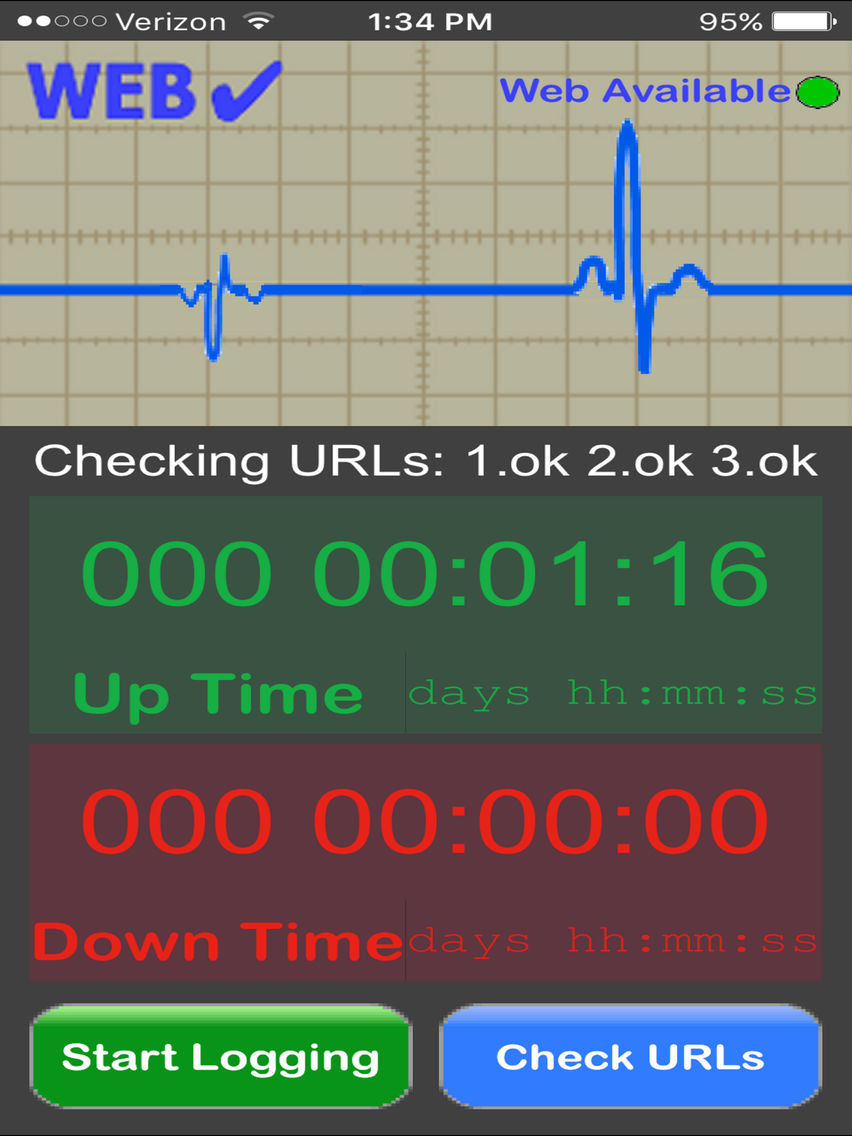
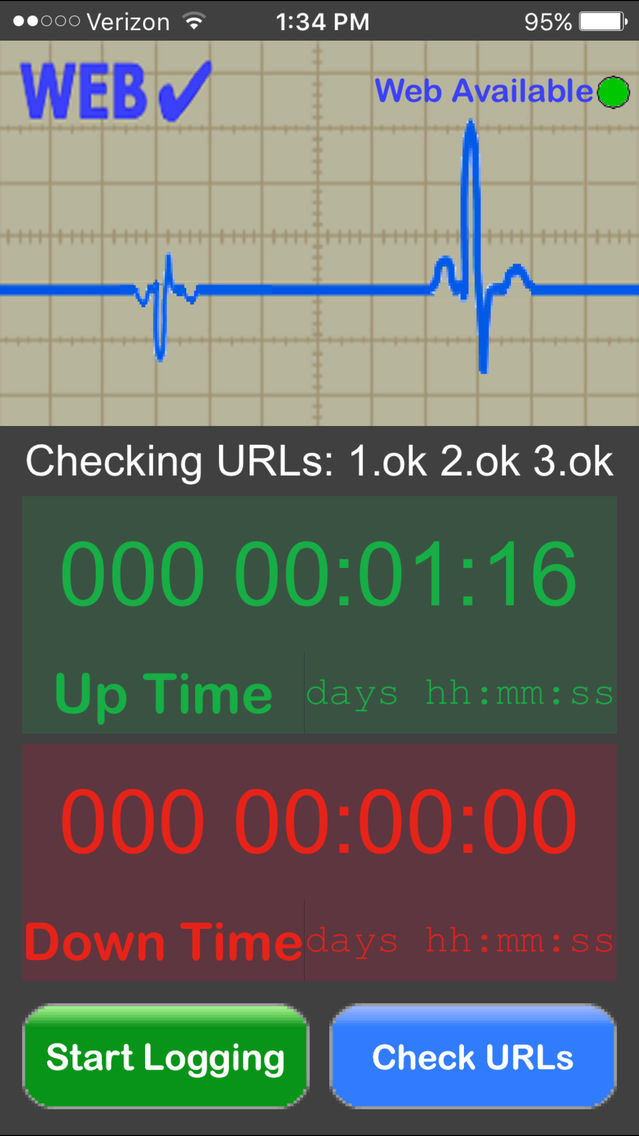
• Web Availability is indicated by a Green Light
• Automatic monitoring and Log File generation can be started or stopped
• Manual Checking of the URL connection status can be done
• The total connection up time and connection down time for the most recent logging session are displayed.
• A simulated oscilloscope screen shows a nice animation of an outgoing pulse whenever a URL connection check has started and an animated “echo” image when the connection has been verified.
• Sounds corresponding to the beginning of a connection check, the completion of a connection check, Web Up and Web Down are provided.
The Back Screen:
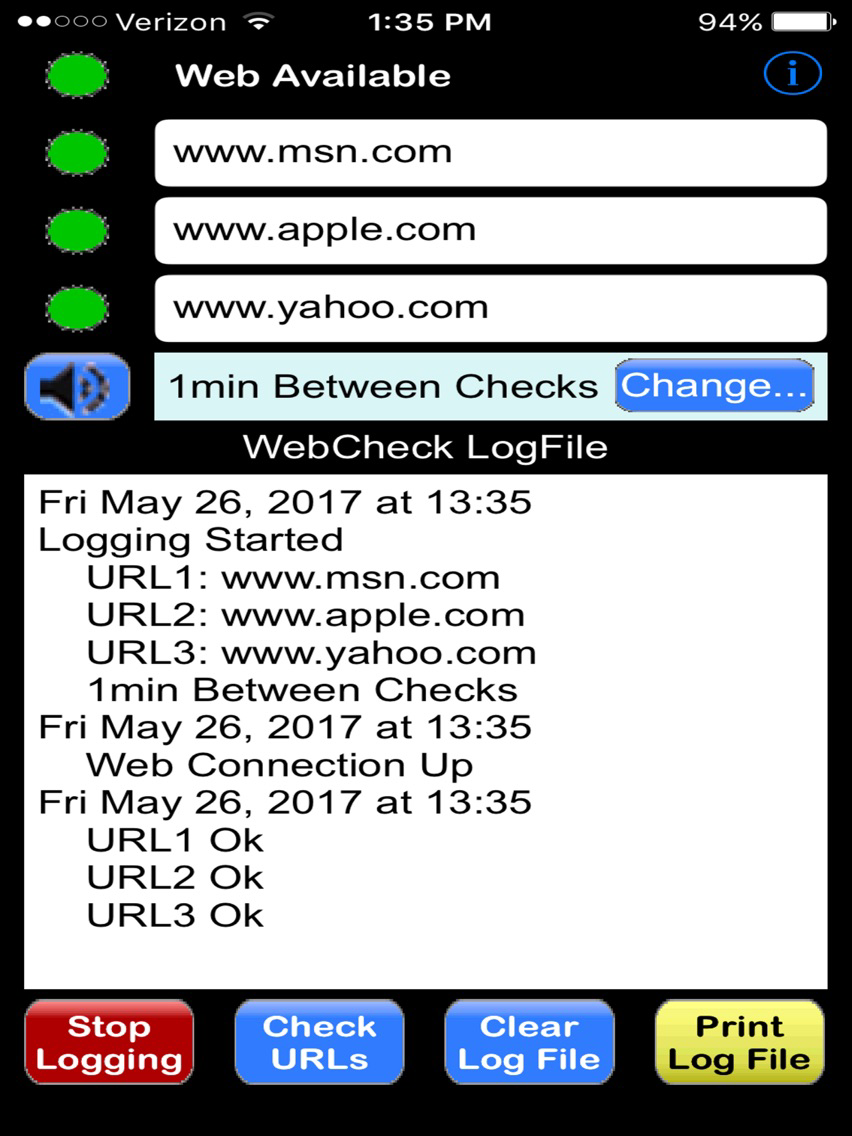
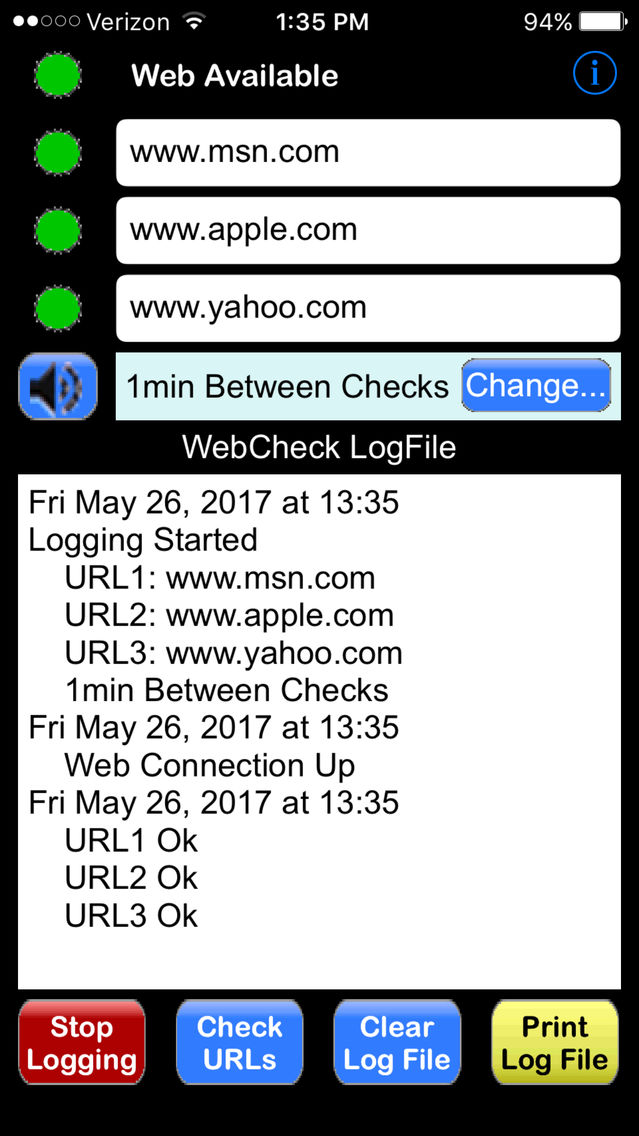
• Web Availability is indicated by a Green Light
• Automatic monitoring and Log File generation can be started or stopped
• Manual Checking of the URL connection status can be done
• Sounds can be muted
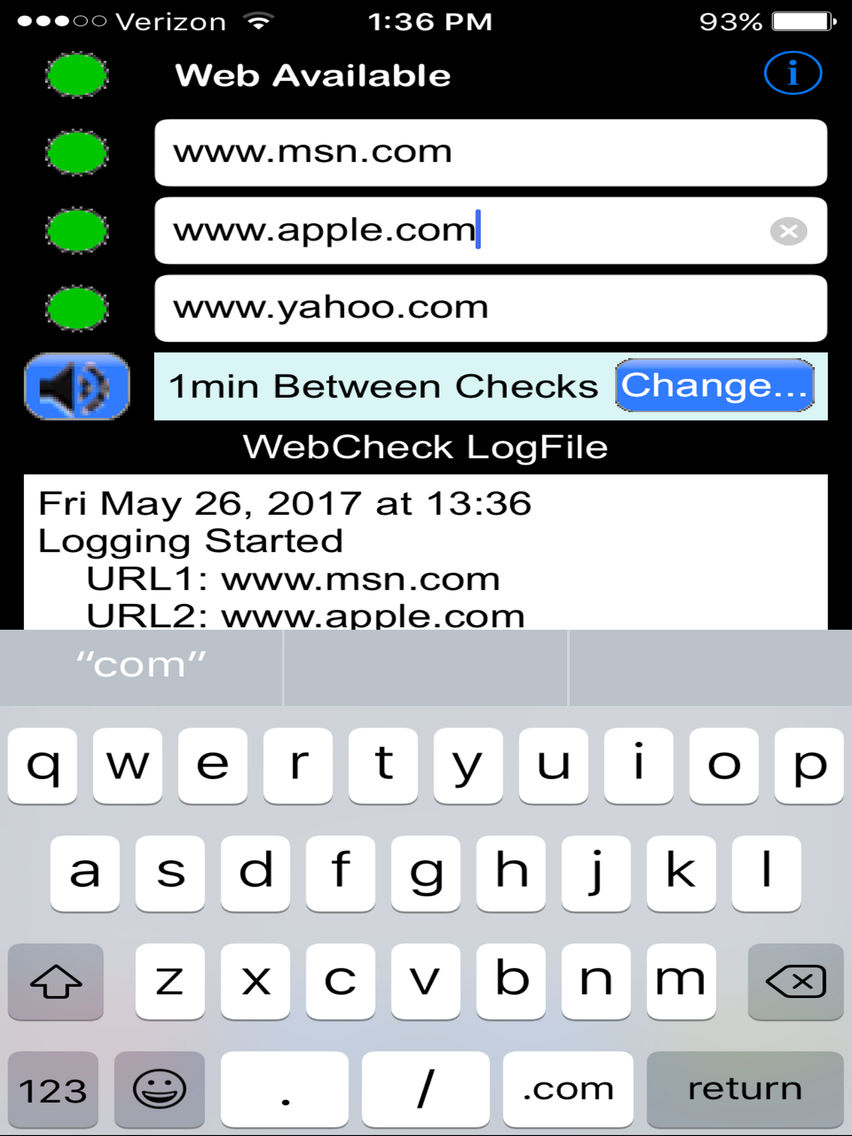
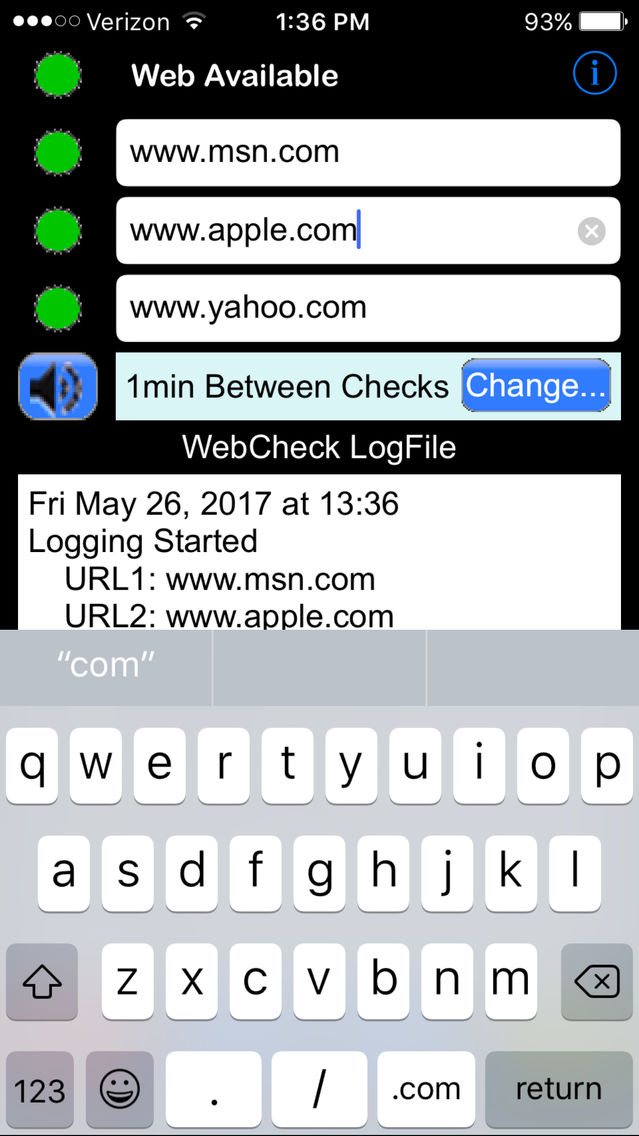
• Provision for specifying which of up to three, user specified, URLs are checked is provided. The actual IP addresses, for example; “66.96.149.16 = www.700nano.com”, can be used if desired.
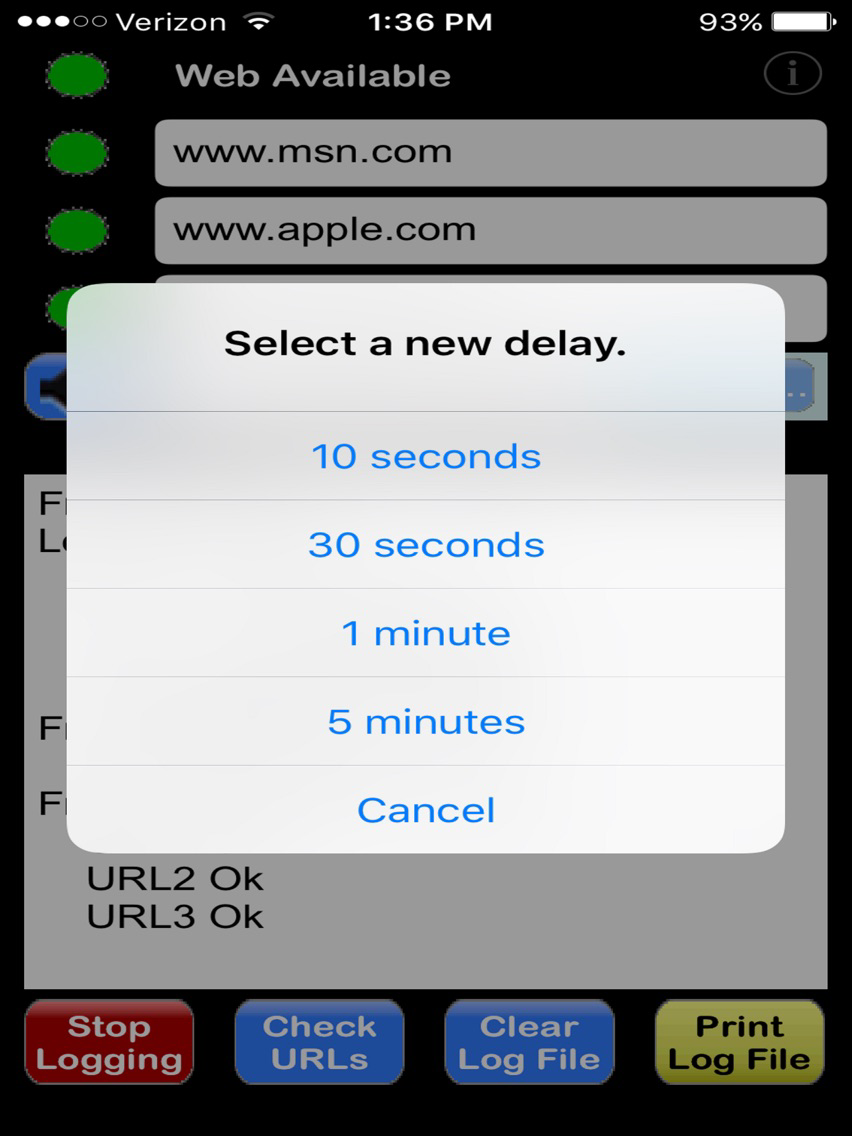
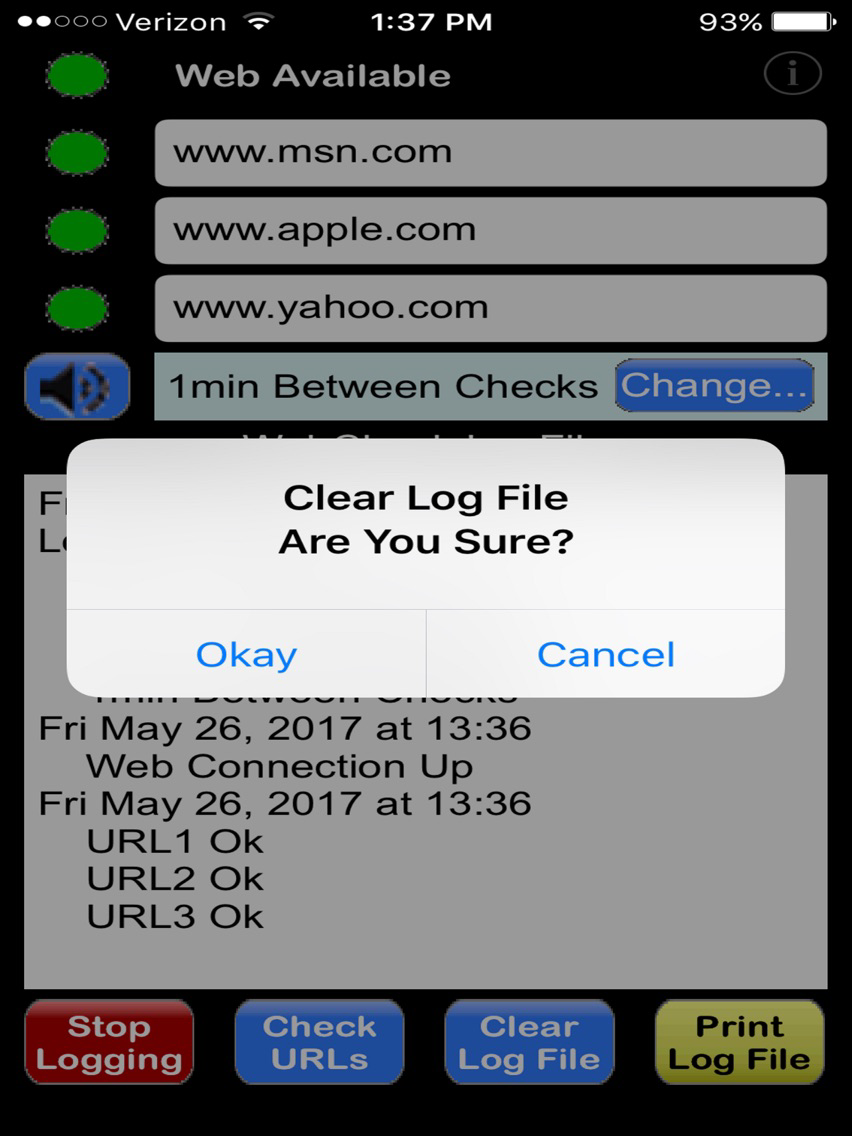
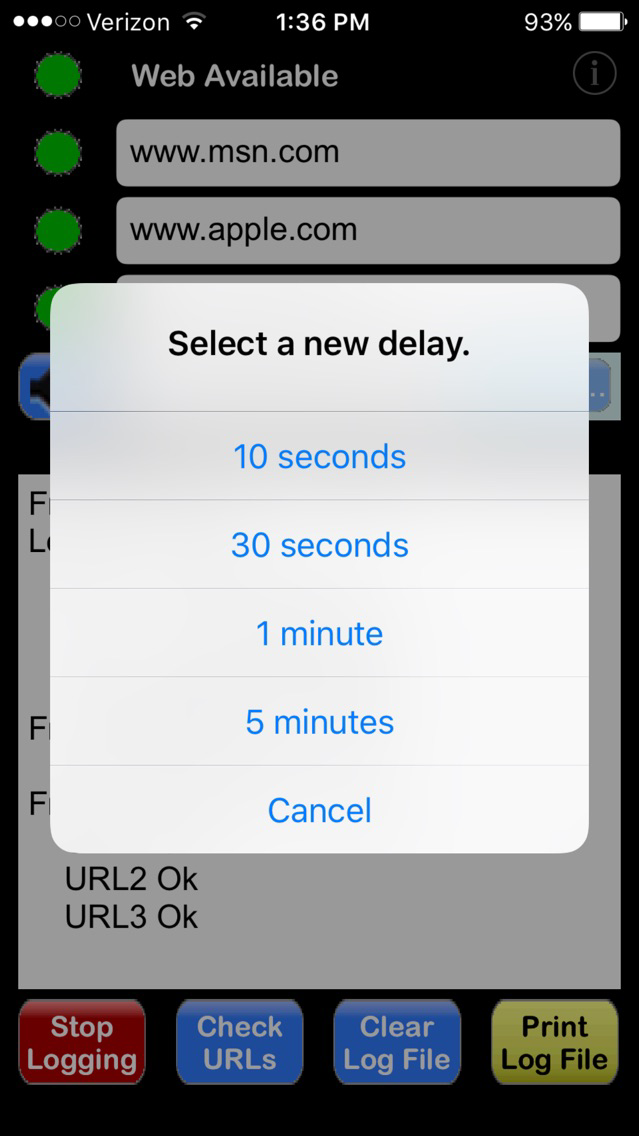
• The delay between successive checks during automated logging can be set. The user can choose from four delay times;10 seconds, 30 seconds, 1 minute, and 5 minutes.
• The log file is visible at all times.
• The log file can be printed to a WiFi printer if desired.
• During Logging, events such as gaps in connectivity to individual URLs, starting and stopping monitoring, exiting and restarting WebCheck while monitoring, changing delay time between checks or changing URLs are recorded in the log file, along with time and date stamps.
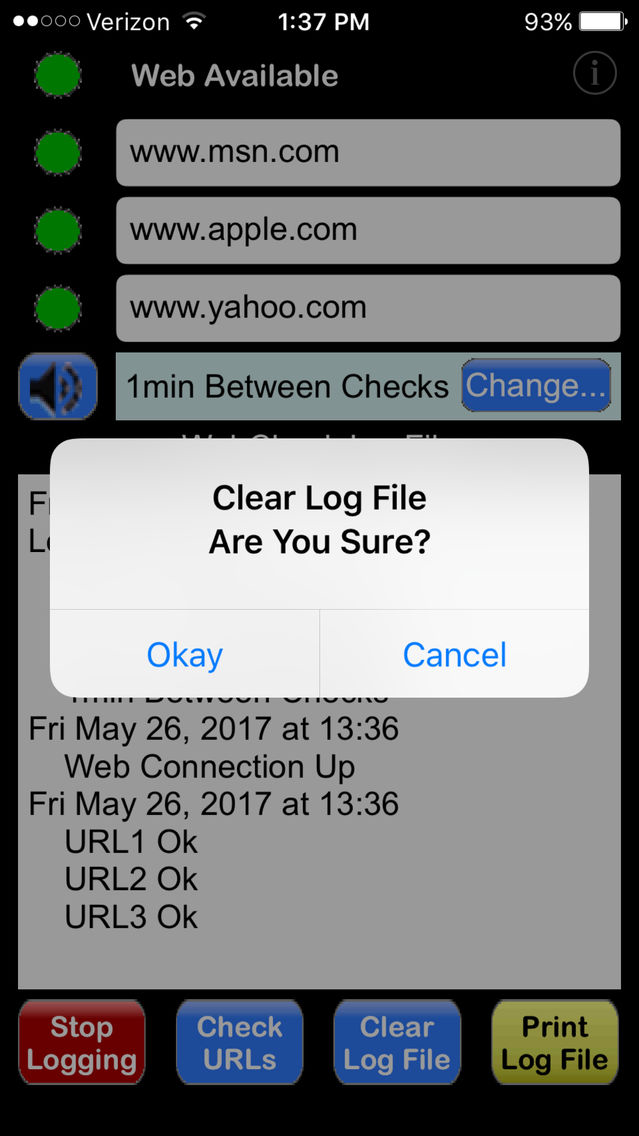
• The log file can be cleared out at any time.
• Simulated lights indicate the status of the URLS with three colors. Green for “connection Ok”; Yellow for “Connection Check in Progress”; Red for “Connection Attempt Failed” and Gray for “URL not being used.”