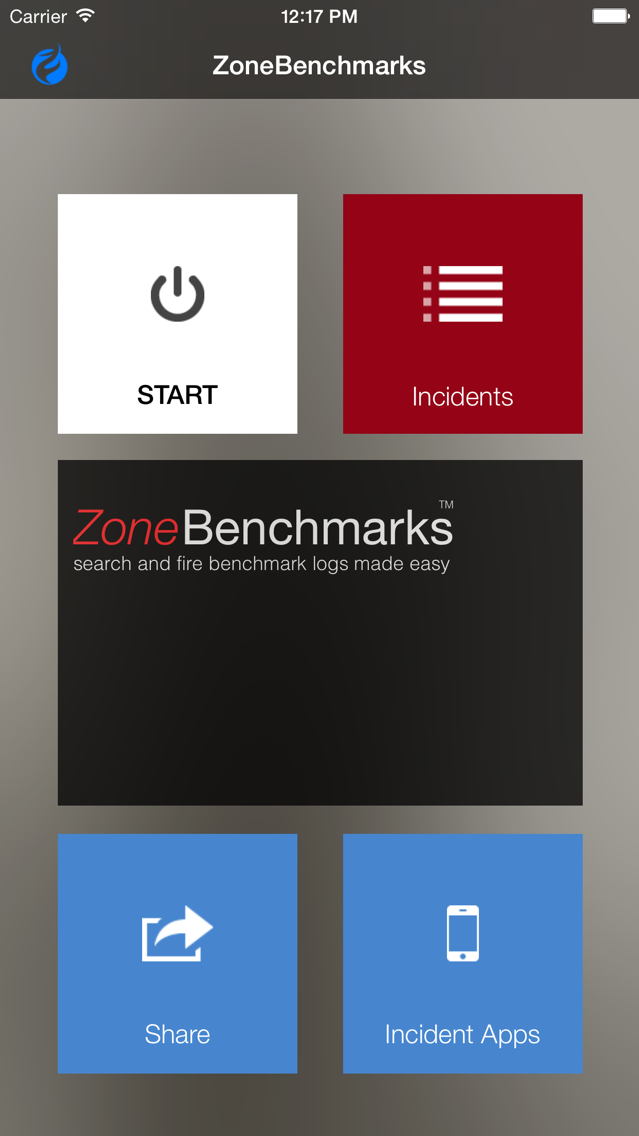
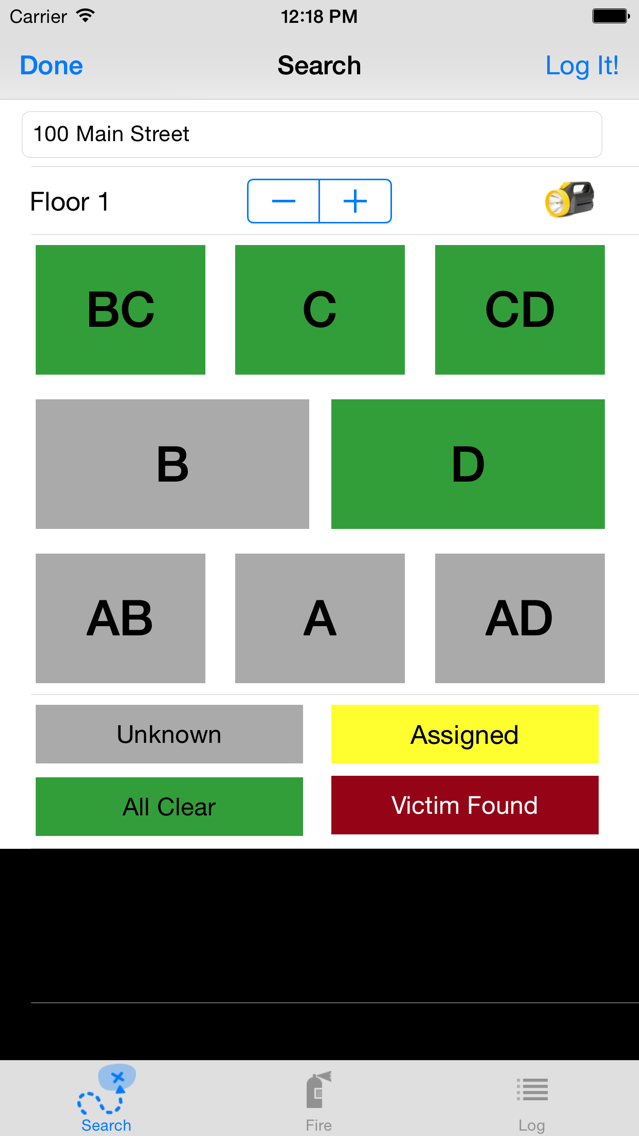
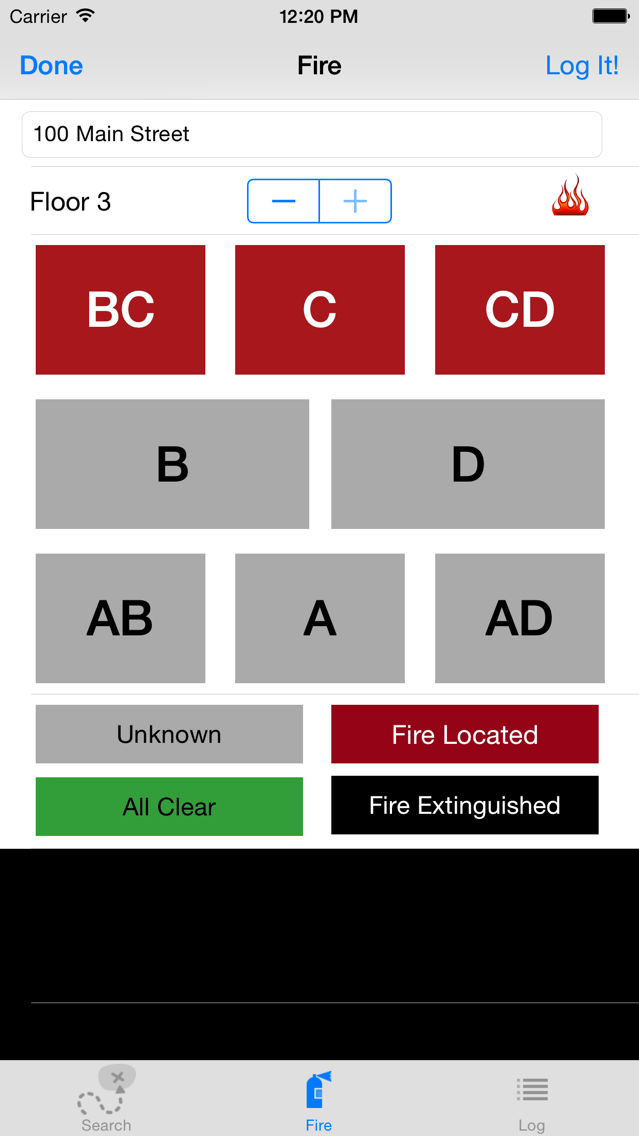
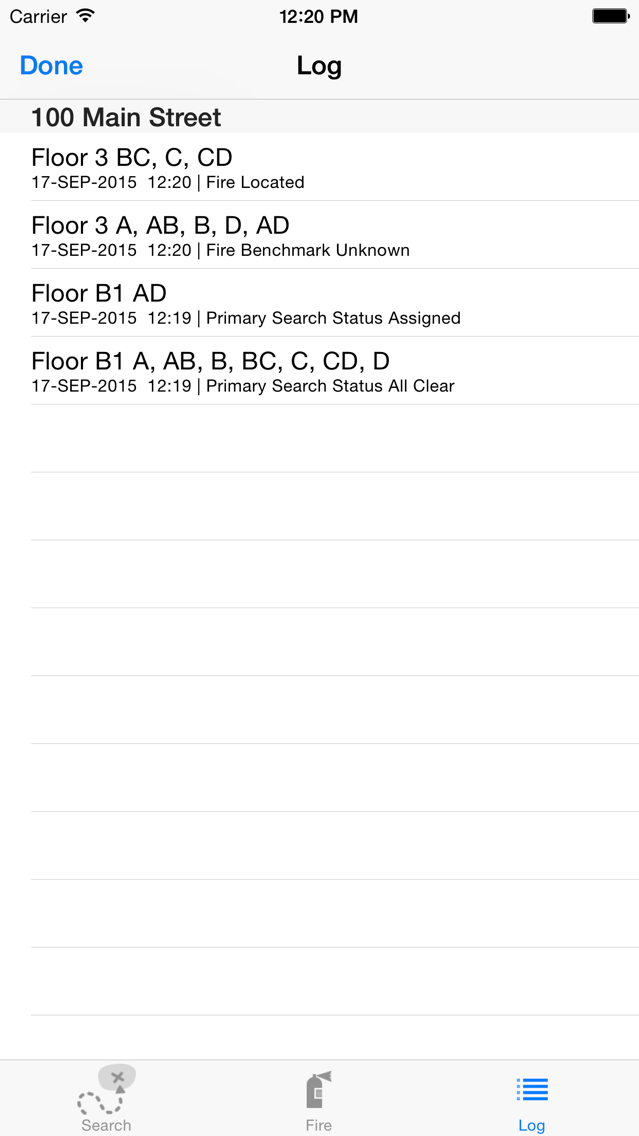
Now incident commanders can quickly and easily record search and fire benchmarks on scene with their iPhones! Simply set the floor and tap the Alpha(A), Bravo(B), Charlie(C), and Delta(D) floor grid layout to set search and fire benchmarks for the incident. Tap the floor grid location to cycle through common search and fire benchmark settings (e.g., Unknown, All Clear, etc). With a simple tap, immediately save the floor benchmark information to a convenient log that includes a timestamp for the log entry. ZoneBenchmarks supplements incident commanders of all experience levels. The App provides the benchmark details needed for formal reports and eliminates the time required to manage detailed notes on scene. ZoneBenchmarks helps you capture valuable information in just a few seconds so that you can focus more time managing the incident and crew safety.
Use ZoneBenchmarks for small to large incidents. It also works well for command training exercises. ZoneBenchmarks is the ideal tool to get comfortable using mobile Apps at the incident scene. Upgrade to ZoneCommand for access to more robust benchmark and incient management features.
- Designed for use by firefighting incident commanders.
- Visual floor grid helps you quickly assess search and floor status for the floor.
- Simple tap gestures record search and fire benchmark status.
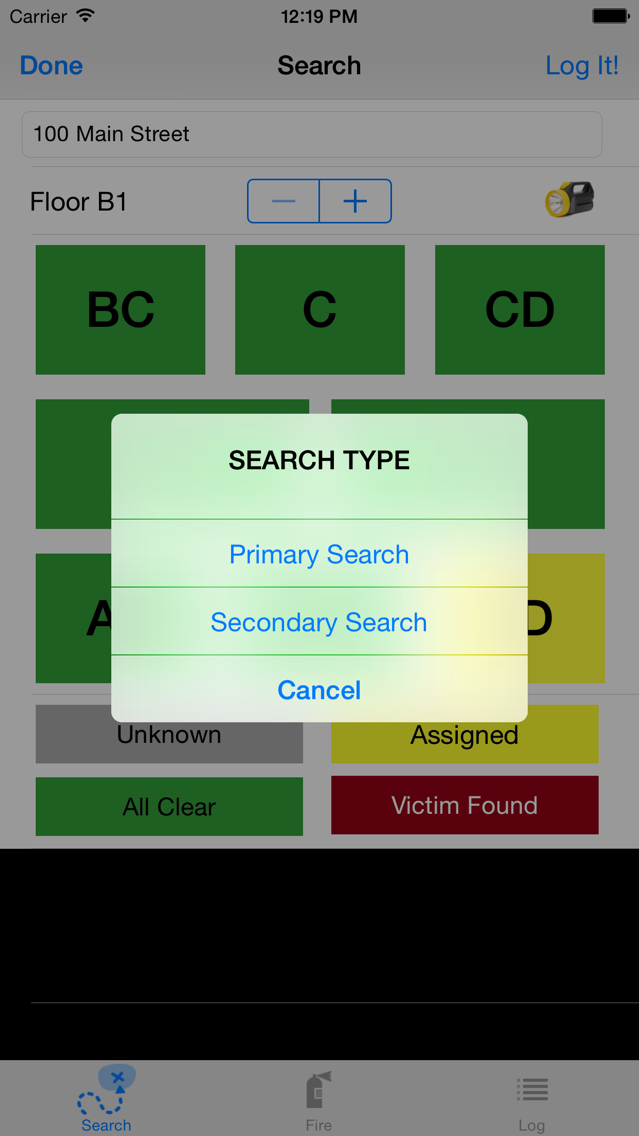
- Record primary and secondary search status to log.
- Search status includes Unknown, All Clear, Assigned, and Victim Found - including color.
- Fire status includes Unknown, All Clear, Fire Located, and Fire Extinguished - including color.
- Simple legend tap sets benchmark for entire floor.
- Supports 1 basement and 3 above ground floors.
- Record and save benchmarks for multiple incidents.
- Benchmarks log clearly identifies floor grid location, time, and status.