Welcome to the simplest reverse text app that works best for developers, programmers or everyone needed that.
Our reverse text app is an free tool that helps in reversing words, spells, reverse letters, and sentences.
How to use our free Reverse text app?
To use our reverse text generator app, you do not have to work on any specific rules. A simple click on this word reverser's user-friendly interface gives users access to the results they need. Below are simple steps for using our backward generator for free.
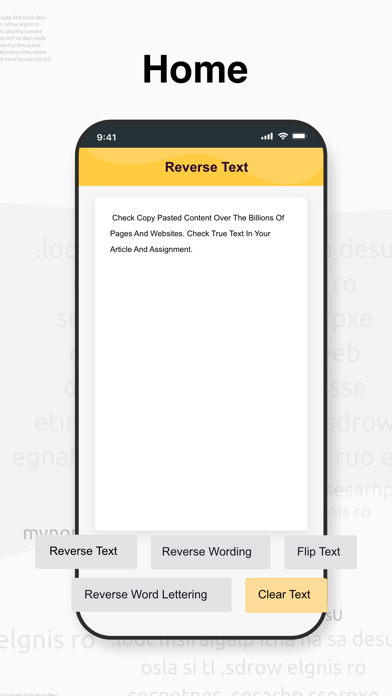
• The first step is to enter text that you want to flip, backward text, or Reverse wording lettering. You have the option of copying and pasting the content.
• Once you've made your choice, the next step is to choose the option you want to do with your text. Text and content can be reversed, flipped, the letters of each word reversed, or reverse the whole text.
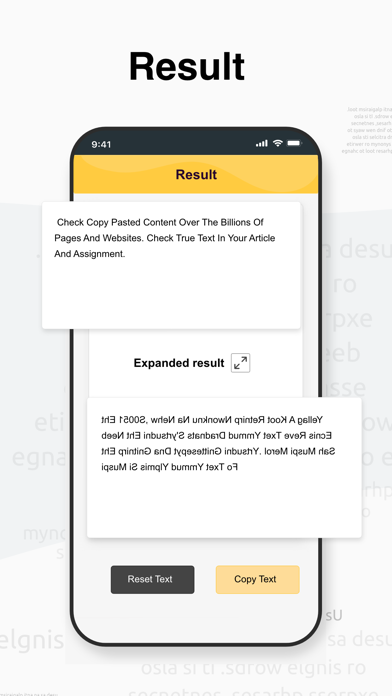
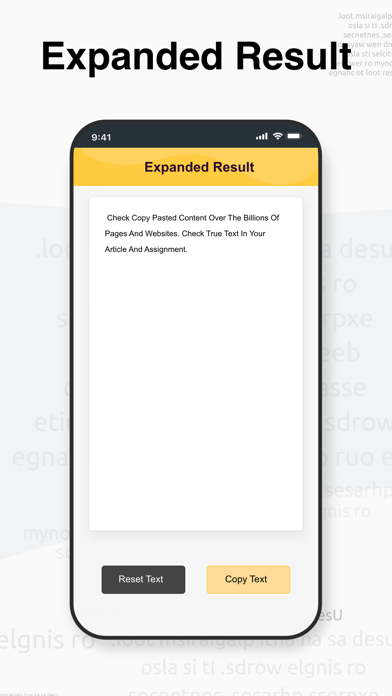
• Just after tabbing on reverse text, Instant results are generated and shown on your screen.
Key functionalities
Using our online reverse text generator, you may create multiple types of backward writing. To explain, let's have a look at the following examples.
‘’This app provides cool effects’’ take this sentence as an example and let’s reverse it.
• Reverse text: stceffe looc sedivorp ppa sihT
• Reverse wording: ’’effects cool provides app This’‘
• Flip text: ’’stceffe looc sedivorp ppa sihT’‘
• Reverse wording lettering: ’’stceffe looc sedivorp ppa sihT’‘
• Mirror text: oɈɒɿɘnɘϱ ɈxɘɈ ɿoɿɿim A
You may perform reverse text writing on your own, however, there is a significant risk of errors because it is not part of our usual routine. As a result, the free text reverser is the most efficient tool for executing this task.
You must use the word flipper or word reverser if you want to reverse a text for gaming purposes or just to annoy anyone. Check it out now!