!Locker
Free
1.0.18for iPhone, iPod touch
Age Rating
!Locker Screenshots
About !Locker
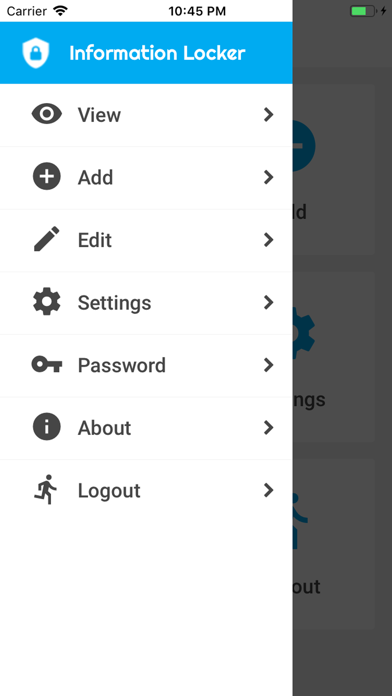
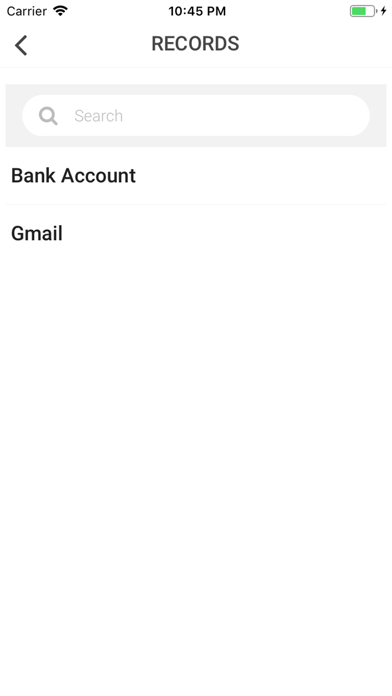
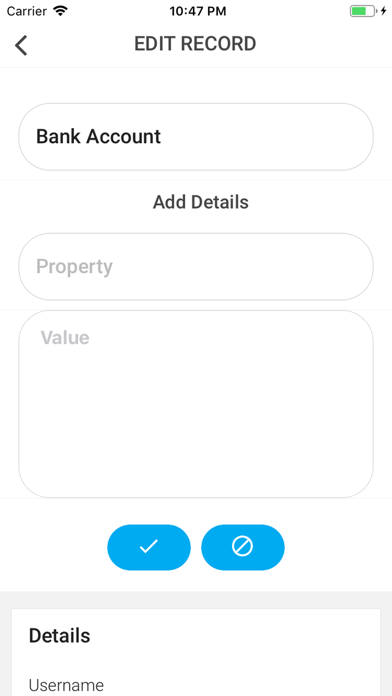
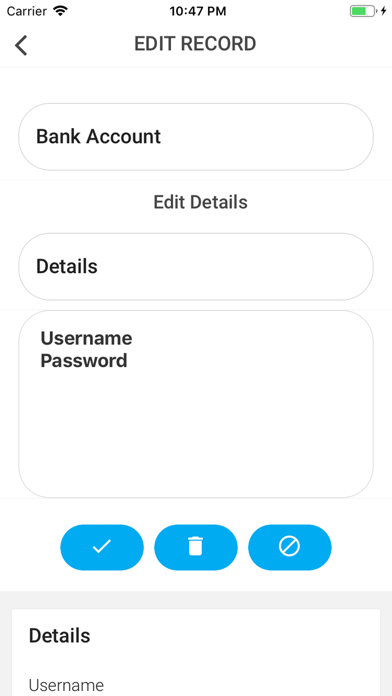
Encrypt and lock your personal data such as personal life information, private user documents, financial information such as accounts, transactions, reports, credit card information, bank account details etc.
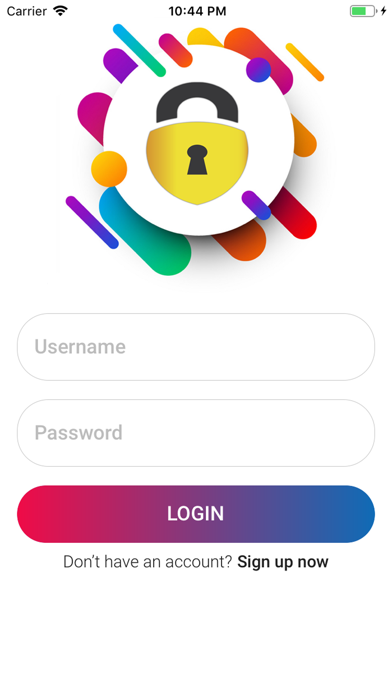
It encrypts the data using your encryption key and lock the access using your user account created on registration.
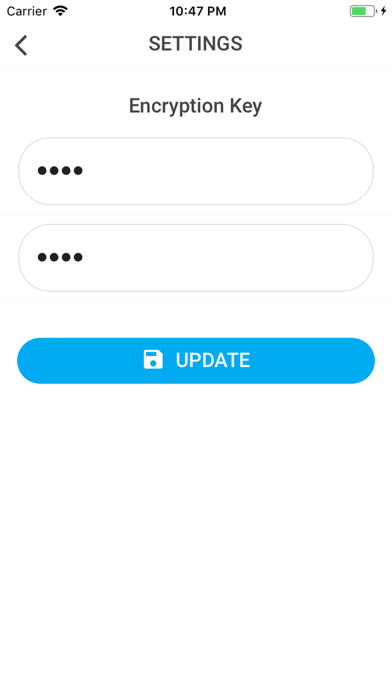
We never save your encryption key on our server, so the content will be encrypted from your device using the key provided and sent to the server as encrypted text over SSL.
Only the encrypted data is stored in our server, and the key for encryption is on your side, so the data is totally secured. And one thing you have to keep in mind is that "never forgot is the encryption key". This will be required whenever you install the app on a new device. You can change the encryption key at any point of time.
The encryption key will be saved only in your device, so if you install the software on a new device, you have to update the encryption key to access the details.
For more details visit
https://jojigeorge.com/2019/03/15/locker/

It encrypts the data using your encryption key and lock the access using your user account created on registration.
We never save your encryption key on our server, so the content will be encrypted from your device using the key provided and sent to the server as encrypted text over SSL.
Only the encrypted data is stored in our server, and the key for encryption is on your side, so the data is totally secured. And one thing you have to keep in mind is that "never forgot is the encryption key". This will be required whenever you install the app on a new device. You can change the encryption key at any point of time.
The encryption key will be saved only in your device, so if you install the software on a new device, you have to update the encryption key to access the details.
For more details visit
https://jojigeorge.com/2019/03/15/locker/
Show More
What's New in the Latest Version 1.0.18
Last updated on Mar 25, 2019
Old Versions
Password recovery and Fingerprint option added
Show More
Version History
1.0.18
Mar 25, 2019
Password recovery and Fingerprint option added
1.0
Mar 16, 2019
!Locker FAQ
Click here to learn how to download !Locker in restricted country or region.
Check the following list to see the minimum requirements of !Locker.
iPhone
Requires iOS 9.0 or later.
iPod touch
Requires iOS 9.0 or later.
!Locker supports English