HardwareZone Forums
Free
2.05.4for iPhone, iPad
Age Rating
HardwareZone Forums Screenshots
About HardwareZone Forums
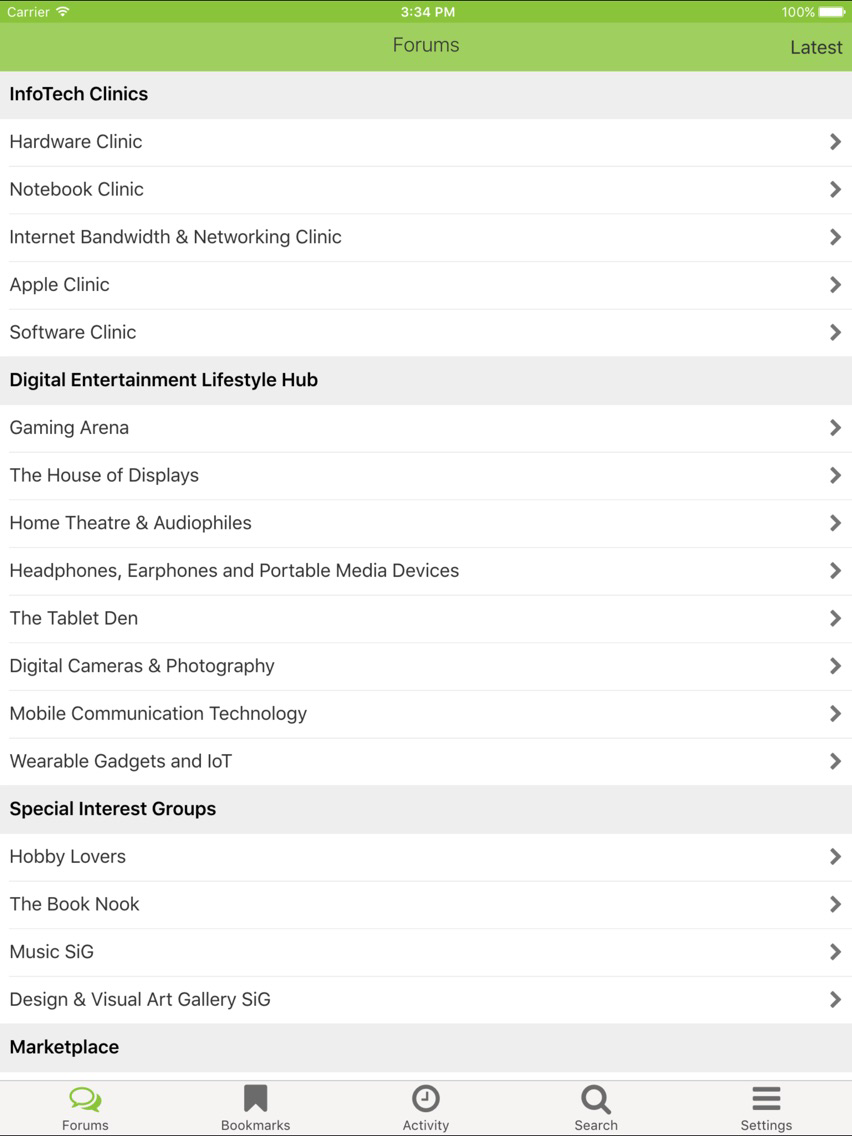
Southeast Asia’s largest tech portal is also home to one of the most entertaining forum communities – the HardwareZone Forums! Gain access to a wide range of discussions ranging from I.T. to lifestyle and be in the know of the latest buzz while you’re on the move through our revamped dedicated forum app!
This application allows you to browse the forum and its contents and if you’ve a forum account, post replies and participate in the many discussion topics. Find what you need using the Search function and bookmark your favourite thread and forums for speedy access! Forgot to bookmark a thread you’ve read? A forum activities tab keeps track of all threads you’ve browsed or replied. You can even reach out to individual users by creating personal messages and compose posts/messages with photos from your camera roll or other sources.
1. Login to an existing account
2. Register a new account (in new browser window)
3. Browse forums.
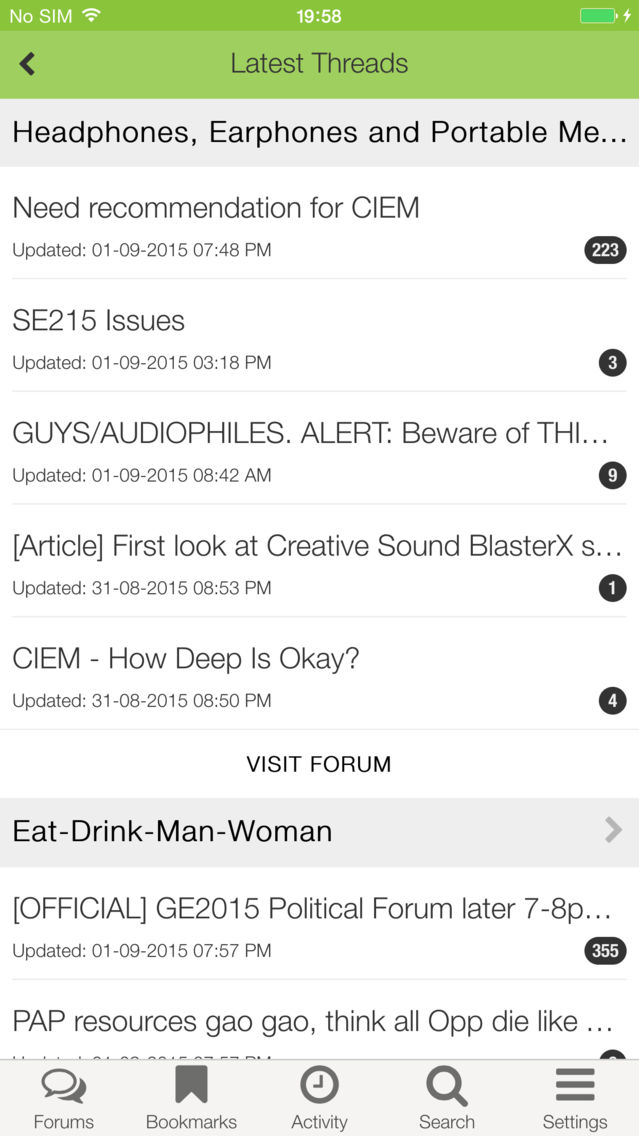
4. View the latest discussions across all active forums
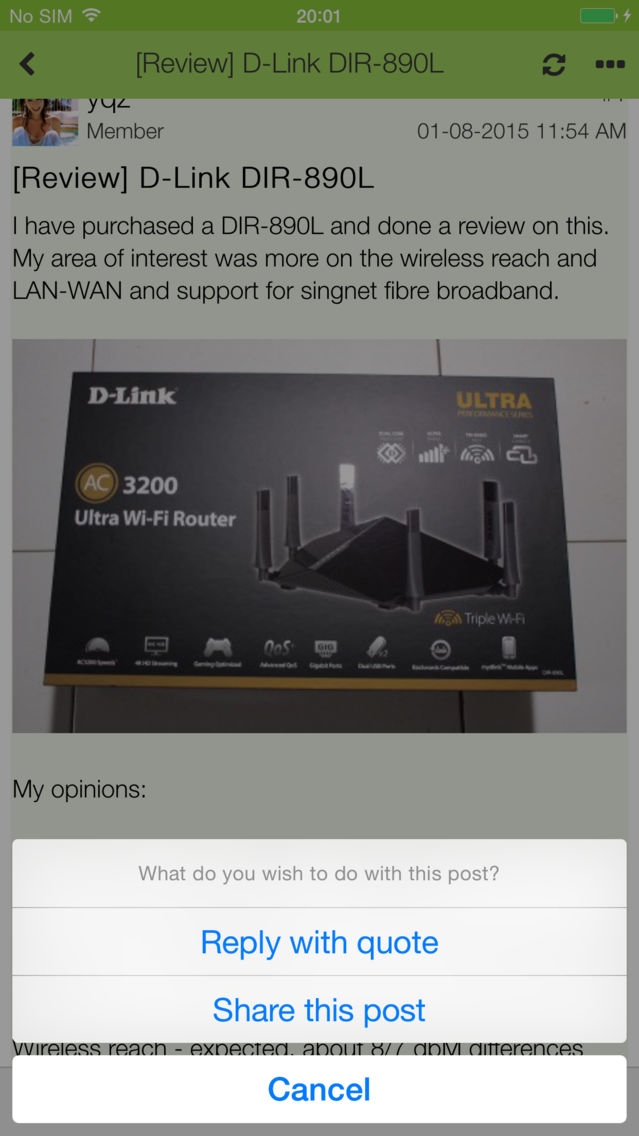
5. Create new threads, post replies, edit your own posts
6. Insert smileys, YouTube videos, images, Google Maps location and more in your replies
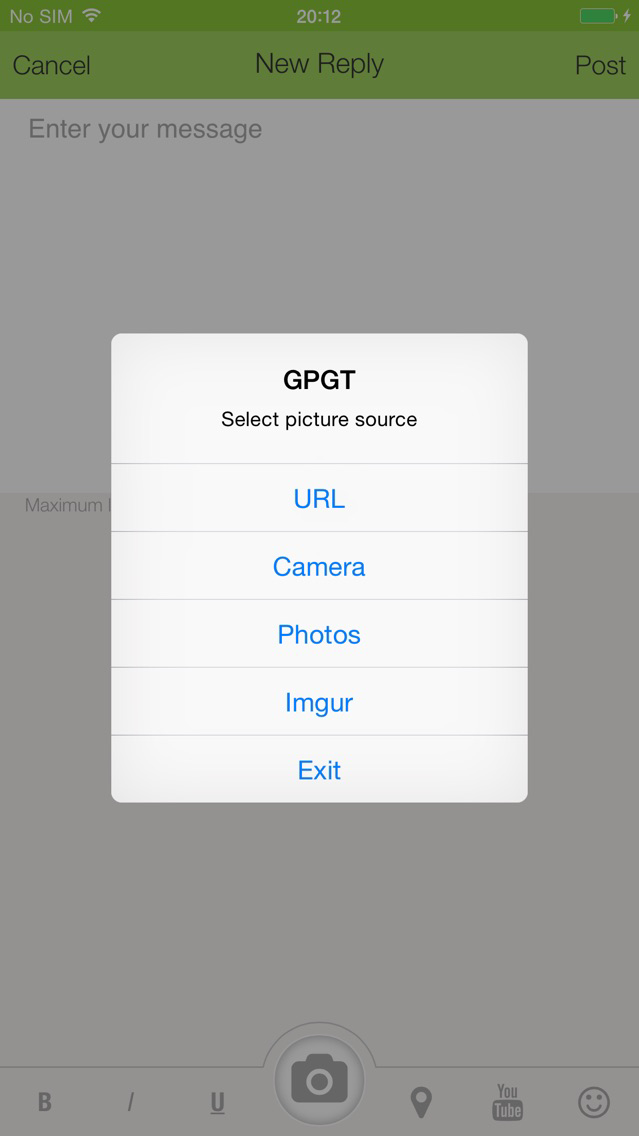
7. Integration with Imgur. Upload pictures to imgur via the camera or your photos gallery. Embed uploaded pictures in posts.
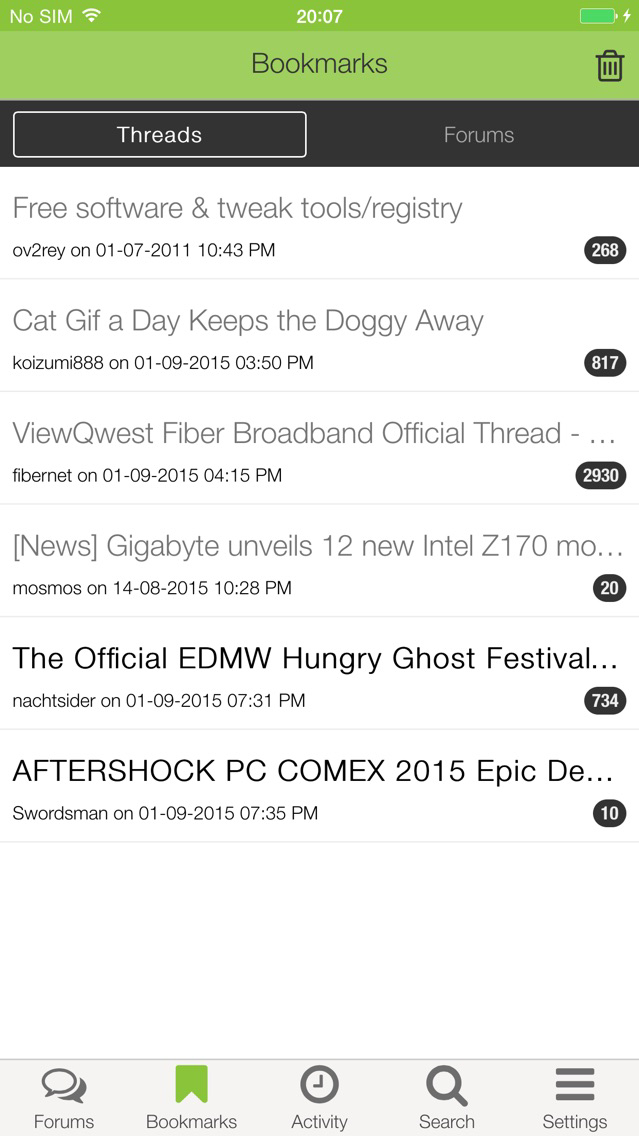
8. Bookmark threads and forums
9. Search (all forums, within single forum, within thread)
10. Forum activities tab keeps track of threads you’ve browsed or replied recently.
11. Read and Write Private Messages.

This application allows you to browse the forum and its contents and if you’ve a forum account, post replies and participate in the many discussion topics. Find what you need using the Search function and bookmark your favourite thread and forums for speedy access! Forgot to bookmark a thread you’ve read? A forum activities tab keeps track of all threads you’ve browsed or replied. You can even reach out to individual users by creating personal messages and compose posts/messages with photos from your camera roll or other sources.
1. Login to an existing account
2. Register a new account (in new browser window)
3. Browse forums.
4. View the latest discussions across all active forums
5. Create new threads, post replies, edit your own posts
6. Insert smileys, YouTube videos, images, Google Maps location and more in your replies
7. Integration with Imgur. Upload pictures to imgur via the camera or your photos gallery. Embed uploaded pictures in posts.
8. Bookmark threads and forums
9. Search (all forums, within single forum, within thread)
10. Forum activities tab keeps track of threads you’ve browsed or replied recently.
11. Read and Write Private Messages.
Show More
What's New in the Latest Version 2.05.4
Last updated on Jun 13, 2020
Old Versions
Bug fixes.
Show More
Version History
2.05.4
Jun 13, 2020
Bug fixes.
2.05.3
Feb 24, 2020
Bug fixes and performance improvements.
2.04.0
Dec 22, 2011
Bug fixes.
"Who Quoted Me"
HardwareZone Forums FAQ
Click here to learn how to download HardwareZone Forums in restricted country or region.
Check the following list to see the minimum requirements of HardwareZone Forums.
iPhone
iPad
HardwareZone Forums supports English