Insta Wedding Frames - Create digital frames
Free
1.5for iPhone, iPad
Age Rating
Insta Wedding Frames - Create digital frames Screenshots
About Insta Wedding Frames - Create digital frames
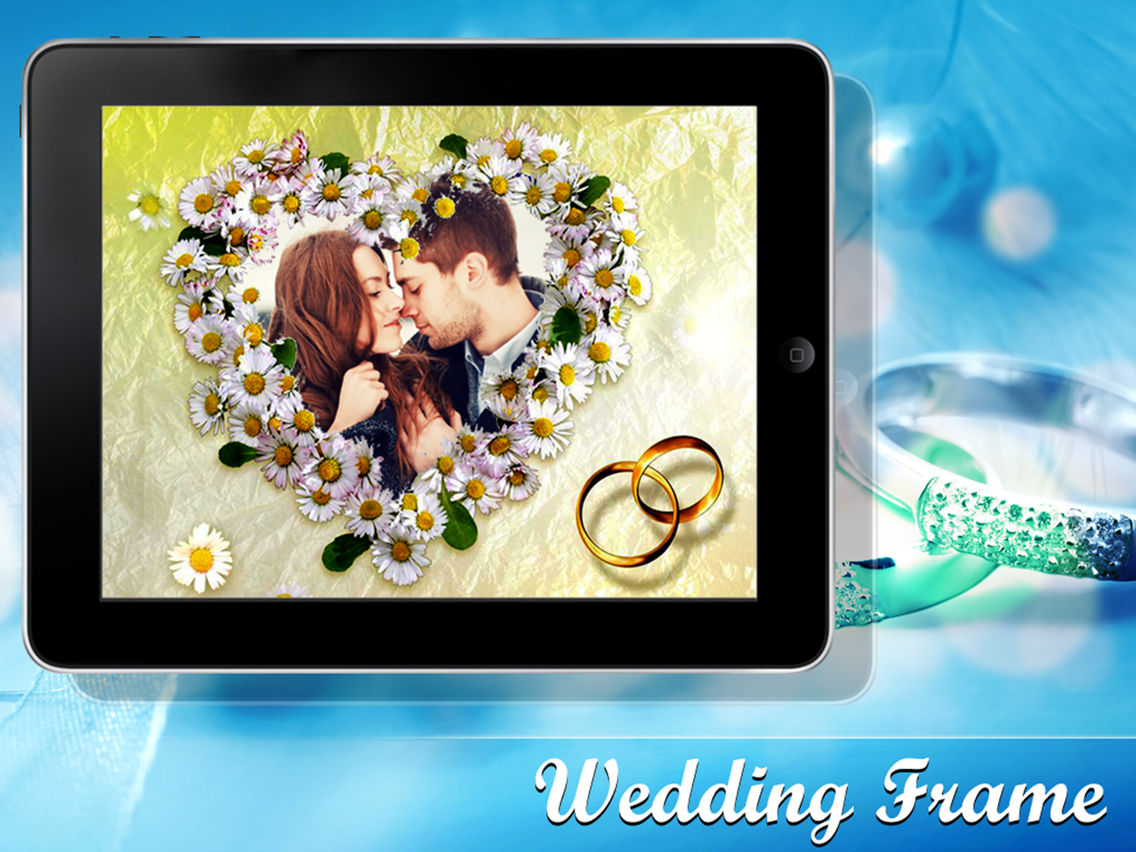
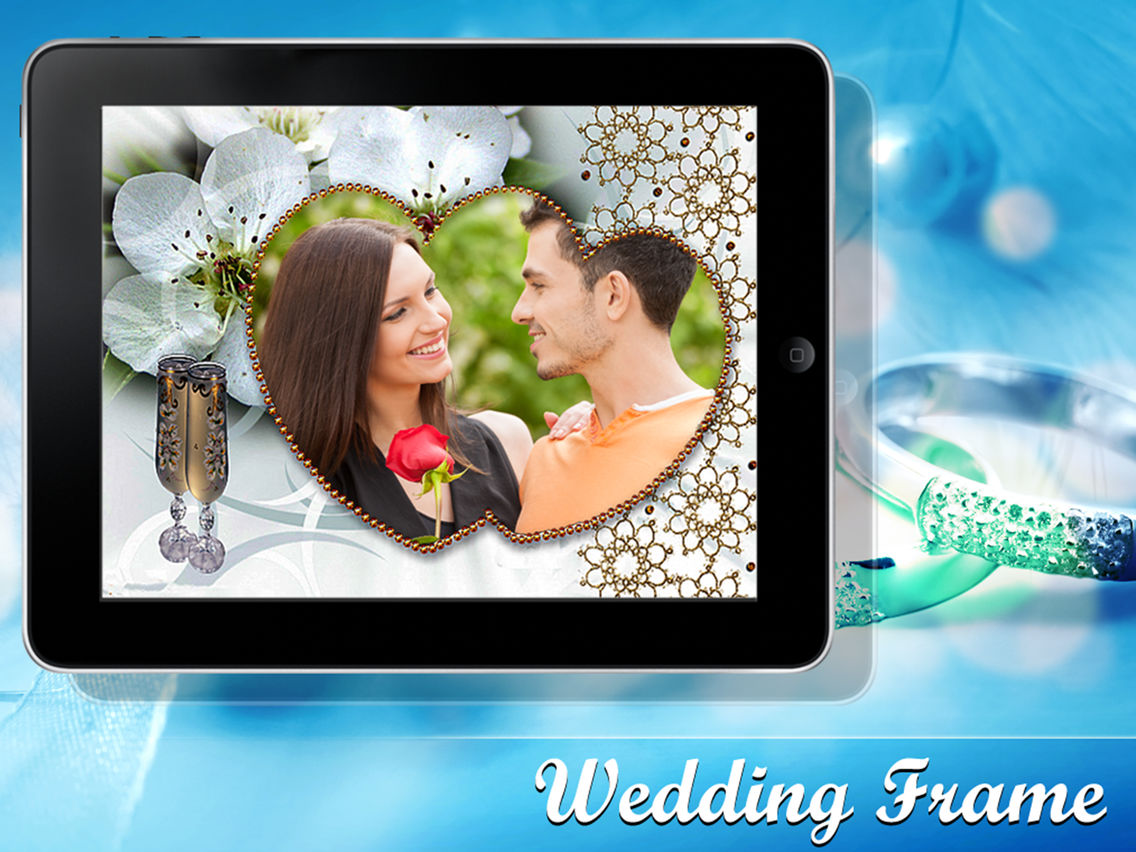
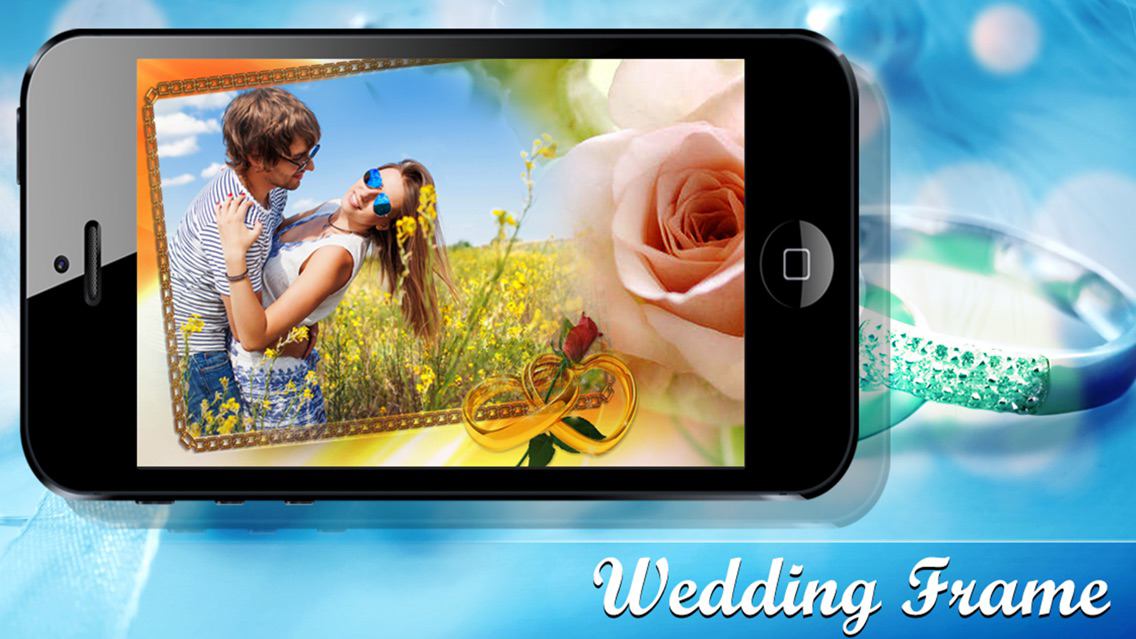
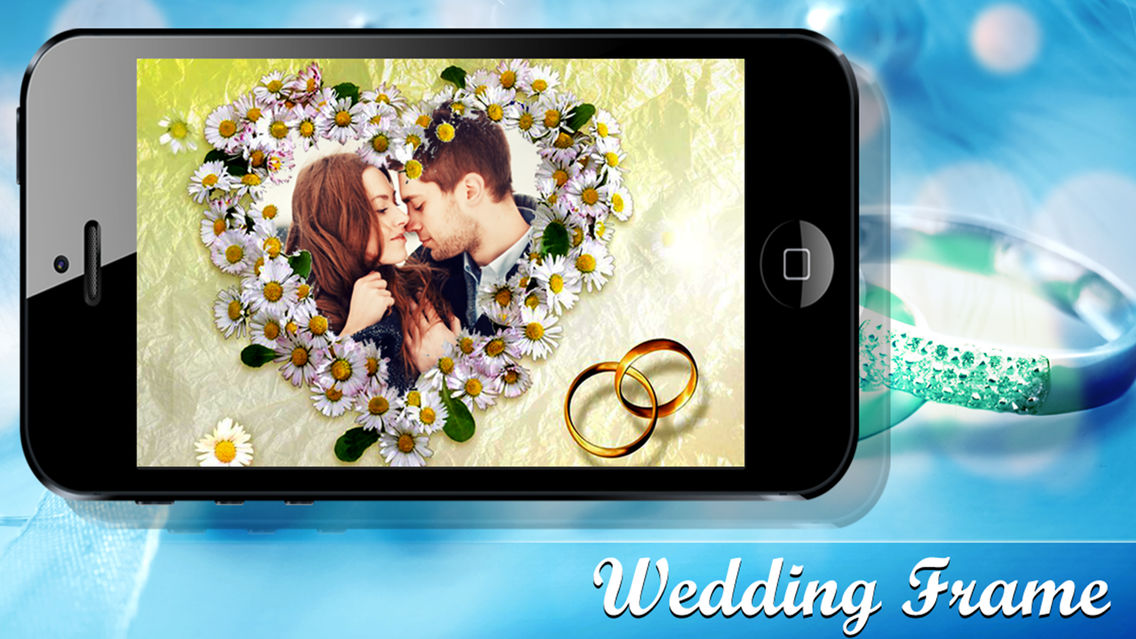
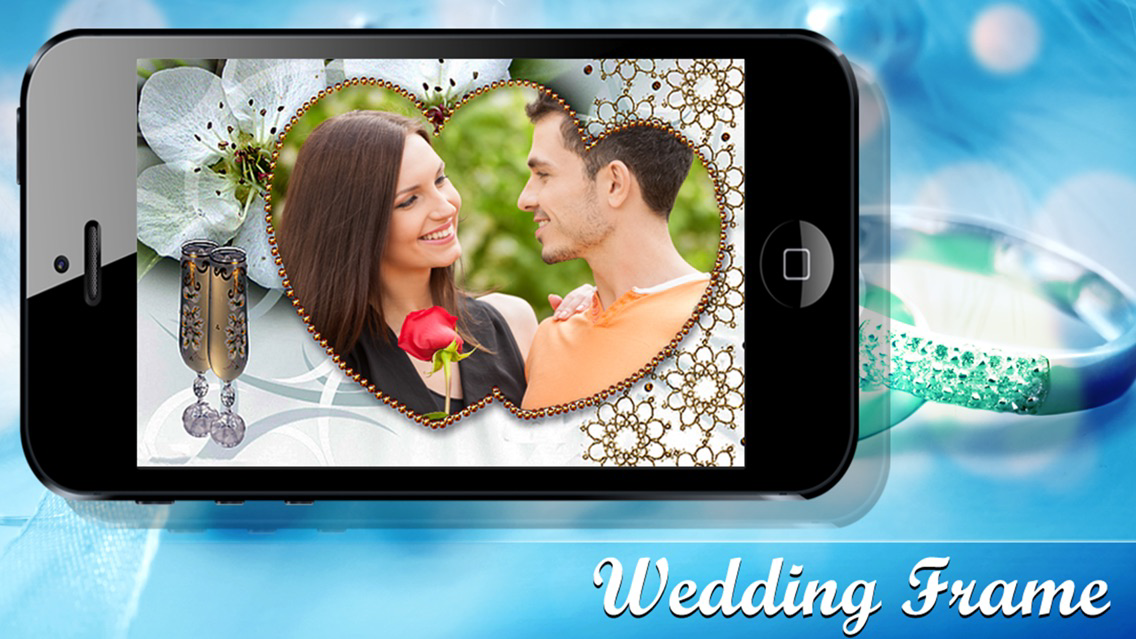
Wedding Photo Frames to decorate your wedding photos and share them with your friends and family. Wedding photos are one of the most memorable photos and this is the best way to decorate your wedding photos.
Unique wedding frames that are created for this app make your wedding photo`s unique and pleasant to share with others.
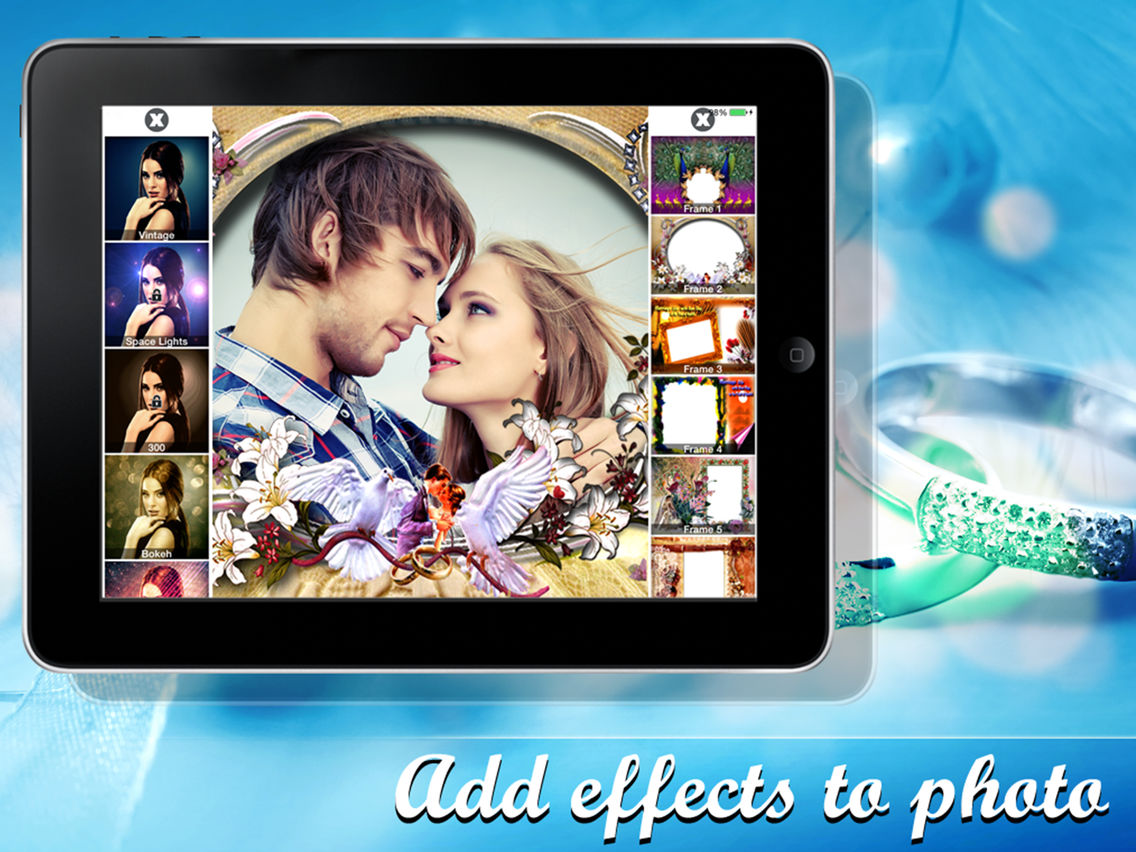
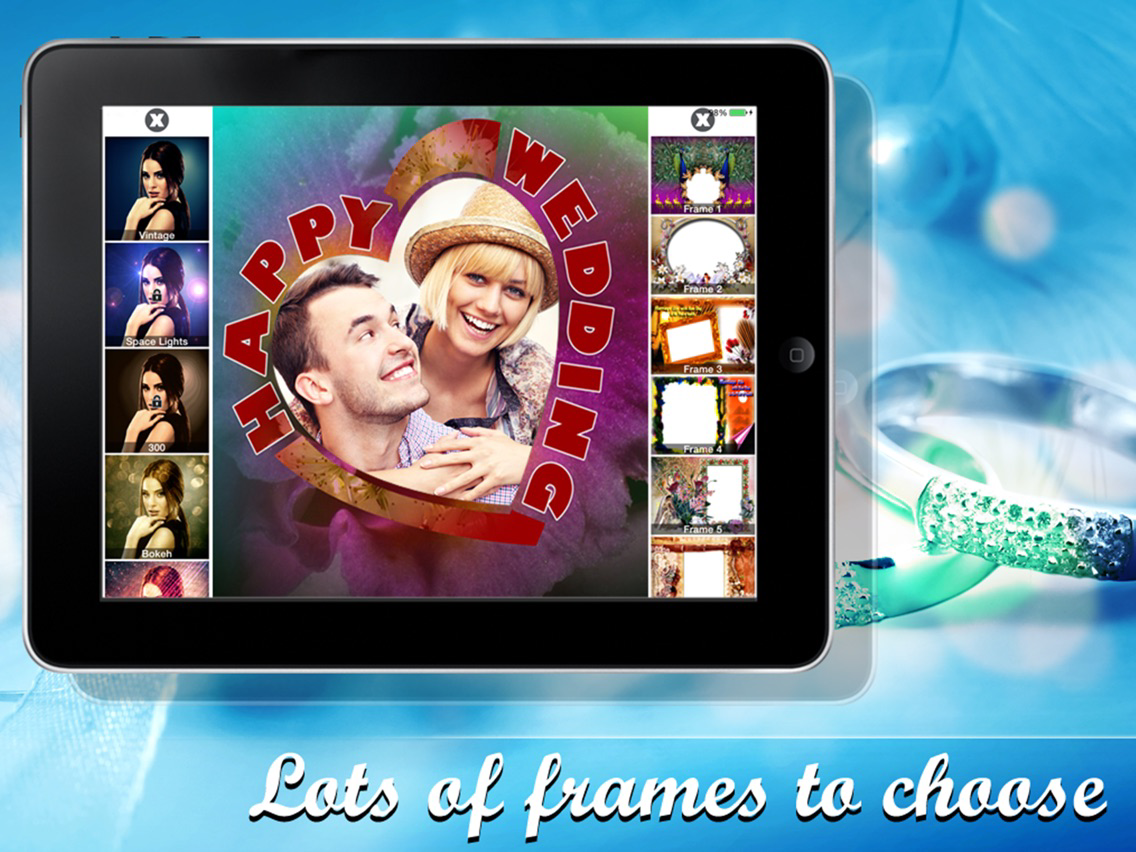
⁃It provides 30 unique frames.
⁃It has collection of 30 color effects and texture such as:
Effects
Vintage
Sunny Day
Rainy Day
Retro
Chrome
Sepia
Retro Chrom
GrayScale
Dodge Chrome
B&W Blue
Elegance
HDR+
Technicolor
Technicolor+
Lavender
Antique
Greengray
Old photo
Textures
Bokeh
Space Light
Coffe Stains
Twisted Paper
Grunge Paper
Love Lights
Color Hearts
Broken Light
Jeans Rays
Butterfly
Jeans
Paint Peel
How to use
⁃ Choose a photo from gallery or take a photo.
⁃ Scale and move the image .
⁃ Choose frame from frame bar .
⁃ Select effects and textures from effect bar.
⁃ To see the menu single tap on the screen.
⁃ After applying frame and effect ,to have a look on your image double tap on your screen.
⁃ You can share your image to your favorite social networks and also can save to gallery by clicking share button on menu.
So for what you are waiting?????

Unique wedding frames that are created for this app make your wedding photo`s unique and pleasant to share with others.
⁃It provides 30 unique frames.
⁃It has collection of 30 color effects and texture such as:
Effects
Vintage
Sunny Day
Rainy Day
Retro
Chrome
Sepia
Retro Chrom
GrayScale
Dodge Chrome
B&W Blue
Elegance
HDR+
Technicolor
Technicolor+
Lavender
Antique
Greengray
Old photo
Textures
Bokeh
Space Light
Coffe Stains
Twisted Paper
Grunge Paper
Love Lights
Color Hearts
Broken Light
Jeans Rays
Butterfly
Jeans
Paint Peel
How to use
⁃ Choose a photo from gallery or take a photo.
⁃ Scale and move the image .
⁃ Choose frame from frame bar .
⁃ Select effects and textures from effect bar.
⁃ To see the menu single tap on the screen.
⁃ After applying frame and effect ,to have a look on your image double tap on your screen.
⁃ You can share your image to your favorite social networks and also can save to gallery by clicking share button on menu.
So for what you are waiting?????
Show More
What's New in the Latest Version 1.5
Last updated on May 21, 2017
Old Versions
UI Changed
Show More
Version History
1.5
May 21, 2017
UI Changed
1.4
Jul 30, 2014
Bug Fixed.
1.3
Jul 14, 2014
Bug fixed.
1.2
May 1, 2014
Updated with new ads and bugs fixed
1.1
Mar 27, 2013
Insta Wedding Frames - Create digital frames FAQ
Click here to learn how to download Insta Wedding Frames - Create digital frames in restricted country or region.
Check the following list to see the minimum requirements of Insta Wedding Frames - Create digital frames.
iPhone
iPad
Insta Wedding Frames - Create digital frames supports English