TRIGGER ACS

TRIGGER ACS


Free

1.3for iPhone, iPad
Oracle
Developer
Dec 6, 2017
Update Date
Utilities
Category
Age Rating
4+
Apps in this category do not contain restricted content.
9+
Apps in this category may contain mild or occasional cartoon, fantasy or real-life violence, as well as occasional or mild adult, sexually suggestive or horrifying content and may not be suitable for children under 9 years of age.
12+
Apps in this category may contain occasional mild indecent language, frequent or intense cartoon or real-life violence, minor or occasional adult or sexually suggestive material, and simulated gambling, and may be for children under 12 years of age.
17+
You must be at least 17 years old to access this App.
Apps in this category may contain frequent and intense offensive language; Frequent and intense cartoon, fantasy or realistic violence: frequent and intense adult, scary and sexually suggestive subjects: as well as sexual content, nudity, tobacco, alcohol and drugs, may not be suitable for children under 17 years of age.
TRIGGER ACS Screenshots
TRIGGER ACS posterTRIGGER ACS posterTRIGGER ACS poster

About TRIGGER ACS

The Trigger Accessory Control System substantially saves installation time of your electronic accessories! Eliminate the need to run wires under the dash or through the firewall of your vehicle when running wires.

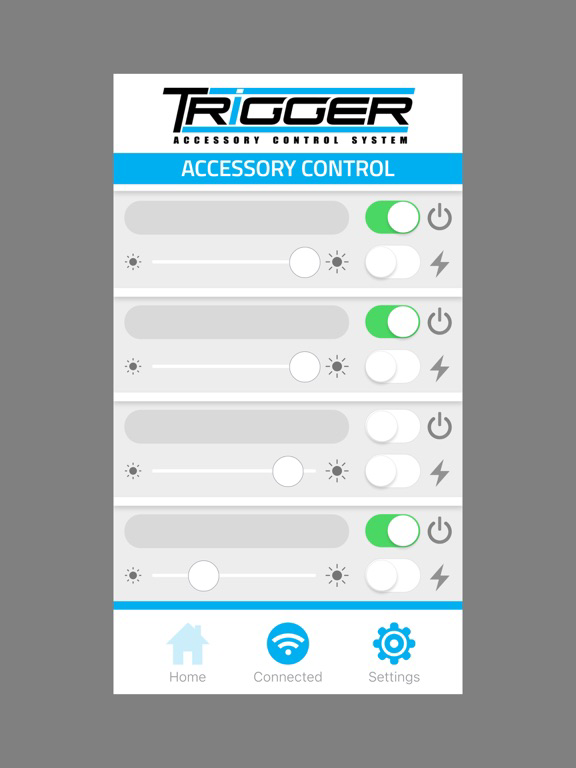
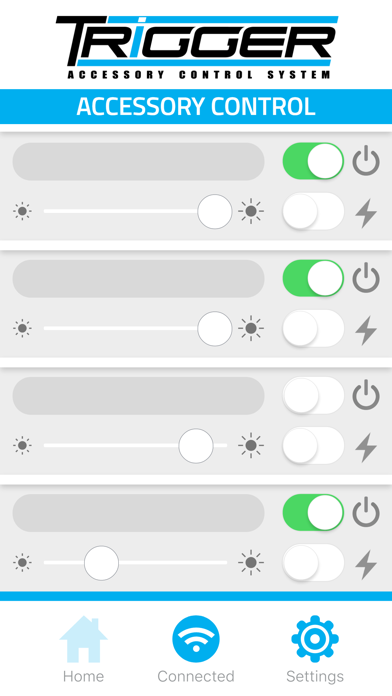
Our Bluetooth App will control on/off and dimming functions as well as flashing when used with LED or conventional lighting. It is simple to set up and allows for user customization. Use the app to “Trigger” lights from outside the vehicle whenever you might need to activate an accessory on demand.

In addition to the app, Trigger includes an RF remote control for activating installed accessories from outside the vehicle and dimming/flashing functions for installed lighting. In addition, two 30 amp and two 10 amp fused circuits with LED indicators notify you of blown fuses.

App Setup Instructions:

1. Ensure Bluetooth is active on your mobile device, and the Trigger Controller is powered on.
2. Once downloaded and installed, tap the Trigger icon to launch the app. Bluetooth pairing occurs automatically, there is no need to manually pair the App.
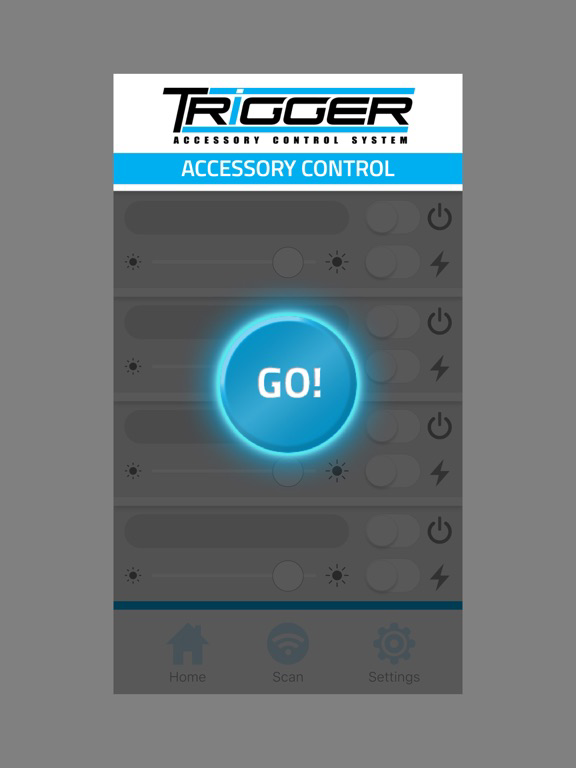
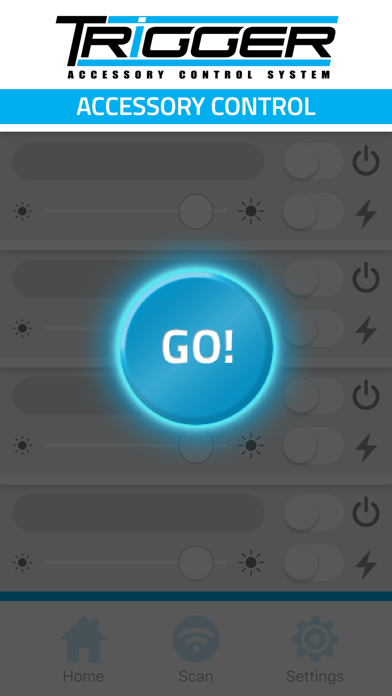
3. Once the App is running, tap the 'GO' button in the middle of the screen to connect to your Trigger Controller.
4. After a few seconds, the App will connect. Power, strobe, and dimming functionality will now be active.
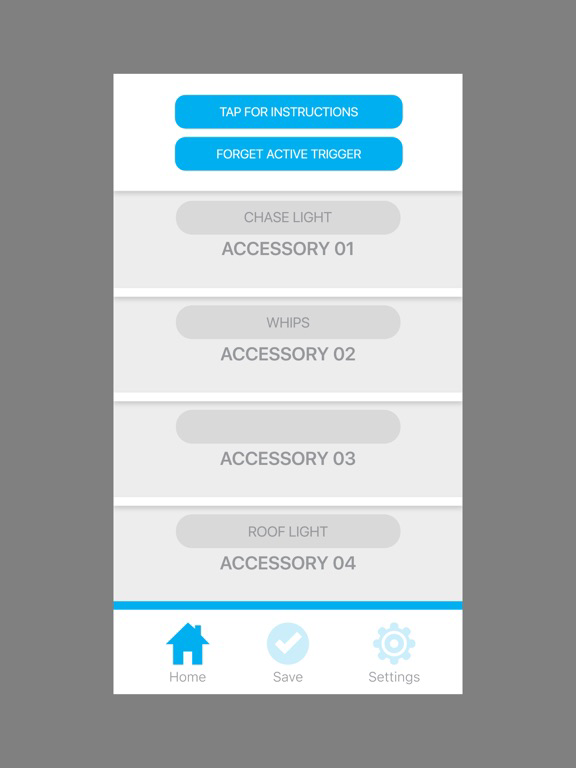
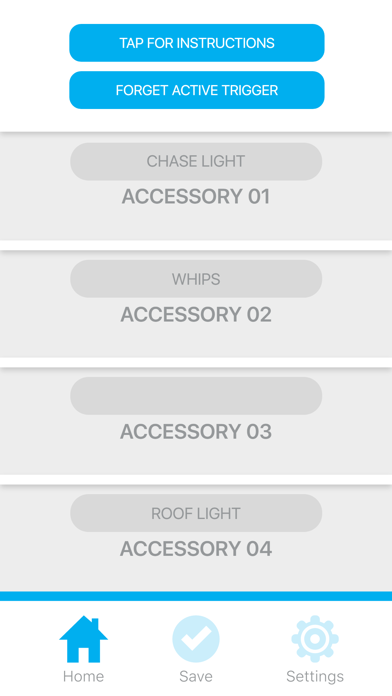
5. Tap the 'Settings' icon to customize the names of your Trigger connected accessories. Tap 'Save' to save the customized names.
6. Tap 'Home' to return to the main App screen.

For product support and training videos, visit http://triggercontroller.com/support.html

Show More

What's New in the Latest Version 1.3

Last updated on Dec 6, 2017
Old Versions
This app has been updated by Apple to prepare for watchOS 27 compatibility. No new features are included.

Made some tweaks to improve Bluetooth connectivity.
Show More
Version History
1.3
Dec 6, 2017
This app has been updated by Apple to prepare for watchOS 27 compatibility. No new features are included.

Made some tweaks to improve Bluetooth connectivity.

TRIGGER ACS FAQ

Click here to learn how to download TRIGGER ACS in restricted country or region.
Check the following list to see the minimum requirements of TRIGGER ACS.
iPhone
iPad

TRIGGER ACS Alternative

You May Also Like

Get more from Oracle