Age Rating
4+
Apps in this category do not contain restricted content.
9+
Apps in this category may contain mild or occasional cartoon, fantasy or real-life violence, as well as occasional or mild adult, sexually suggestive or horrifying content and may not be suitable for children under 9 years of age.
12+
Apps in this category may contain occasional mild indecent language, frequent or intense cartoon or real-life violence, minor or occasional adult or sexually suggestive material, and simulated gambling, and may be for children under 12 years of age.
17+
You must be at least 17 years old to access this App.
Apps in this category may contain frequent and intense offensive language; Frequent and intense cartoon, fantasy or realistic violence: frequent and intense adult, scary and sexually suggestive subjects: as well as sexual content, nudity, tobacco, alcohol and drugs, may not be suitable for children under 17 years of age.
Synced Tool Screenshots
Synced Tool posterSynced Tool posterSynced Tool posterSynced Tool posterSynced Tool posterSynced Tool poster

About Synced Tool

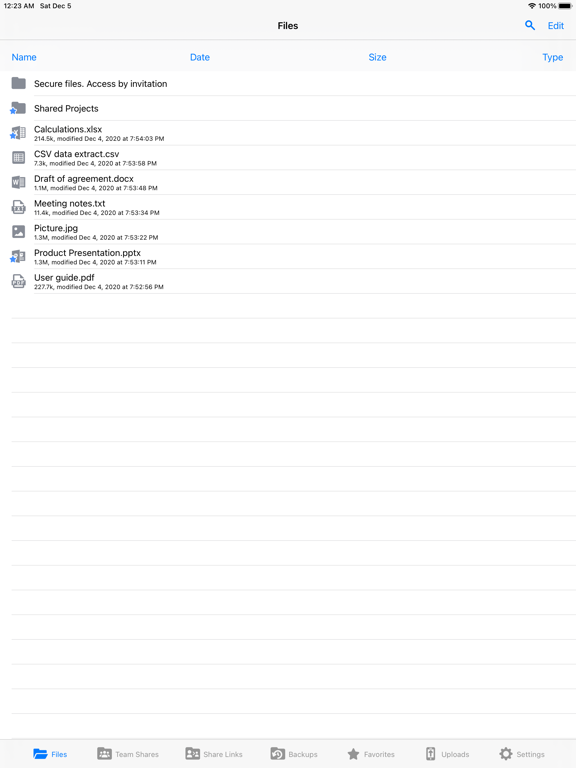
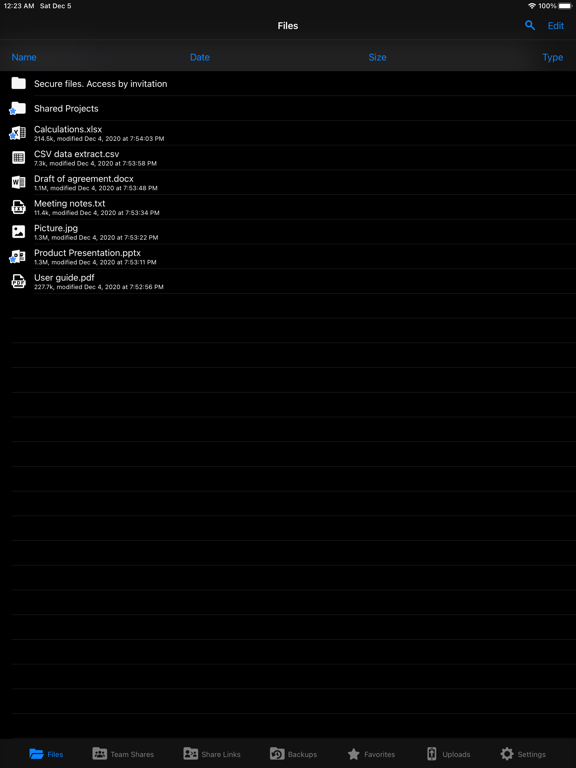
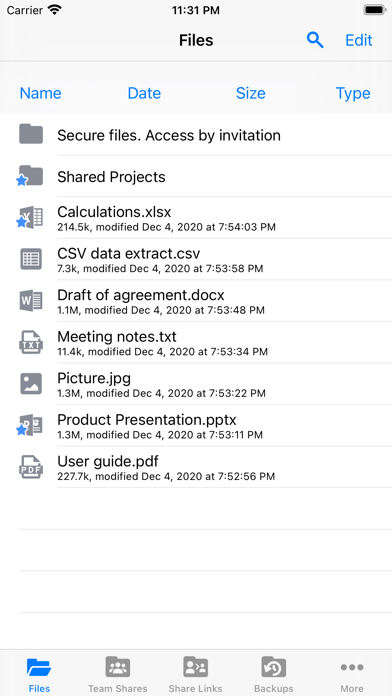
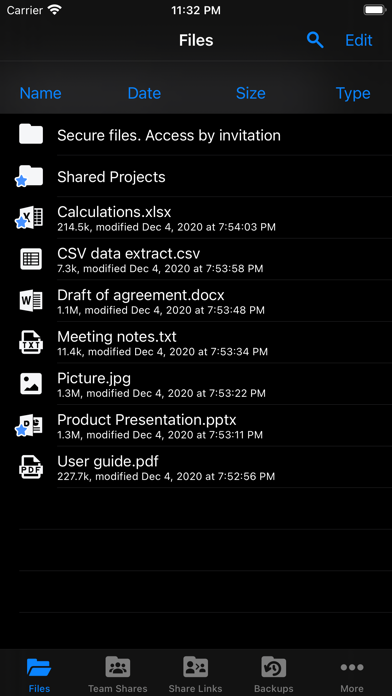
Synced Tool empowers you to stay productive with military-grade security and compliance, anywhere, anytime, on any device; it's invincible productivity. With Synced Tool, you can securely view, upload, edit, and share your files and folders, even if they exist on a file server back in the office, at home, or at a data center. Gain mobility, security, collaboration and business continuity with Synced Tool for iOS.

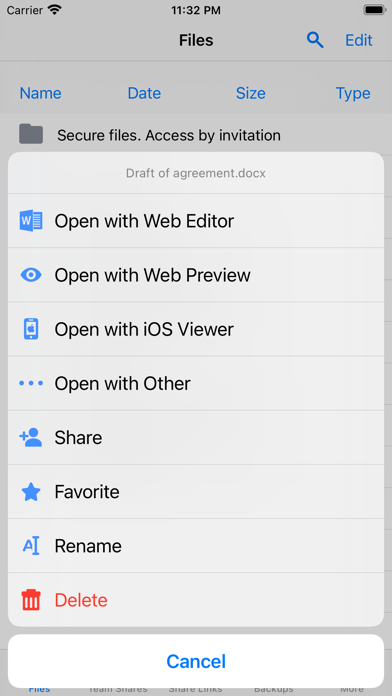
- Securely view and edit files within the Synced Tool app, or third party apps, that will sync with the server and other endpoints
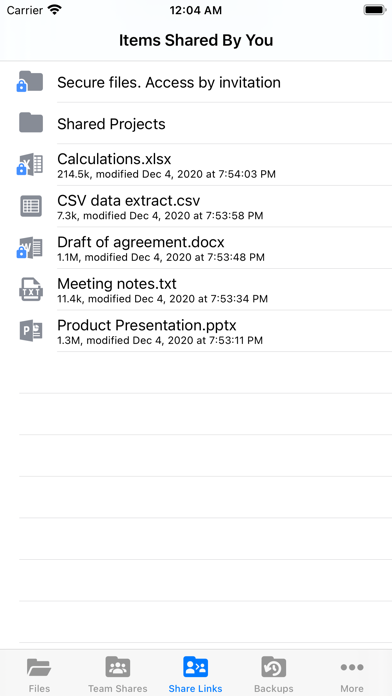
- Generate secure share links on the fly to include in emails or chat tools
- Save files for offline viewing and keep them up to date whenever online
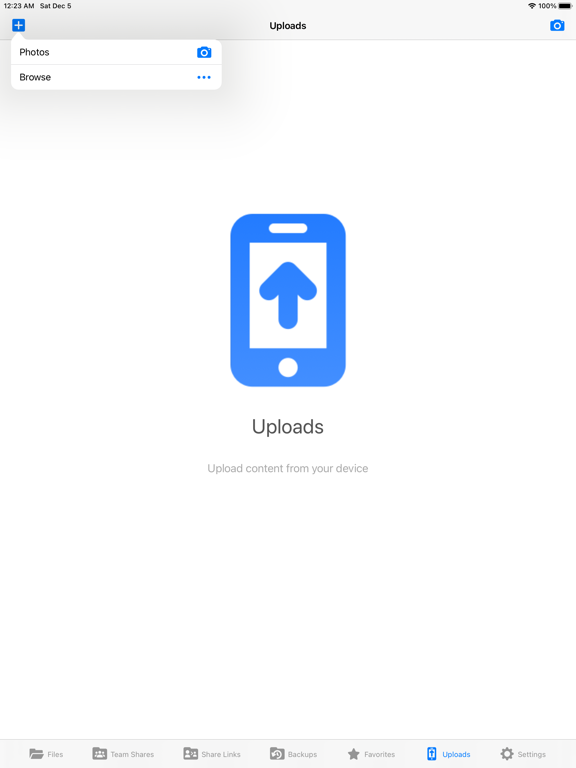
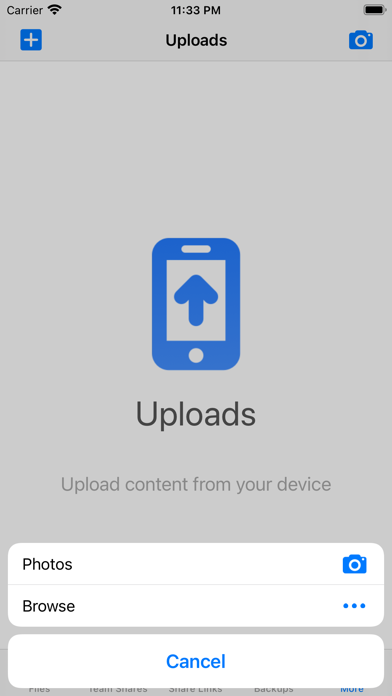
- Upload any content from your device to the server and other endpoints with a single click
- Choose to enable camera upload which automatically uploads new photos and videos from your camera roll and photo stream
- Quickly find the content you need, whenever you need it, wherever you are, with granular filtering
- Remotely access your backups of other endpoints on the road
- Rename, delete, or even lock content to prevent others from editing and force them into read-only mode when accessing that content
- Set up two-step authentication in the form of a passcode lock to further secure the data on your device
- Utilize the iOS Files App to access and manage your Synced Tool data through a tight integration
- Specify the amount of local storage allowed for storing your Synced Tool data locally
- Choose whether or not to sync over WiFi only
- Choose whether or not to auto-update your favorited content
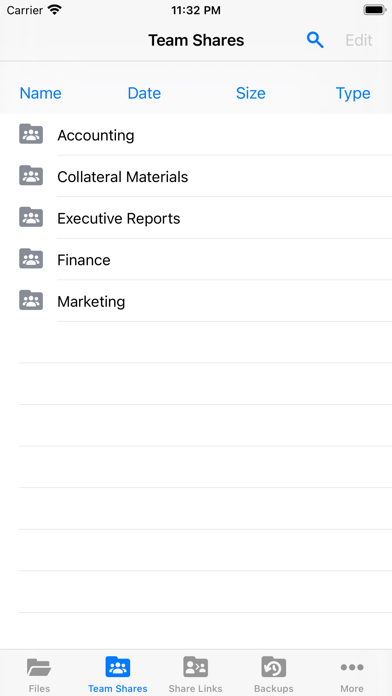
- Interact with your data how content administrators intended by honoring complex permission roles
- Experience the intuitive user interface in a fully localized experience translated in multiple languages

Supported on most current iOS devices including iPhones and iPads!

Show More

What's New in the Latest Version 4.32

Last updated on Jul 16, 2024
Old Versions
* Redesigned app icon
* Improved app loading speed
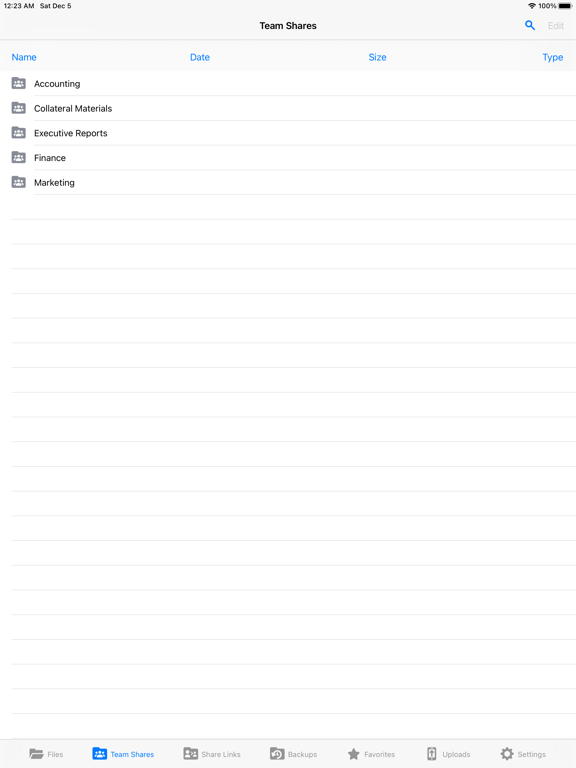
* Team shares are now sorted alphabetically by default
* Improved search mechanics. Relevant search results are shown no matter how long the query is and whether you change your query on the go, type it quickly or with long pauses
* Fixed several issues when the app could crash
* Fixed an issue when scrolling through a long list of files and folders could stop loading results
* Downloading files using Apple Files app works more reliably now. Downloaded files have the proper icon
* Attaching files to emails using Apple Mail app works more reliably now. The selection is no longer limited by the first 20 files on the list
Show More
Version History
4.32
Jul 16, 2024
* Redesigned app icon
* Improved app loading speed
* Team shares are now sorted alphabetically by default
* Improved search mechanics. Relevant search results are shown no matter how long the query is and whether you change your query on the go, type it quickly or with long pauses
* Fixed several issues when the app could crash
* Fixed an issue when scrolling through a long list of files and folders could stop loading results
* Downloading files using Apple Files app works more reliably now. Downloaded files have the proper icon
* Attaching files to emails using Apple Mail app works more reliably now. The selection is no longer limited by the first 20 files on the list

Synced Tool FAQ

Click here to learn how to download Synced Tool in restricted country or region.
Check the following list to see the minimum requirements of Synced Tool.
iPhone
iPad

Synced Tool Alternative

You May Also Like

Get more from ConnectWise