VUEWorks: MobileVUE
Free
1.6.20for iPhone, iPad and more
Age Rating
VUEWorks: MobileVUE Screenshots
About VUEWorks: MobileVUE
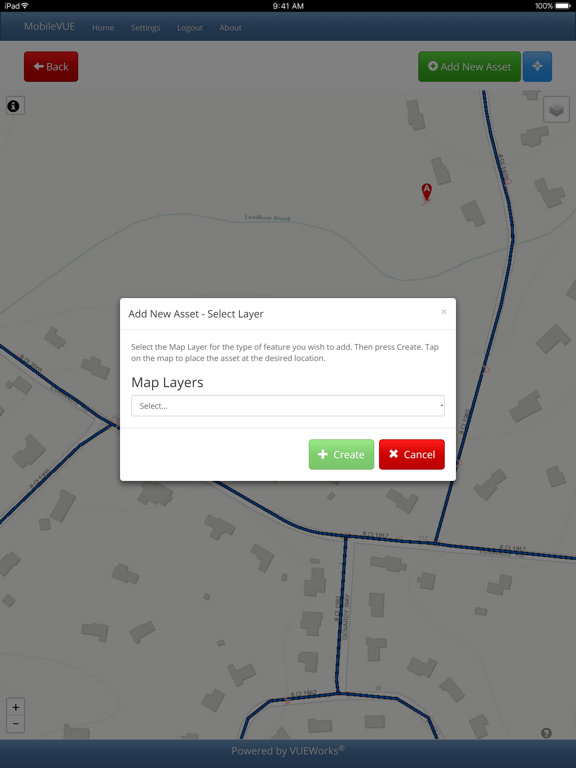
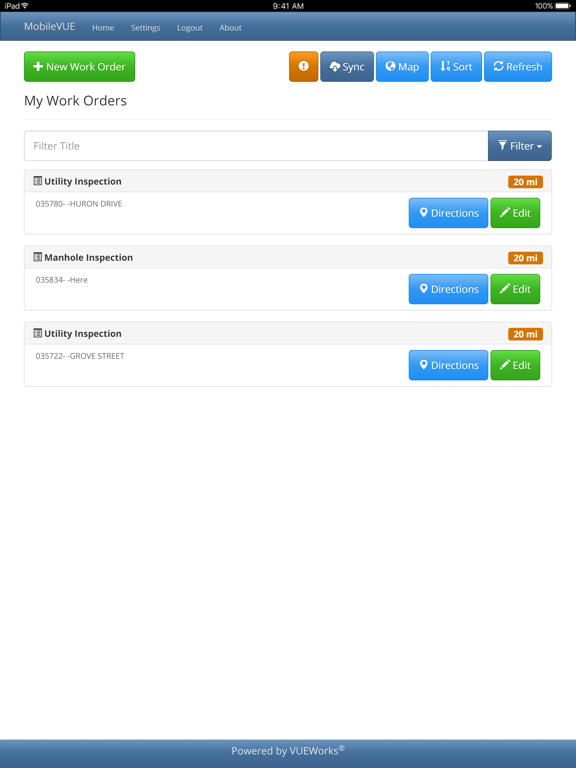
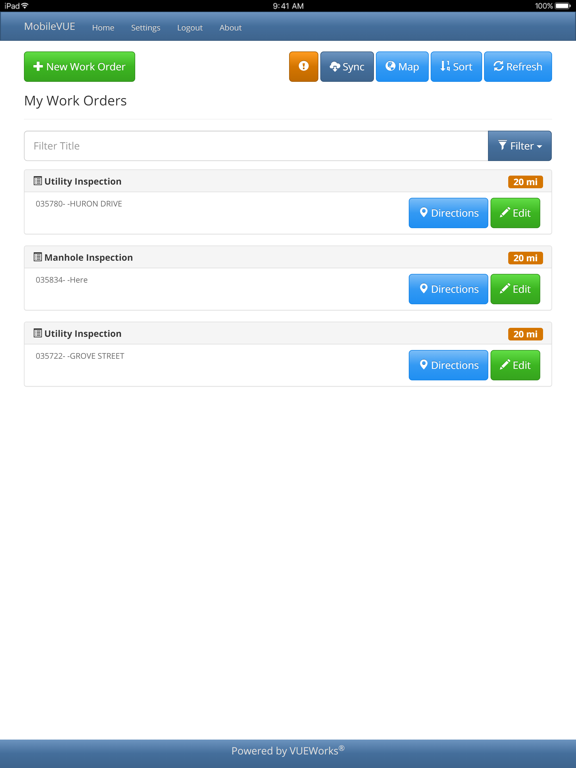
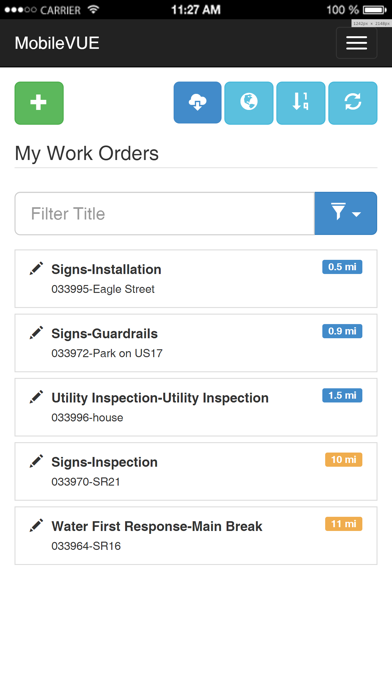
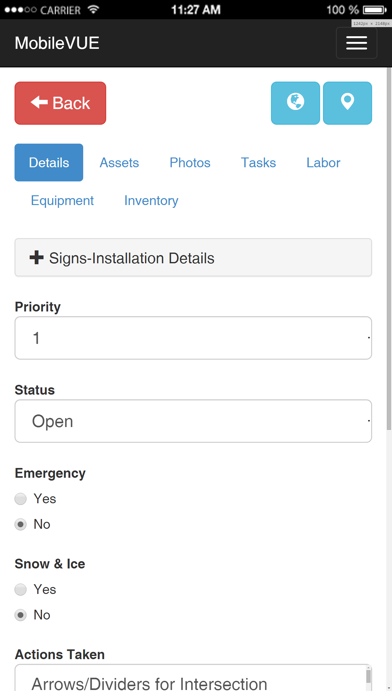
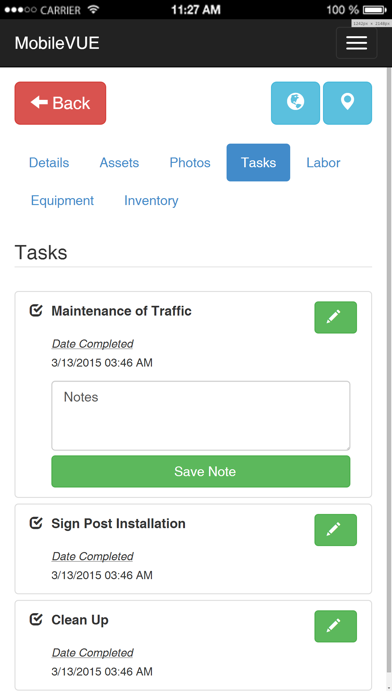
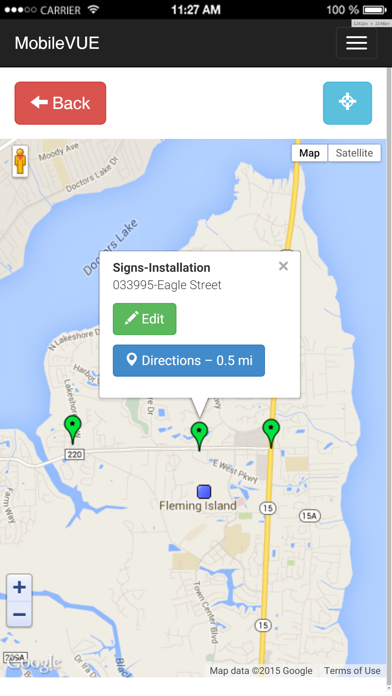
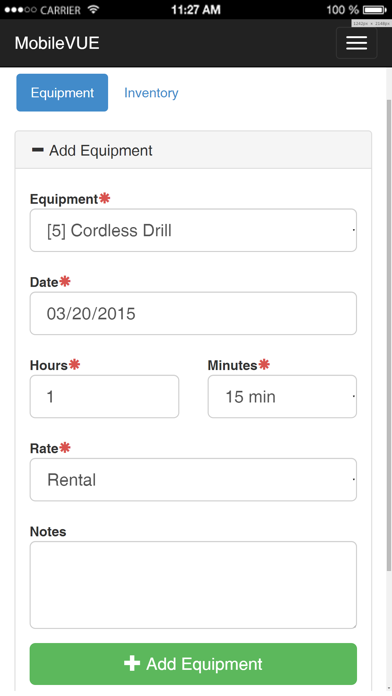
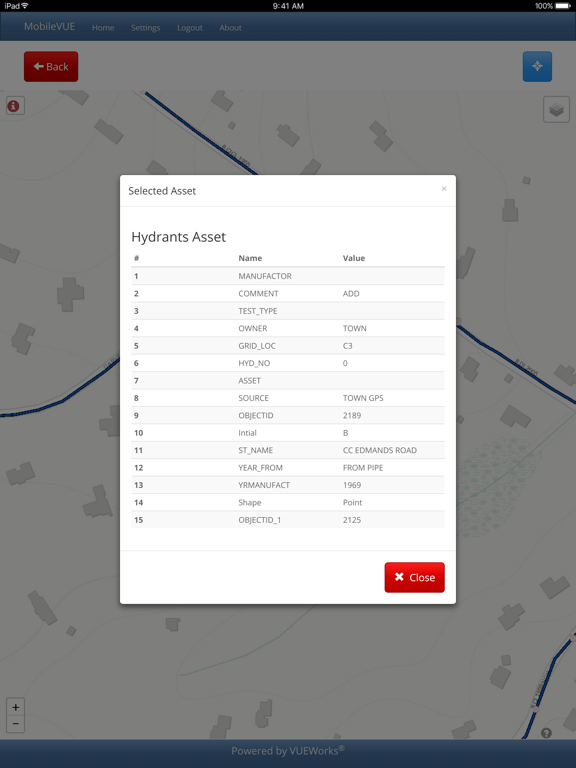
MobileVUE is a mobile application used to execute Work Orders in the field from a mobile device, such as a smartphone or tablet computer. The MobileVUE application is an extension of the VUEWorks software specially designed around the needs of the field user. MobileVUE allows the VUEWorks user to increase field productivity with or without internet connectivity. It utilizes an easy syncing process to integrate the data back to VUEWorks once the field user is in a connected environment. As with all VUEWorks modules, your VUEWorks System Administrator has control over the configuration.
Show More
What's New in the Latest Version 1.6.20
Last updated on Feb 12, 2024
Old Versions
Bugfixes and updates.
Show More
Version History
1.6.20
Feb 12, 2024
Bugfixes and updates.
1.6.9
May 13, 2021
Bug Fixes and Update
1.6.7
Dec 18, 2020
Bug Fixes and minor updates
1.6.6
Oct 8, 2020
Bug fixes and minor upgrades
1.6.4
Sep 10, 2020
Minor Bug Fixes
1.6.3
Aug 25, 2020
Bug Fixes and enhancements.
1.6.0
Feb 22, 2019
Performance enhancements and Bug-fixes
1.5.43
Sep 6, 2018
Minor Bug fix for file opening issue.
1.5.42
Aug 9, 2018
•Support for adding Ad-Hoc Equipment
•Support for GIS attribute aliases when editing feature attributes
•Confirmation prompt when copying a Work Order
•Support to display Ad-Hoc inventory added in VUEWorks
•Confirmation dialog to the copy Work Order command
•Notification message when the ESRI map cannot be rendered due to inability to determine your location
Bug Fixes:
•Disallowing the addition of resources when required fields are not filled in
•Possibility of decimal values being rounded to a whole number
•Corrected warning messages: 'this' instead of 'his'
•Map Location Follow settings now persist
•Update Privacy Settings
•Display of some date values as ‘random numbers’ (epoch date) instead of date format
•Consistent filtering using categories and sub-categories to match VUEWorks
1.5.33
Jan 9, 2018
1.5.33
New Features:
- new user setting: Location follow (will auto update map when location changes)
- new user setting: Location follow Ping Interval (default 5 seconds, this is the interval in seconds that the app will ping your location)
- create a new work order by copying an existing.
- work orders created in MobileVUE can now be tracked and reported on
BUG FIXES:
- Directions fixed
- Inventory quantity precision
1.5.28
Sep 14, 2017
1.5.28
BUG FIXES:
- Directions fixed
BUG FIXES:
- Directions fixed
1.5.27
Jun 8, 2017
1.5.27
NEW FEATURES:
Support for editing ESRI relationship classes
Support for Advanced Inventory
Inventory filtering
Equipment filtering
Labor filtering
BUG FIXES:
- correctly asks for permissions to required phone functionality (iOS 10.x)
- bug fix in saving multi select fields on the Details tab
- bug in add labor (missing employees)
1.5.26
Jun 6, 2017
1.5.26
NEW FEATURES:
Support for editing ESRI relationship classes
Support for Advanced Inventory
Inventory filtering
Equipment filtering
Labor filtering
BUG FIXES:
- correctly asks for permissions to required phone functionality (iOS 10.x)
- bug fix in saving multi select fields on the Details tab
NEW FEATURES:
Support for editing ESRI relationship classes
Support for Advanced Inventory
Inventory filtering
Equipment filtering
Labor filtering
BUG FIXES:
- correctly asks for permissions to required phone functionality (iOS 10.x)
- bug fix in saving multi select fields on the Details tab
1.5.25
Jun 5, 2017
1.5.25
NEW FEATURES:
Support for editing ESRI relationship classes
Support for Advanced Inventory
Inventory filtering
Equipment filtering
Labor filtering
BUG FIXES:
- correctly asks for permissions to required phone functionality (iOS 10.x)
- bug fix in saving multi select fields on the Details tab
NEW FEATURES:
Support for editing ESRI relationship classes
Support for Advanced Inventory
Inventory filtering
Equipment filtering
Labor filtering
BUG FIXES:
- correctly asks for permissions to required phone functionality (iOS 10.x)
- bug fix in saving multi select fields on the Details tab
1.5.24
Jun 2, 2017
1.5.24
NEW FEATURES:
Support for editing ESRI relationship classes
Support for Advanced Inventory
Inventory filtering
Equipment filtering
Labor filtering
BUG FIXES:
- correctly asks for permissions to required phone functionality (Android 6.0.1+ and iOS 10.x)
- bug fix in saving multi select fields on the Details tab
1.5.9
Jan 7, 2017
1.5.9
NEW FEATURES:
- Support for Federated Services
- Work Order validation support
- Location Lookup for New Work Order Points
- Support for single page tiffs as documents (must have app that can view tiffs)
BUG FIXES:
- numeric fields weren't allowing zeros
- extended a timeout (some VPNS were having issues)
- fixed bug with detecting connection state
1.5.2
Nov 16, 2016
BUG FIXES:
- numeric fields weren't allowing zeros
- extended a timeout (some VPNs were having issues)
- numeric fields weren't allowing zeros
- extended a timeout (some VPNs were having issues)
1.5.1
Oct 31, 2016
NEW FEATURES:
- Overhaul of photo uploading, massive increase in performance. Stores files on device. (requires VUEWorks 10.2 Build 1940)
- Esri Map Available, toggle in settings
- Ability to attach new or existing assets to work orders
- Ability to edit attributes on assets
- Added support for offline PDF Documents
- Added support for Comments Tab
- Preserve Map Extent Option
- QR Code Configuration for easy setup
- Connection Configuration Test
BUG FIXES:
- removed the ability to add photos to archived condition forms.
- fixed bug which listed condition forms in an incorrect, reverse order.
- fixed layout bug with Work Order/Condition?asset photo grid.
- fixed bug which caused photos attached to condition forms to disappear when the form was saved.
- fixed bug with hyperlinks in WO details
- fixed bug with precision for numeric fields in WO details
1.0.14
Feb 3, 2016
NEW FEATURES:
- changed work order pin graphic
- added support for Additional Labor Fields
BUG FIXES:
- bug with certain dynamic fields not saving
- bug in new labor item (notes)
- bug with SR reference field not being available in mobile
- bugs in messaging (various)
- bugs in data storage (data not saving)
- bug in data syncing (labor)
- bug in auto-scroll behavior (New Work Order wizard)
- bug in copied condition forms (copying ratings)
- bug with text size consistency
1.0.10
Sep 15, 2015
- critical bug fixed (erroneously reported you didn't have latest version)
1.0.8
Sep 2, 2015
- minor improvements to user messaging
- performance enhancements
- titles on work order and asset pages
- critical bug, inventory, equipment, labor dates not saving
- misc bug fixes

- performance enhancements
- titles on work order and asset pages
- critical bug, inventory, equipment, labor dates not saving
- misc bug fixes
1.0.3
Jun 11, 2015
VUEWorks: MobileVUE FAQ
Click here to learn how to download VUEWorks: MobileVUE in restricted country or region.
Check the following list to see the minimum requirements of VUEWorks: MobileVUE.
iPhone
Requires iOS 11.0 or later.
iPad
Requires iPadOS 11.0 or later.
iPod touch
Requires iOS 11.0 or later.
VUEWorks: MobileVUE supports English