Age Rating
4+
Apps in this category do not contain restricted content.
9+
Apps in this category may contain mild or occasional cartoon, fantasy or real-life violence, as well as occasional or mild adult, sexually suggestive or horrifying content and may not be suitable for children under 9 years of age.
12+
Apps in this category may contain occasional mild indecent language, frequent or intense cartoon or real-life violence, minor or occasional adult or sexually suggestive material, and simulated gambling, and may be for children under 12 years of age.
17+
You must be at least 17 years old to access this App.
Apps in this category may contain frequent and intense offensive language; Frequent and intense cartoon, fantasy or realistic violence: frequent and intense adult, scary and sexually suggestive subjects: as well as sexual content, nudity, tobacco, alcohol and drugs, may not be suitable for children under 17 years of age.
Rocketbook App Screenshots
Rocketbook App posterRocketbook App posterRocketbook App posterRocketbook App posterRocketbook App poster

About Rocketbook App

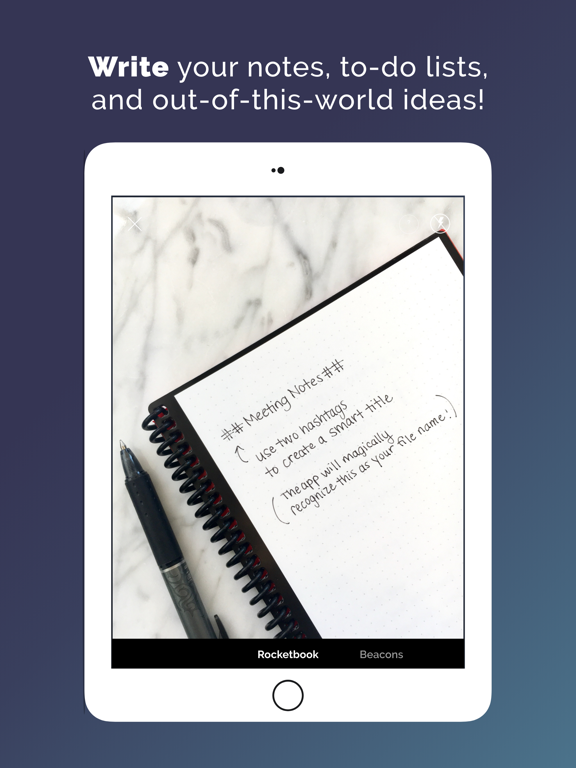
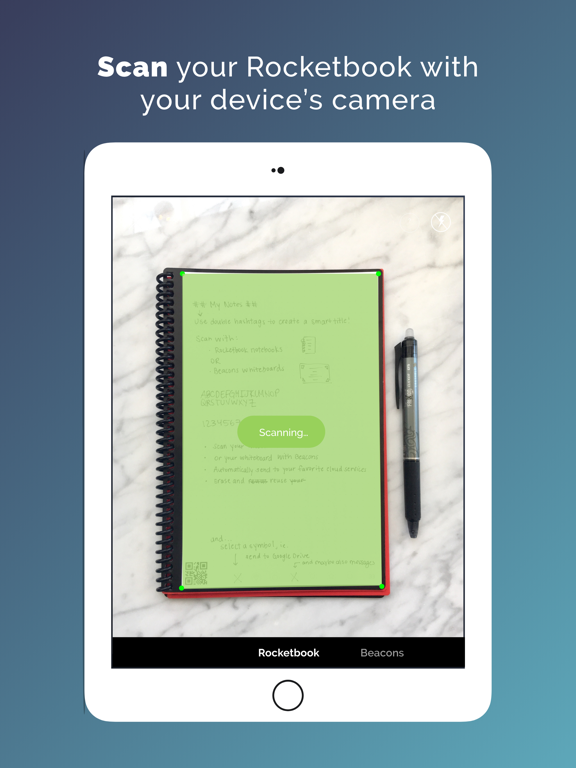
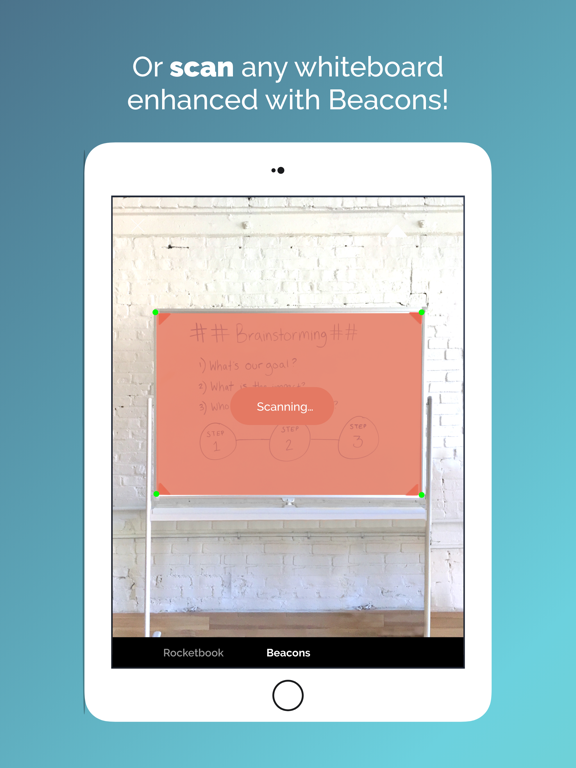
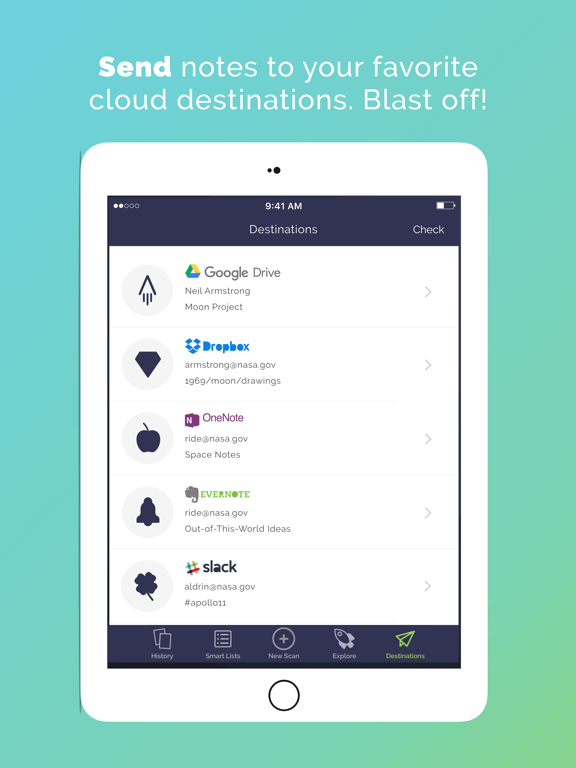
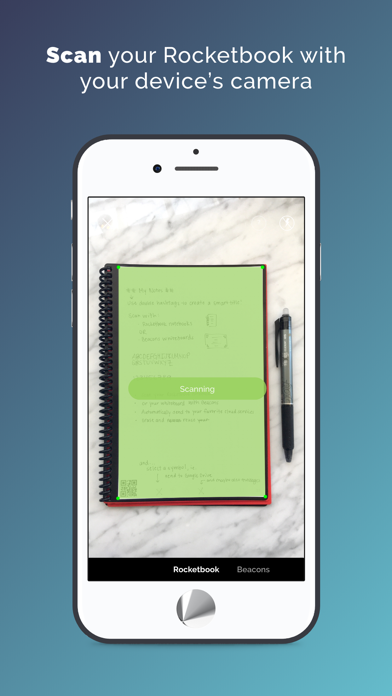
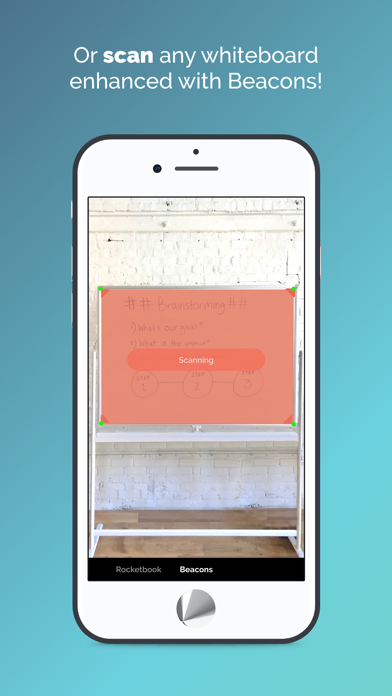
The Rocketbook app instantly sends your Rocketbook pages and whiteboards enhanced with Beacons to your favorite cloud services. Access and share them anytime, anywhere!

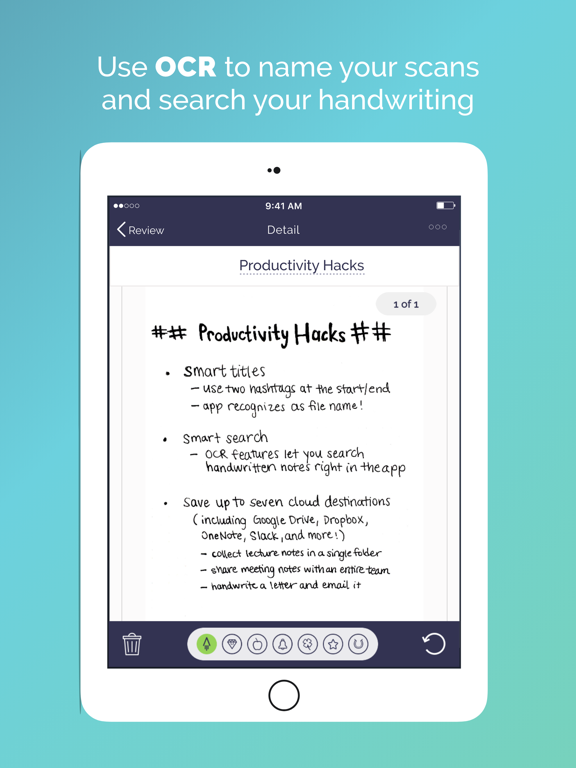
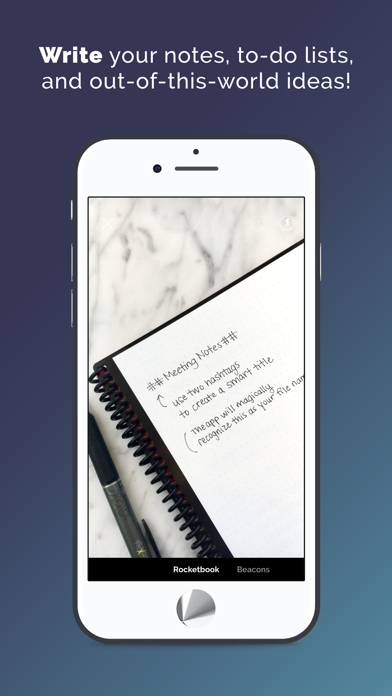
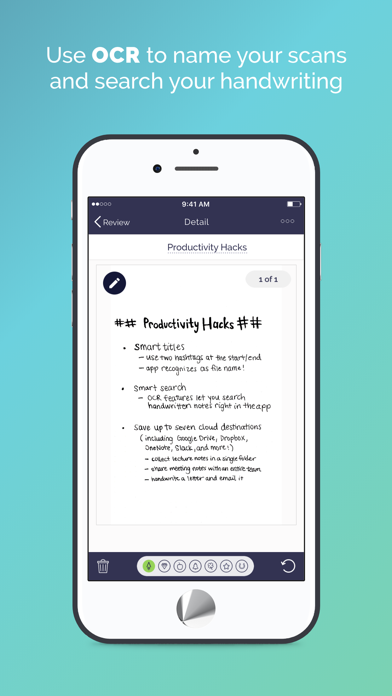
The app has a unique seven-symbol shortcut system that gets your auto-cropped and high quality scans into the cloud faster than any other scanning app. Using our Handwriting Recognition (OCR) features, you can search your handwriting inside the app, use your handwritten text as the filename, and get a full-page transcription via email.

The Rocketbook app is designed to work with Rocketbook products including the:
- Core (endlessly reusable notebook)
- Mini (pocket sized version of the Core)
- Wave (microwave-to-erase notebook)
- Color (reusable kid's coloring book)
- Whiteboards enhanced with Rocketbook Beacons (adjustable whiteboard attachments)
- One (single use notebook)

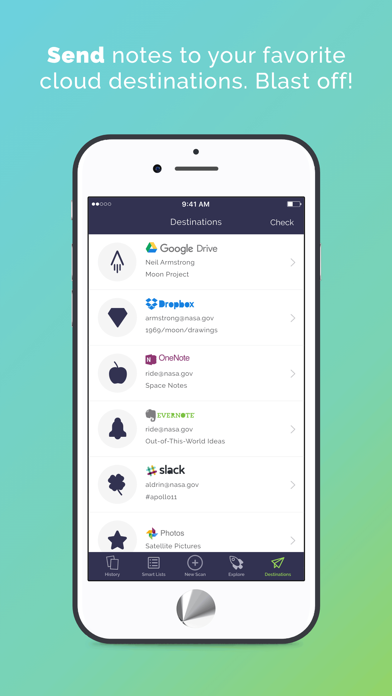
Enjoy the pleasure of writing and the efficiency, organization, and shareability of digitization. Write freely and use our shortcut system to send your scans as PDFs or JPEGs to specific locations in Google Drive, Dropbox, Trello, Evernote, Box, OneDrive, OneNote, Slack, iMessage, iCloud, and Email.

For more information about our reusable notebooks, please visit getrocketbook.com. Free Rocketbook PDFs and customizable pages can be found at start.getrocketbook.com.

Show More

What's New in the Latest Version 3.6.5

Last updated on Apr 24, 2026
Old Versions
• This update includes essential backend transitions and bug fixes following our recent acquisition. You may be prompted to log back in to your cloud accounts to ensure they remain secure and fully synced.

By the way, App Store reviews are really helpful for us. If you think Rocketbook is great, would you mind taking a moment to write a nice review? If you have any feedback, please contact us at hello@getrocketbook.com. Thanks!

Show More
Version History
3.6.5
Apr 24, 2026
• This update includes essential backend transitions and bug fixes following our recent acquisition. You may be prompted to log back in to your cloud accounts to ensure they remain secure and fully synced.

By the way, App Store reviews are really helpful for us. If you think Rocketbook is great, would you mind taking a moment to write a nice review? If you have any feedback, please contact us at hello@getrocketbook.com. Thanks!

Rocketbook App FAQ

Click here to learn how to download Rocketbook App in restricted country or region.
Check the following list to see the minimum requirements of Rocketbook App.
iPhone
iPad

Rocketbook App Alternative

You May Also Like