Authenticator ®
2FA Authenticator
免費Offers In-App Purchases
1.2for iPhone, iPad and more
Age Rating
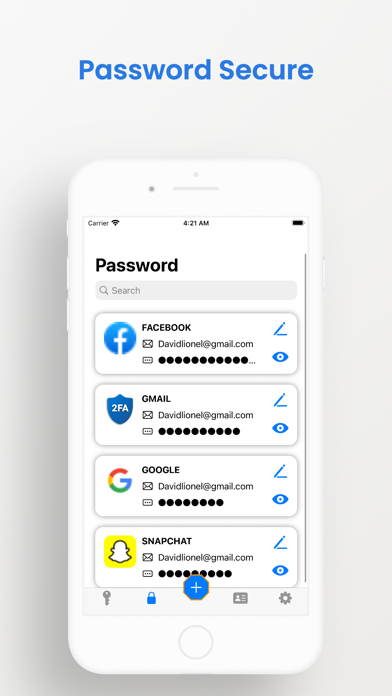
Authenticator ® 螢幕截圖
About Authenticator ®
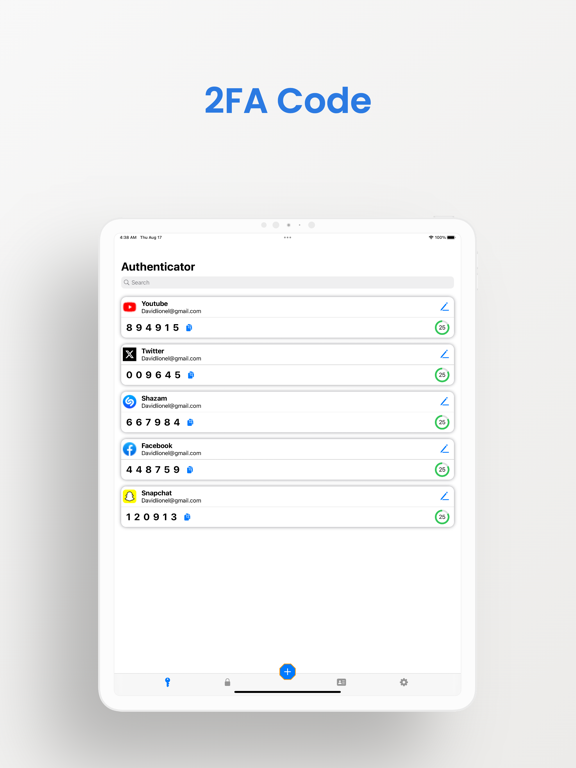
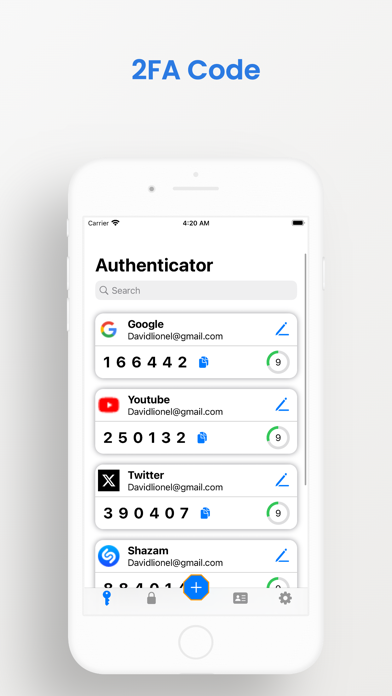
Authenticator 2FA works as a mobile app designed to generate one-time passwords (OTP) for two-step verification (2FA) or multi-step authentication (MFA). Its purpose is to increase the security of your online accounts by introducing an additional layer of protection to your login process.
To use Authenticator 2FA, you simply scan a QR code originating from the website or app you intend to authenticate with. The application will then generate a separate OTP for you to use to log in. This OTP is only valid for a short period of time, making it difficult for malicious entities to escape.
Authenticator 2FA's ability to seamlessly accommodate a wide variety of websites and applications was well received. Its intuitive nature also makes it the optimal choice for those who want to add an extra layer of security to their online accounts.
Outstanding features:
* Store and generate secure two-factor and multi-factor authentication (2FA & MFA) tokens
* Scan the QR code or enter the code manually
* Encrypted backups to iCloud
* Sync codes securely across all your Apple devices
* Works offline. No internet connection required.
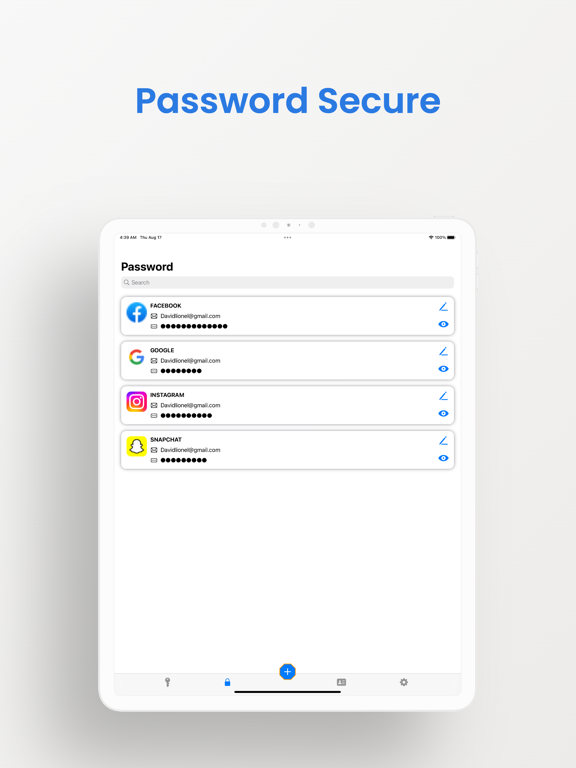
* Save and manage social networks safely with the highest level of security.
* Full support for time-based one-time passwords (TOTP)
* Supports popular services including Microsoft, Facebook, Instagram, Google, Amazon, Coinbase, Roblox and thousands more
* End-to-end encryption for all stored codes
* User-friendly experience: No complicated account configuration required. Just scan the QR code to start 2FA instantly.
* Perfect security: All data remains encrypted, even while stored in the cloud.
* Exclusive privacy: You only have access to your data, even in case the device is lost or stolen.
* Authenticate Featured Accounts: Interface compatible with Google, Facebook, GitHub, LinkedIn, Dropbox and more.
In the quest for a secure and user-friendly 2FA application, Authenticator 2FA emerged as a commendable choice.
Additional benefits derived from using Authenticator 2FA include:
* Prevent unauthorized access to your online accounts.
* Strengthening password security, thereby increasing the difficulty of being stolen by hackers.
If strengthening your online accounts is a top concern, my strong recommendation is Authenticator 2FA integration. It presents a simple and effective mechanism to add an extra layer of security to your online interactions.

To use Authenticator 2FA, you simply scan a QR code originating from the website or app you intend to authenticate with. The application will then generate a separate OTP for you to use to log in. This OTP is only valid for a short period of time, making it difficult for malicious entities to escape.
Authenticator 2FA's ability to seamlessly accommodate a wide variety of websites and applications was well received. Its intuitive nature also makes it the optimal choice for those who want to add an extra layer of security to their online accounts.
Outstanding features:
* Store and generate secure two-factor and multi-factor authentication (2FA & MFA) tokens
* Scan the QR code or enter the code manually
* Encrypted backups to iCloud
* Sync codes securely across all your Apple devices
* Works offline. No internet connection required.
* Save and manage social networks safely with the highest level of security.
* Full support for time-based one-time passwords (TOTP)
* Supports popular services including Microsoft, Facebook, Instagram, Google, Amazon, Coinbase, Roblox and thousands more
* End-to-end encryption for all stored codes
* User-friendly experience: No complicated account configuration required. Just scan the QR code to start 2FA instantly.
* Perfect security: All data remains encrypted, even while stored in the cloud.
* Exclusive privacy: You only have access to your data, even in case the device is lost or stolen.
* Authenticate Featured Accounts: Interface compatible with Google, Facebook, GitHub, LinkedIn, Dropbox and more.
In the quest for a secure and user-friendly 2FA application, Authenticator 2FA emerged as a commendable choice.
Additional benefits derived from using Authenticator 2FA include:
* Prevent unauthorized access to your online accounts.
* Strengthening password security, thereby increasing the difficulty of being stolen by hackers.
If strengthening your online accounts is a top concern, my strong recommendation is Authenticator 2FA integration. It presents a simple and effective mechanism to add an extra layer of security to your online interactions.
Show More
最新版本1.2更新日誌
Last updated on 2023年10月19日
歷史版本
Bug fixes
Show More
Version History
1.2
2023年10月19日
Bug fixes
1.1.1
2023年08月27日
Bug fixes
1.1
2023年08月27日
Bug fixes
1.0
2023年08月18日
Authenticator ® FAQ
點擊此處瞭解如何在受限國家或地區下載Authenticator ®。
以下為Authenticator ®的最低配置要求。
iPhone
須使用 iOS 15.0 或以上版本。
iPad
須使用 iPadOS 15.0 或以上版本。
iPod touch
須使用 iOS 15.0 或以上版本。
Authenticator ®支持英文
Authenticator ®包含應用內購買。 以下為Authenticator ®應用內購買價格清單。
Lifetime Access
HK$ 148.00