Authenticator App-2FAS・OTP・MFA
免費
3.2.4for iPhone, iPad
Age Rating
Authenticator App-2FAS・OTP・MFA 螢幕截圖
About Authenticator App-2FAS・OTP・MFA
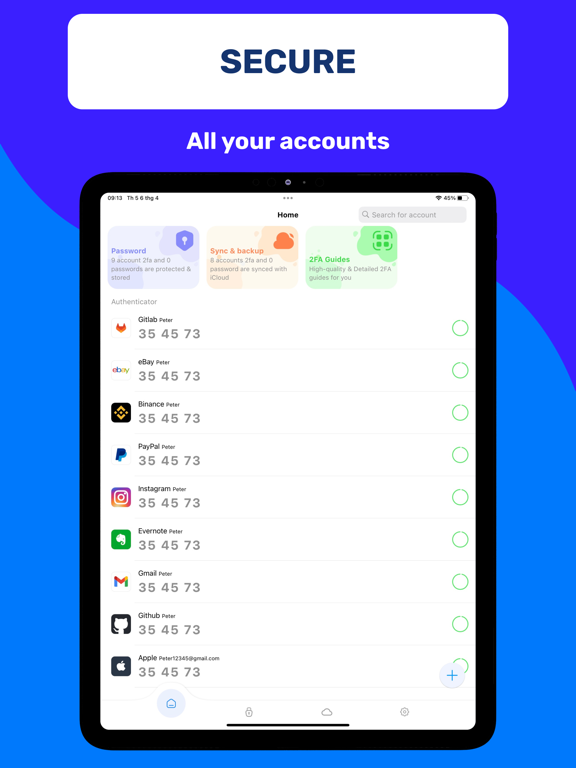
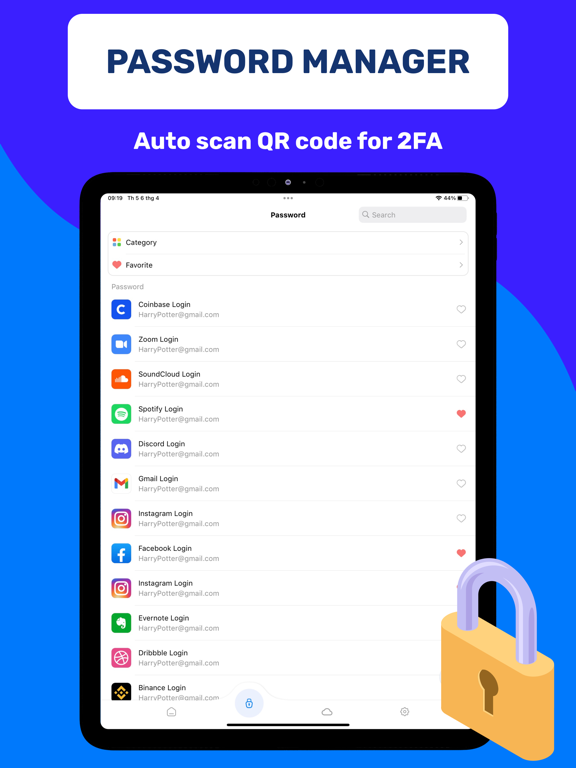
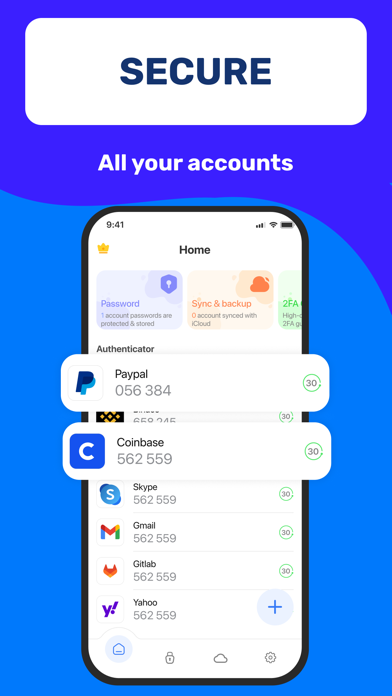
Authenticator App 2FA - Password Manager is a multifunctional security and account management application with many useful and reliable features.
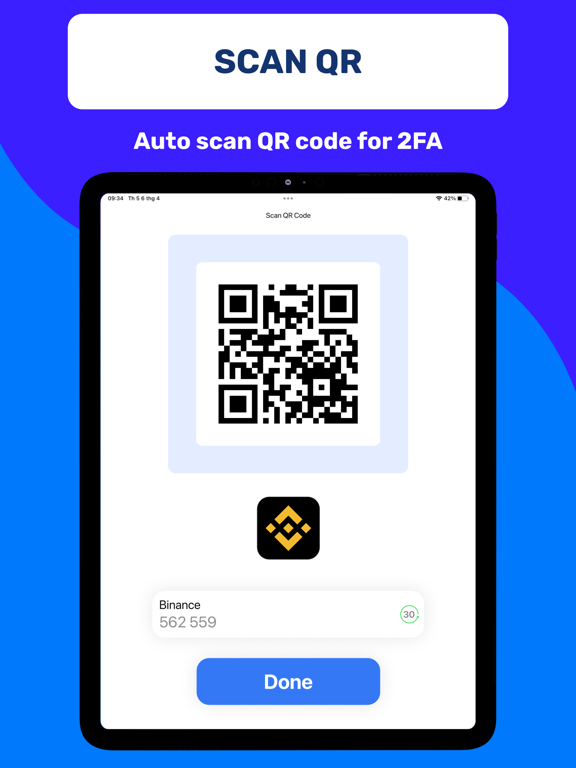
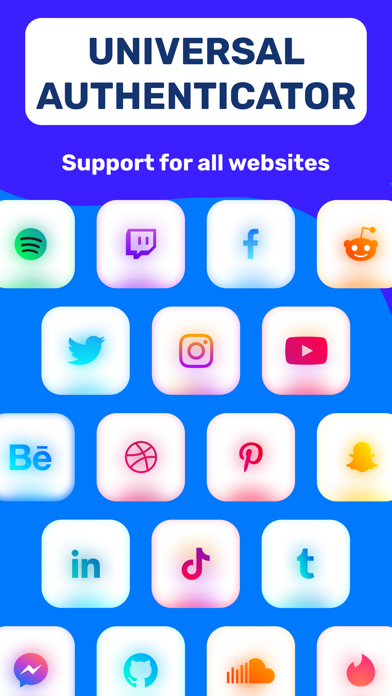
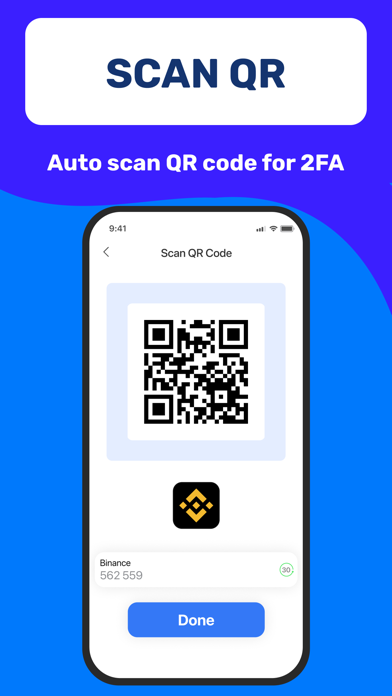
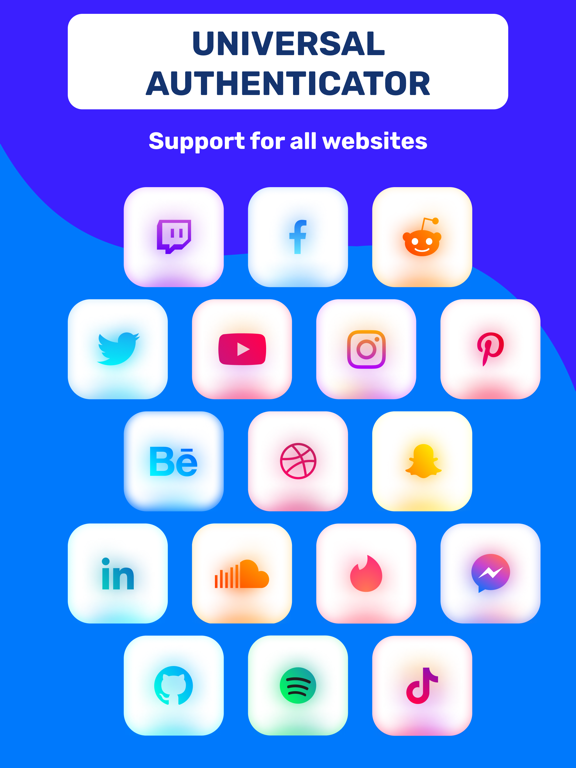
With the Scan QR 2FA feature, logging into your accounts becomes easier and safer.
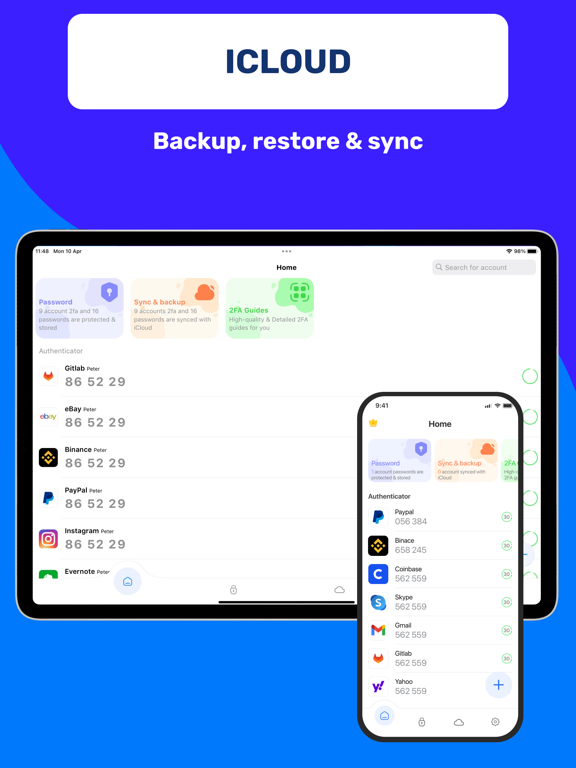
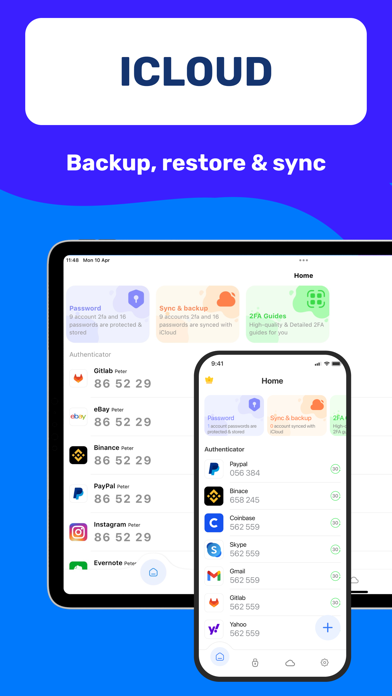
The iCloud Backup & Sync feature ensures that you never lose your data when changing devices or having to reinstall from scratch.
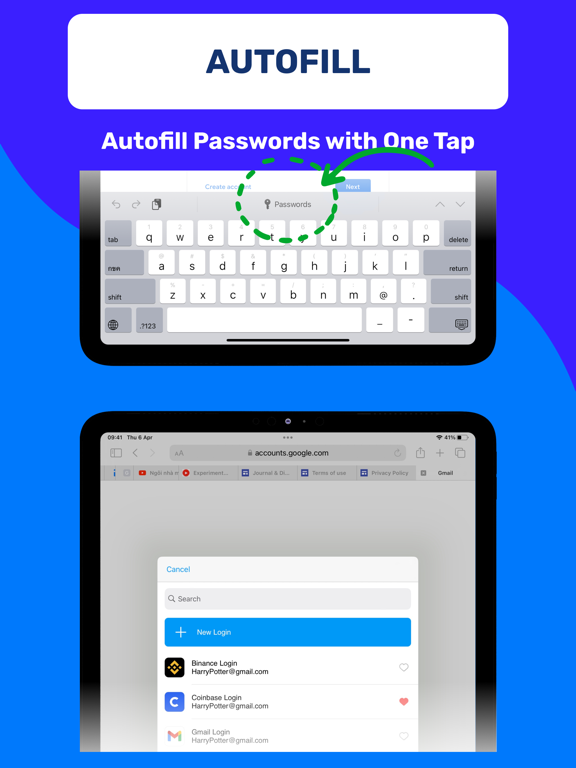
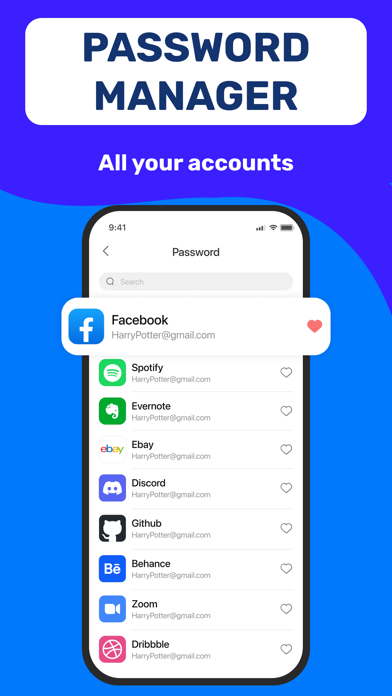
The Password Manager and Autofill help you store and manage passwords securely and efficiently. It will automatically fill in your login information into websites, saving you time and reducing the chances of errors when entering your login information.
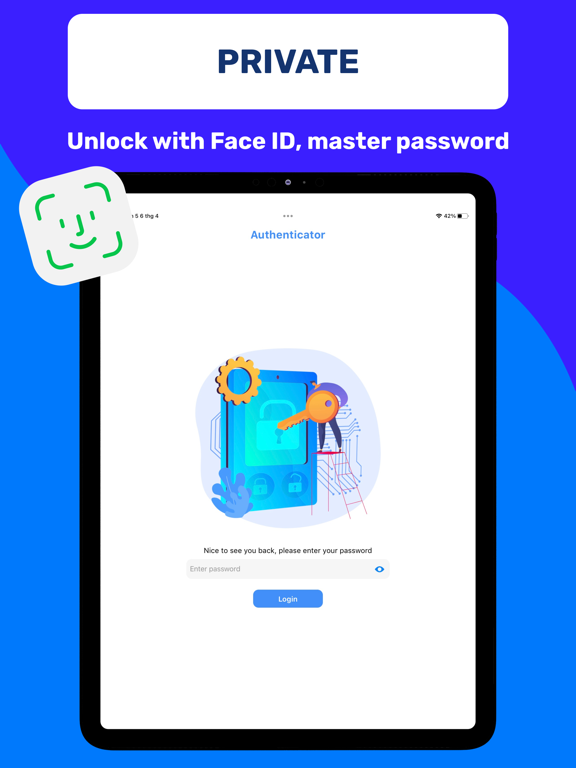
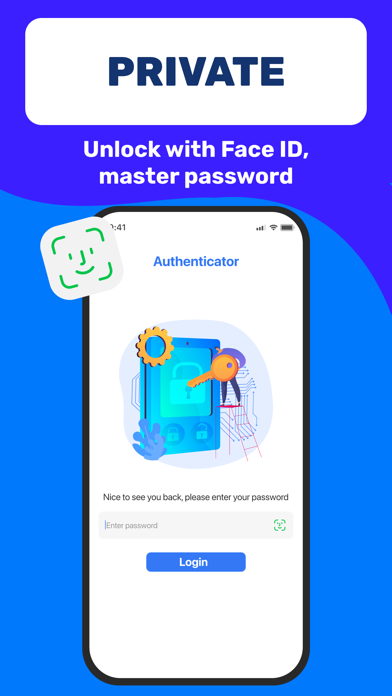
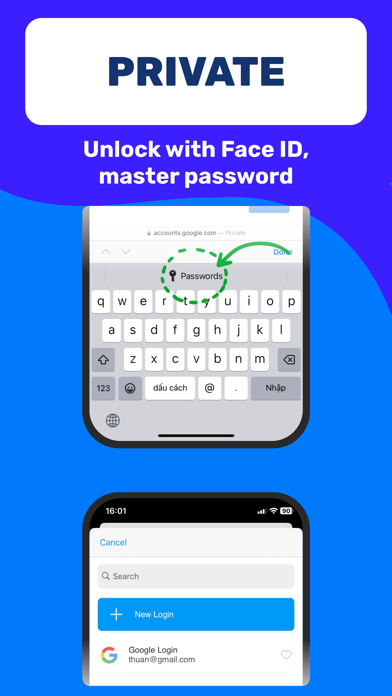
The Unlock app with Master Password and Face ID feature helps protect your application and prevent unauthorized access from other users. The Import feature from various Authenticator apps like Google Authenticator provides flexibility for users when switching to Authenticator App 2FA - Password Manager.
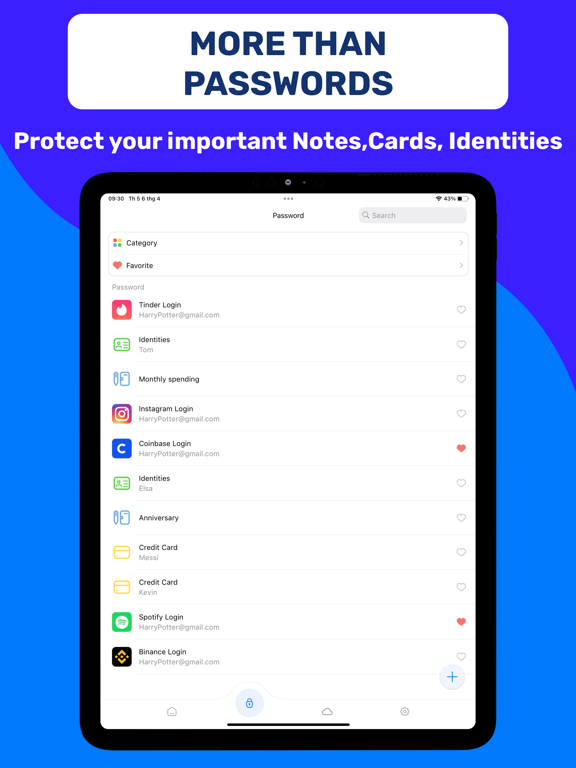
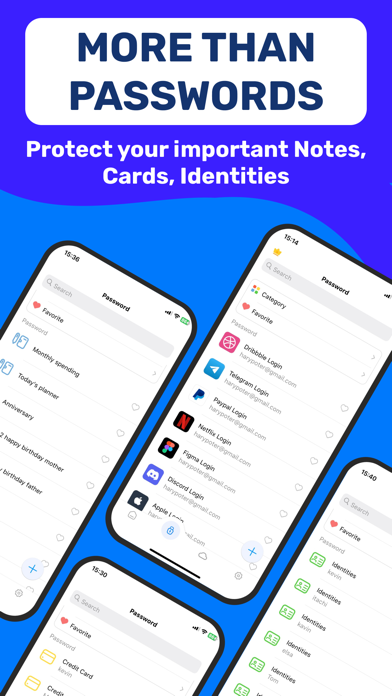
Dark Mode helps you use the app comfortably in low-light environments. The Credit Card Note and Vital Identification feature helps you store sensitive information safely and conveniently.
The Import and Export Data feature allows you to move data between devices easily and more flexibly, helping you manage your accounts more effectively.
Authenticator App 2FA - Password Manager ensures that your information is protected safely. And the Data Storage feature on iCloud helps you not worry about losing data when you lose your phone.
Authenticator App 2FA - Password Manager is a top-notch security and account management solution on Apple Store, helping you protect your accounts in a safe and efficient way. Download it today to experience its great features!
About subscriptions
- Payment will be charged to iTunes Account at confirmation of purchase
- Subscription automatically renews unless auto-renew is turned off at least 24-hours before the end of the current period
- Account will be charged for renewal within 24-hours before the end of the current period, and identify the cost of the renewal
- Subscriptions may be managed by the user and auto-renewal may be turned off by going to the user's Account Settings after purchase

With the Scan QR 2FA feature, logging into your accounts becomes easier and safer.
The iCloud Backup & Sync feature ensures that you never lose your data when changing devices or having to reinstall from scratch.
The Password Manager and Autofill help you store and manage passwords securely and efficiently. It will automatically fill in your login information into websites, saving you time and reducing the chances of errors when entering your login information.
The Unlock app with Master Password and Face ID feature helps protect your application and prevent unauthorized access from other users. The Import feature from various Authenticator apps like Google Authenticator provides flexibility for users when switching to Authenticator App 2FA - Password Manager.
Dark Mode helps you use the app comfortably in low-light environments. The Credit Card Note and Vital Identification feature helps you store sensitive information safely and conveniently.
The Import and Export Data feature allows you to move data between devices easily and more flexibly, helping you manage your accounts more effectively.
Authenticator App 2FA - Password Manager ensures that your information is protected safely. And the Data Storage feature on iCloud helps you not worry about losing data when you lose your phone.
Authenticator App 2FA - Password Manager is a top-notch security and account management solution on Apple Store, helping you protect your accounts in a safe and efficient way. Download it today to experience its great features!
About subscriptions
- Payment will be charged to iTunes Account at confirmation of purchase
- Subscription automatically renews unless auto-renew is turned off at least 24-hours before the end of the current period
- Account will be charged for renewal within 24-hours before the end of the current period, and identify the cost of the renewal
- Subscriptions may be managed by the user and auto-renewal may be turned off by going to the user's Account Settings after purchase
Show More
最新版本3.2.4更新日誌
Last updated on 2026年06月01日
歷史版本
Bug fixes and performance improvements
Show More
Version History
3.2.4
2026年06月01日
Bug fixes and performance improvements
Authenticator App-2FAS・OTP・MFA FAQ
Authenticator App-2FAS・OTP・MFA在以下限制國家以外的其他地區可用:
Vietnam
以下為Authenticator App-2FAS・OTP・MFA的最低配置要求。
iPhone
iPad
點擊此處瞭解如何在受限國家或地區下載Authenticator App-2FAS・OTP・MFA。
相關視頻
Latest introduction video of Authenticator App-2FAS・OTP・MFA on iPhone